Bulk image resizer
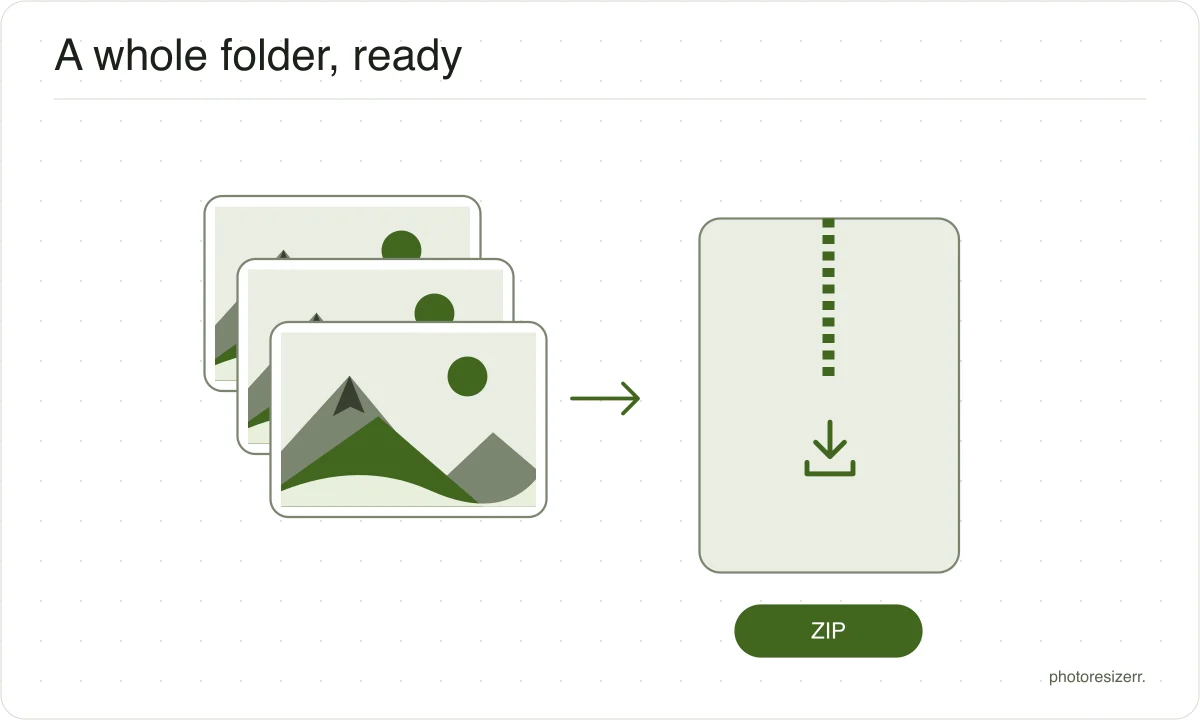
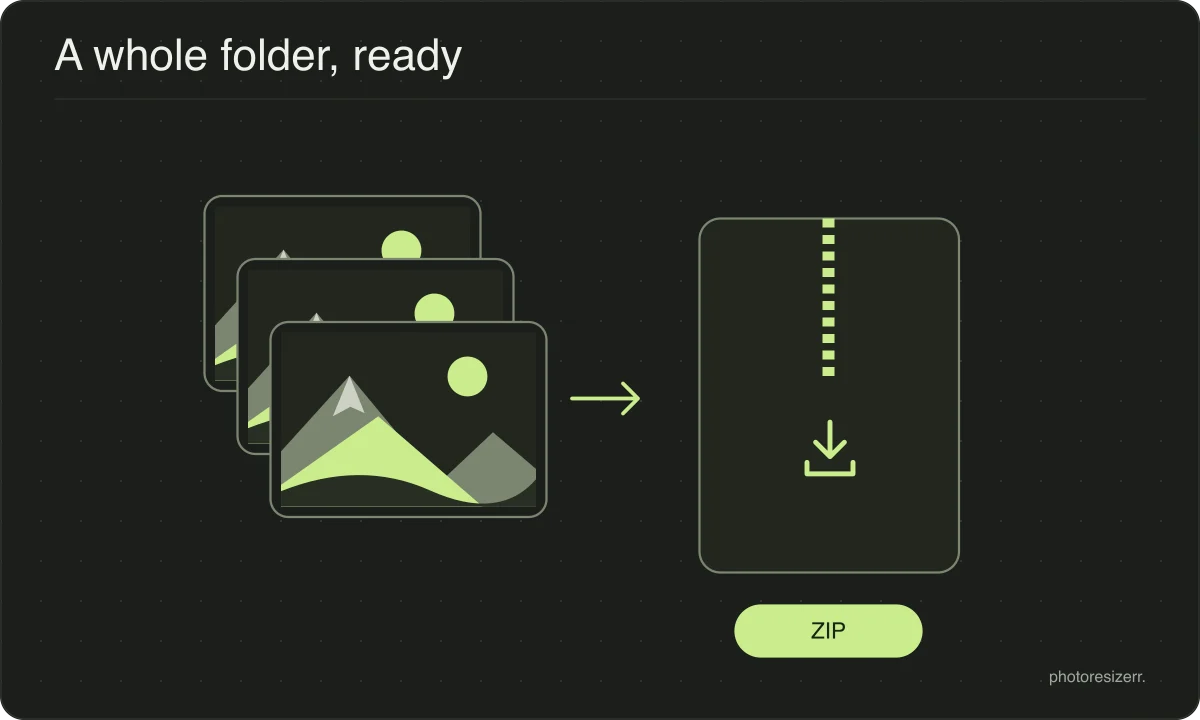
Resize multiple images online for free with one set of settings. Select your photos, choose a maximum long edge, percentage or file size target, and download the finished batch as a ZIP. Processing runs in your browser with no image upload or signup. Large batches depend on your device’s memory.
Your workspace BATCH · QUEUE · ZIPPrivate by default
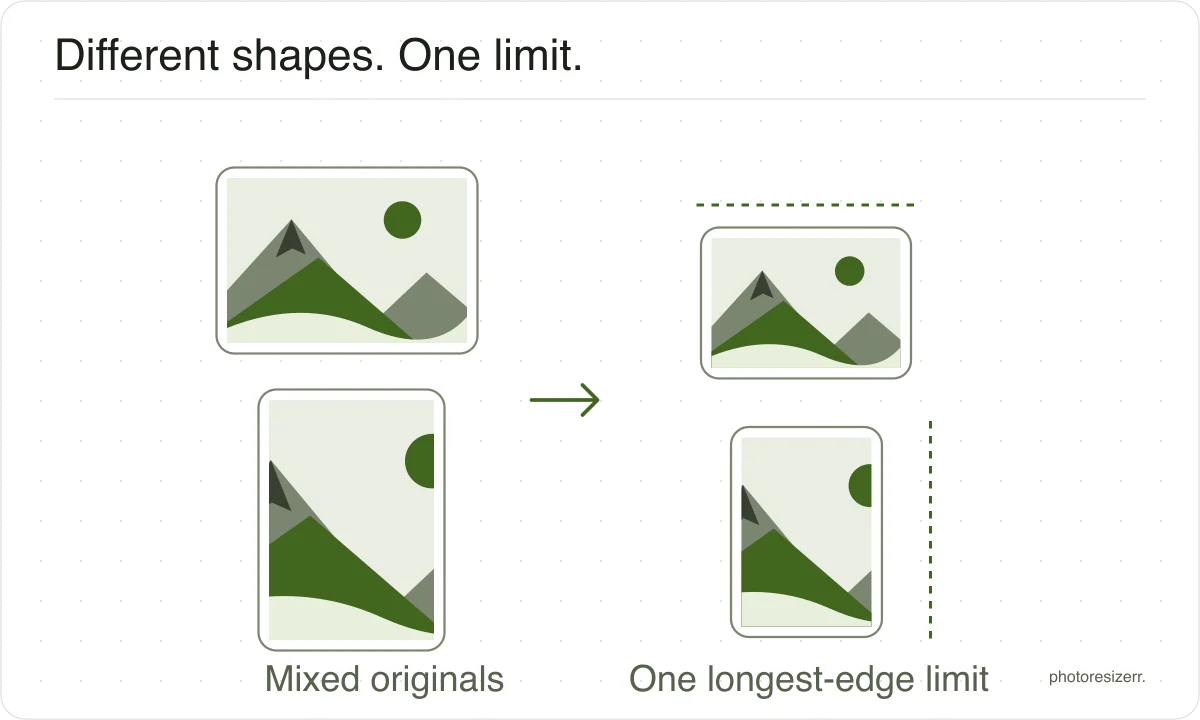
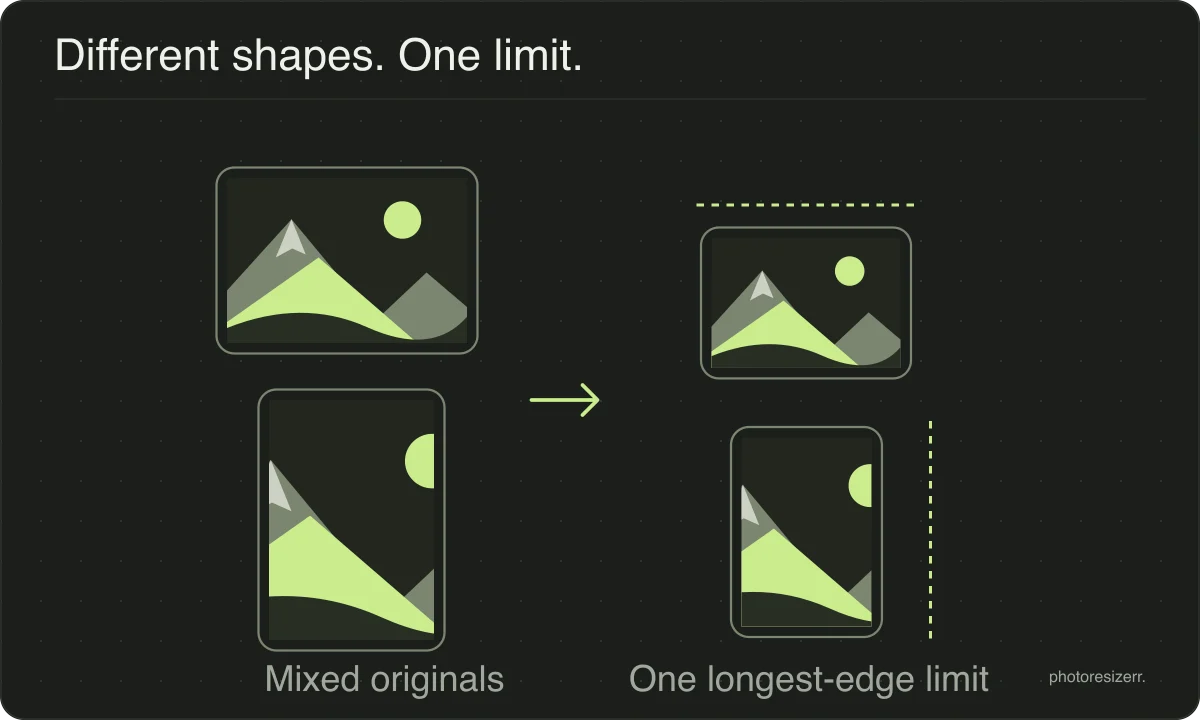
The long side of each photo, whichever side that is. Portrait and landscape both come back the shape they went in.
Keeps JPG, PNG, WebP or AVIF. Other input formats are saved as JPG.
Processed on your deviceNo watermark. No signup.
Why a longest edge and not a width
A longest-edge limit handles portrait and landscape photos together. Each photo keeps its proportions, and neither side exceeds the limit you set. Images already below the limit are not enlarged.
For example, a 4000 × 3000 photo becomes 1600 × 1200 at a 1600-pixel limit. A 3000 × 4000 portrait becomes 1200 × 1600. Check your destination’s requirements before choosing a limit.
How many can it handle?
There is no fixed limit, because there is no server to impose one.
What decides it is your own device: each photo is decoded at full resolution while it is being worked on, so a phone will manage fewer large photos at once than a laptop.
Photos are processed one at a time for that reason.
Download completed results before starting another batch. If your browser struggles or closes the tab, retry with fewer photos; unsaved results in memory may be lost.
Your photos never leave the device
Every photo is decoded, resized and encoded by your own browser, one at a time, and the zip is assembled in memory on the same machine.
There is no upload, no queue and no server side copy to delete later. A batch of a hundred holiday photos is a hundred files that were never sent anywhere.
Common questions
How many photos can I resize at once?
There is no fixed limit, because there is no server imposing one.
Your own device decides: each photo is decoded at full resolution while it is being worked on, so a laptop will manage a larger batch than a phone.
If a very large batch runs out of memory, split it and run it twice.
Why is there no exact width and height?
The longest-edge option gives portrait and landscape photos the same maximum dimension while preserving their proportions. A fixed width can also preserve proportions, but produces different maximum heights.
Use the single-image editor when you need an exact width and height.
Are my photos uploaded anywhere?
No. Every photo is decoded, resized and encoded by your own browser, and the zip is assembled in memory on the same machine.
The page may download code or codecs, but your image files are not sent to a processing server.
Will a PNG come back as a JPEG?
Not unless you ask for it. Save as starts on Keep each, so a screenshot stays a PNG with its text sharp and its transparency intact, and a photograph stays a JPEG.
Choosing a format applies it to everything in the batch.
Last updated: