Rotate and flip images online
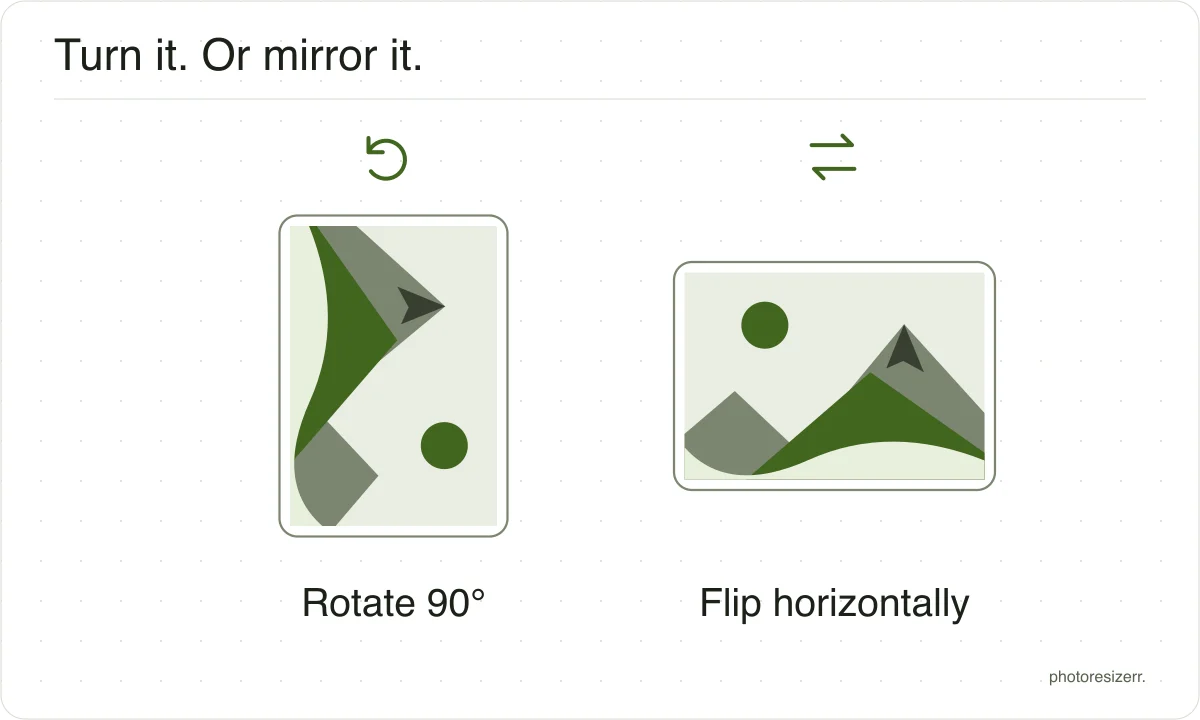
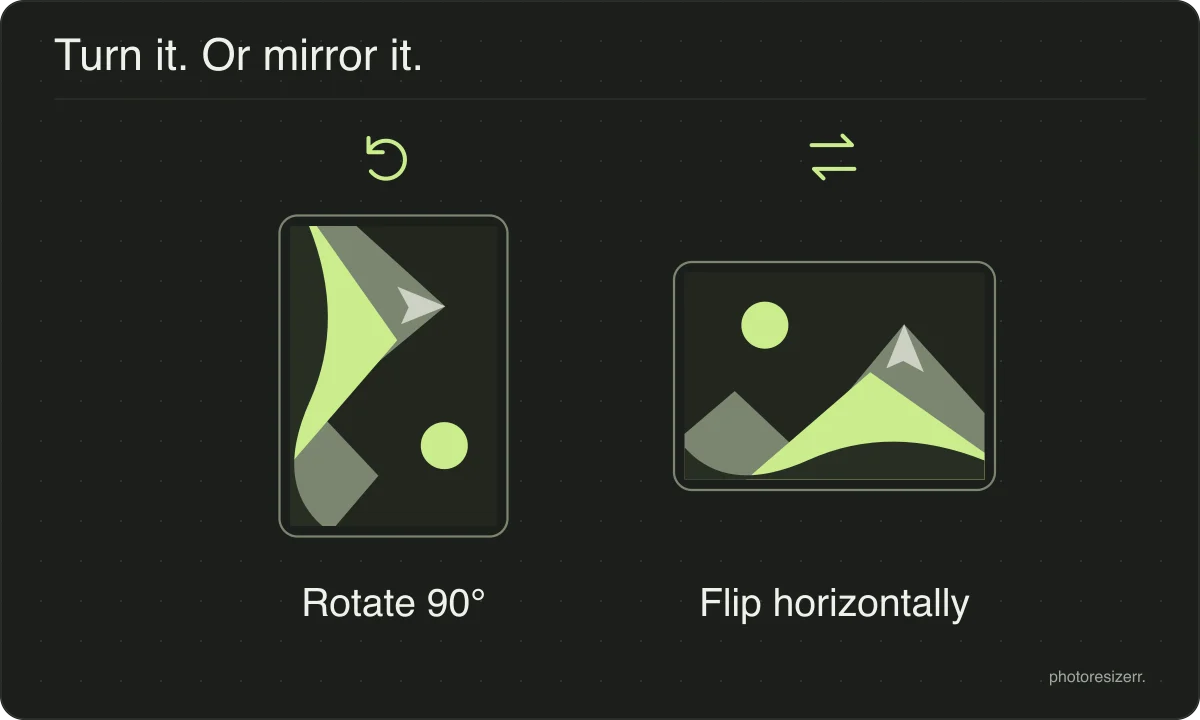
Rotate an image online for free in 90-degree steps, or flip it horizontally or vertically. Choose your photo, adjust its orientation, and download the corrected copy. The preview shows each change before you save. Processing happens in your browser, so your image is not uploaded and no signup is needed.
Your workspace ROTATE · PREVIEW · DOWNLOADPrivate by default
Processed on your deviceNo watermark. No signup.
Does rotating lose quality?
The turn itself does not. A quarter turn moves whole pixels to new positions without resampling them, so no value is averaged with its neighbour and nothing is discarded.
A rotated photo is the same photo, stored in a different order.
Saving it again is where loss can happen. Writing a JPEG re-encodes the whole image, so a photo rotated and saved repeatedly will degrade even though each rotation was free.
Keep the quality high, or save as PNG when the file is going to be edited again.
Why is my phone photo sideways on a computer?
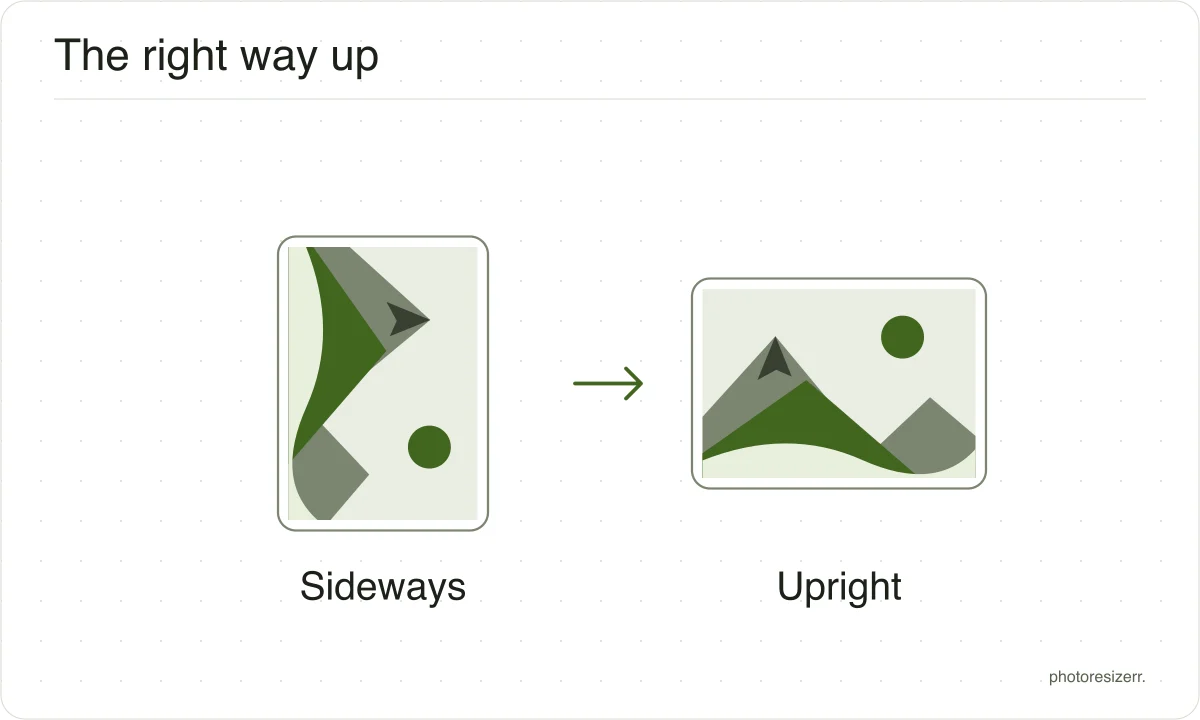
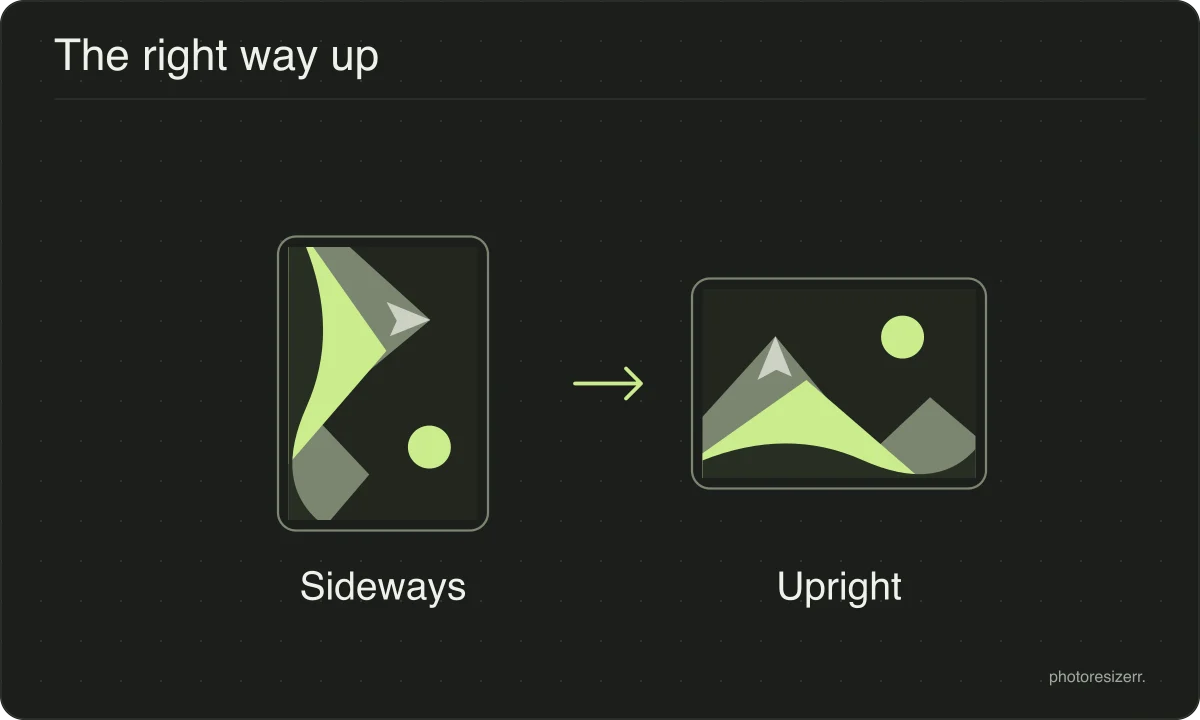
The camera saved it in landscape and recorded a separate flag saying which way is up.
Some software reads that flag and some ignores it, which is why the same file looks correct on the phone and wrong on a laptop.
This tool reads the flag when the photo opens and writes the pixels the right way round, so the result no longer depends on anything reading it.
What happens to your photo?
Your selected photo is processed in your browser, without an image upload to a server. The page may download code and codecs needed for editing.
Save your result before closing the tab; unsaved edits are kept in memory rather than in an online account.
Common questions
Does rotating lose quality?
The turn itself does not. A quarter turn moves whole pixels to new positions without resampling them, so nothing is averaged or discarded.
Any loss comes from saving as JPEG afterwards, which is why the quality control is still there.
Why can I only rotate in 90 degree steps?
An arbitrary angle leaves triangular gaps at the corners that have to be filled with something, and any colour picked for you is a guess.
Straightening a crooked horizon is a crop and a rotate together, which is a different tool.
My phone photo is sideways on the computer but fine on the phone. Why?
The camera saved it in landscape and added an orientation flag saying which way is up. Some software honours the flag and some ignores it.
This tool reads it on open and writes the pixels the right way round, so the file no longer depends on the flag.
Last updated: