Free online image compressor
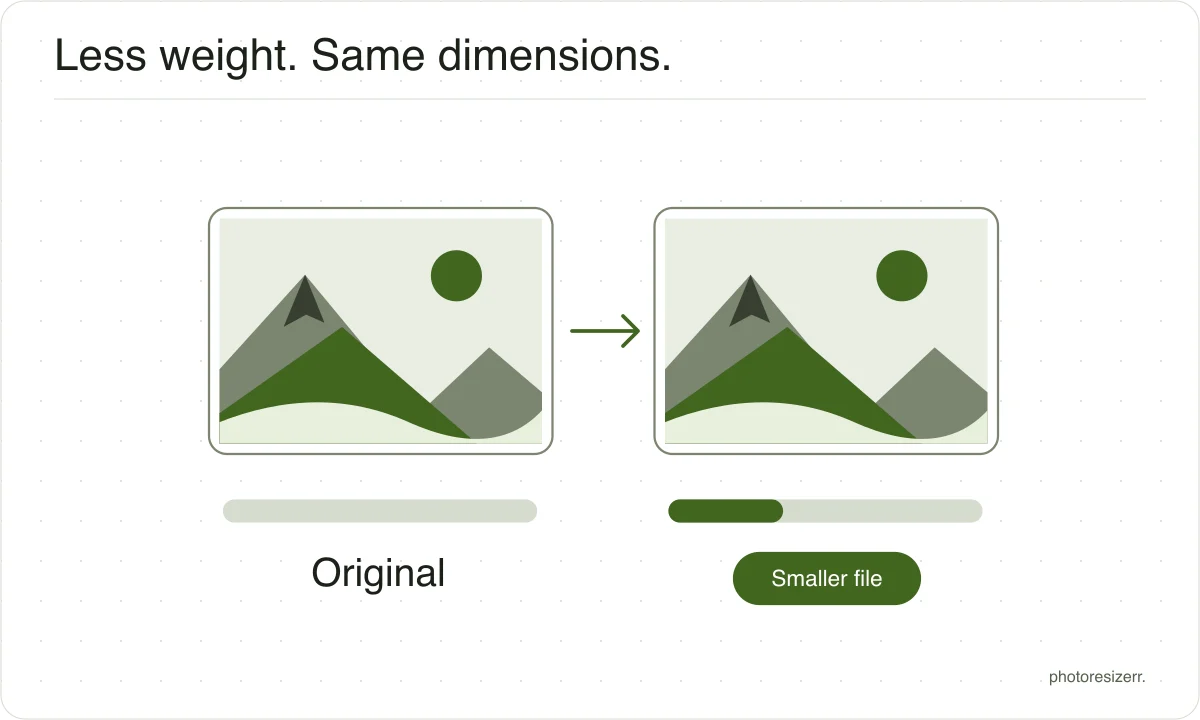
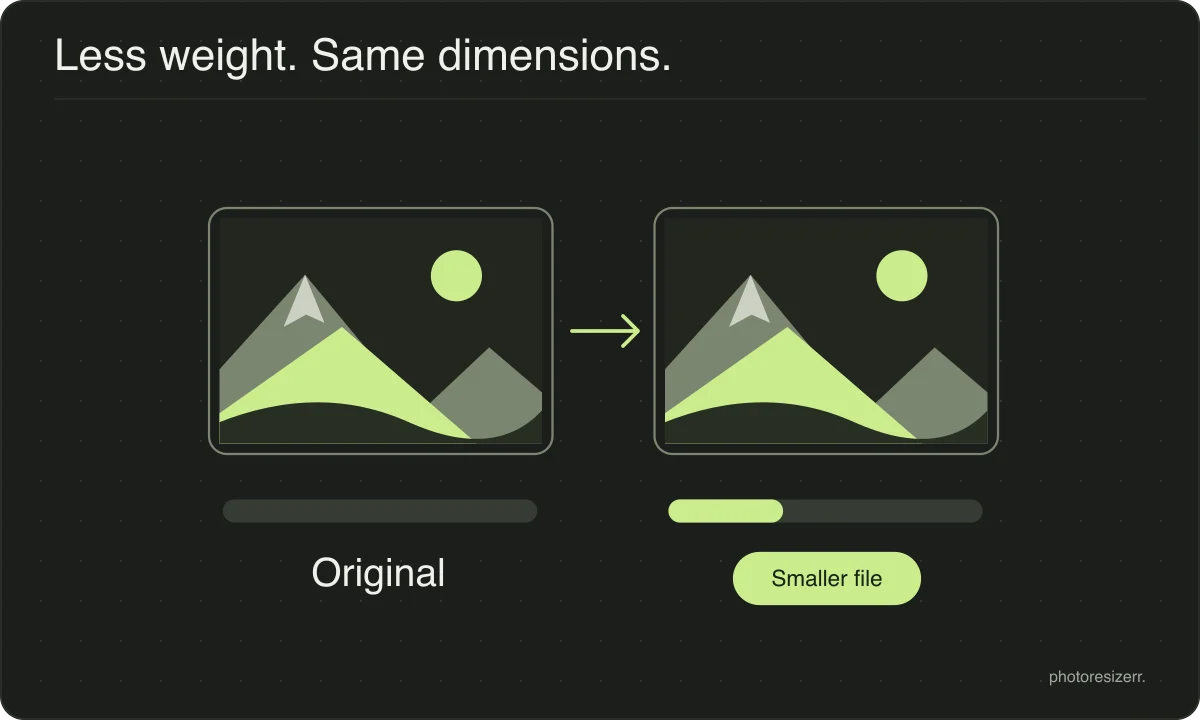
Reduce image file size online for free while keeping the original width and height. Choose a photo, adjust the quality, and compare the preview with the file size before downloading. This image compressor runs in your browser, so your photo is not uploaded and no signup is needed.
Your workspace PIXELS · PREVIEW · DOWNLOADPrivate by default
Processed on your deviceNo watermark. No signup.
What is the difference between resizing and compression?
The main difference between resizing and compression is the measurement you change. Resizing changes width and height in pixels. Compression reduces file size in bytes.
A photo can have the correct dimensions and still exceed an upload limit, so check both requirements.
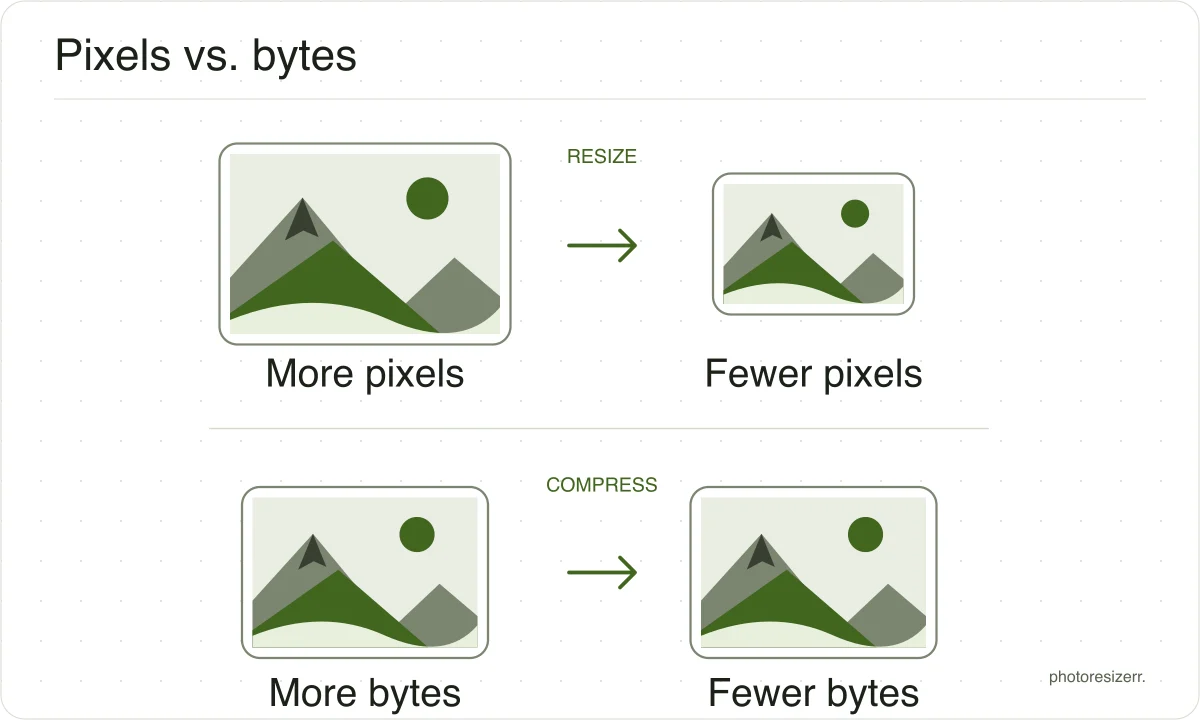
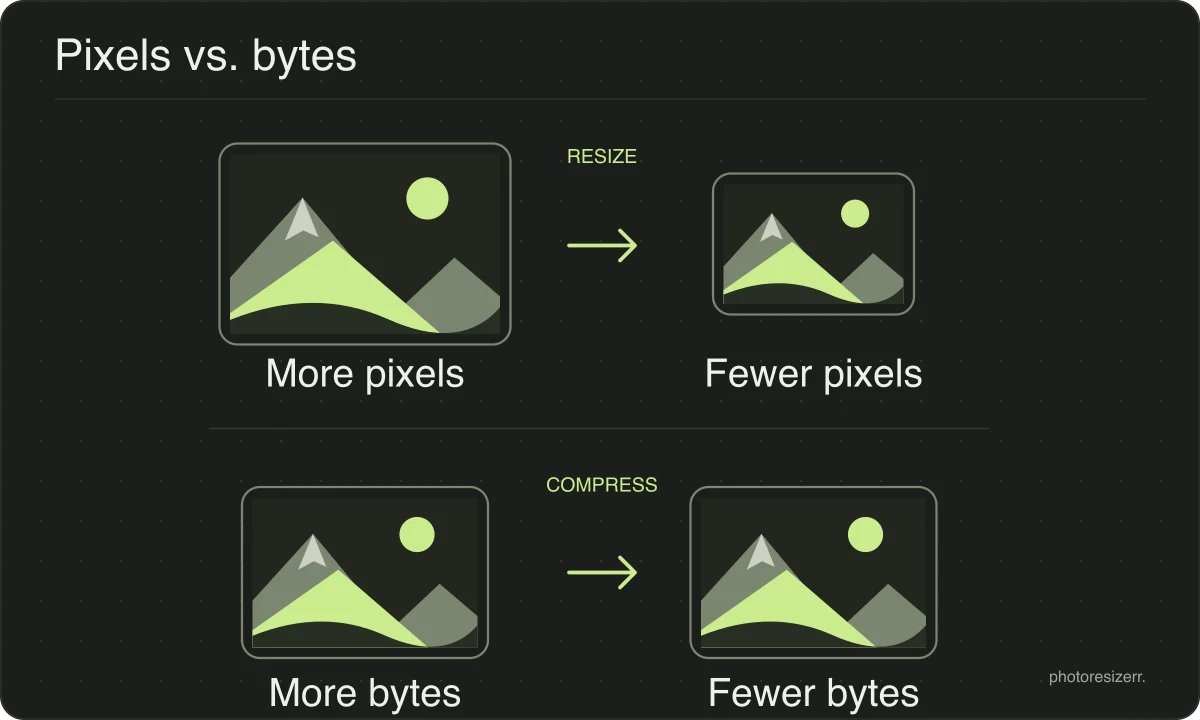
If you need both, set the dimensions first and then adjust quality or the file size target. Work from the original and download once to avoid repeatedly recompressing a saved JPEG.
How far can you compress before it shows?
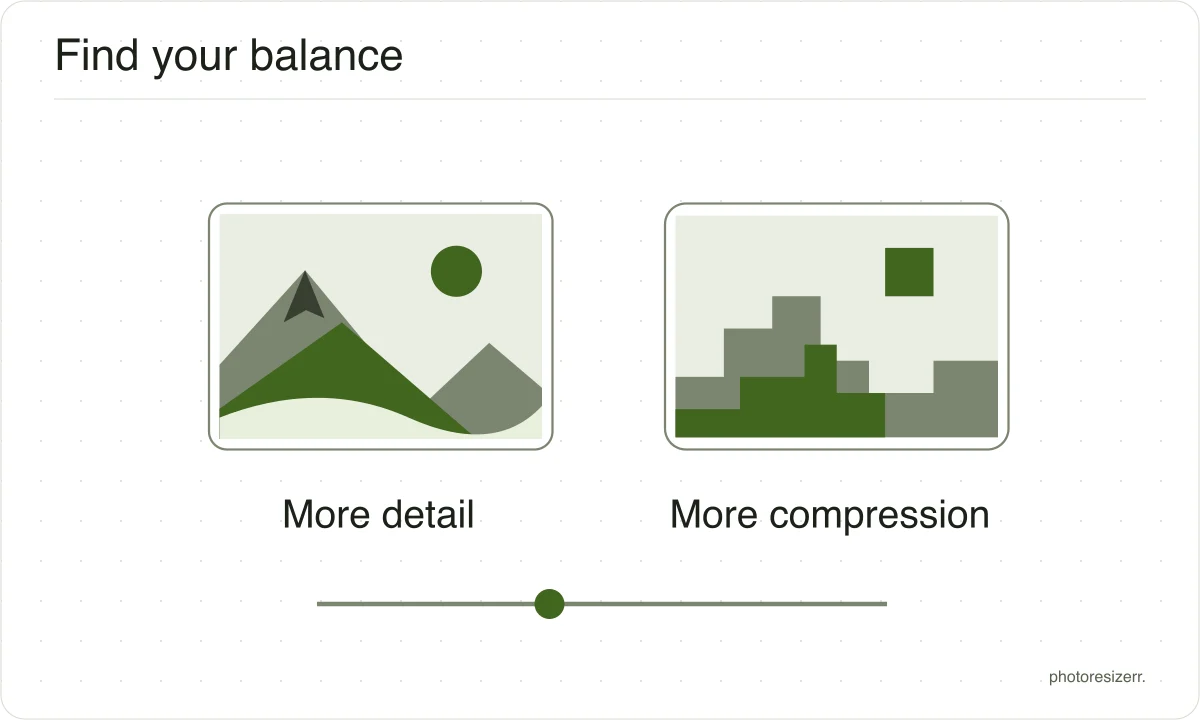
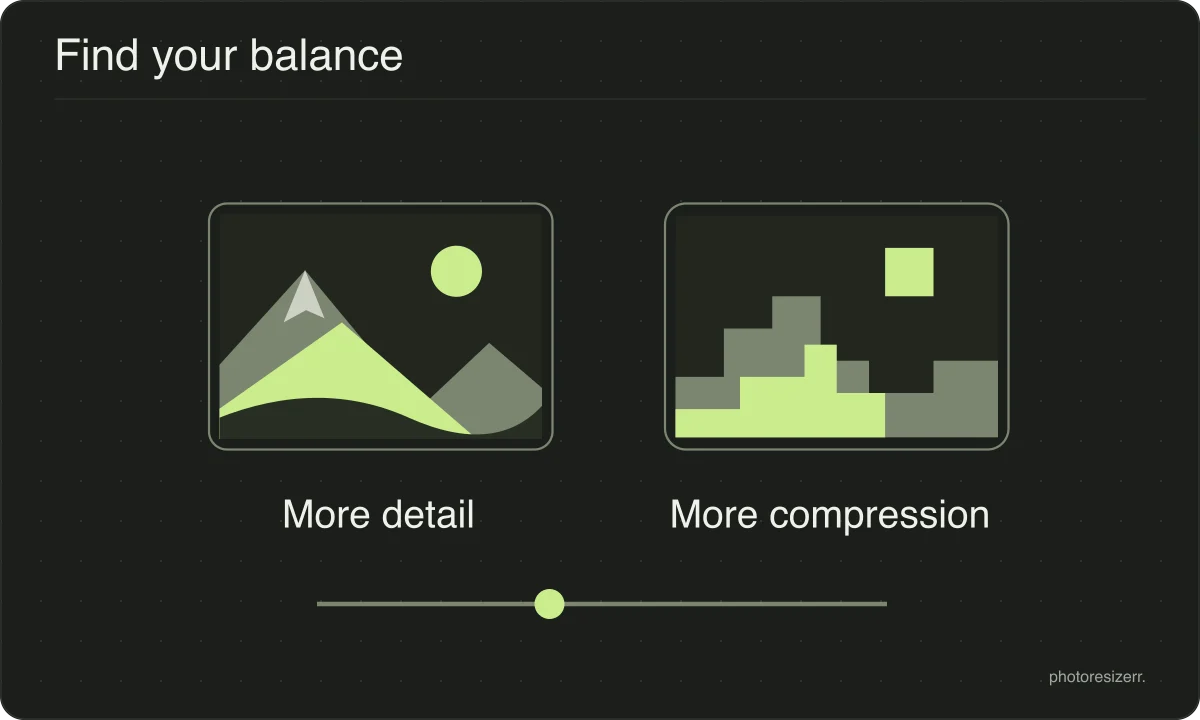
Start with a moderate quality setting and inspect the preview, especially faces, text and smooth backgrounds. Lower quality usually makes a smaller file, but there is no setting that looks equally good on every image.
JPEG suits photographs. PNG preserves sharp text and transparency, but its file size is not controlled by a quality slider. WebP and AVIF offer alternatives; compare the actual output before choosing.
What happens to your photo?
Your selected photo is processed in your browser, without an image upload to a server. The page may download code and codecs needed for editing.
Save your result before closing the tab; unsaved edits are kept in memory rather than in an online account.
Common questions
Does compressing change the dimensions?
No. Compression changes how many bytes describe the pixels, not how many pixels there are. The width and height stay exactly as they were unless you change them yourself.
How much can I compress before it looks bad?
The useful quality setting depends on your photo, output format and viewing size. Lower it gradually and inspect faces, text and smooth backgrounds.
Stop when artifacts become distracting, or reduce the dimensions if you still need a smaller file.
Is compression reversible?
Lossy exports discard detail that cannot be recovered by raising the quality later. PNG is lossless, but changing an already compressed photo to PNG will not restore missing detail.
Keep your original and use it for later edits.
Last updated: