Resize an image to 10 KB
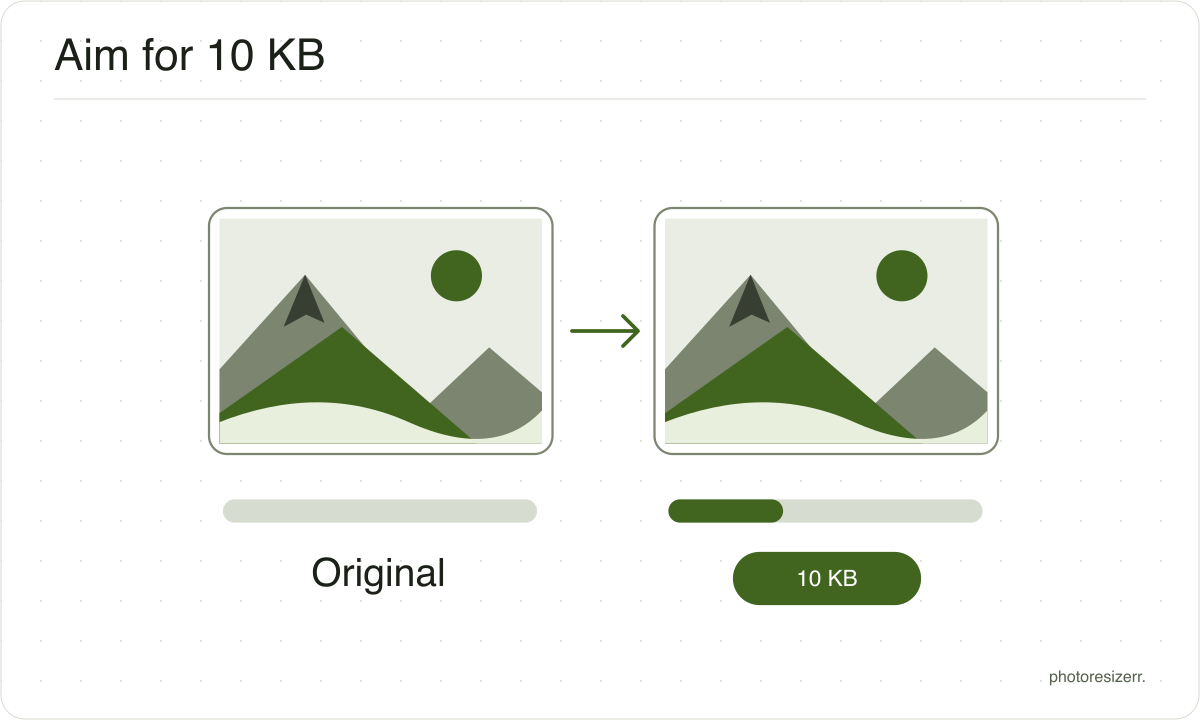
Resize a photo or signature to under 10 KB online for free, in your browser with no signup. At the default 1600 pixels no photo fits, even at the lowest quality. In our tests every photo fitted once its longest side was 688 pixels or less, and the editor suggests a smaller size for you.
Jump to the toolYour workspace FILE SIZE · PREVIEW · DOWNLOADPrivate by default
Finds the highest quality that fits the target at these dimensions.
Processed on your deviceNo watermark. No signup.
What to expect at this size
These are measured figures, not estimates. Five photographs were run through this page's own engine and the results written down.
The range is what varies between an easy photograph and a hard one: a flower against a blurred background compresses far better than a street full of signage.
- File size produced
- 22.2 KB to 38.1 KB
- Quality it settles on
- 5 to 5
- Photos that hit the target
- 0 of 5
- Photographs used
- 5
- Measured on
The default width cannot always reach this target.
At the full width the quality search runs out of room before the file is small enough, so reduce the width and the target comes within reach.
Every photograph tested fitted once the long edge was reduced to 688 px.
Why do forms ask for this size?
A 10 KB ceiling is most often found on older upload forms, for a signature, a thumb impression or a small photo on an exam or job application.
At that size the pixel dimensions matter more than the quality setting. At 1600 pixels even the lowest quality left our test photos between 22 and 38 KB, so resize first and let the quality search finish.
Uploading a signature to an exam form that asks for 10 to 20 KB? At 140 x 60 the file can come out too small rather than too big. Resize your signature for an online form.
What is the difference between resizing and compression?
The main difference between resizing and compression is the measurement you change. Resizing changes width and height in pixels. Compression reduces file size in bytes.
A photo can have the correct dimensions and still exceed an upload limit, so check both requirements.
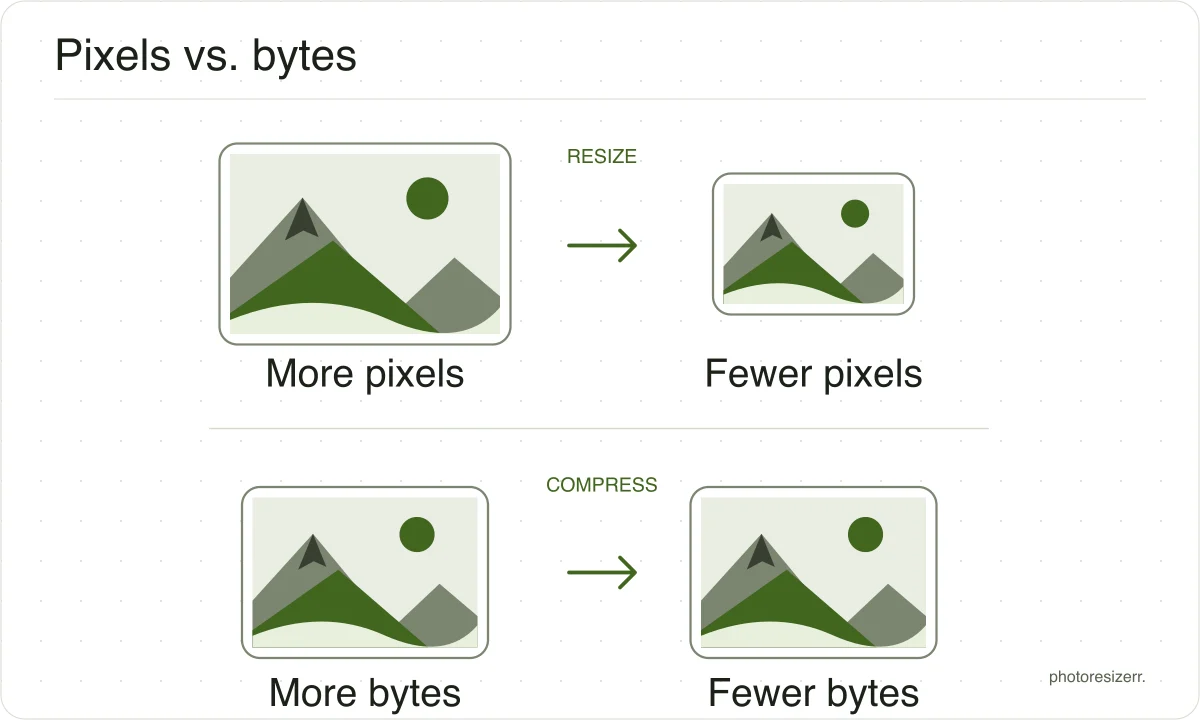
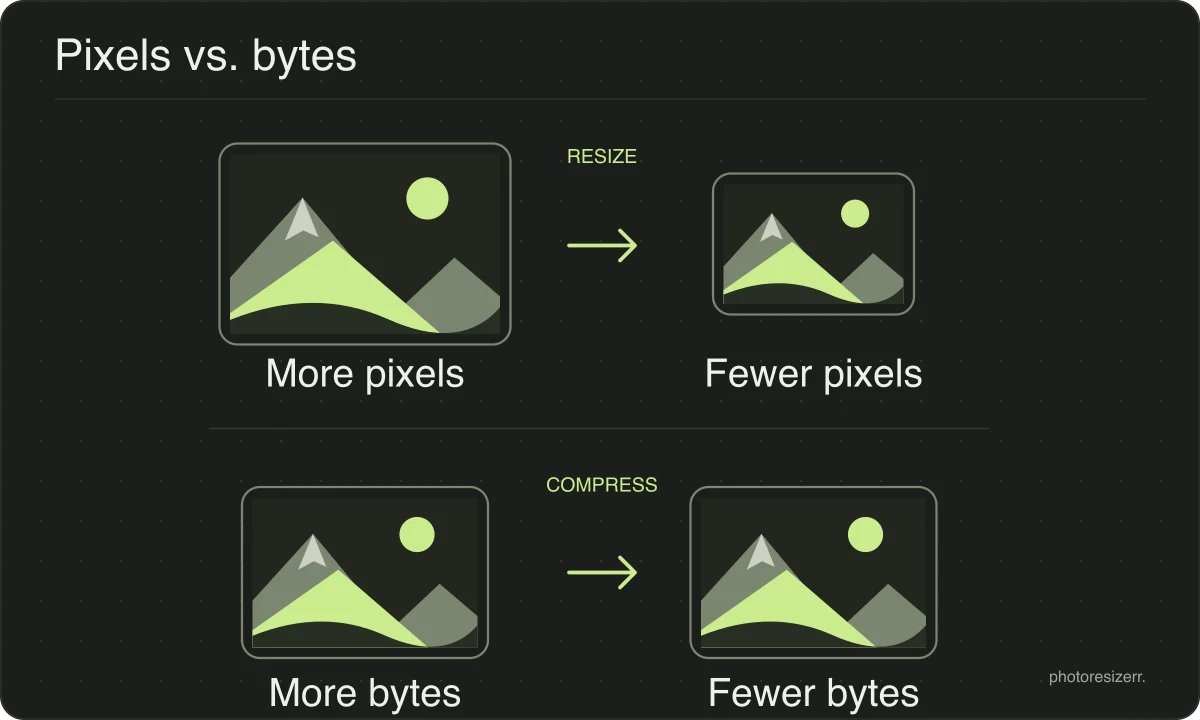
If you need both, set the dimensions first and then adjust quality or the file size target. Work from the original and download once to avoid repeatedly recompressing a saved JPEG.
PNG has no quality setting, so a PNG over the target is reduced to fewer colours instead, keeping as many as fit. The meter shows the count. Screenshots and graphics usually survive this with no visible change. A photograph needs many colours, so bands of flat colour can appear at a small target, and JPEG is then the better format.
What happens to your photo?
Your selected photo is processed in your browser, without an image upload to a server. The page may download code and codecs needed for editing.
Save your result before closing the tab; unsaved edits are kept in memory rather than in an online account.
Common questions
What pixel size fits in 10 KB?
It depends on how much detail the photo has. Our five test photographs fitted 10 KB at longest sides between 688 and 990 pixels. The busy city scene needed the smallest size; the flower on a blurred background fitted at 990.
If your form states pixel dimensions, use those instead and let the quality search do the rest.
My form says 10 KB. Is that 10,000 or 10,240 bytes?
This tool counts 1 KB as 1,024 bytes, so its 10 KB target is 10,240 bytes. A form may count 10,000 instead, and a file between the two would pass here and fail there.
To be safe, type 9 in the exact size box. That aims for 9,216 bytes, which is under the limit either way. If the file is still over, take the smaller width the editor suggests.
Will my signature fit in 10 KB?
Usually more easily than a photo, because a signature is mostly plain paper. Crop close to the ink first, since empty margins still cost bytes.
Then look closely at the preview and check that thin strokes have not broken up. If they have, use the width your form asks for rather than lowering the quality further.
Last updated: