Resize an image to 100 KB
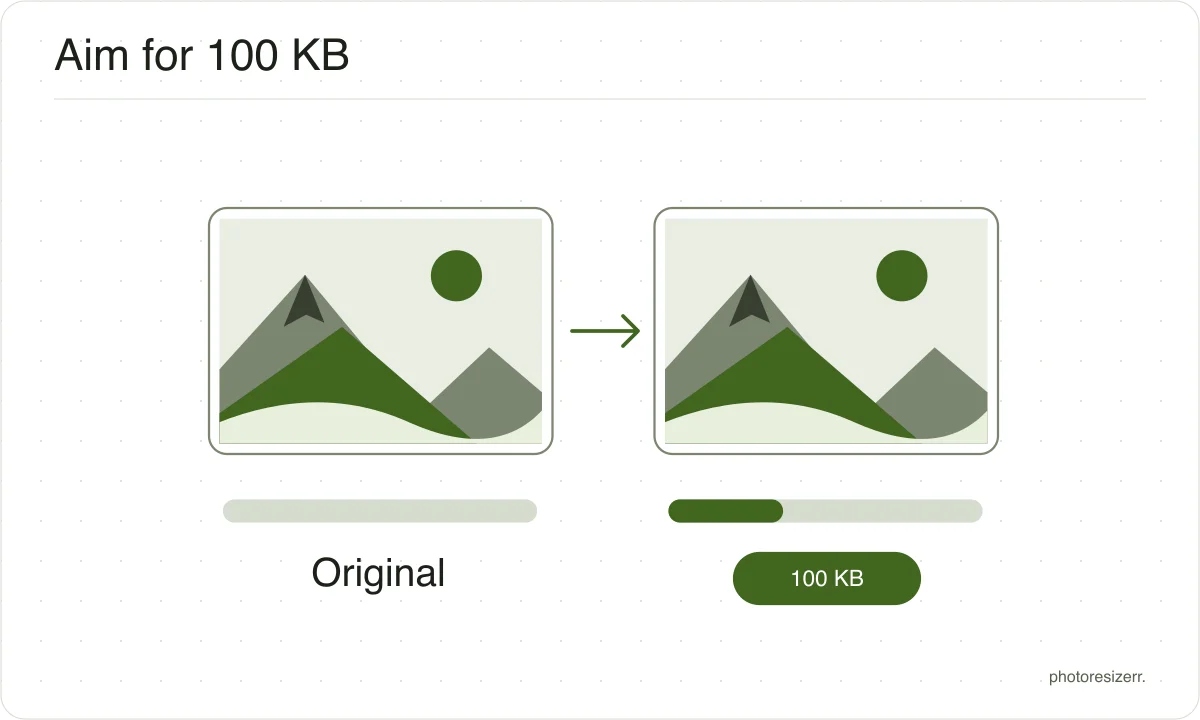
Reduce image file size toward a 100 KB limit online for free. Select a photo and the editor searches quality settings while keeping your chosen dimensions. If quality alone cannot reach the target, try a smaller width. Check the final size before downloading. No image upload or signup is needed.
Your workspace FILE SIZE · PREVIEW · DOWNLOADPrivate by default
Finds the highest quality that fits the target at these dimensions.
Processed on your deviceNo watermark. No signup.
What to expect at this size
These are measured figures, not estimates. Five photographs were run through this page's own engine and the results written down.
The range is what varies between an easy photograph and a hard one: a flower against a blurred background compresses far better than a street full of signage.
- File size produced
- 98.5 KB to 99.9 KB
- Quality it settles on
- 17 to 50
- Photos that hit the target
- 5 of 5
- Photographs used
- 5
- Measured on
Why do forms ask for this size?
A 100 KB preset is useful when an upload form sets that ceiling.
File size and dimensions are separate checks: a photo under 100 KB can still have the wrong width, height or format. Match those requirements as well as the displayed file size.
What is the difference between resizing and compression?
The main difference between resizing and compression is the measurement you change. Resizing changes width and height in pixels. Compression reduces file size in bytes.
A photo can have the correct dimensions and still exceed an upload limit, so check both requirements.
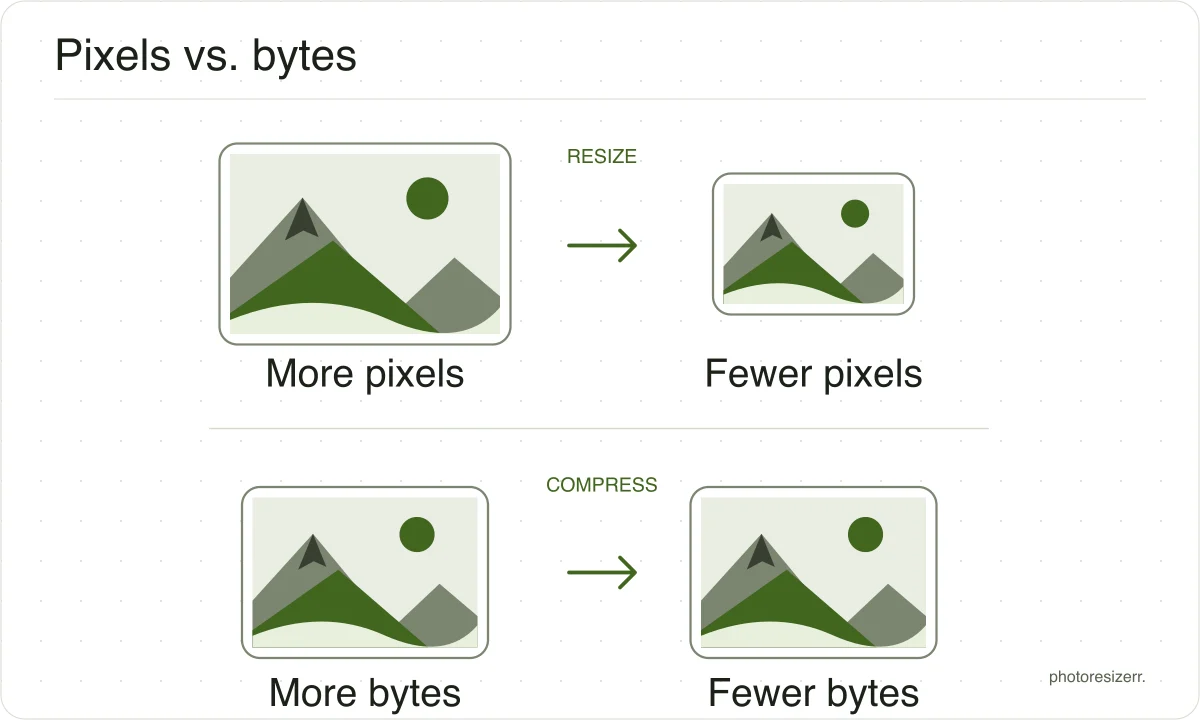
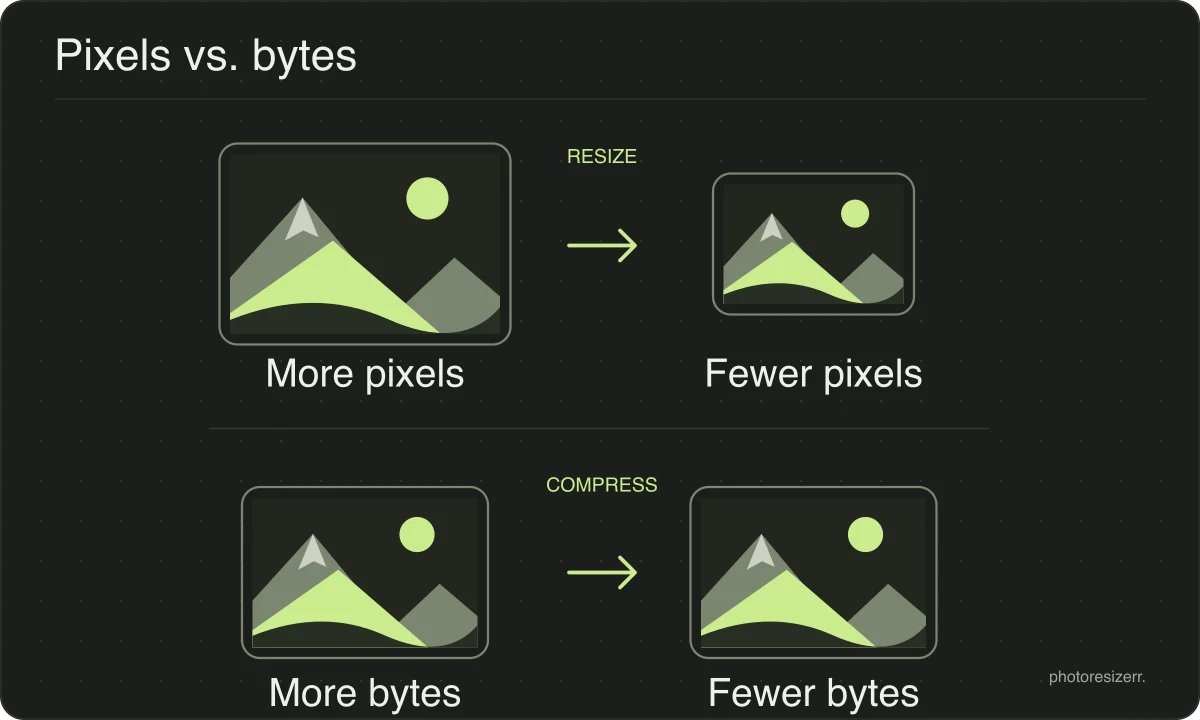
If you need both, set the dimensions first and then adjust quality or the file size target. Work from the original and download once to avoid repeatedly recompressing a saved JPEG.
What happens to your photo?
Your selected photo is processed in your browser, without an image upload to a server. The page may download code and codecs needed for editing.
Save your result before closing the tab; unsaved edits are kept in memory rather than in an online account.
Common questions
Can I get exactly 100 KB rather than just under?
The encoder searches quality settings rather than padding the file to exactly 100 KB. A maximum-size rule normally permits smaller files, but some forms also specify a minimum.
Check both limits and the final byte size; this tool counts 1 KB as 1,024 bytes.
Why is my file still over 100 KB?
There is a point past which lowering quality adds visible blocking without removing many bytes. When that happens the width has to come down instead, and the tool suggests a specific width that will fit.
Last updated: