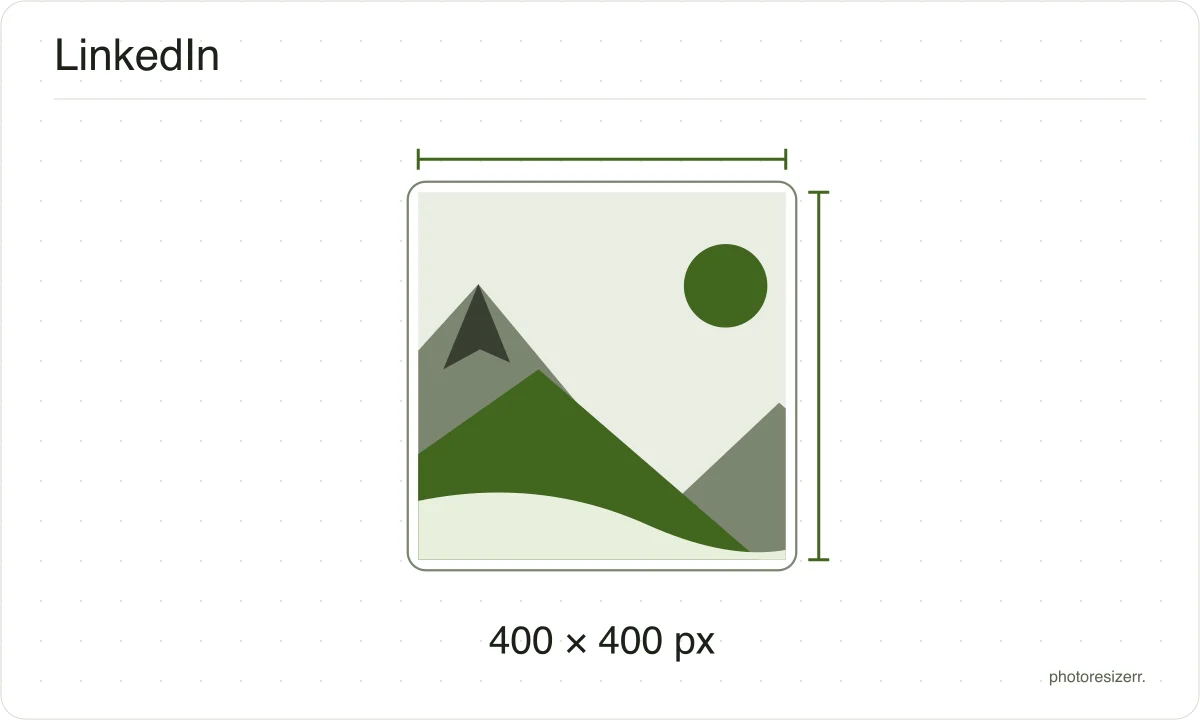
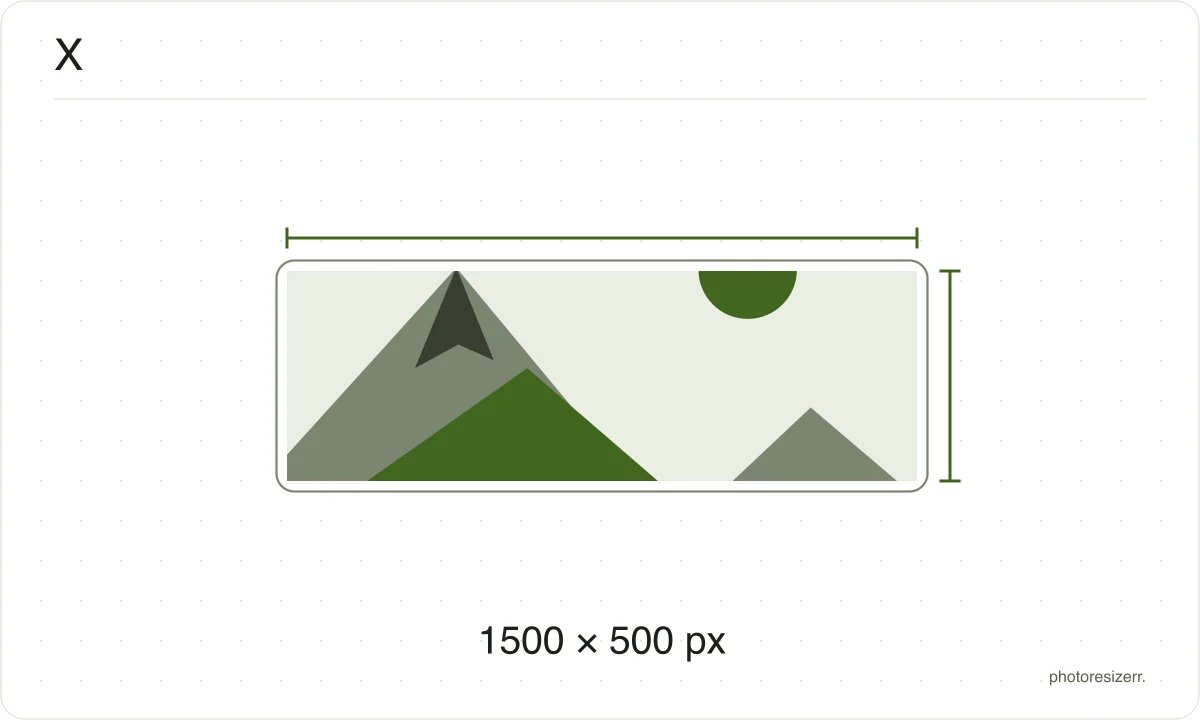
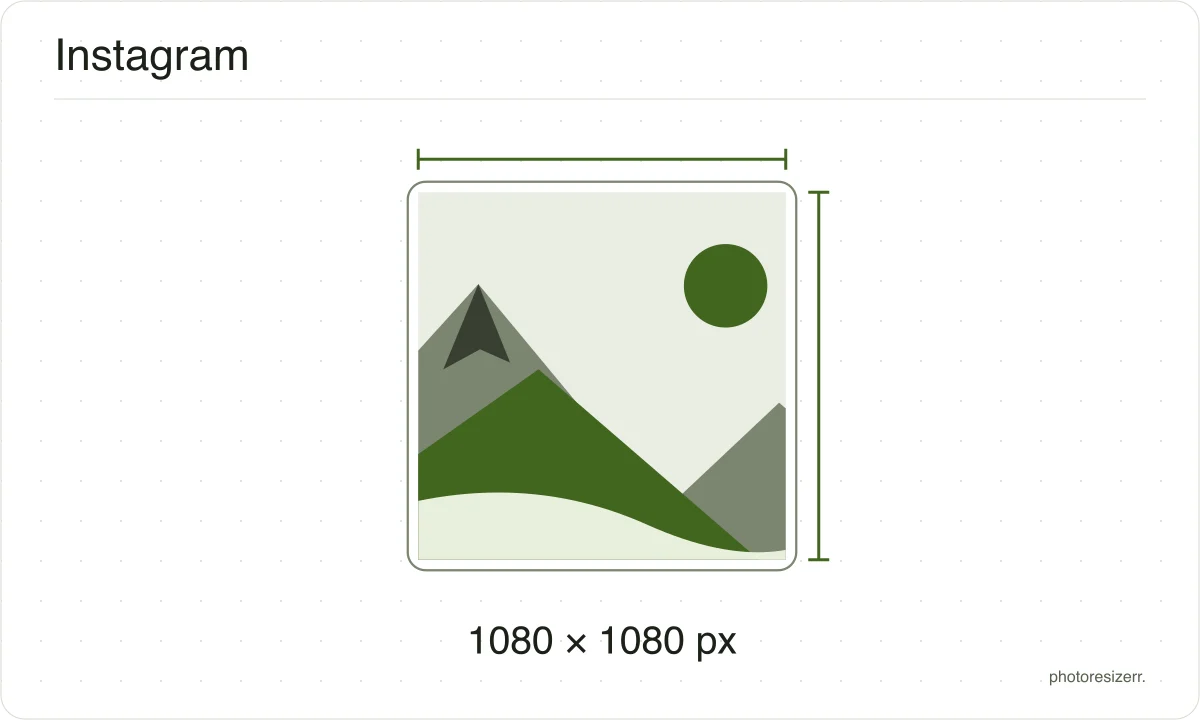
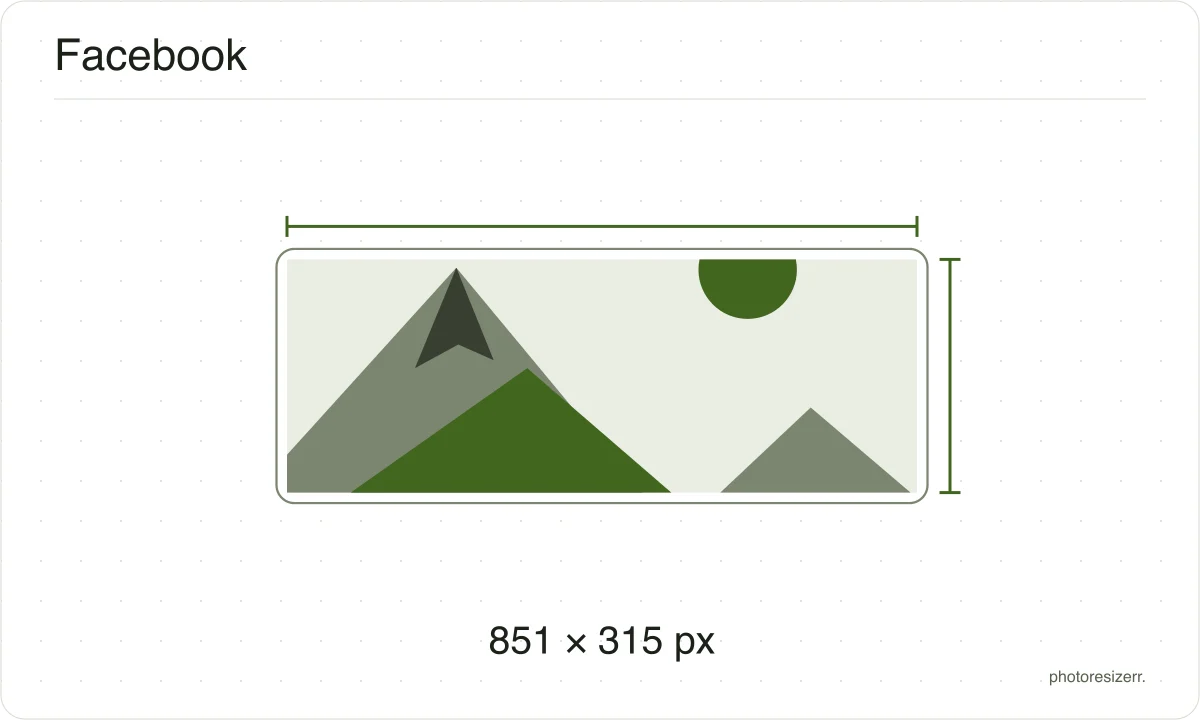
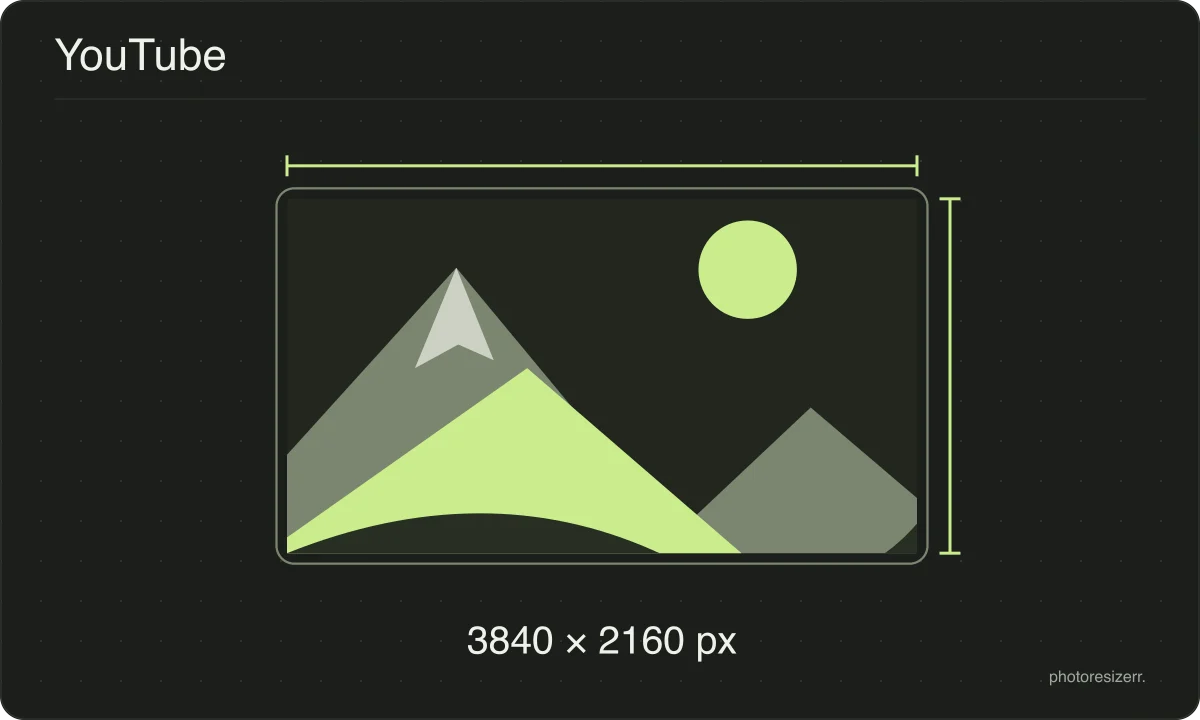
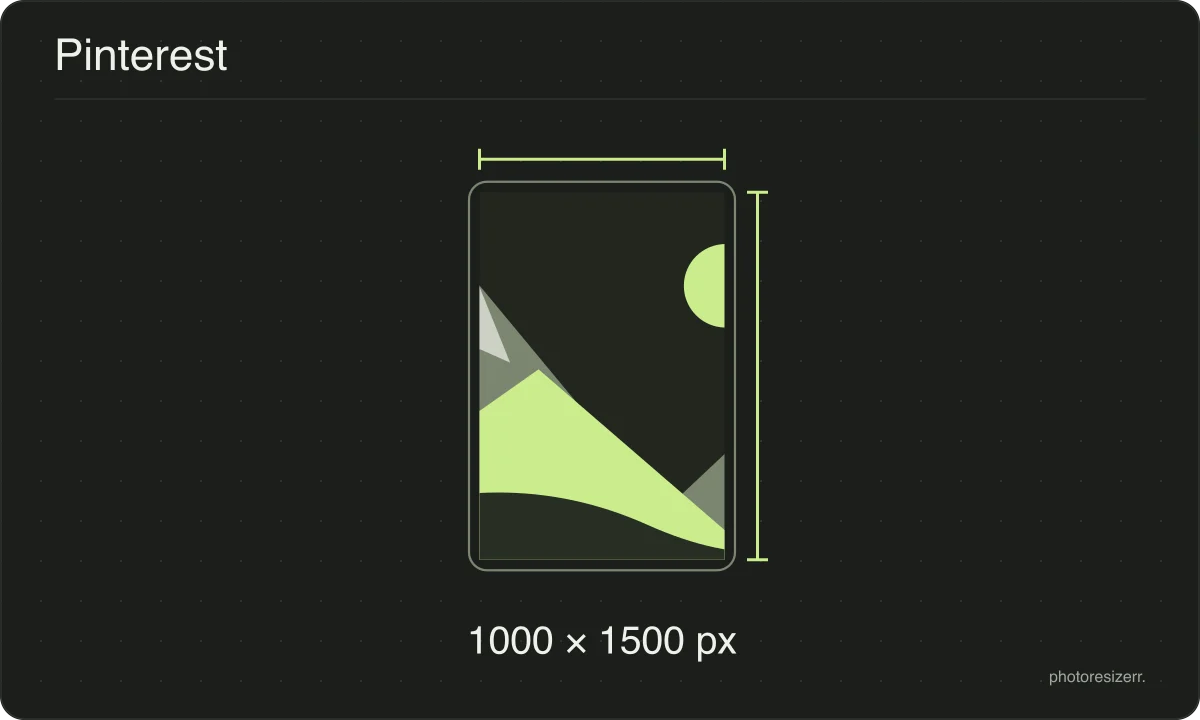
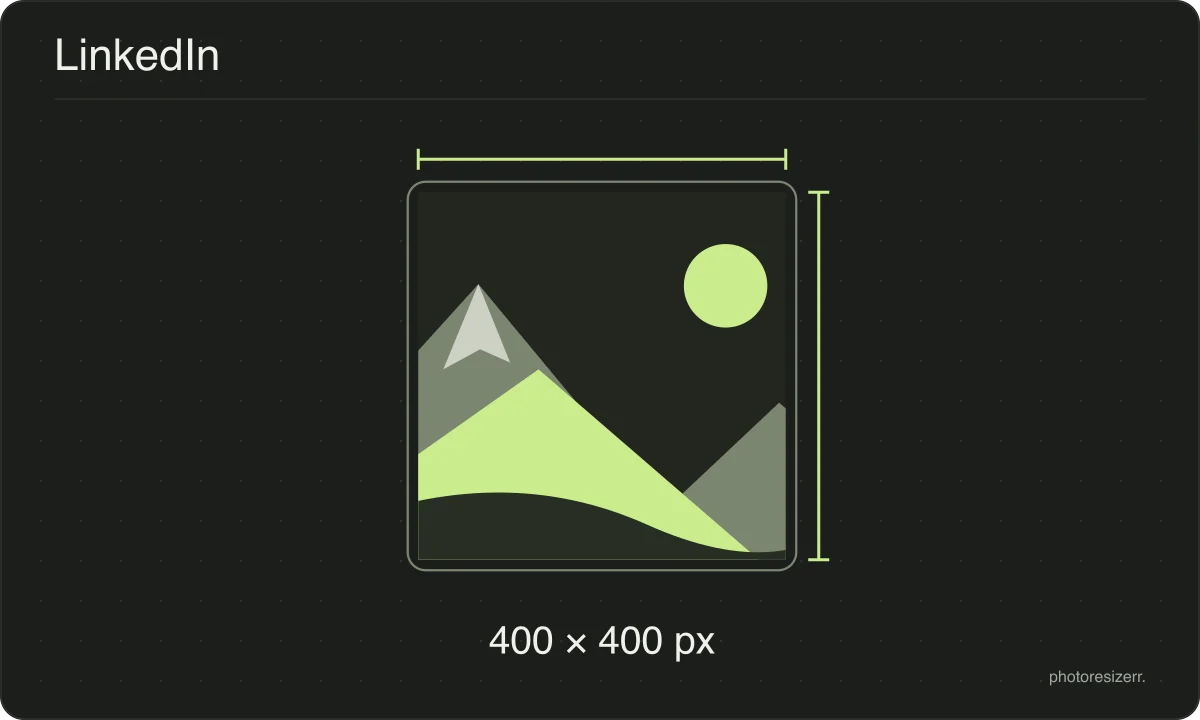
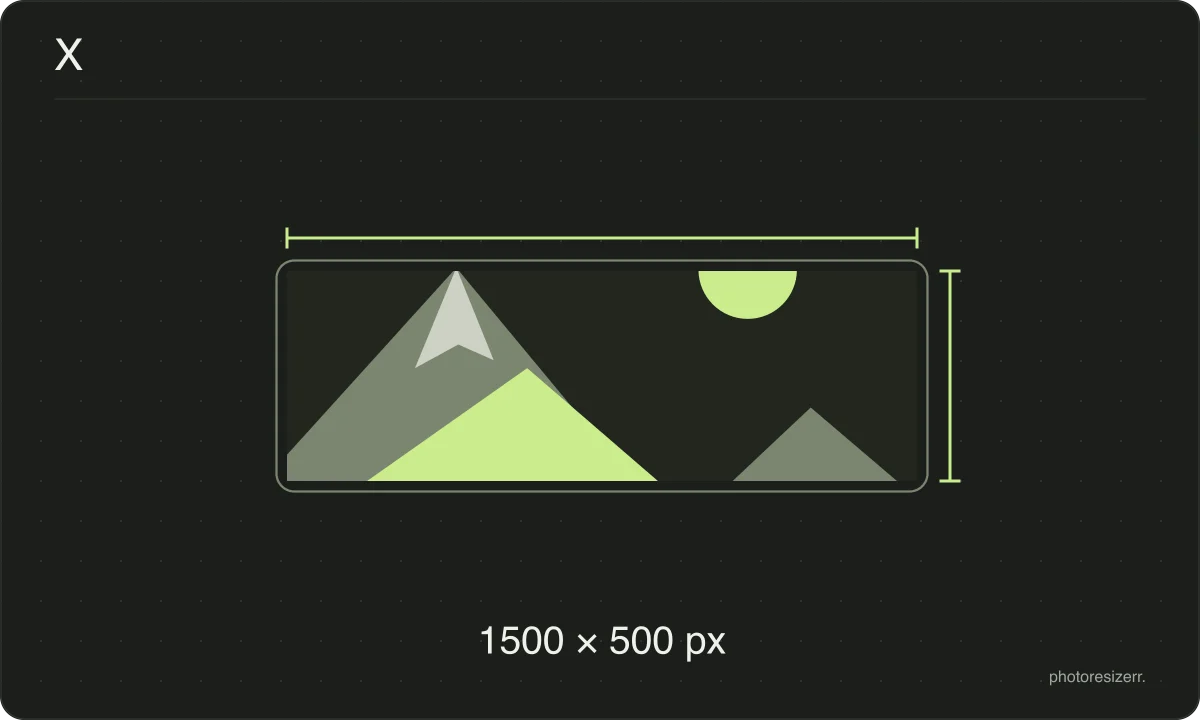
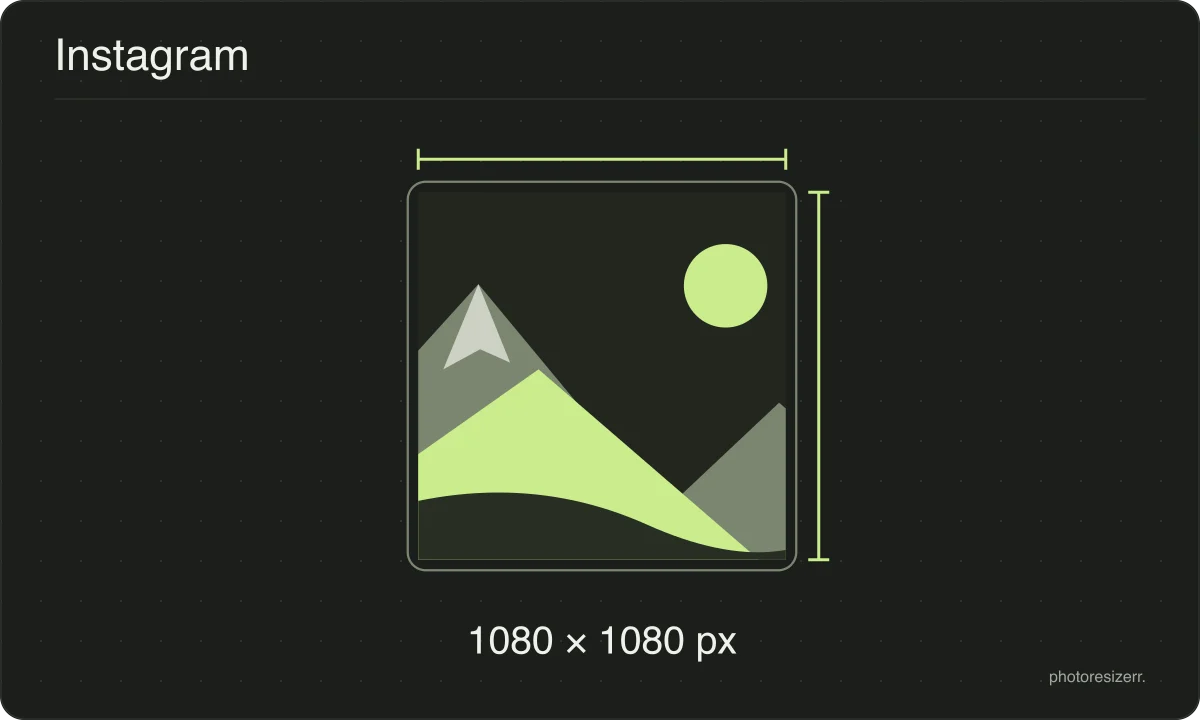
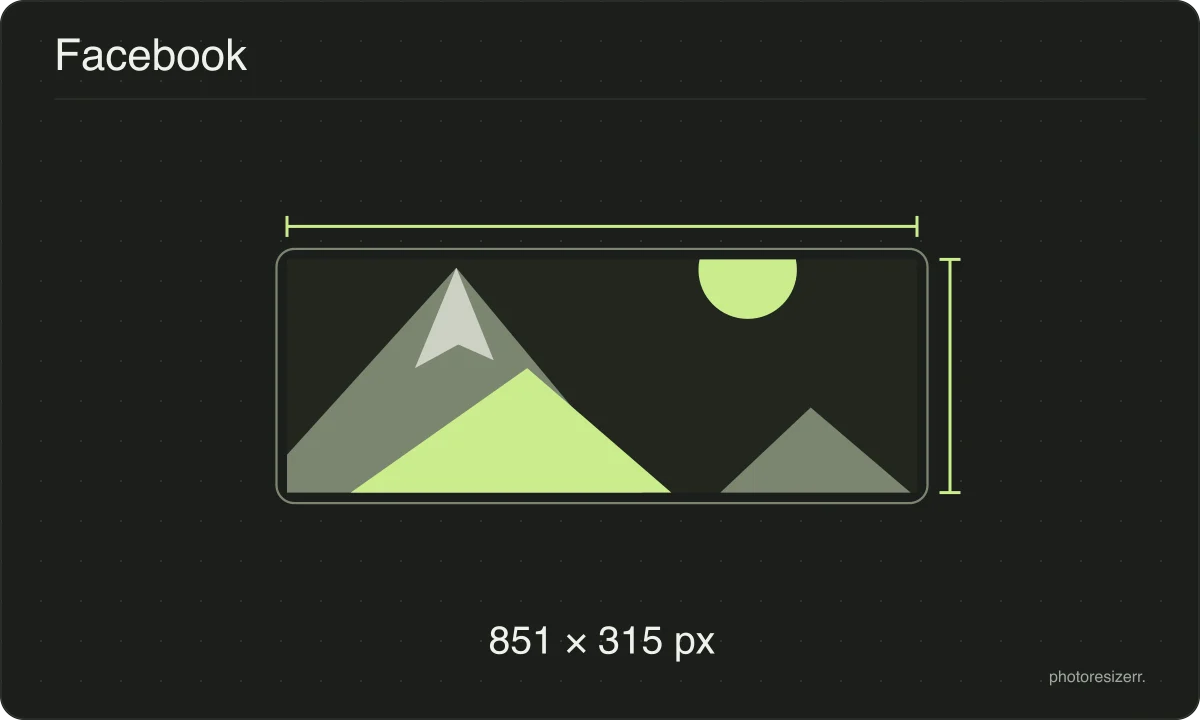
Resize photos for social media using presets linked to official platform guidance. Choose a post, profile or cover size, then preview how your image fits before downloading. The free tool runs in your browser with no image upload or signup. Each guide shows its source and the date checked.
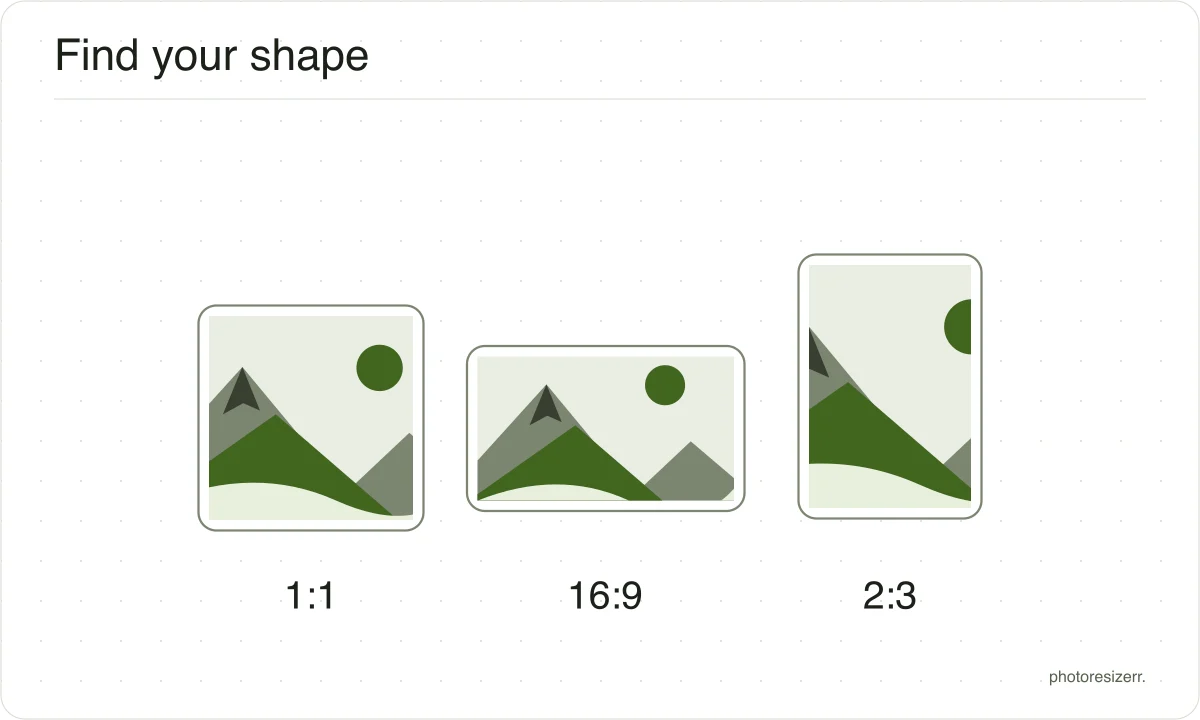
Match the output shape to the place your photo will be used.
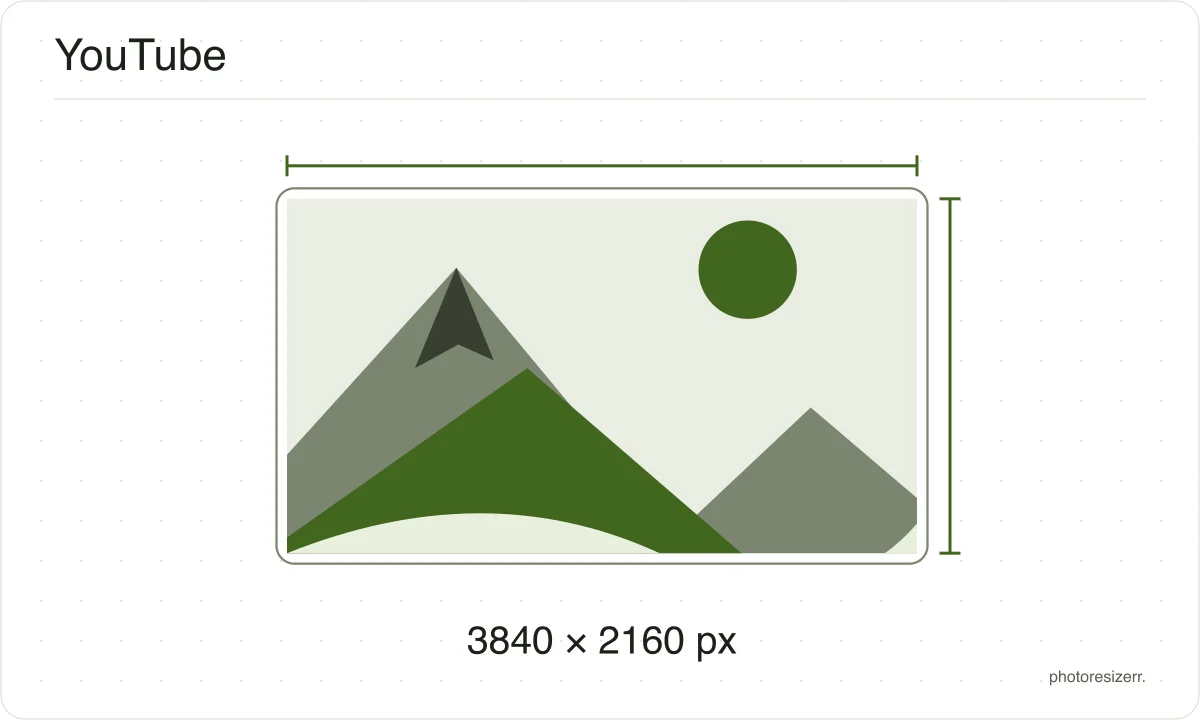
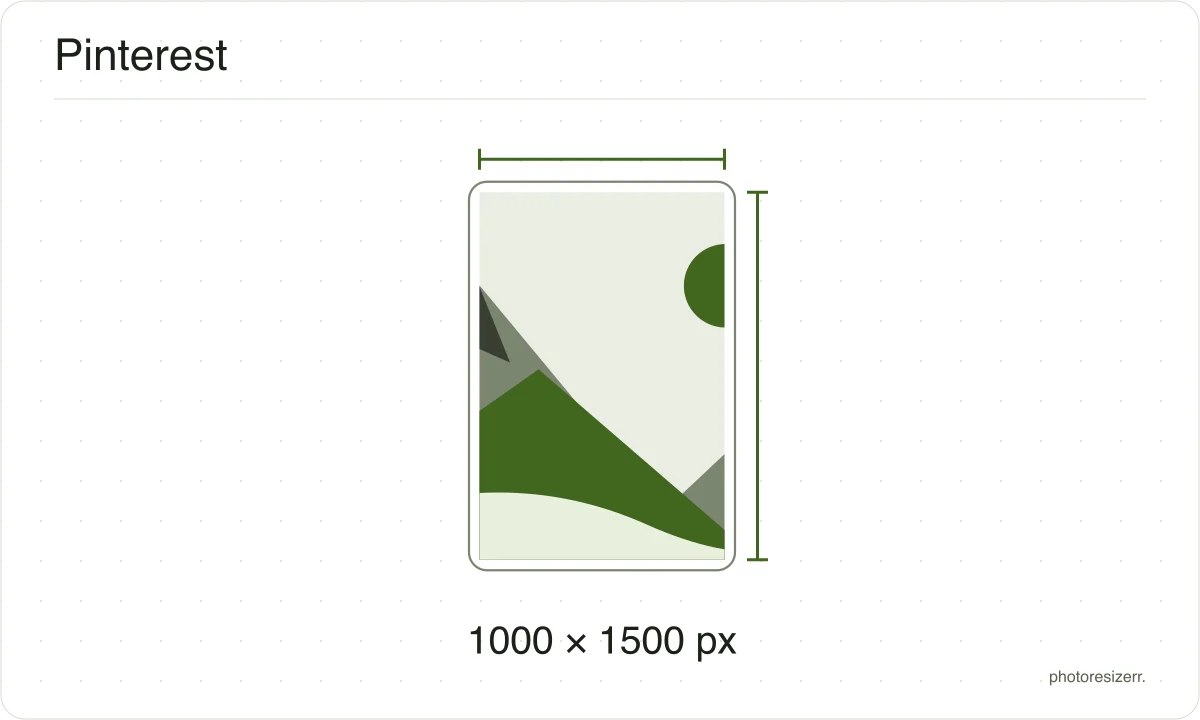
A platform's recommended image size can change in a product update nobody announces, which is why every size here shows the date somebody read it at the platform's own help page rather than presenting it as timeless.
If that date looks old and the size matters to you, the link beside it goes straight to the page it came from.
That is one click to confirm, against the alternative of trusting a number copied between blog posts since 2019.
Why your photo gets cropped
Platform sizes are shapes as much as sizes, and a photograph is rarely already that shape.
The box is filled and the overflow comes off the long edges evenly, because the alternative is stretching the picture and a stretched face is the one result nobody wants.
If the centre is not the part you want to keep, open the crop tool, drag the frame to the right region, and come back. The crop stays applied while you set the size.
What happens to your photo?
Your selected photo is processed in your browser, without an image upload to a server. The page may download code and codecs needed for editing.
Save your result before closing the tab; unsaved edits are kept in memory rather than in an online account.