Twitch emote and badge size
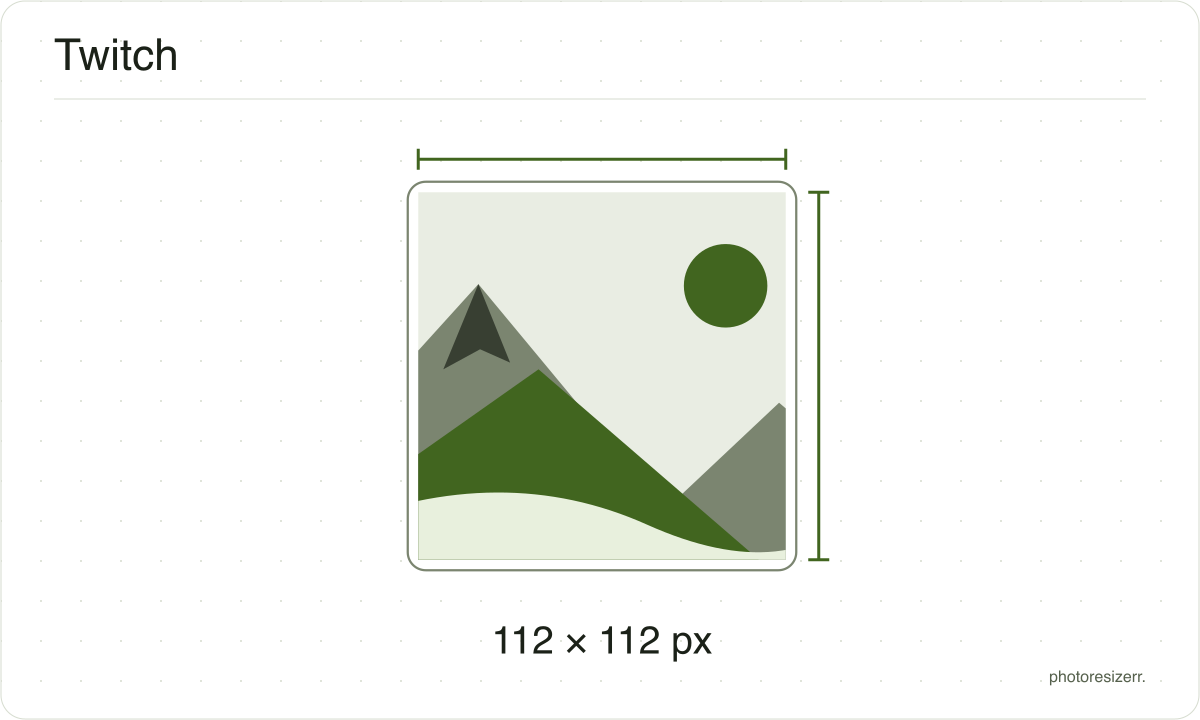
Twitch takes one 112 by 112 emote and makes the 56 and 28 itself, but you upload a sub badge at 18, 36 and 72.
Jump to the toolYour workspace Pixels · Preview · DownloadPrivate by default
Runs on this device. The first use downloads a 56 to 135 MB model once. Nothing is uploaded.
- Open a photoDrop, paste or choose one.
- Set the sizeType it, or pick a common size.
- DownloadSee the file size before you save.
Processed on your deviceNo watermark. No signup.
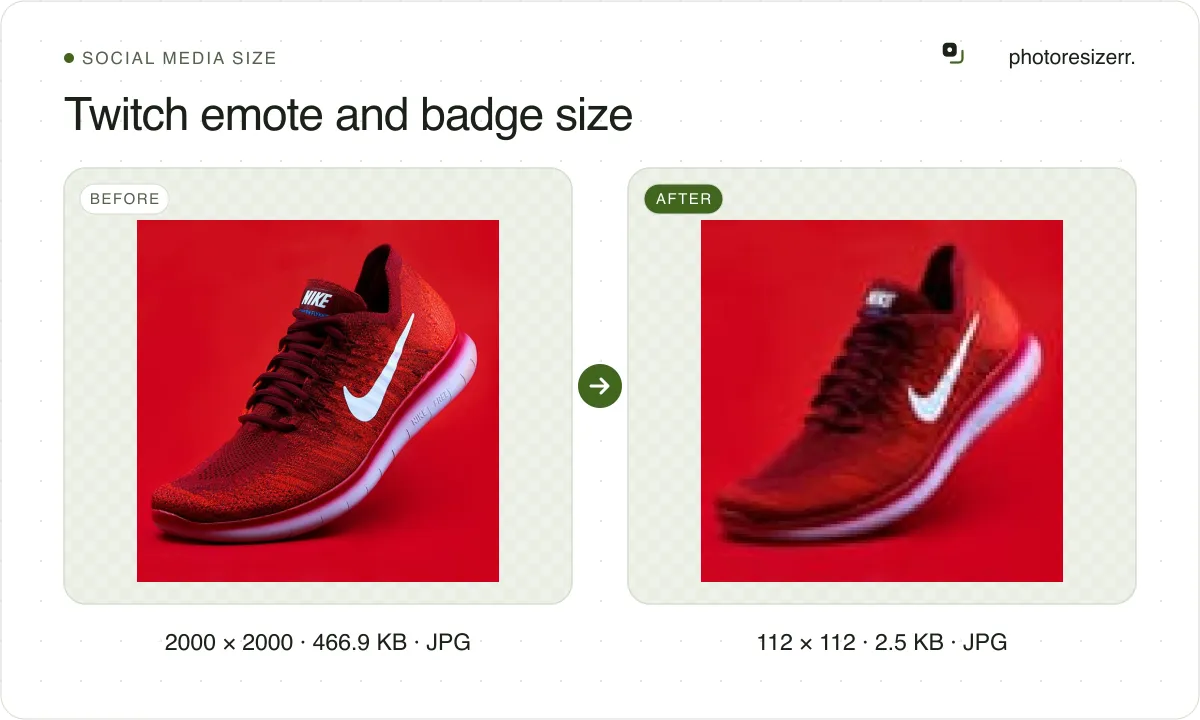
Drop an image here for a 112 by 112 PNG, cropped from the centre, transparency kept. Switch Size for each badge or a manual emote size.
What the platform recommends
Emote 112
- Recommended size
- 112 x 112
- File types
- PNG
- Maximum file size
- 1 MB
- Source
- help.twitch.tv
- Read at the source on
Emote 56
- Recommended size
- 56 x 56
- File types
- PNG
- Maximum file size
- 100 KB
- Source
- help.twitch.tv
- Read at the source on
Emote 28
- Recommended size
- 28 x 28
- File types
- PNG
- Maximum file size
- 100 KB
- Source
- help.twitch.tv
- Read at the source on
Badge 72
- Recommended size
- 72 x 72
- File types
- PNG
- Maximum file size
- 25 KB
- Source
- help.twitch.tv
- Read at the source on
Badge 36
- Recommended size
- 36 x 36
- File types
- PNG
- Maximum file size
- 25 KB
- Source
- help.twitch.tv
- Read at the source on
Badge 18
- Recommended size
- 18 x 18
- File types
- PNG
- Maximum file size
- 25 KB
- Source
- help.twitch.tv
- Read at the source on
Why this size?
Twitch's emote guide warns that you only have 28 pixels to work with, because that is how small an emote sits in chat. The 56 and 112 are the same picture for sharper screens.
Badges follow the same pattern from 18 pixels, then twice and four times that. Twitch's badge page asks you to upload all three.
Making Discord emoji as well? Discord emoji and sticker size.
These numbers move, so check the date
A passport size has been the same for decades.
A platform's recommended image size can change in a product update nobody announces, which is why every size here shows the date somebody read it at the platform's own help page rather than presenting it as timeless.
If that date looks old and the size matters to you, the link beside it goes straight to the page it came from.
That is one click to confirm, against the alternative of trusting a number copied between blog posts since 2019.
Why your photo gets cropped
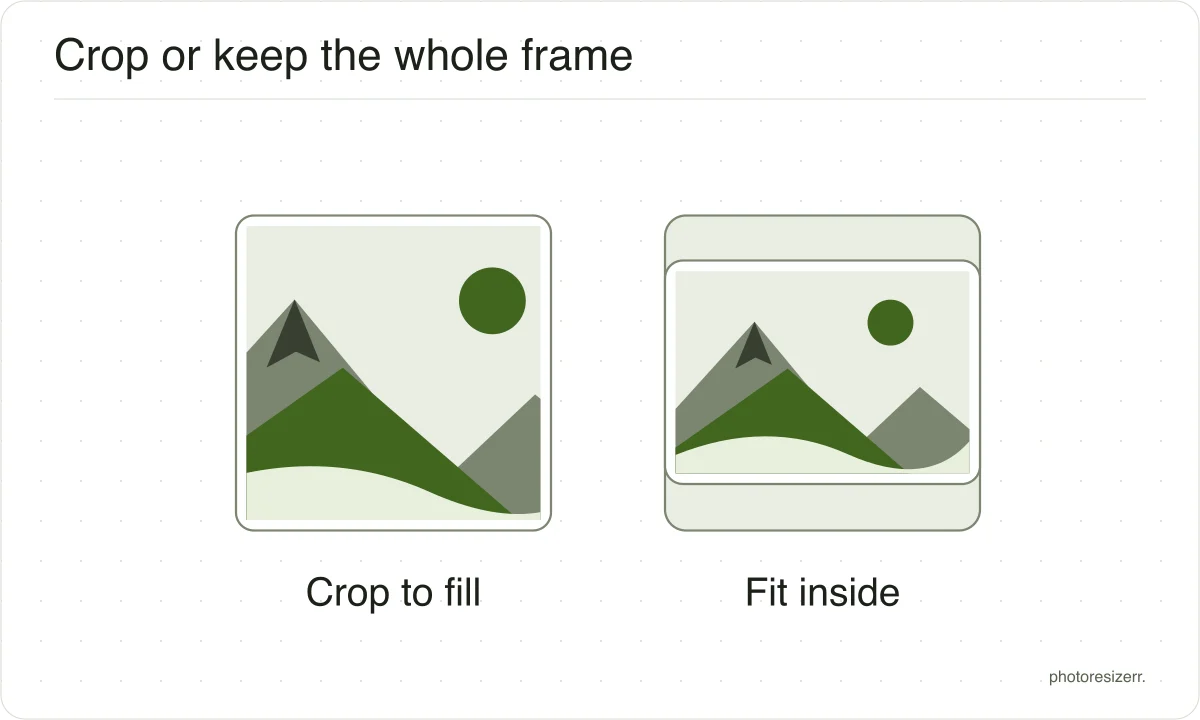
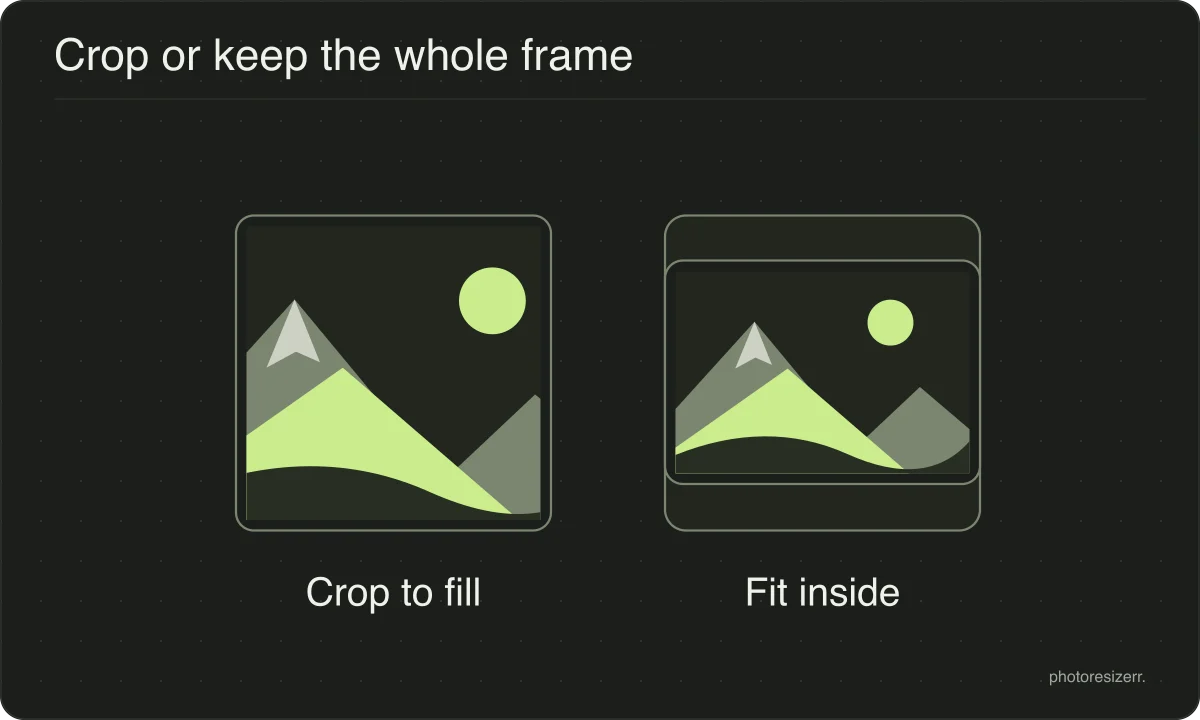
Platform sizes are shapes as much as sizes, and a photograph is rarely already that shape.
The box is filled and the overflow comes off the long edges evenly, because the alternative is stretching the picture and a stretched face is the one result nobody wants.
If the centre is not the part you want to keep, open the crop tool, drag the frame to the right region, and come back. The crop stays applied while you set the size.
What happens to your photo?
Your selected photo is processed in your browser, without an image upload to a server. The page may download code and codecs needed for editing.
Save your result before closing the tab; unsaved edits are kept in memory rather than in an online account.
Common questions
What size should a Twitch emote be?
A square PNG. Twitch's formatting page takes either one image between 112 by 112 and 4096 by 4096 pixels, or three at 28, 56 and 112. With auto-resize on, the dashboard makes the two smaller sizes from the one you upload.
Manual mode is for control. A detail that reads at 112 can blur at 28, and uploading your own small size lets you redraw it.
What is the file size limit for a Twitch emote?
Twitch's two pages give different figures. The formatting page says a static emote cannot exceed 1 MB. The subscriber emote guide says each size uploaded in manual mode must be under 100 KB.
At these sizes neither bites. A 112 by 112 image with transparency holds 50,176 bytes of pixels before compression, half of 100 KB. The 25 KB some guides give for emotes is Twitch's badge limit.
What size is a Twitch sub badge?
18 by 18, 36 by 36 and 72 by 72 pixels, all three uploaded, each a PNG with a transparent background under 25 KB. Tier 2 and Tier 3 badge flair take the same three sizes, and so do custom Bits badges.
A 72 by 72 image holds 20,736 bytes of pixels, so a PNG made here stays under 25 KB without any quality lost.
What size is a channel points icon?
Twitch's Channel Points guide says you can upload a custom reward icon, but it states no size or file limit. Resizer sites give 28, 56 and 112 with 25 KB, and we found no Twitch page that says so.
If your dashboard asks for those sizes, the three emote sizes here make them.
Can I make an animated emote here?
No. This tool writes a still PNG, so an animated GIF dropped here comes out as one frame.
Twitch takes an animated emote as a square GIF of at most 60 frames: up to 1 MB with auto-resize, or 512 KB for each size in manual mode.
How do I give an emote or badge a transparent background?
Twitch asks for a fully transparent background on emotes and badges. Leave the output as PNG, and any see-through area already in your image carries through at every size.
Starting from a photo? The editor's Remove background control cuts the subject out on your device. Set it to Transparent before you download.
Last updated: