Instagram post size
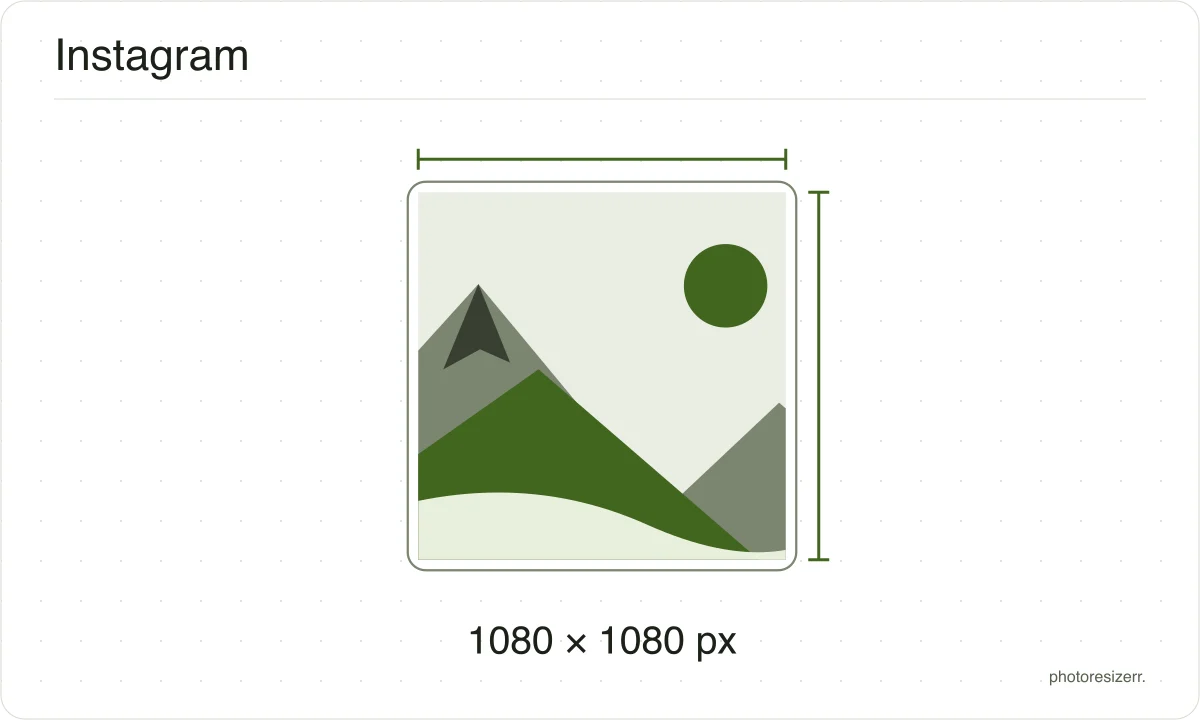
Instagram uploads a photo at up to 1080 pixels wide, and supports heights from 566 to 1440 at that width. A 1080 by 1080 square sits in the middle of that range and is the safest shape to post. Drop a photo here and it comes out at exactly that, with nothing uploaded.
Your workspace PIXELS · PREVIEW · DOWNLOADPrivate by default
Processed on your deviceNo watermark. No signup.
What the platform recommends
- Recommended size
- 1080 wide, 566 to 1440 high
- File types
- JPEG
- Maximum file size
- No limit published
- Source
- help.instagram.com
- Read at the source on
Why this size?
Instagram resizes whatever you upload, and the direction matters.
A photo wider than 1080 is scaled down, which looks fine, while one narrower is stretched up to 320 pixels at the low end, which does not.
Starting at 1080 means the only resizing that happens is the harmless kind.
These numbers move, so check the date
A passport size has been the same for decades.
A platform's recommended image size can change in a product update nobody announces, which is why every size here shows the date somebody read it at the platform's own help page rather than presenting it as timeless.
If that date looks old and the size matters to you, the link beside it goes straight to the page it came from.
That is one click to confirm, against the alternative of trusting a number copied between blog posts since 2019.
Why your photo gets cropped
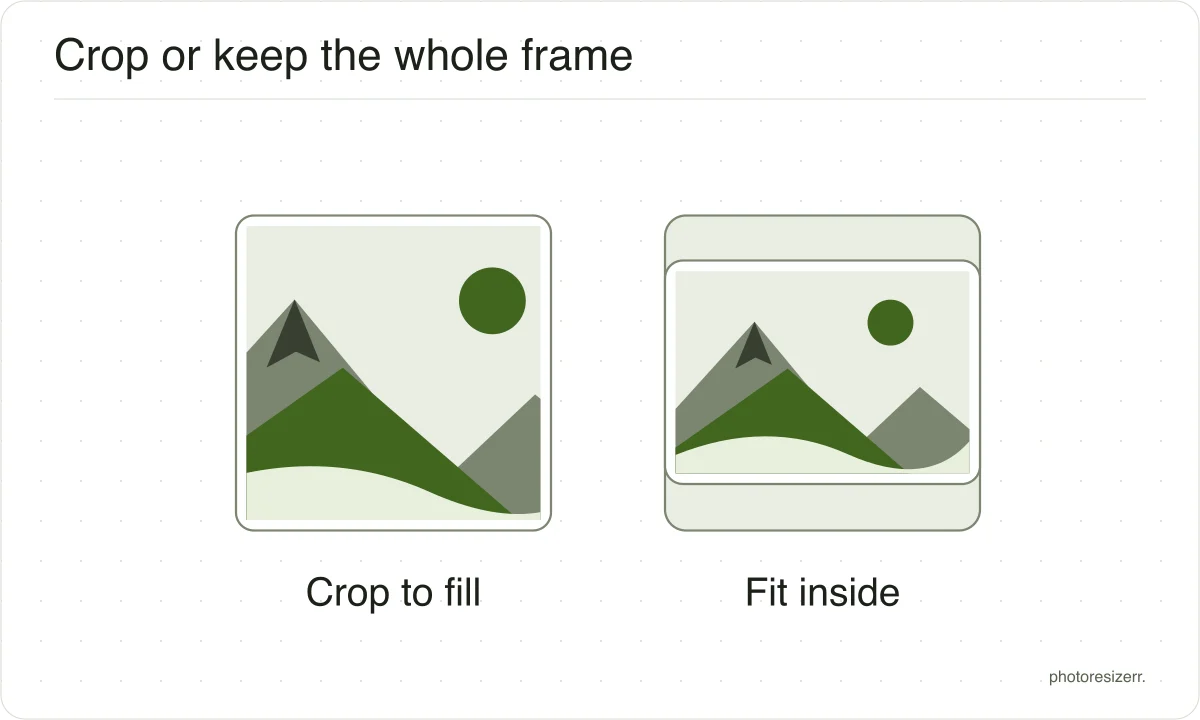
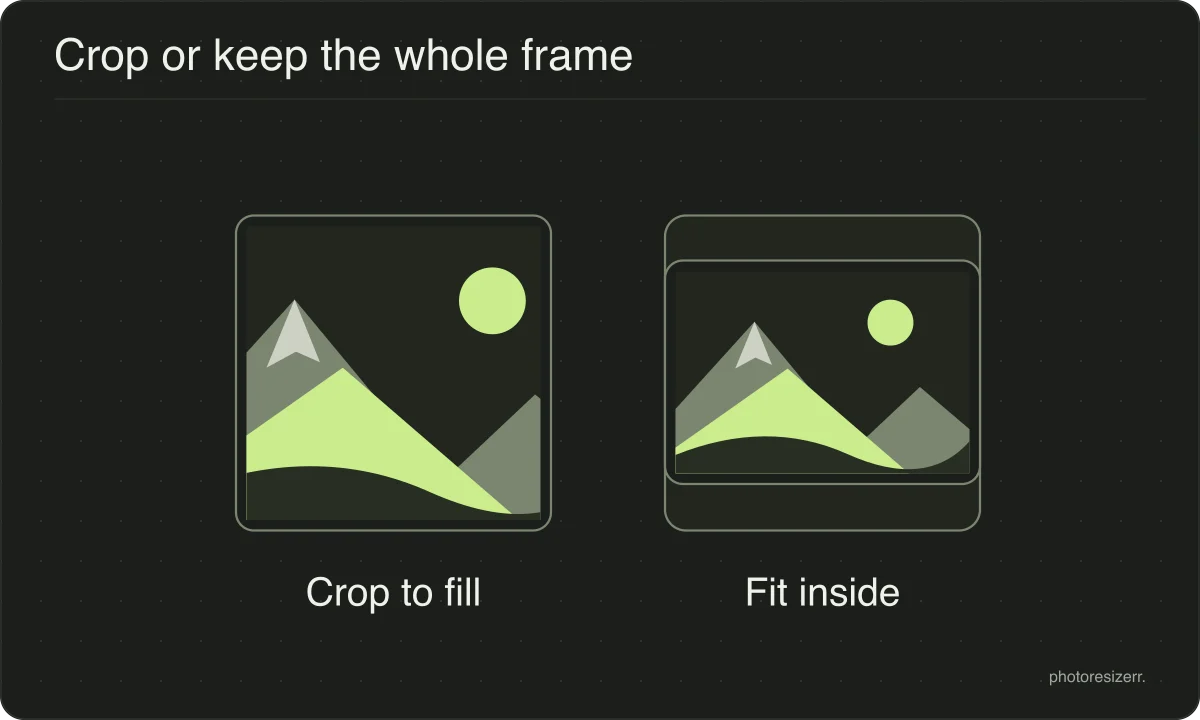
Platform sizes are shapes as much as sizes, and a photograph is rarely already that shape.
The box is filled and the overflow comes off the long edges evenly, because the alternative is stretching the picture and a stretched face is the one result nobody wants.
If the centre is not the part you want to keep, open the crop tool, drag the frame to the right region, and come back. The crop stays applied while you set the size.
What happens to your photo?
Your selected photo is processed in your browser, without an image upload to a server. The page may download code and codecs needed for editing.
Save your result before closing the tab; unsaved edits are kept in memory rather than in an online account.
Common questions
What size should an Instagram post be?
Instagram's help page does not name a single size.
It says photos upload at up to 1080 pixels wide, and that a photo keeps its own resolution if it is between 320 and 1080 wide with an aspect ratio between 1.91:1 and 3:4, which at 1080 wide means a height between 566 and 1440.
Is 1080 by 1080 the right size?
It is a safe one rather than an official one. Instagram publishes a width and a range of shapes, not a square, and 1080 by 1080 sits comfortably inside that range.
A 4:5 portrait at 1080 by 1350 is also inside it and takes up more space in the feed.
What happens if my photo is the wrong shape?
Instagram's help page states that a photo outside the supported range is cropped to fit one.
That crop is taken without asking you which part to keep, which is the argument for cropping it yourself first with the crop tool here.
Does Instagram state a file size limit?
Not on the resolution page this size was read at, so this page does not claim one.
What that page does say is that uploading at a width of at least 1080 pixels is what gets your photo shared at full quality.
Last updated: