Free online image converter
Convert images to JPG, PNG, WebP or AVIF online for free. Choose your file, select an output format, and check the preview and file size before downloading. Your original dimensions stay the same unless you change them. Conversion runs in your browser with no image upload or signup.
Your workspace CONVERT · PREVIEW · DOWNLOADPrivate by default
This browser did not name the format it opened.
Processed on your deviceNo watermark. No signup.
Which format should you pick?
Choose JPEG for photographs when you need broad compatibility. It uses lossy compression, so a smaller file can mean less detail. JPEG does not support transparent backgrounds.
Pick PNG for screenshots, logos, diagrams and anything with text in it. Nothing is discarded, hard edges stay exact, and transparent areas stay transparent.
A photograph saved as PNG is usually several times larger than the same photograph as JPEG.
Choose WebP for photos or graphics when the destination accepts it. It supports transparency and can reduce file size compared with JPEG or PNG. Compare the preview before downloading.
Choose AVIF when your destination accepts it and you want another option for compressing photos with transparency. This tool loads an encoder when needed, so the first export may take longer.
Quality numbers are not comparable across formats. A setting of 80 in JPEG does not promise the same appearance or file size as 80 in WebP or AVIF.
Compare each preview and its actual output size.
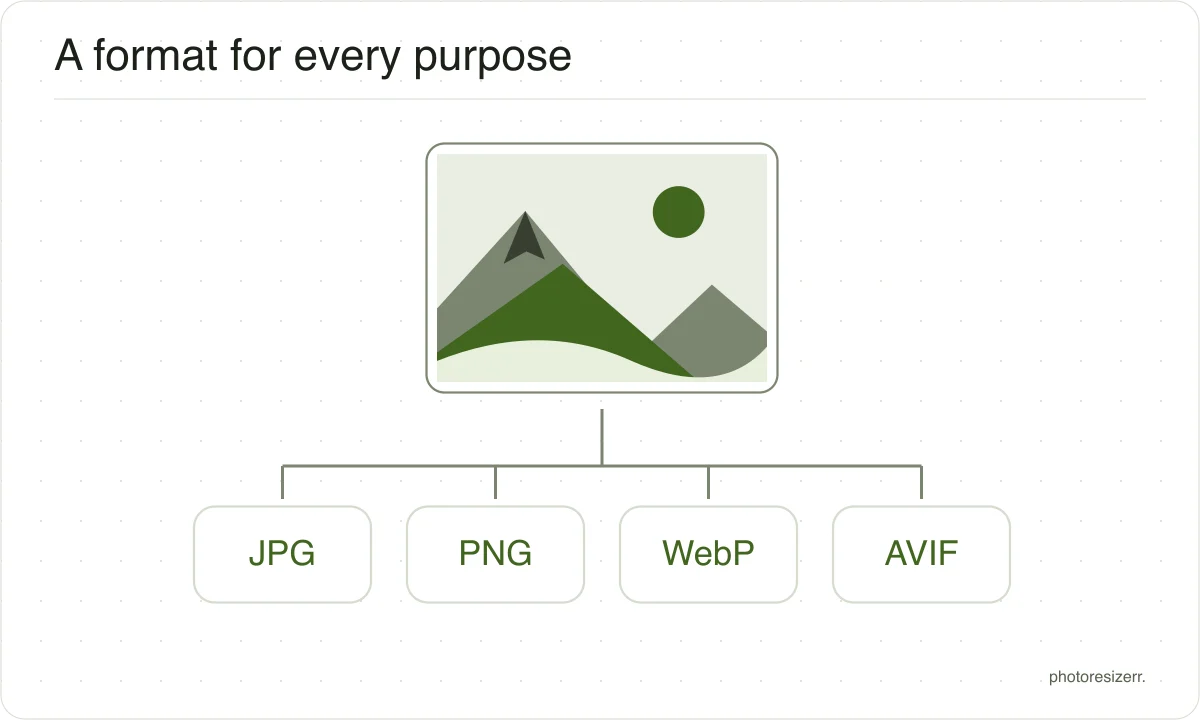
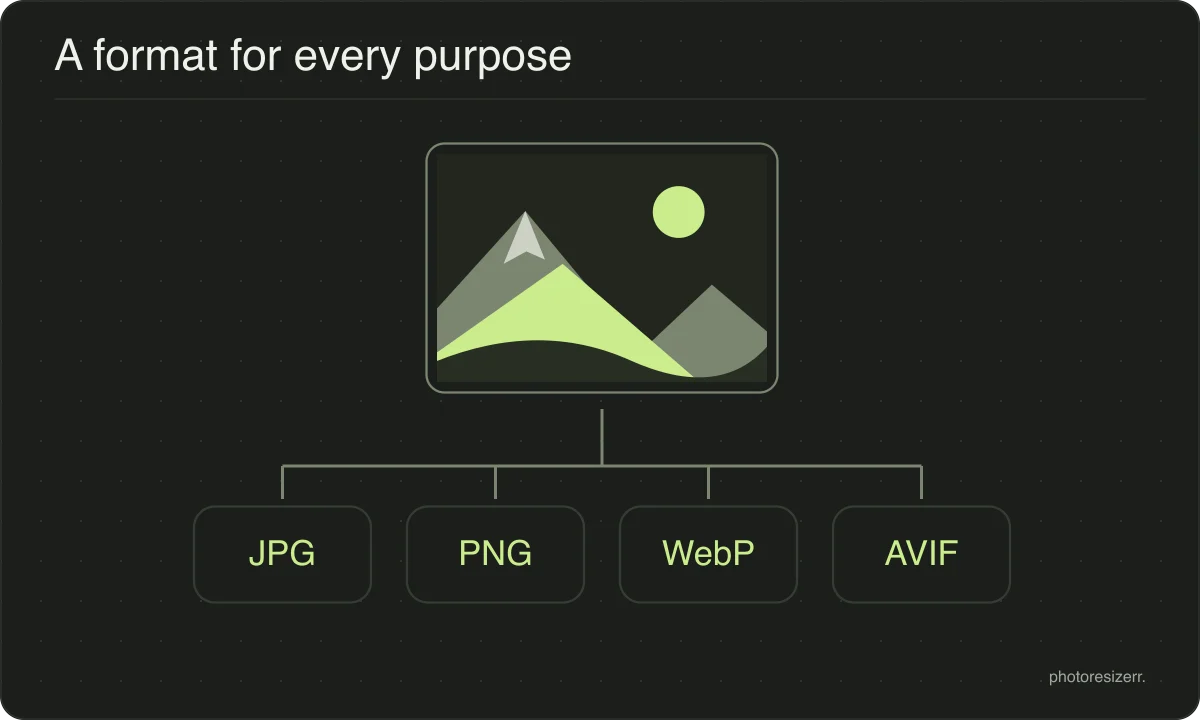
Which formats this tool converts
JPEG, PNG, WebP and AVIF, in any direction. GIF, BMP and HEIC can be opened and saved as one of those four.
The list of destinations is what this tool can write; the longer list of sources is what it can read, which is a separate question.
HEIC, GIF and BMP are input formats here, not export options. HEIC uses your browser’s decoder when available and loads a local decoder otherwise. Animated inputs become a still image; animation is not preserved.
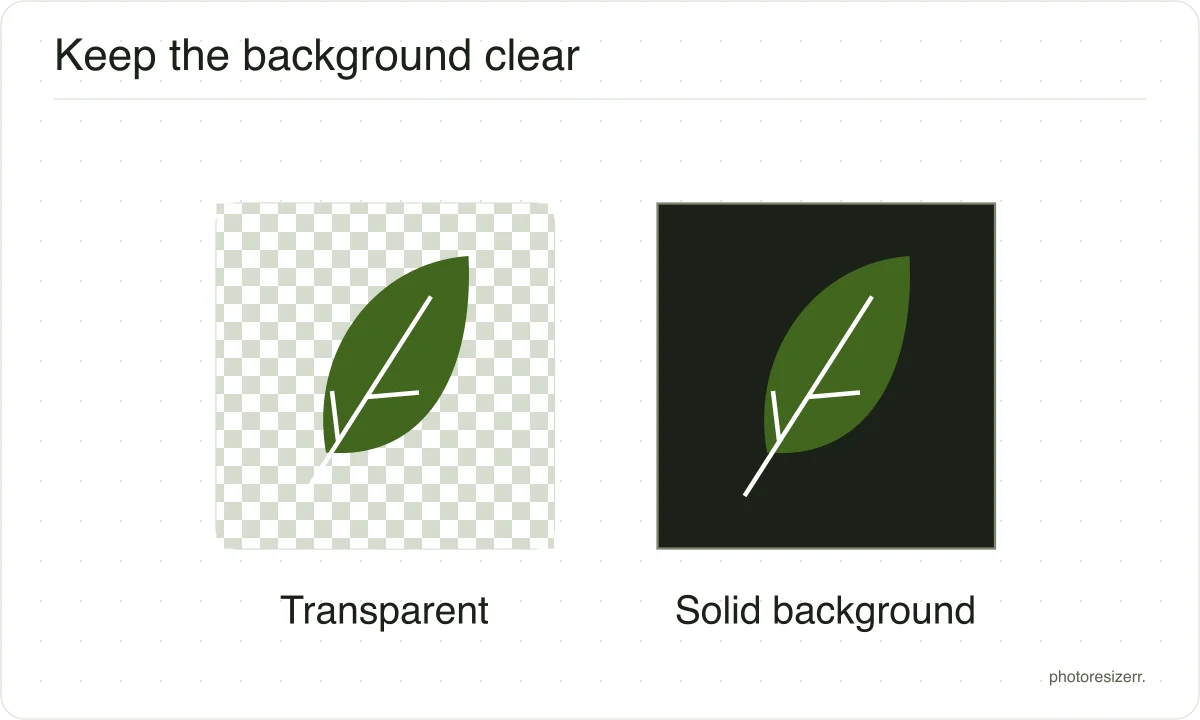
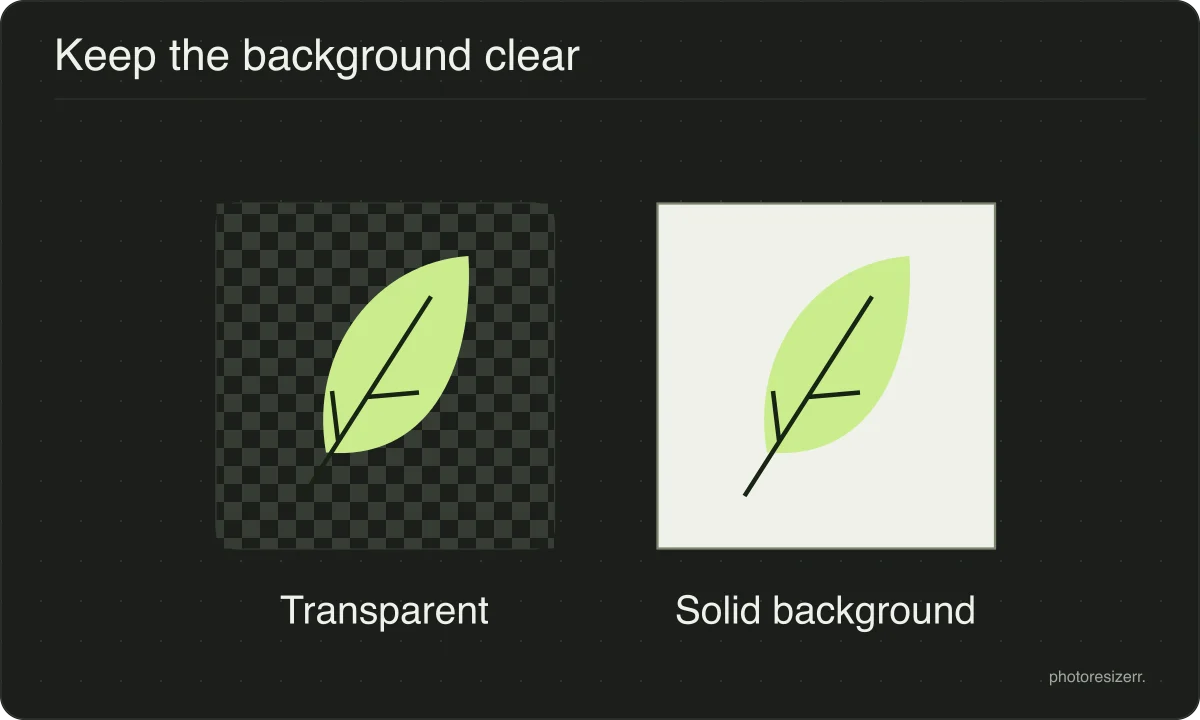
What happens to a transparent background?
Saving as JPEG replaces transparent areas with white. PNG, WebP and AVIF can preserve transparency. Check the preview and choose a format accepted by the website or app where you will use the image.
What happens to your photo?
Your selected photo is processed in your browser, without an image upload to a server. The page may download code and codecs needed for editing.
Save your result before closing the tab; unsaved edits are kept in memory rather than in an online account.
Common questions
Can I convert HEIC photos from my iPhone?
Yes. The tool first tries your browser’s HEIC support and loads a decoder if needed. Your photo is decoded locally, then saved in your chosen output format. Select JPG for a widely accepted still image.
Can I save as AVIF?
Yes. Select AVIF as the output format. The tool loads an encoder when needed and processes your image locally. The first export may take longer; check that your destination accepts AVIF before downloading.
Why can I open a HEIC photo but not save one?
This tool includes HEIC decoding but does not offer HEIC export. Choose JPG for compatibility, or PNG, WebP or AVIF when those formats better suit your destination.
Opening a format does not mean the editor can write it.
Does converting to PNG improve a JPEG?
No. PNG stores exactly the pixels it is given, and the pixels it is given have already been through JPEG compression. The file gets larger without getting better.
PNG is the right choice for a screenshot or a logo, not for rescuing a photograph.
Why do formats have different sizes at the same quality?
Each encoder interprets the quality number differently, so matching slider values do not produce matching visual quality. Try each format, inspect the preview, and compare the actual file sizes.
The smallest acceptable result depends on the image and your destination’s format support.
Does the image change size in pixels?
No. Converting changes how the pixels are stored, not how many there are. The width and height come out the same unless you switch to pixels mode and change them yourself.
Last updated: