Convert JPG to AVIF
Drop a JPG and download it as an AVIF, converted in your browser.
Your workspace Convert · Preview · DownloadPrivate by default
Runs on this device. The first use downloads a 56 to 135 MB model once. Nothing is uploaded.
This browser did not name the format it opened.
The first AVIF export loads an encoder. Your image is still processed on your device.
- Open a photoDrop, paste or choose one.
- Set the sizeType it, or pick a common size.
- DownloadSee the file size before you save.
Processed on your deviceNo watermark. No signup.
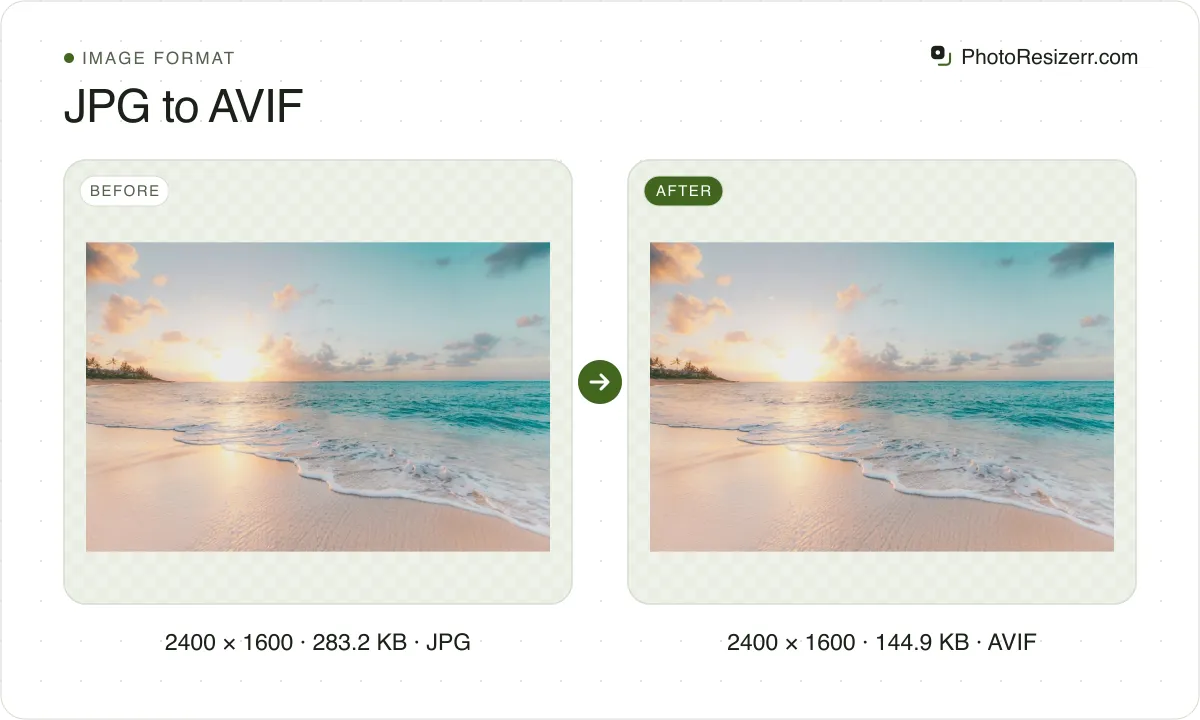
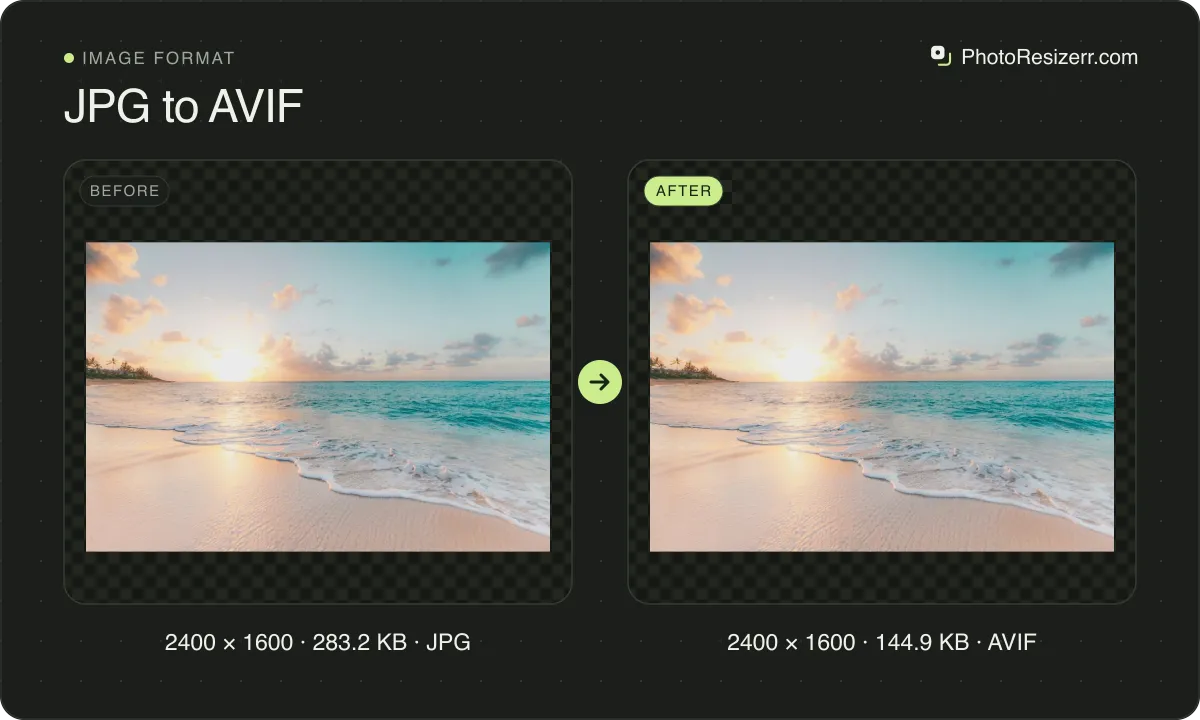
AVIF reaches a smaller file than JPEG at a similar quality, which is why it suits a page you control. Saving the first one downloads a 3.5 MB encoder. Nothing is uploaded and the dimensions stay the same.
Why make this conversion?
AVIF is the format to pick when a page has to be light and the picture is a photograph.
On this site's sample photo at quality 82 it came out at 156 KB against JPEG's 182 KB.
The cost is support: browsers read it, but plenty of software outside a browser still does not.
How much does the file size change?
We saved the same seven images, five photographs and two graphics, as JPEG and as AVIF with this converter, at its default quality of 82. Only the format changed.
| Image | JPEG (KB) | AVIF (KB) | Change |
|---|---|---|---|
| Waterfall in forest | 1,168 | 1,256 | +8% |
| Cityscape with signage | 1,755 | 1,580 | -10% |
| Sunflower, blurred background | 453 | 389 | -14% |
| Mountain range and sky | 709 | 648 | -9% |
| Waterfall, close crop | 341 | 320 | -6% |
| Screenshot of a web page | 69 | 36 | -48% |
| Share card with text | 43 | 23 | -45% |
On the five photographs, AVIF ranged from 14 percent smaller to 8 percent larger than JPEG. The photo decides.
How close each format stayed to the original is in JPG vs PNG vs WebP vs AVIF, measured.
A conversion never improves a picture
Changing the format changes how the pixels are stored, not what they show. Detail an earlier save discarded is gone, and no later format can work out what used to be there.
If the original file still exists, convert from that instead.
Where it does matter is the order of the work. Resize and crop first, convert last.
Every save to a lossy format costs a little quality, so the fewer round trips a file makes, the better it looks when you are finished.
What happens to your photo?
Your selected photo is processed in your browser, without an image upload to a server. The page may download code and codecs needed for editing.
Save your result before closing the tab; unsaved edits are kept in memory rather than in an online account.
Common questions
Is AVIF really smaller than JPEG?
Usually, though by less than the format's reputation suggests.
Measured here on one photograph at quality 82, AVIF came out at 156 KB and JPEG at 182 KB, while WebP managed 73 KB.
Watch the file size the meter reports rather than trusting the number on the slider.
Why does the first AVIF take a few seconds?
This tool loads an AVIF encoder when needed and then compresses the image on your device.
The initial download adds a delay, and encoding time also depends on the photo and your device. Wait for the preview to finish before downloading.
Last updated: