Convert JPG to WebP
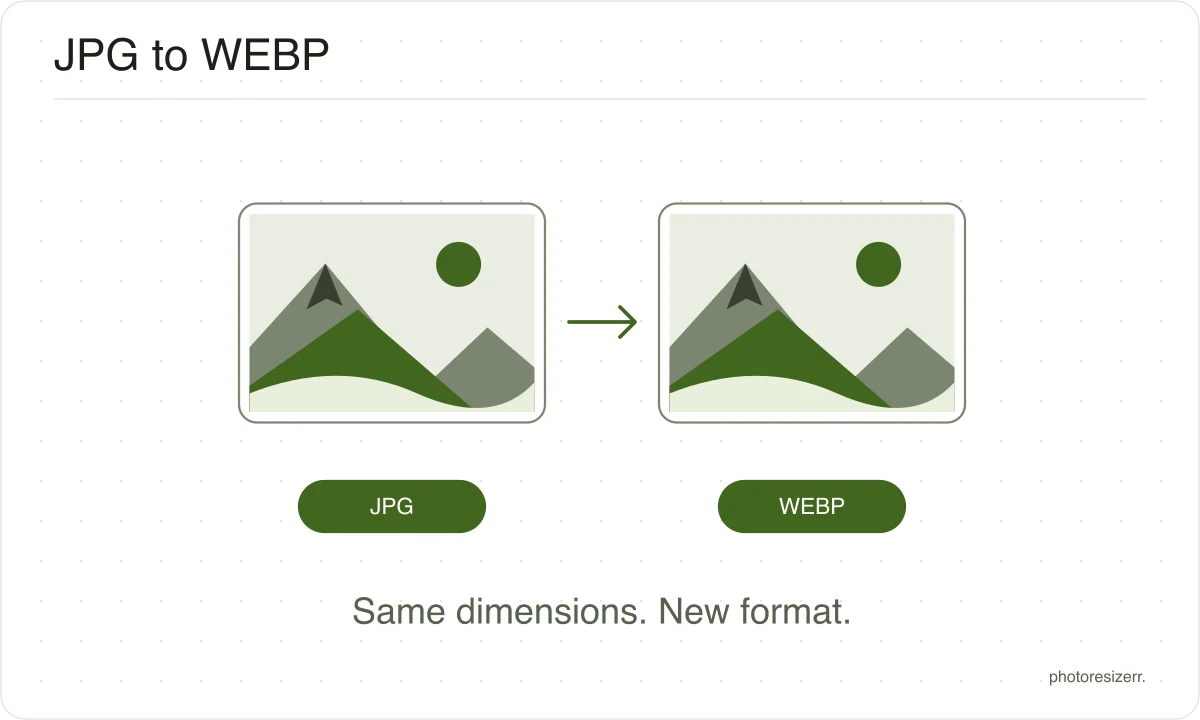
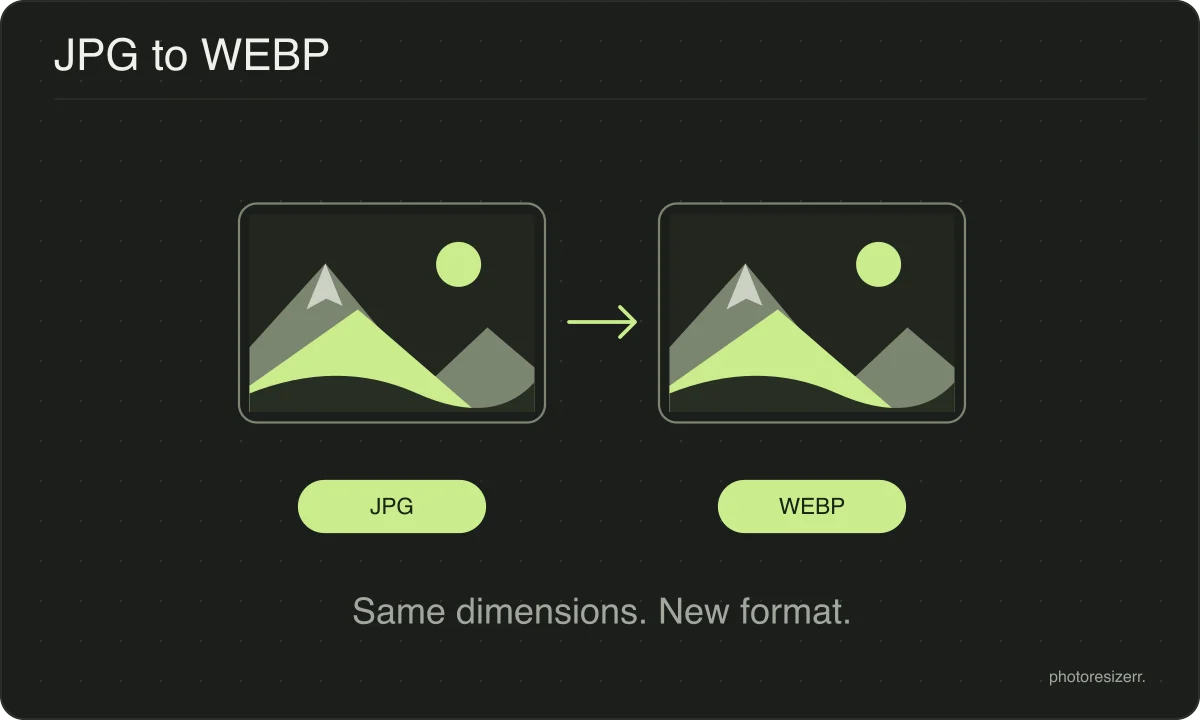
Drop a JPG and download it as a WebP, converted in your browser. WebP usually reaches the same visible quality in fewer bytes, which is why it suits a web page. Every current browser can display one. Nothing is uploaded, no account is needed, and the size stays the same.
Your workspace CONVERT · PREVIEW · DOWNLOADPrivate by default
This browser did not name the format it opened.
Processed on your deviceNo watermark. No signup.
Why make this conversion?
WebP exists to make web pages lighter, and that is the job it is good at.
The catch is everything that is not a browser: upload forms, older photo software and some printing services still refuse it.
Convert for a site you control, and keep JPEG for a form.
A conversion never improves a picture
Changing the format changes how the pixels are stored, not what they show. Detail an earlier save discarded is gone, and no later format can work out what used to be there.
If the original file still exists, convert from that instead.
Where it does matter is the order of the work. Resize and crop first, convert last.
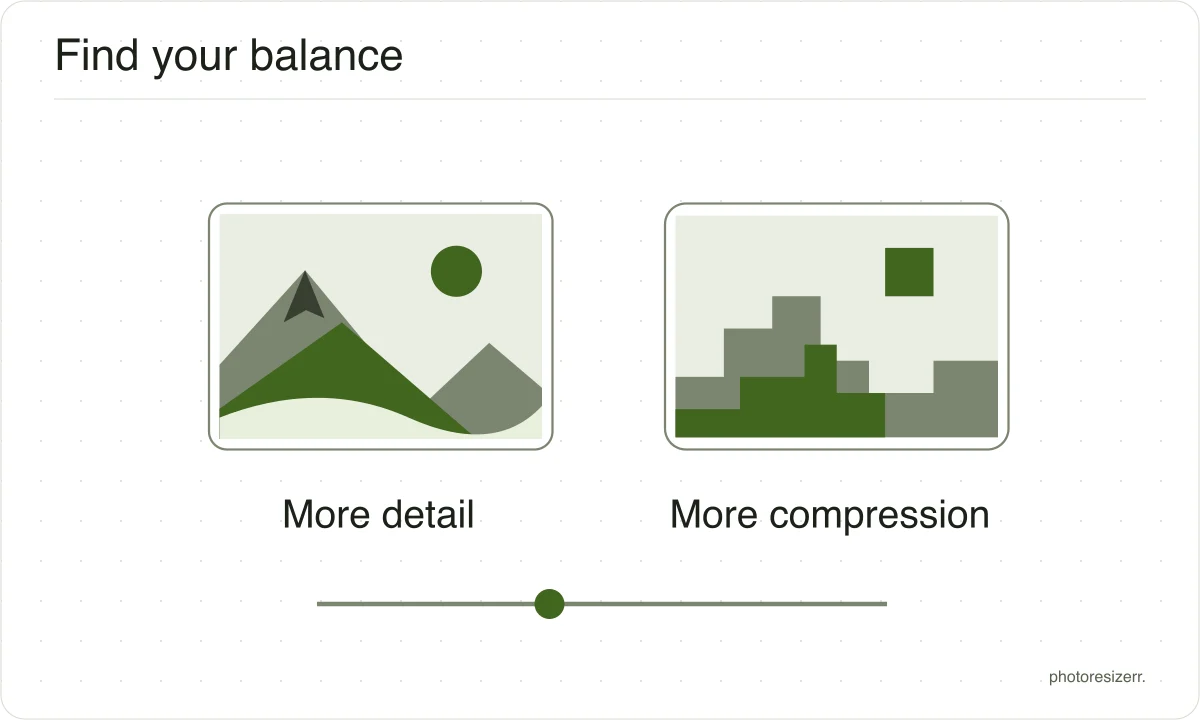
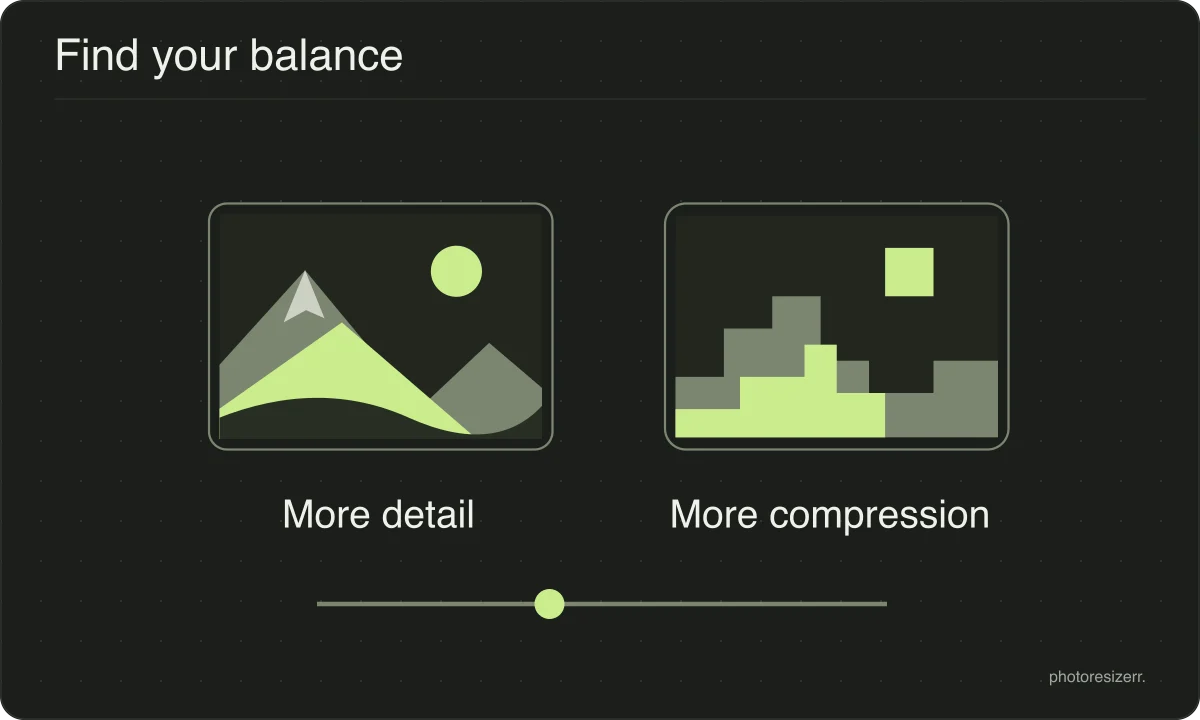
Every save to a lossy format costs a little quality, so the fewer round trips a file makes, the better it looks when you are finished.
What happens to your photo?
Your selected photo is processed in your browser, without an image upload to a server. The page may download code and codecs needed for editing.
Save your result before closing the tab; unsaved edits are kept in memory rather than in an online account.
Common questions
Should I upload a WebP to a form that asks for a photo?
Use WebP only if the form lists it as an accepted format. If it requests JPEG, save a JPEG instead.
Check both the file type and the size limit before submitting; a smaller file is not useful if the destination cannot read it.
Does converting a JPG to WebP lose quality again?
Yes, a little. The JPG has already been compressed once and WebP compresses what it is handed, so a second round of loss is unavoidable.
It is usually invisible, but starting from the original photo gives a cleaner result than starting from the JPEG.
Last updated: