Convert AVIF to JPG
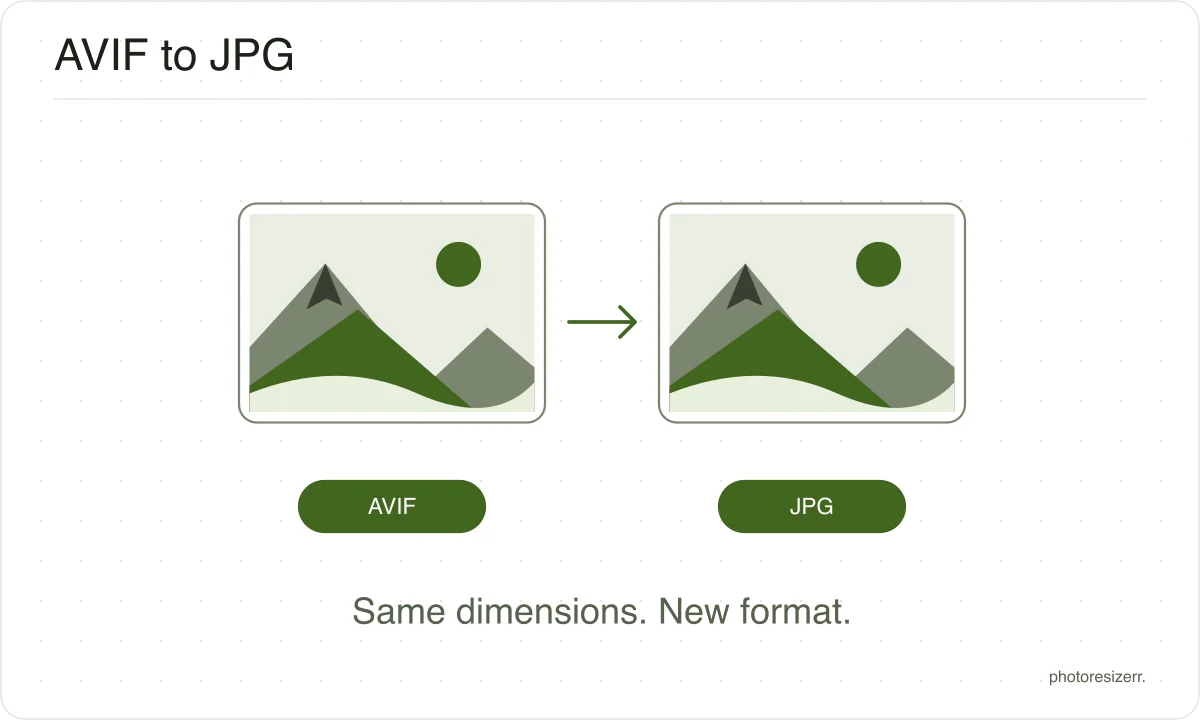
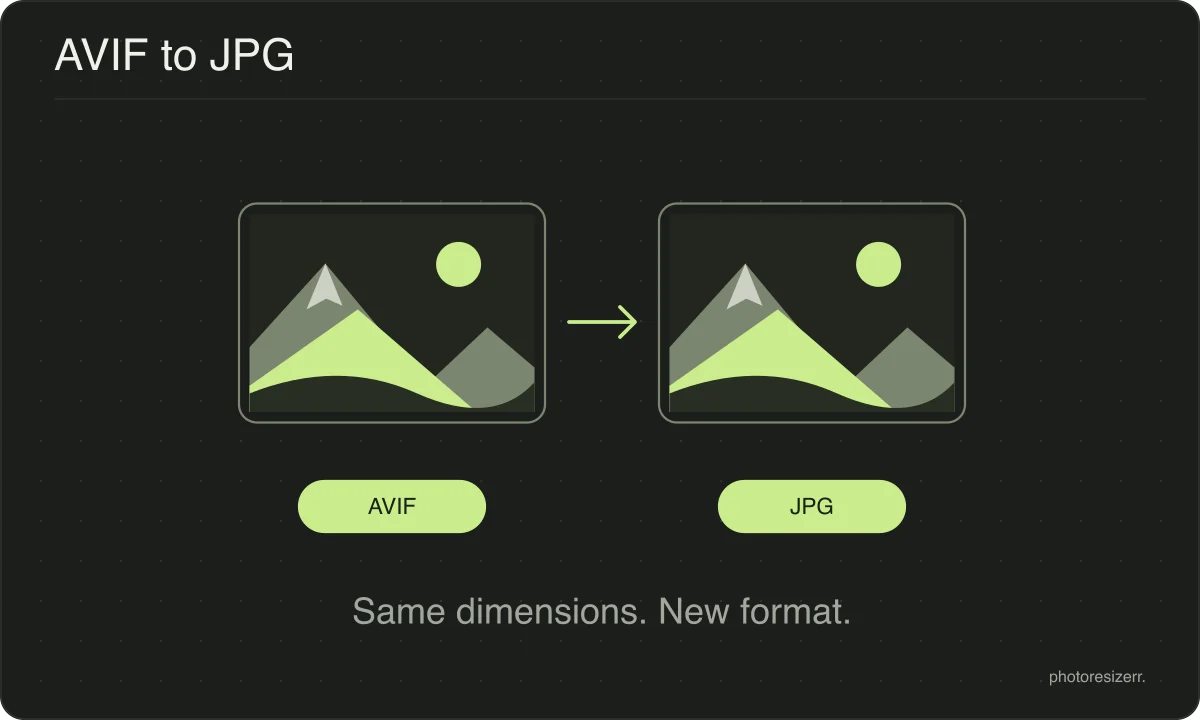
Drop an AVIF and download it as a JPG, converted in your browser. Use this when the destination asks for JPEG or cannot open your AVIF file. Check the preview before saving. Nothing is uploaded, no account is needed, and the width and height stay the same.
Your workspace CONVERT · PREVIEW · DOWNLOADPrivate by default
This browser did not name the format it opened.
Processed on your deviceNo watermark. No signup.
Why make this conversion?
AVIF is the newest of the common image formats and support outside browsers is still thin. A photo editor, a printing service or an upload form will often simply refuse the file.
JPEG is the format that everything opens, which makes this the conversion that unblocks you.
A conversion never improves a picture
Changing the format changes how the pixels are stored, not what they show. Detail an earlier save discarded is gone, and no later format can work out what used to be there.
If the original file still exists, convert from that instead.
Where it does matter is the order of the work. Resize and crop first, convert last.
Every save to a lossy format costs a little quality, so the fewer round trips a file makes, the better it looks when you are finished.
What happens to your photo?
Your selected photo is processed in your browser, without an image upload to a server. The page may download code and codecs needed for editing.
Save your result before closing the tab; unsaved edits are kept in memory rather than in an online account.
Common questions
Why can I see the AVIF but not open it anywhere else?
Because browsers added AVIF years before most other software did.
The picture appears on a web page because the browser decodes it, and the same file then fails in an editor or an upload form that has never heard of the format.
Can this tool save an image AS an AVIF?
Yes, since an encoder was added here.
No browser can write AVIF unaided, so the page fetches a 3.5 MB encoder the first time you save one, and the file comes back a moment later.
Reading an AVIF has always worked without that download.
Last updated: