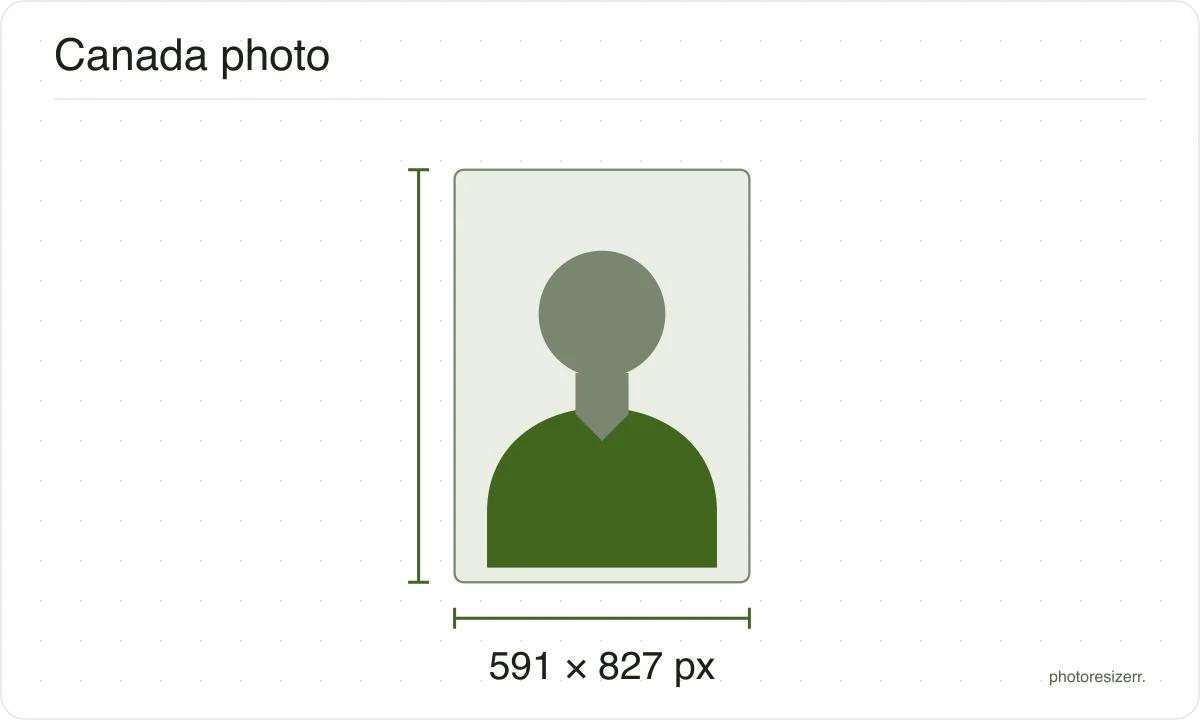
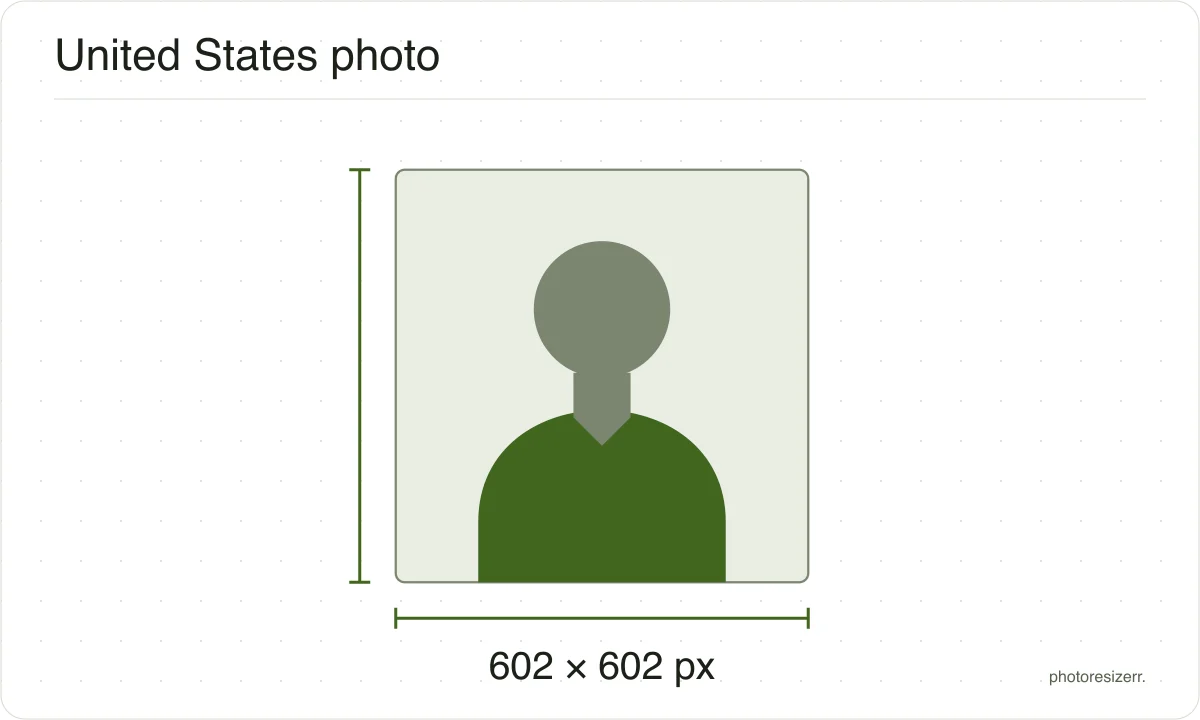
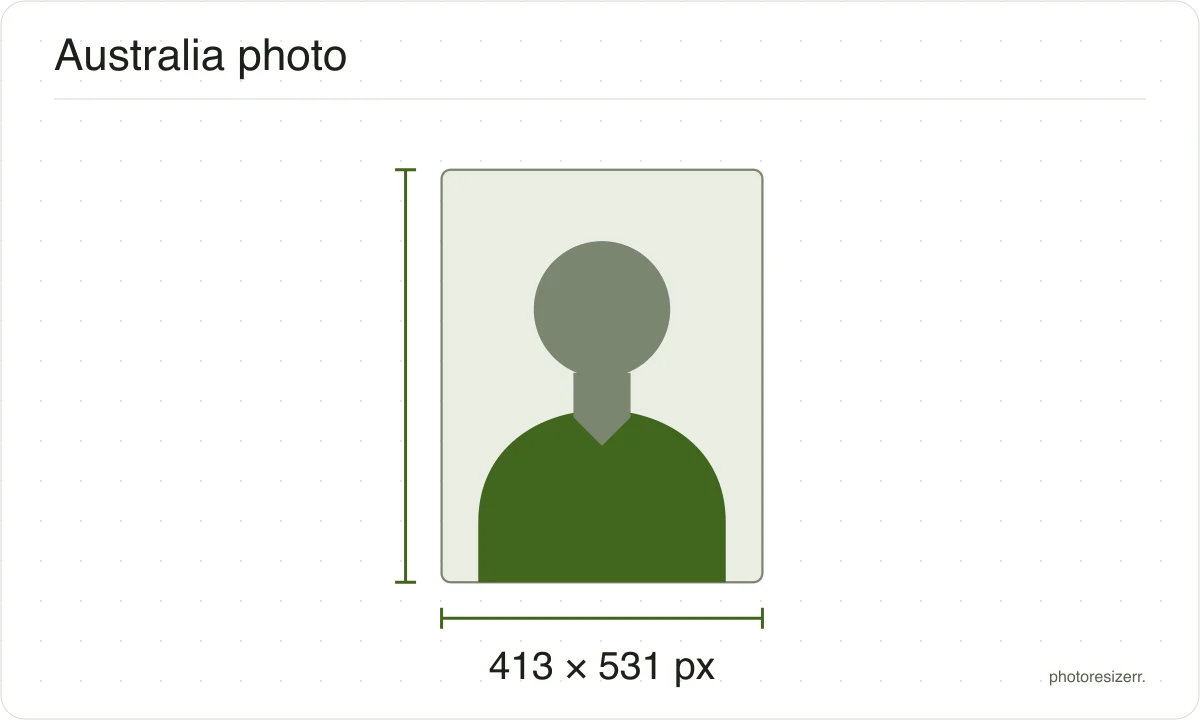
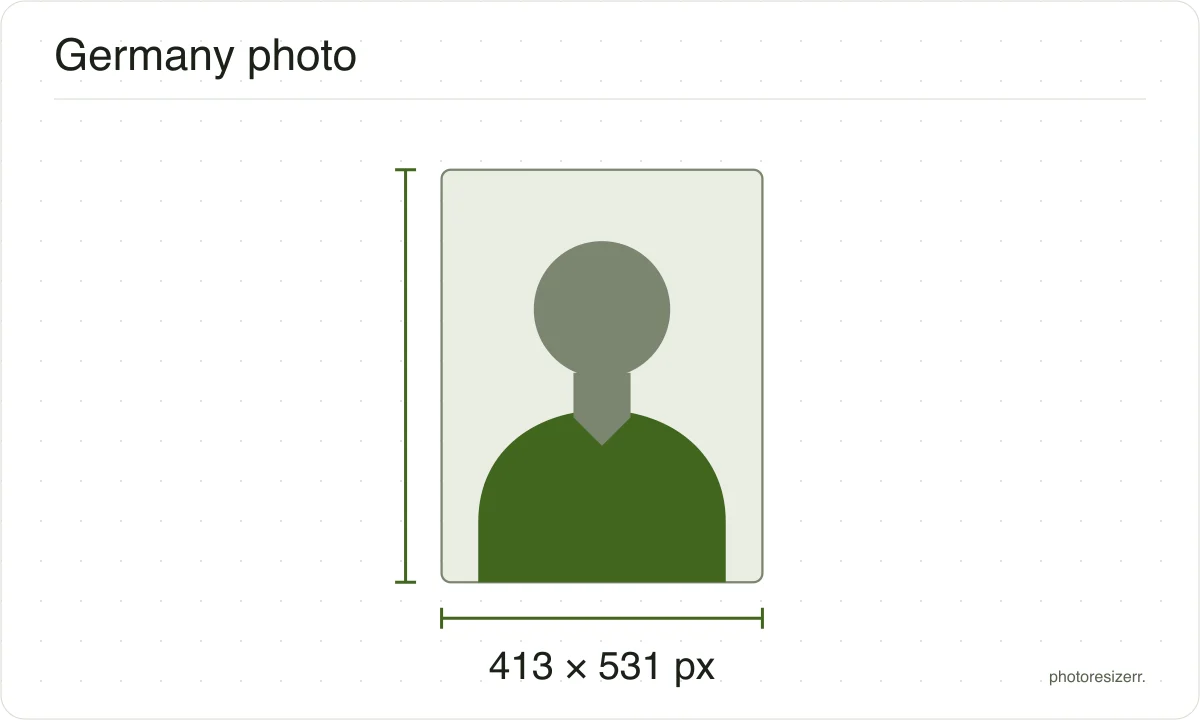
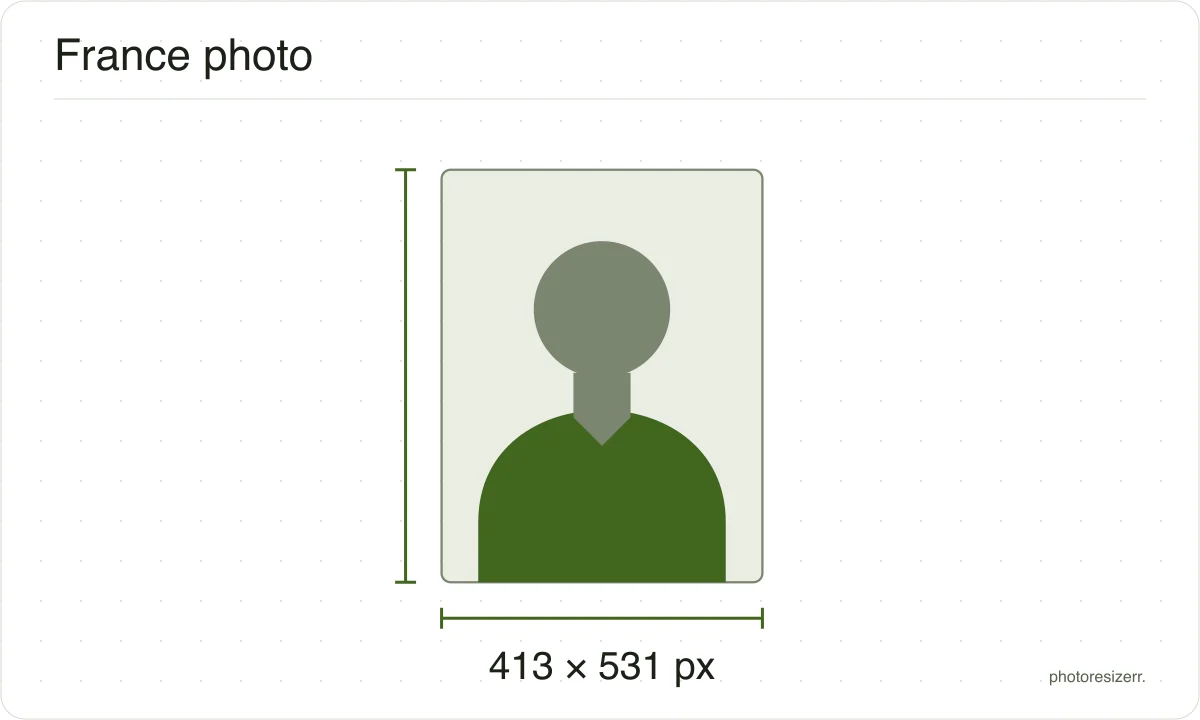
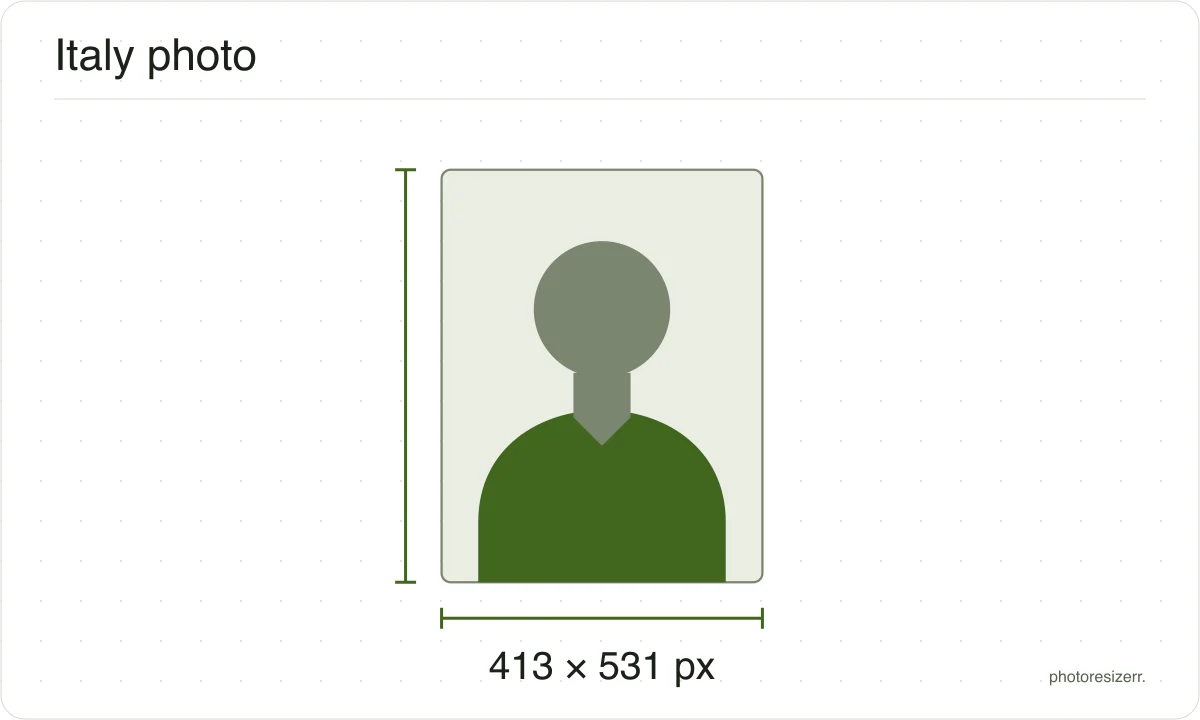
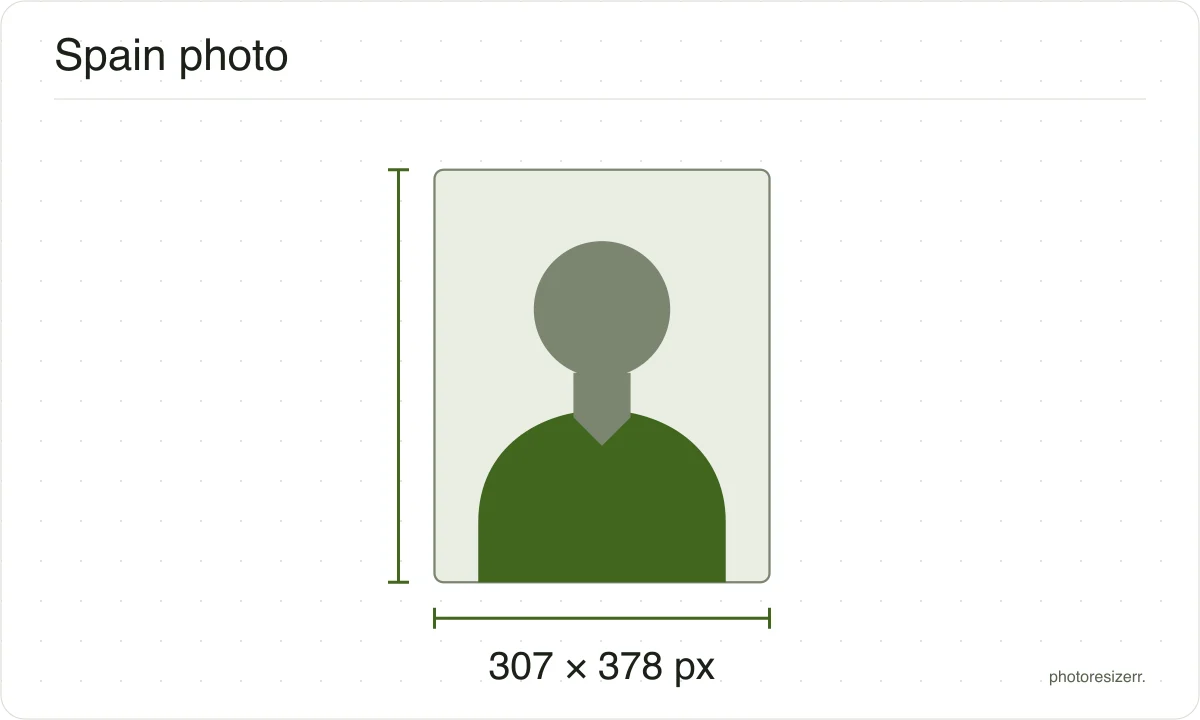
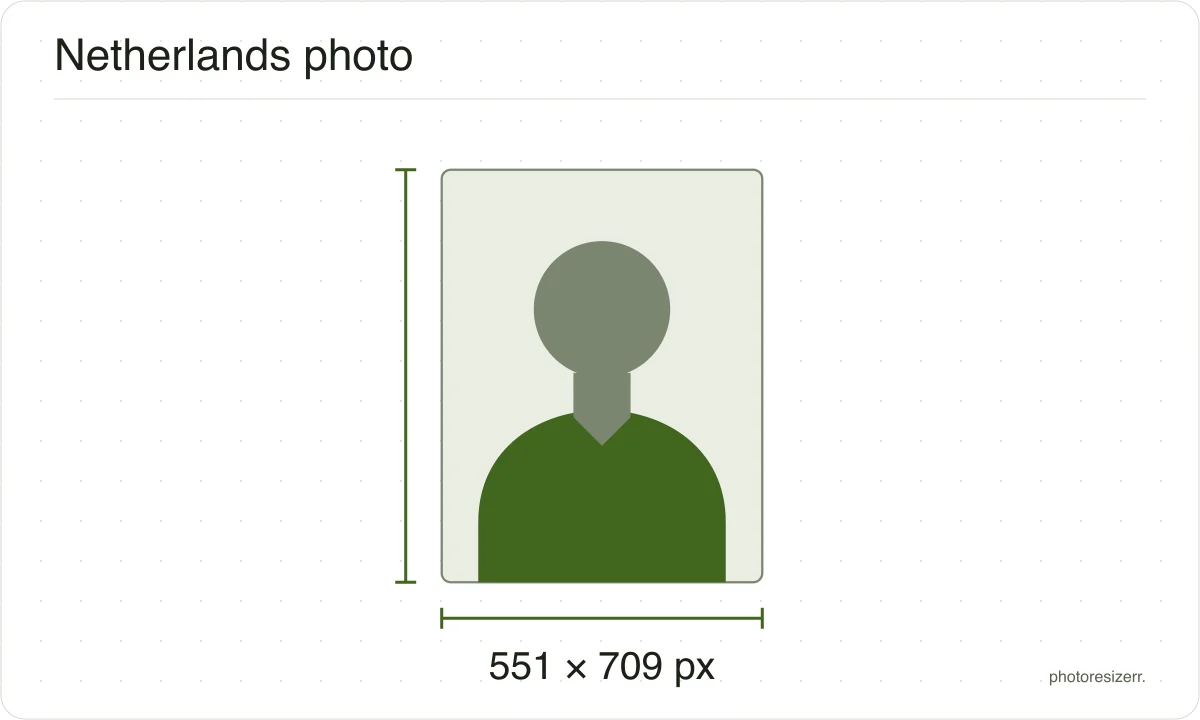
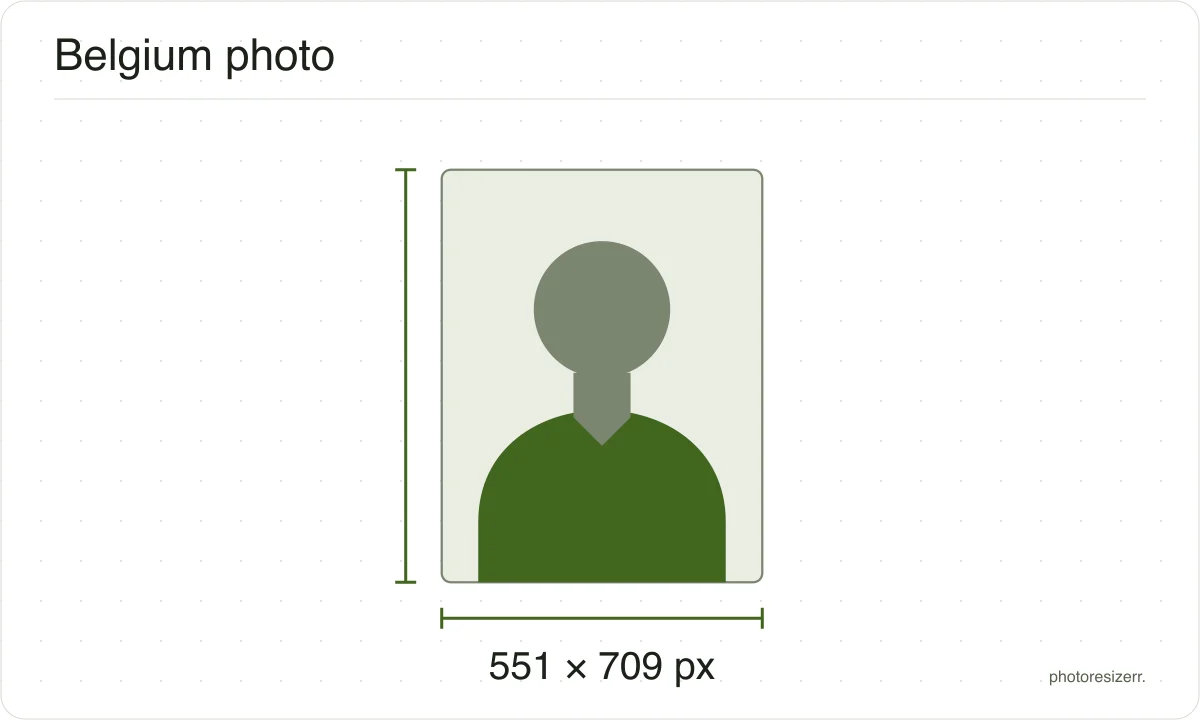
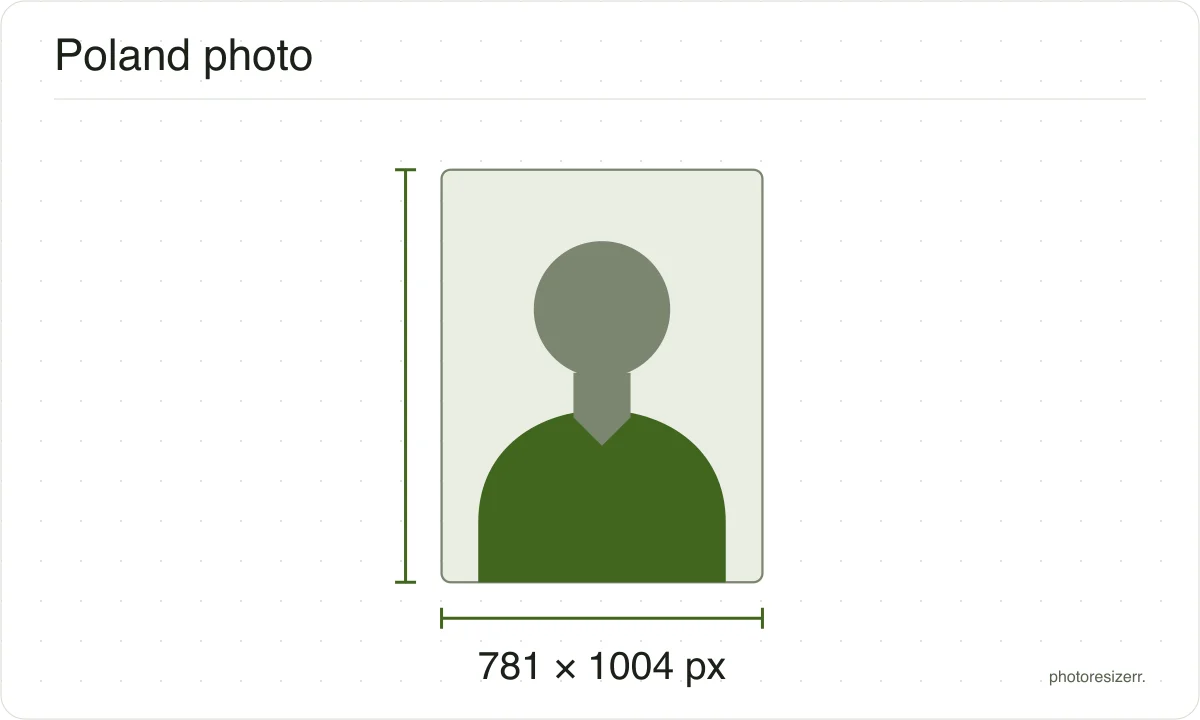
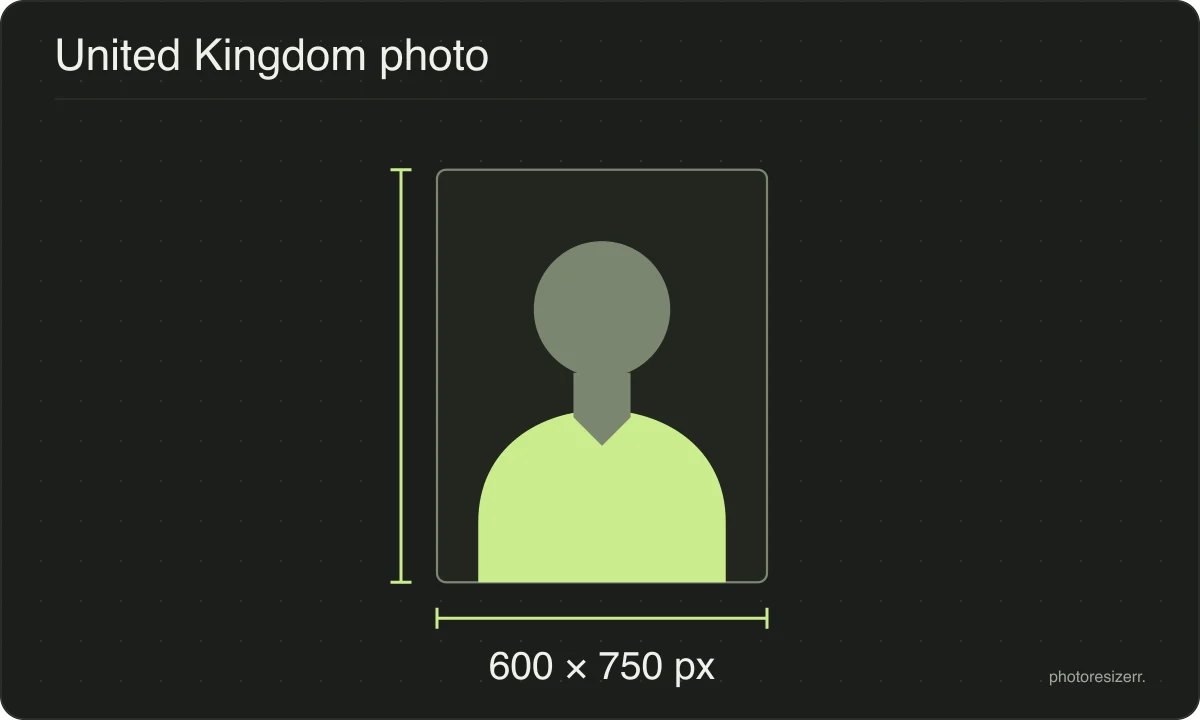
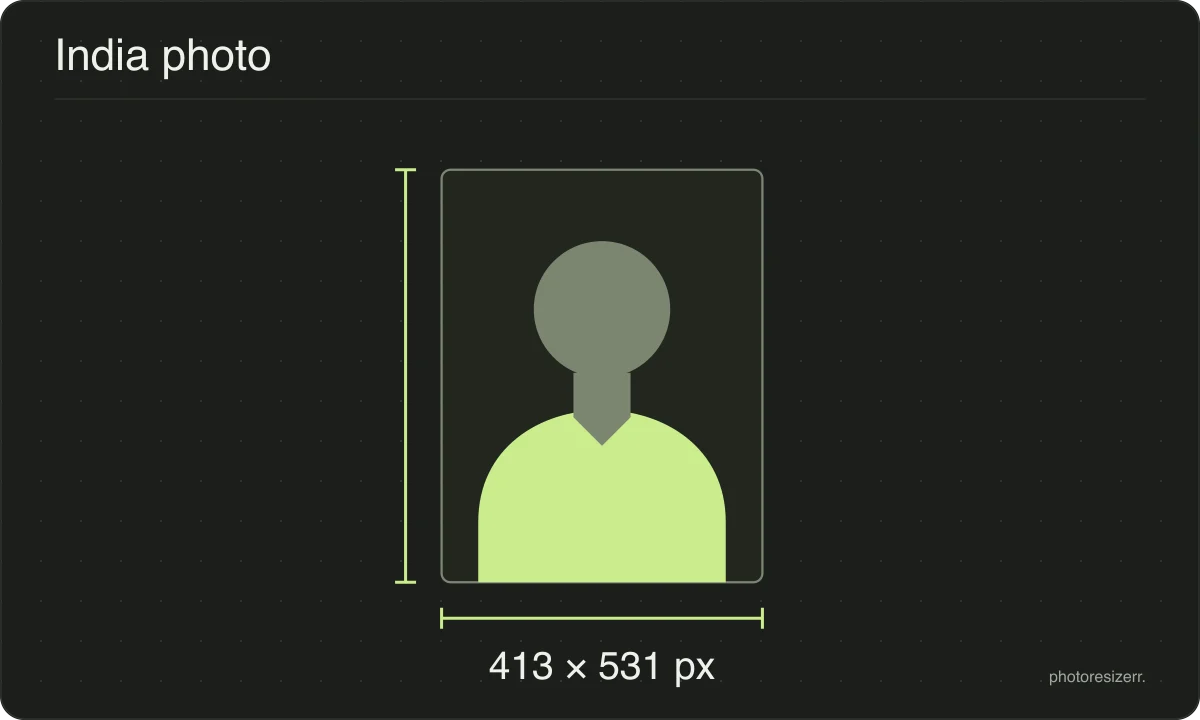
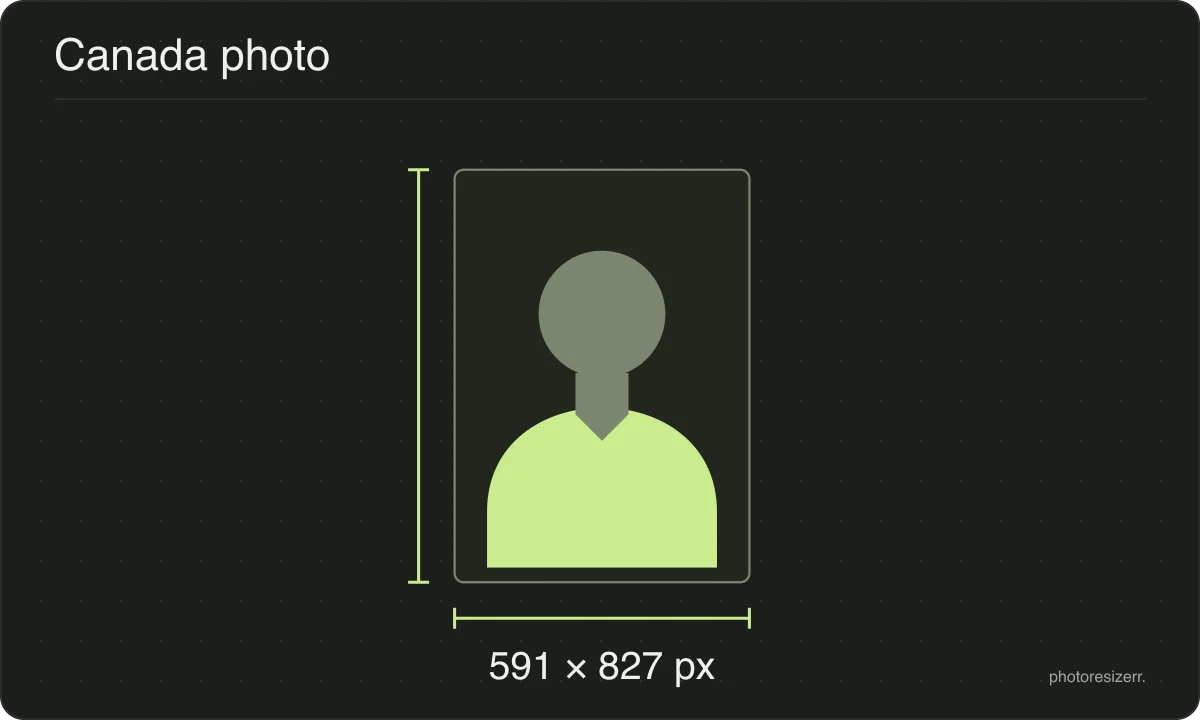
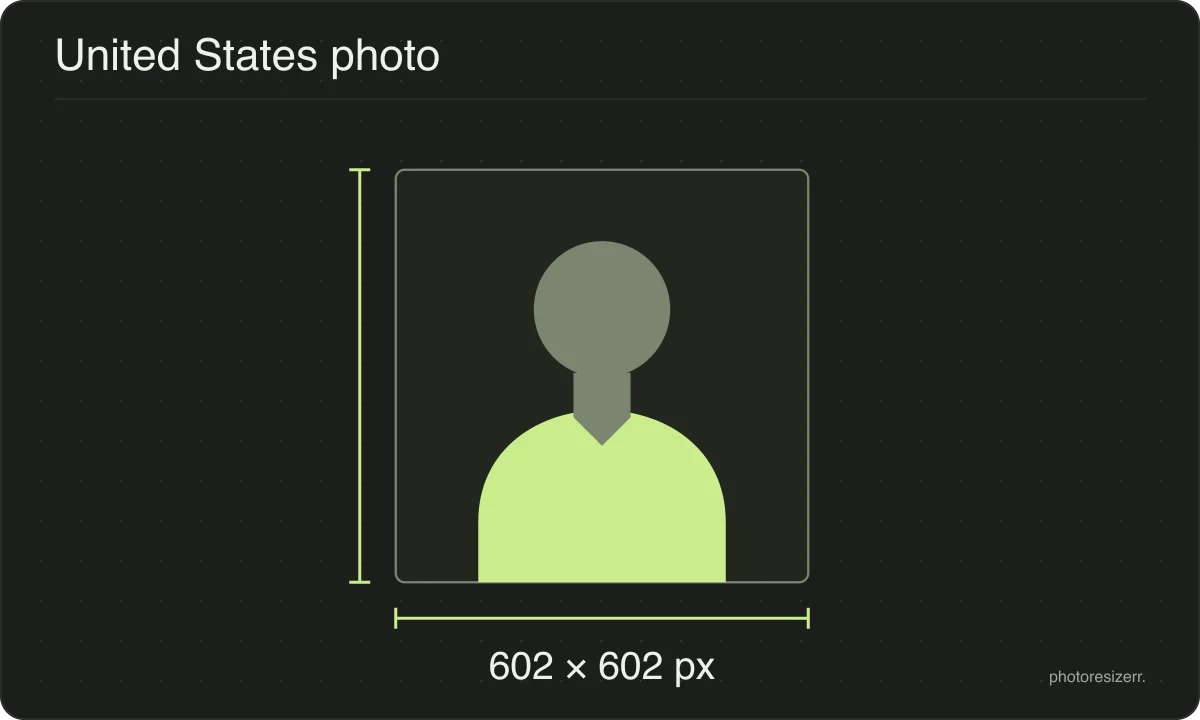
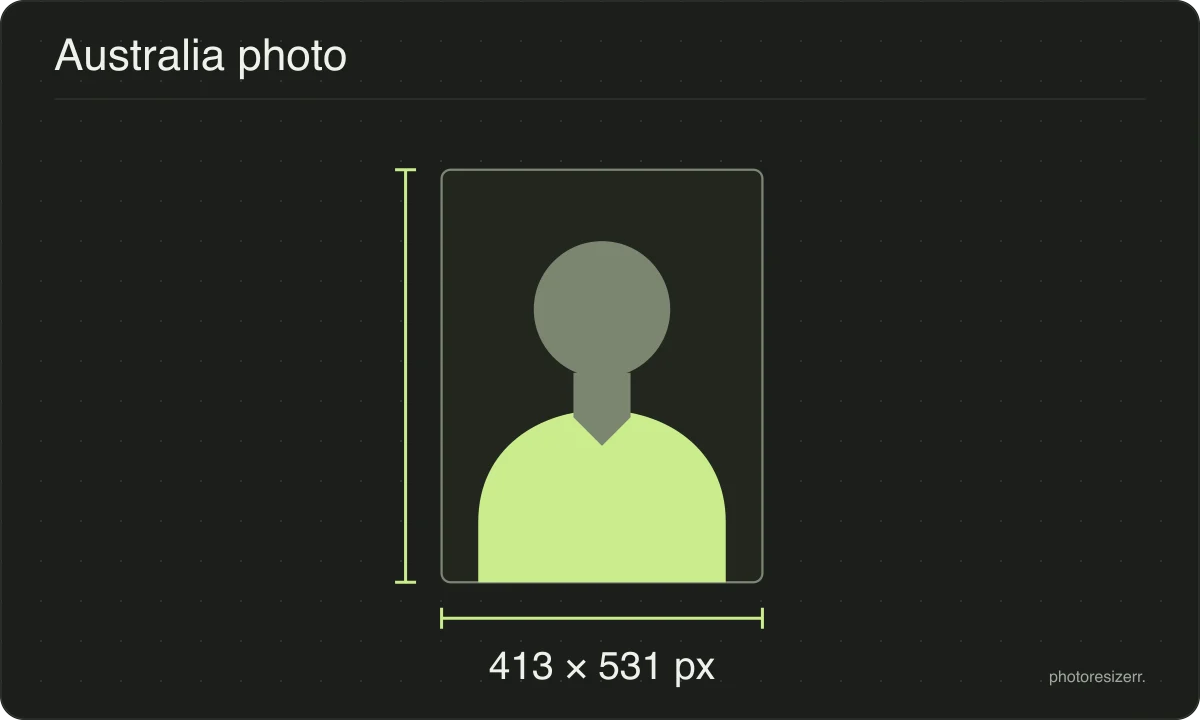
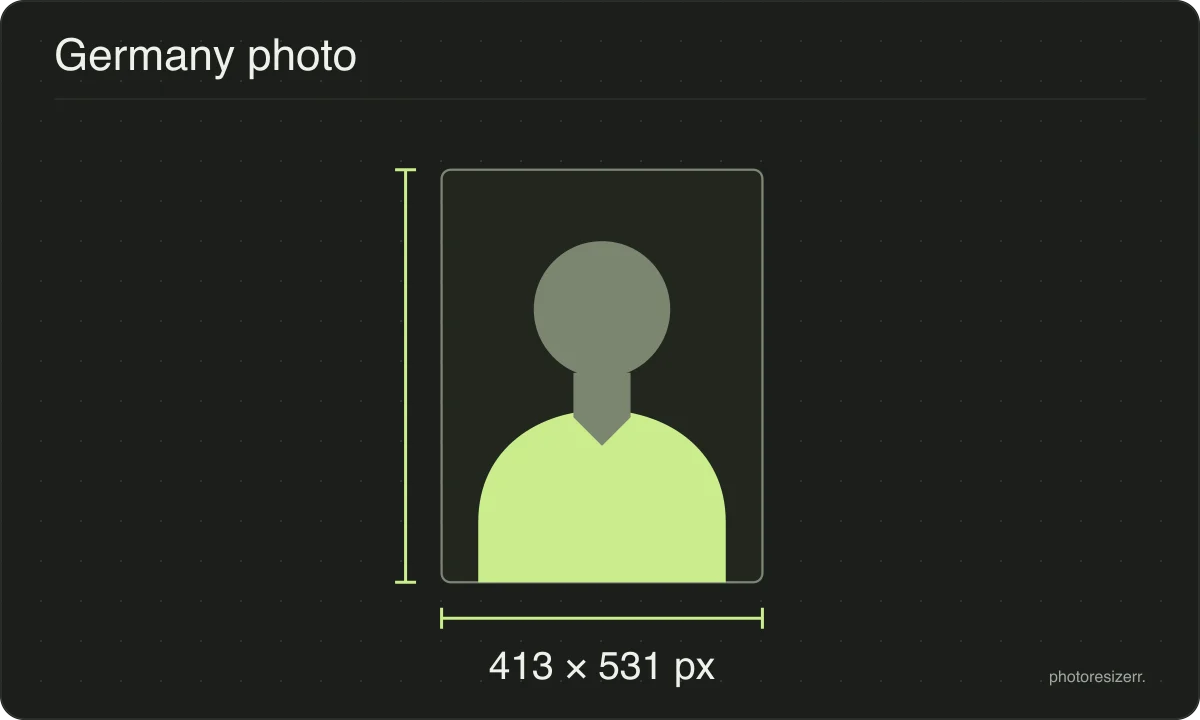
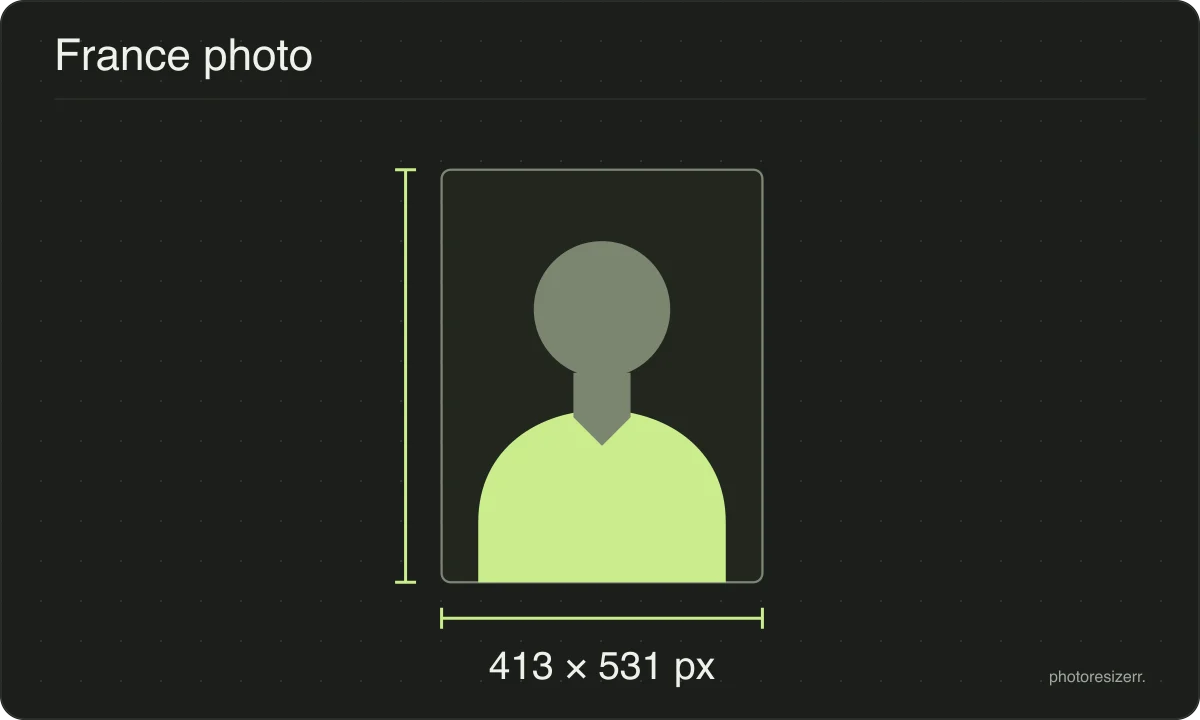
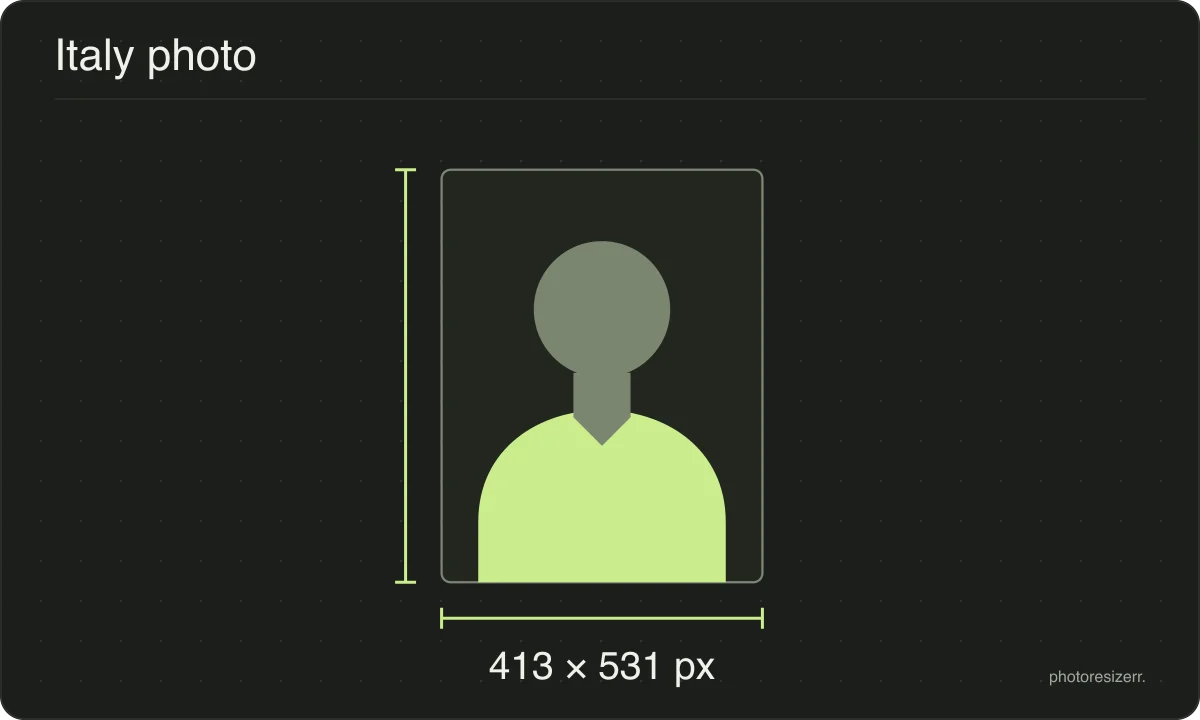
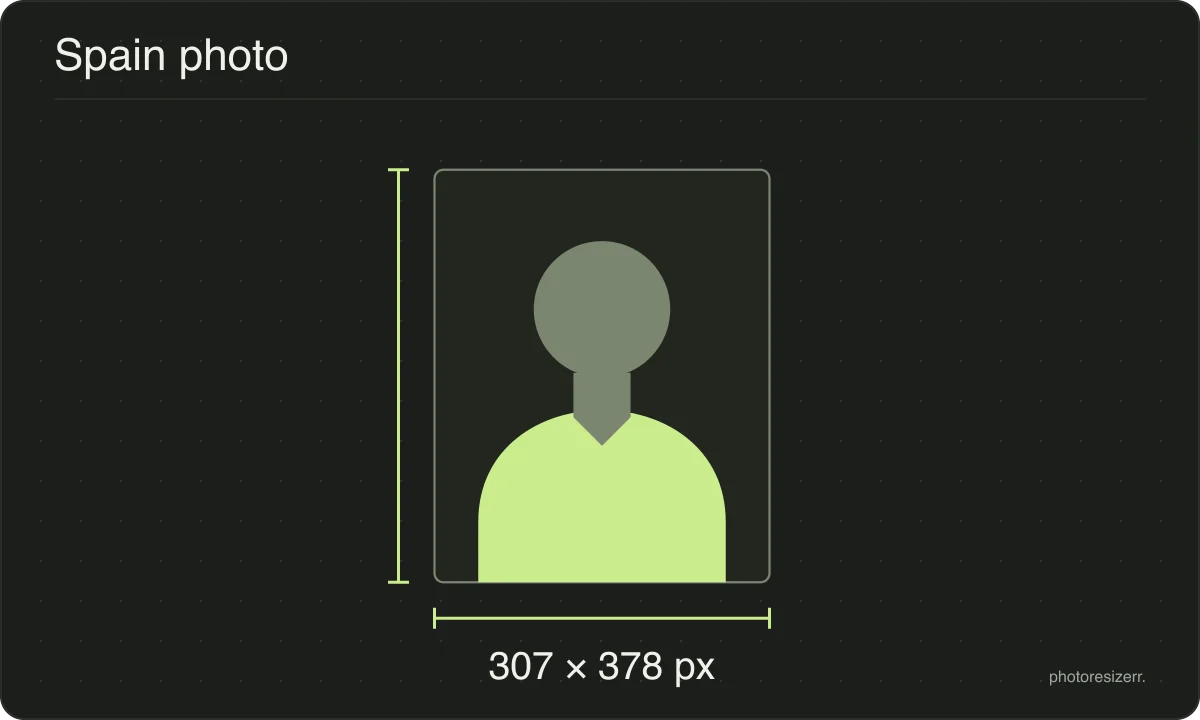
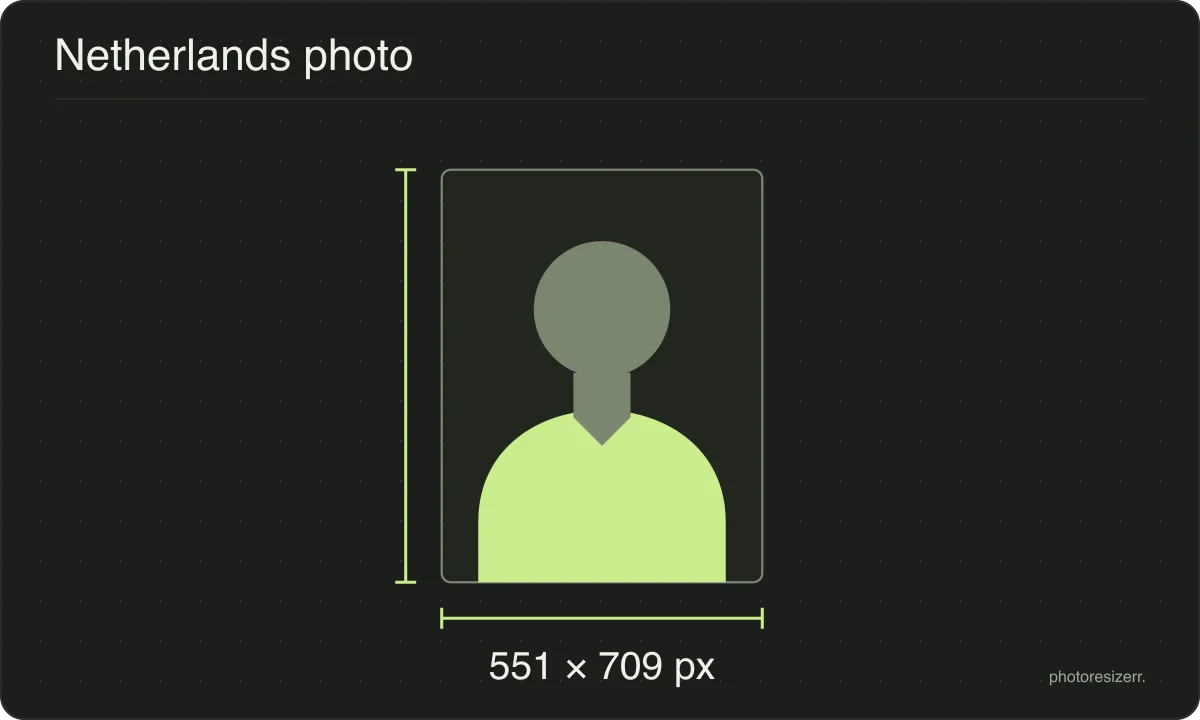
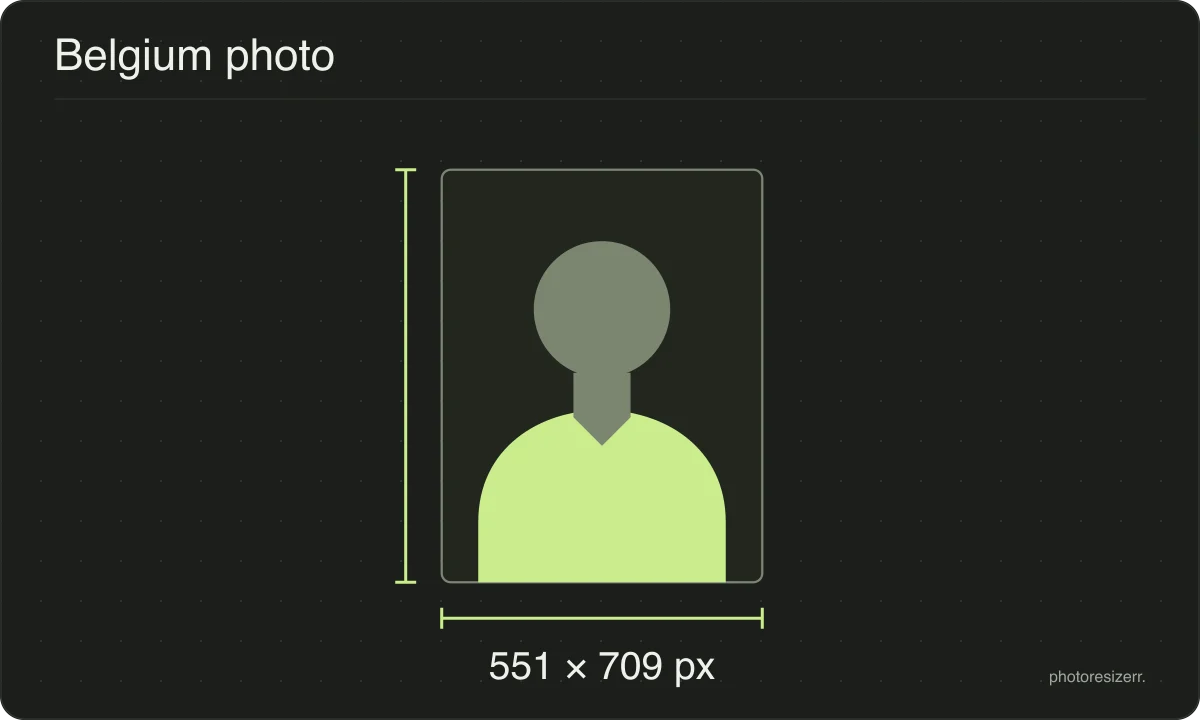
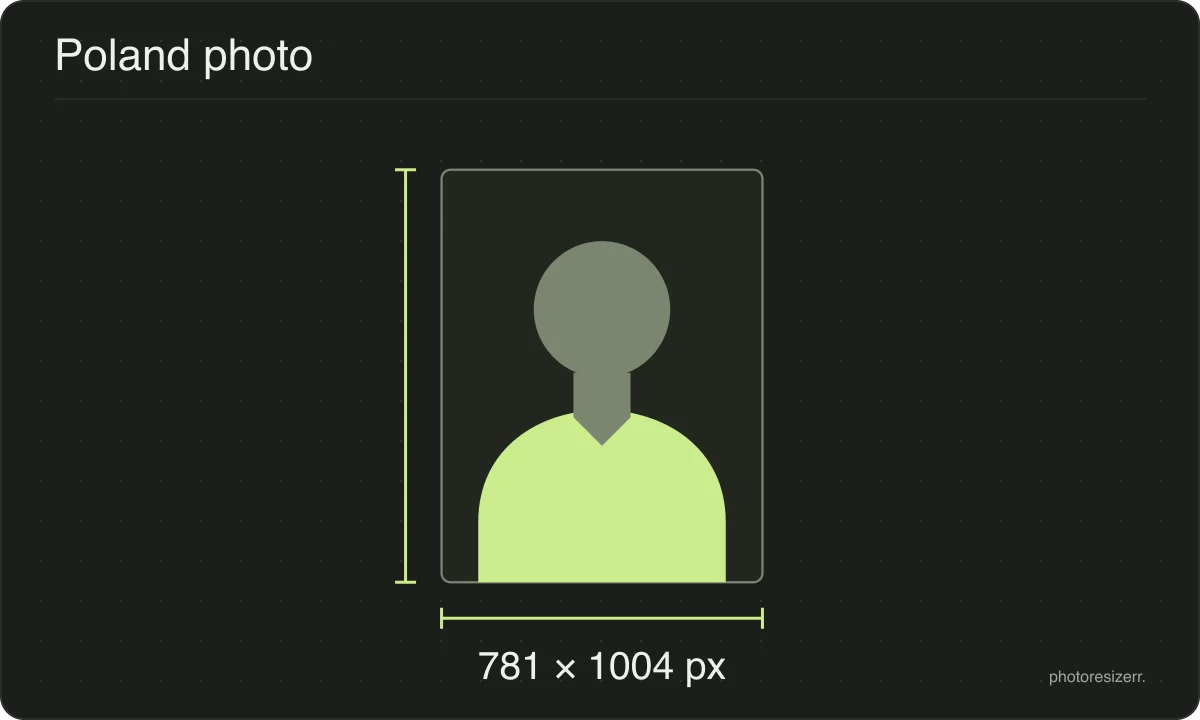
Find passport and document photo size guides with links to the issuing authority’s requirements. Choose a document to open a free browser tool with its size preset. Resize your photo without an upload or signup, then check the official rules for framing, background and acceptance before submitting it.
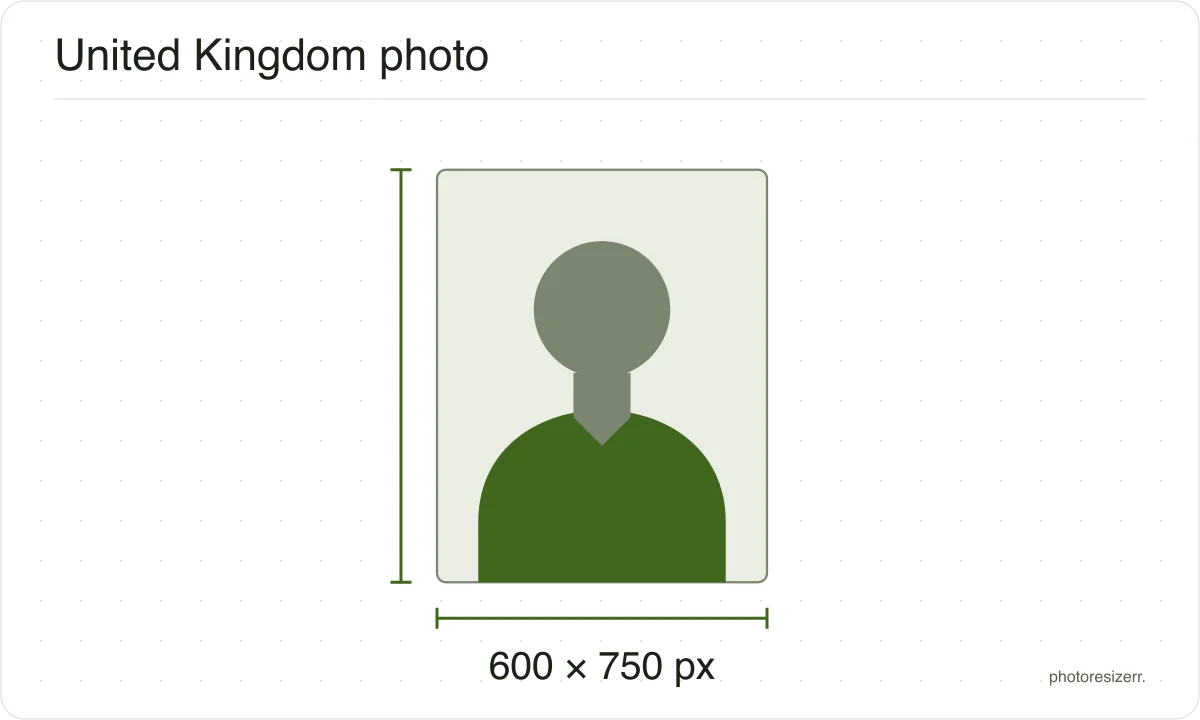
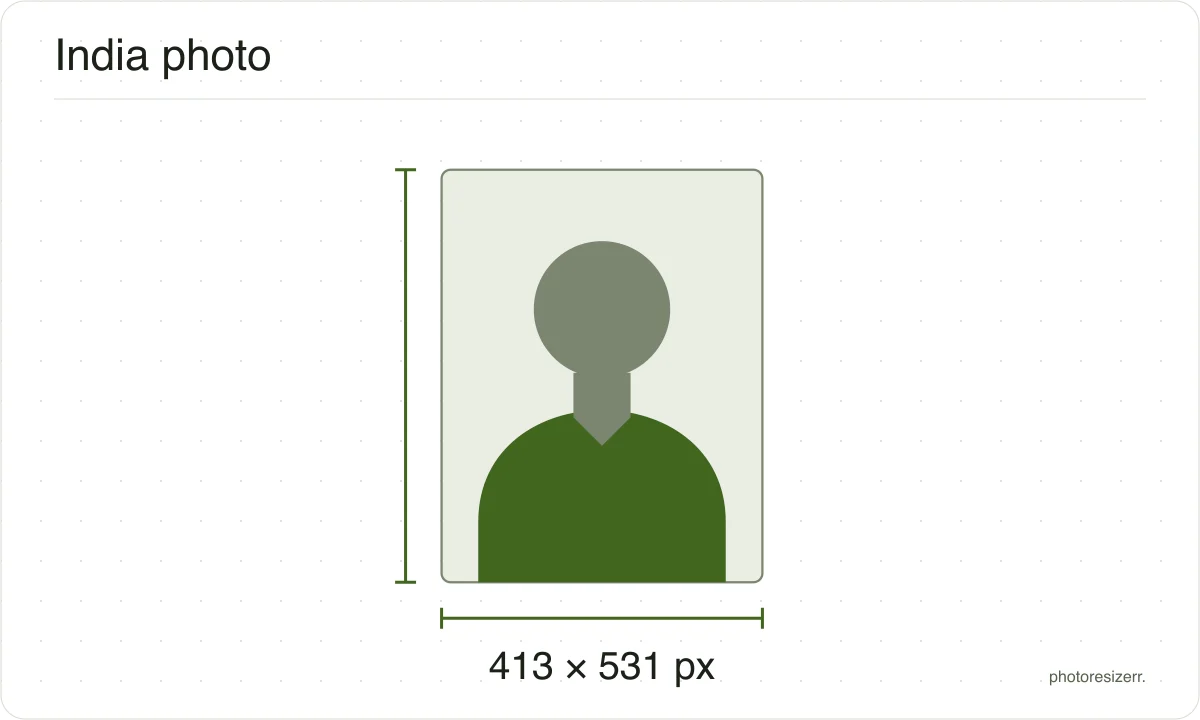
Framing illustration only. Check the issuing authority’s exact requirements.
Each size on this page was read at the issuing authority's own website, not copied from another converter or from a search result.
The page it came from and the date it was read are printed above, so you can check the same source in one click.
Requirements change, and the only version that counts is the one on the authority's own page on the day you apply.
Every size here links to the page it came from and shows the date it was read. If that date looks old, spend a minute at the source before you print anything.
Where the pixel figure comes from
Passport offices publish millimetres, not pixels, because the photograph is printed. Turning millimetres into pixels needs a resolution, and most authorities do not name one.
That matters if you are uploading rather than printing.
An online form usually states its own pixel size or file size limit, and where an authority publishes one this page uses that instead of converting anything.
What happens to your photo?
Your selected photo is processed in your browser, without an image upload to a server. The page may download code and codecs needed for editing.
Save your result before closing the tab; unsaved edits are kept in memory rather than in an online account.