US visa photo size for the DS-160
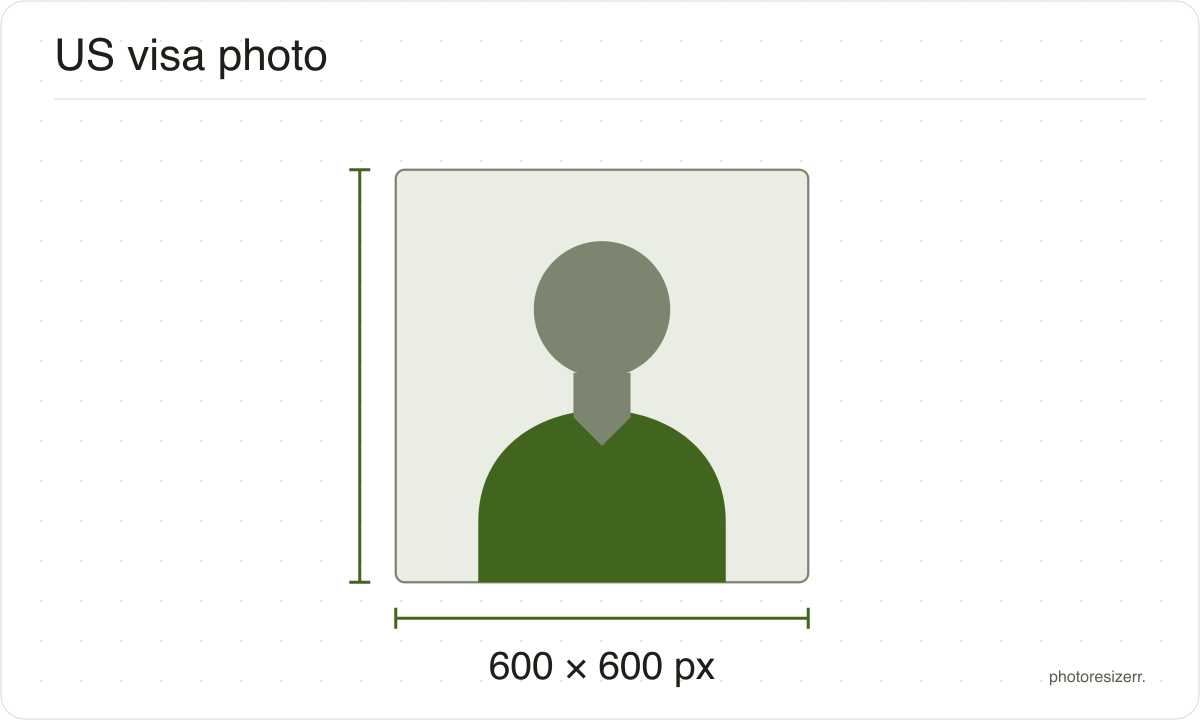
A US visa photo for the DS-160 is a square colour JPEG, 600 by 600 to 1200 by 1200 pixels, no larger than 240 kB and compressed no more than 20 to 1. This free tool opens at 600 by 600, the size with most room either side, and keeps your photo in your browser.
Jump to the toolYour workspace PIXELS · PREVIEW · DOWNLOADPrivate by default
Processed on your deviceNo watermark. No signup.
What the authority specifies
- Photo size
- 600 x 600 to 1200 x 1200 pixels
- Background
- plain white or off-white
- File size
- up to 240 KB
- Read strictly
- At most 240,000 bytes, which your computer shows as 234.4 KB
- Compression ratio
- 20:1 or less, which is at least 52.7 KB at 600 x 600
- Source
- travel.state.gov
- Source for the digital file requirements
- travel.state.gov
- Read at the source on
Each size on this page was read at the issuing authority's own website, not copied from another converter or from a search result.
The page it came from and the date it was read are printed above, so you can check the same source in one click.
Why this size?
The DS-160 upload is judged on the file as well as the face. A photo can look perfect and still be refused for not being square, being too small, or being over 240 kB.
The rule people miss is compression. The State Department caps it at 20 to 1, which sets a minimum file size as well as a maximum.
By our arithmetic, a 600 by 600 photo holds 1,080,000 bytes of colour, so 20 to 1 means at least 54,000 bytes. At 1200 by 1200 the floor is 216,000 bytes, barely under the ceiling. That is why this page starts at 600.
Where the pixel figure comes from
Passport offices publish millimetres, not pixels, because the photograph is printed. Turning millimetres into pixels needs a resolution, and most authorities do not name one.
This one publishes pixels directly, because the photo is uploaded rather than printed, so no resolution was needed and the pixel figure above is the authority's own.
That matters if you are uploading rather than printing.
An online form usually states its own pixel size or file size limit, and where an authority publishes one this page uses that instead of converting anything.
Check before you submit
Requirements change, and the only version that counts is the one on the authority's own page on the day you apply.
Every size here links to the page it came from and shows the date it was read. If that date looks old, spend a minute at the source before you print anything.
What happens to your photo?
Your selected photo is processed in your browser, without an image upload to a server. The page may download code and codecs needed for editing.
Save your result before closing the tab; unsaved edits are kept in memory rather than in an online account.
Common questions
What size is a US visa photo in pixels?
Square, at least 600 by 600 and at most 1200 by 1200 pixels, in JPEG, no larger than 240 kB. Those are the State Department's own digital image requirements.
Start at 600 by 600. A bigger photo has to squeeze into the same 240 kB, which pushes it towards the 20 to 1 compression limit.
The DV Lottery entry is a different spec: exactly 600 by 600 and nothing larger. The DV Lottery photo page opens the tool at that size.
Why did the tool raise the quality of my visa photo?
Because of the 20 to 1 rule. At 600 by 600, a file under 54,000 bytes is compressed harder than that. On the sample photo the default quality gave about 34 KB, so the tool raised it to 92 or 93 to clear the floor.
Pick a bigger box and the floor grows with it: 216,000 bytes at 1200 by 1200.
The meter counts like your computer does: 54,000 bytes is 52.7 KB, and 240 kB, read strictly as 240,000 bytes, is 234.4 KB.
Is the DS-260 photo uploaded the same way?
No. For an immigrant visa on the DS-260, the State Department asks for two identical printed photos at the interview, 2 by 2 inches on photo paper.
That is the same print size as a US passport photo, so use the US passport page for it rather than this upload size.
Is a US visa photo the same as a US passport photo?
The face rules are close: a plain white or off-white background, taken in the last six months, a neutral expression. The files are not the same.
The visa upload is 600 to 1200 pixels and at most 240 kB. The passport's online renewal asks for 54 KB to 10 MB. A file made for one can fail the other.
Can I wear glasses in a US visa photo?
No. The State Department no longer allows eyeglasses in new visa photos, except in rare medical cases backed by a signed medical statement.
Take them off before the photo is taken. Hearing devices you normally wear are allowed.
How big should my head be in the photo?
50 to 69 percent of the image height, from chin to the top of the head. On a 2 inch photo that is 1 to 1 3/8 inches, so those two agree.
The same sentence also says 22 to 35 mm, which does not: 1 inch is 25.4 mm. Aim for around 60 percent and you clear every version.
Last updated: