India visa photo size for the e-Visa
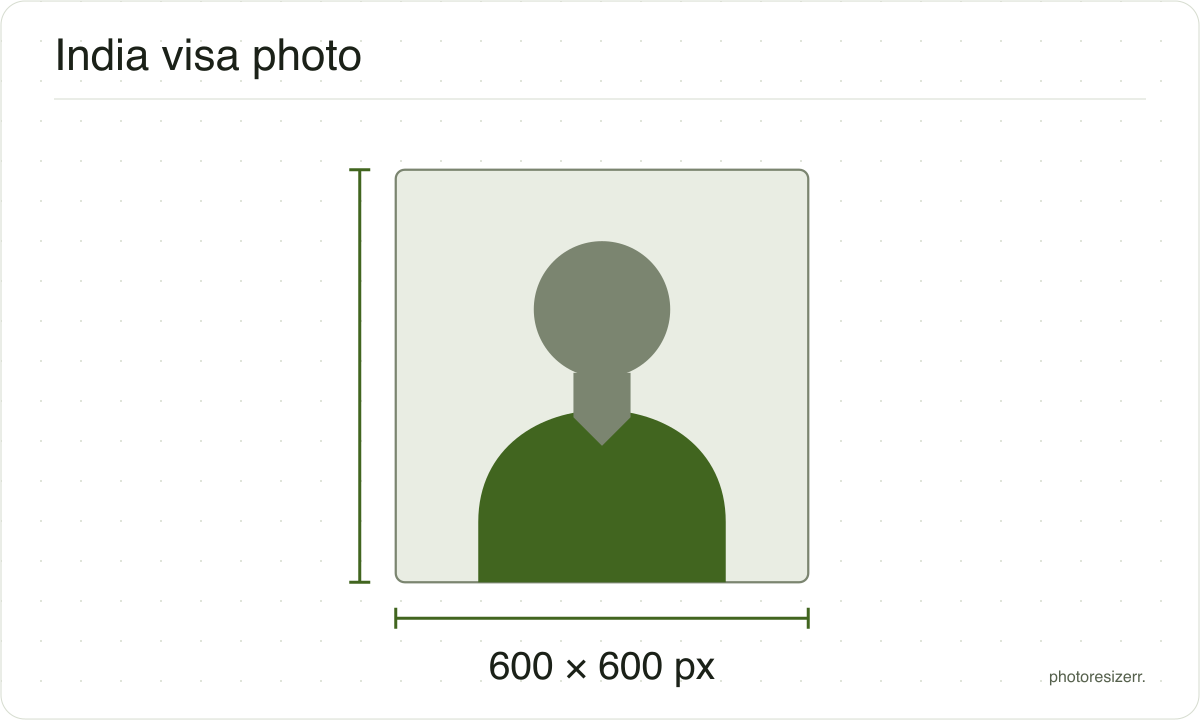
An Indian e-Visa photo is a square JPEG between 10 KB and 1 MB. The e-Visa page states no pixel size, so this tool opens at 600 by 600, which also fits the regular visa form's 350 to 1000 pixels. Switch to Regular visa for its 300 KB cap. Nothing is uploaded.
Jump to the toolYour workspace PIXELS · PREVIEW · DOWNLOADPrivate by default
Processed on your deviceNo watermark. No signup.
What the authority specifies
e-Visa
- Photo size
- Square, height equal to width. No size stated
- Pixels this tool uses (our choice)
- 600 x 600
- Background
- plain light coloured or white
- File size
- 10 KB to 1 MB
- Read strictly
- 10,240 to 1,000,000 bytes, which your computer shows as 10.0 KB to 976.6 KB
- Source
- indianvisaonline.gov.in
- Read at the source on
Regular visa
- Photo size
- 350 x 350 to 1000 x 1000 pixels
- Background
- plain light coloured or white
- File size
- 10 KB to 300 KB
- Read strictly
- 10,240 to 300,000 bytes, which your computer shows as 10.0 KB to 293.0 KB
- Source
- indianvisaonline.gov.in
- Source for the digital file requirements
- indianvisaonline.gov.in
- Read at the source on
Each size on this page was read at the issuing authority's own website, not copied from another converter or from a search result.
The page it came from and the date it was read are printed above, so you can check the same source in one click.
Why this size?
India runs two online visa forms, and their photo rules differ. The e-Visa takes a square JPEG from 10 KB to 1 MB. The regular visa form takes a square of 350 to 1000 pixels, from 10 to 300 KB.
The pixel range most sites quote for the e-Visa comes from the regular form's upload guide. The e-Visa page itself names no pixel size at all.
A square between 350 and 1000 pixels and under 300 KB meets both forms, which is why the tool starts at 600 by 600.
Where the pixel figure comes from
Passport offices publish millimetres, not pixels, because the photograph is printed. Turning millimetres into pixels needs a resolution, and most authorities do not name one.
This one publishes neither. It says only that the photo must be square, so the pixel figure above is the size this tool starts at, not a requirement. Any square the form accepts will do.
That matters if you are uploading rather than printing.
An online form usually states its own pixel size or file size limit, and where an authority publishes one this page uses that instead of converting anything.
Check before you submit
Requirements change, and the only version that counts is the one on the authority's own page on the day you apply.
Every size here links to the page it came from and shows the date it was read. If that date looks old, spend a minute at the source before you print anything.
What happens to your photo?
Your selected photo is processed in your browser, without an image upload to a server. The page may download code and codecs needed for editing.
Save your result before closing the tab; unsaved edits are kept in memory rather than in an online account.
Common questions
Is the Indian visa photo 350 x 350 pixels?
For the regular visa form, 350 by 350 is the minimum and 1000 by 1000 the maximum, from its own photo upload guide.
The e-Visa page states no pixel size, only that the photo must be square. A square inside that range is the safe choice for either form.
Is the file size limit 300 KB or 1 MB?
It depends on the form. The e-Visa page says 10 KB to 1 MB. The regular visa form says 10 KB to 300 KB.
The tool keeps the file inside whichever range you pick with the switcher, adjusting the JPEG quality if it has to.
The table states the limits as the forms print them. The meter counts like your computer does: read strictly, 1 MB is 1,000,000 bytes, which is 976.6 KB, and 300 KB is 300,000 bytes, which is 293.0 KB.
Can I wear glasses in an Indian visa photo?
Not on the e-Visa, which asks for a photo with "eyes open and without spectacles". The regular visa form's photo rules do not mention glasses.
Take them off for either form. A photo without them meets both.
What background colour does India want?
Both forms ask for a "plain light colored or white background", with no shadows on the face or the background and no border.
The e-Visa page's overview asks for a photograph "with white background", so white is the colour that satisfies every sentence.
Do I upload my passport page as well?
On the e-Visa, yes, as a separate file: a scan of your passport's bio page, as a PDF of 10 KB to 300 KB.
This tool makes images, not PDFs, so it prepares the photo only. The photo is the square JPEG described above.
How big should my head be in the photo?
The regular visa form says 1 to 1 3/8 inches, 25 to 35 mm, from the top of the hair to the bottom of the chin. Its next sentence, on eye height, is cut off on the official page.
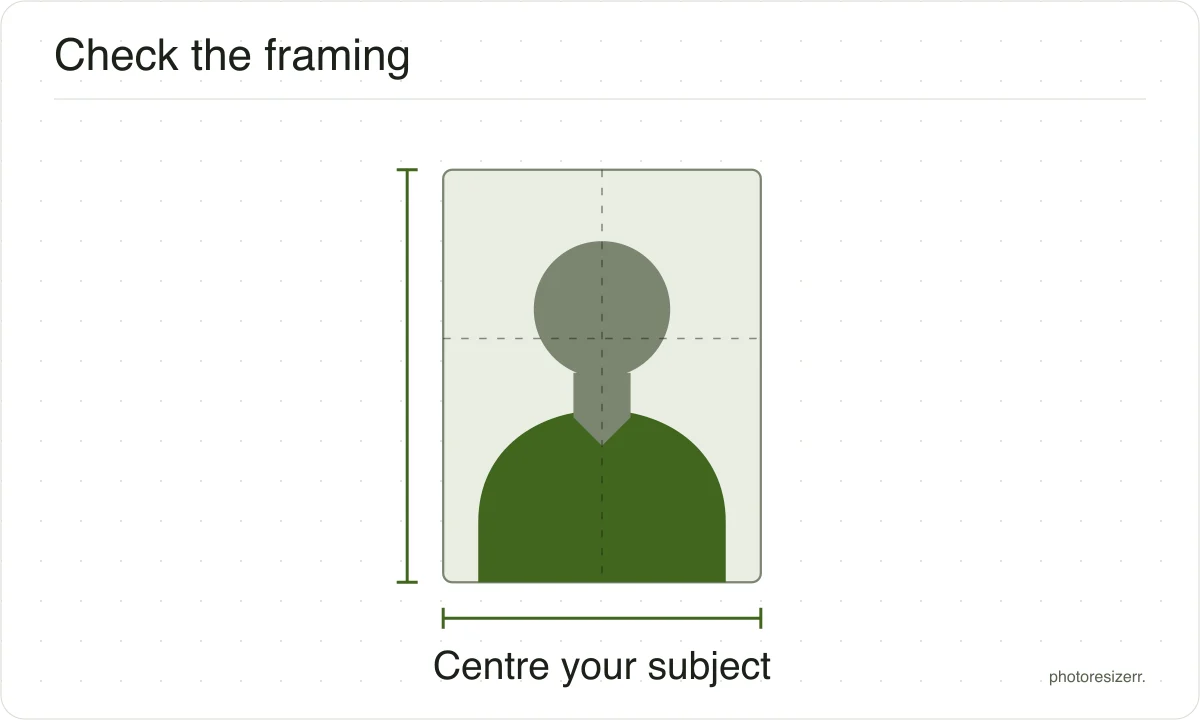
The e-Visa page gives no measurement. It asks for the full head, centred in the frame.
Last updated: