 Chinese passport photo size
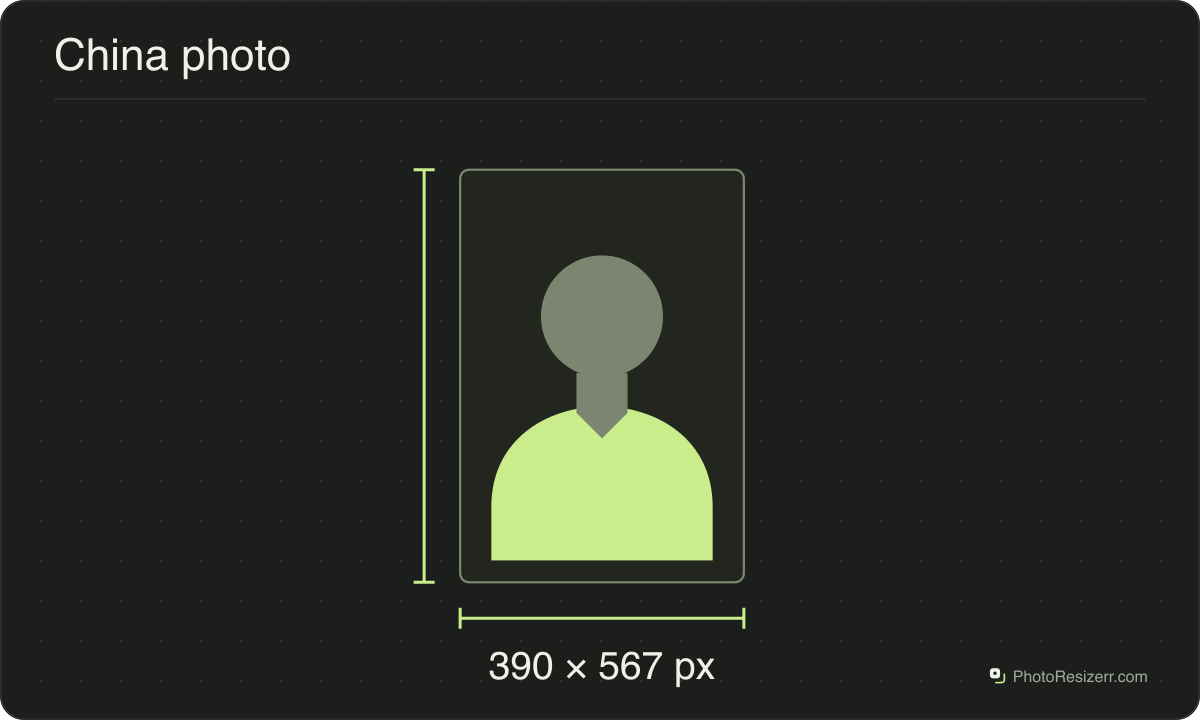
A Chinese passport photo is 33 mm wide by 48 mm high, on a white background.
Your workspace Pixels · Preview · DownloadPrivate by default
- Open a photoDrop, paste or choose one.
- Set the sizeType it, or pick a common size.
- DownloadSee the file size before you save.
Processed on your deviceNo watermark. No signup.
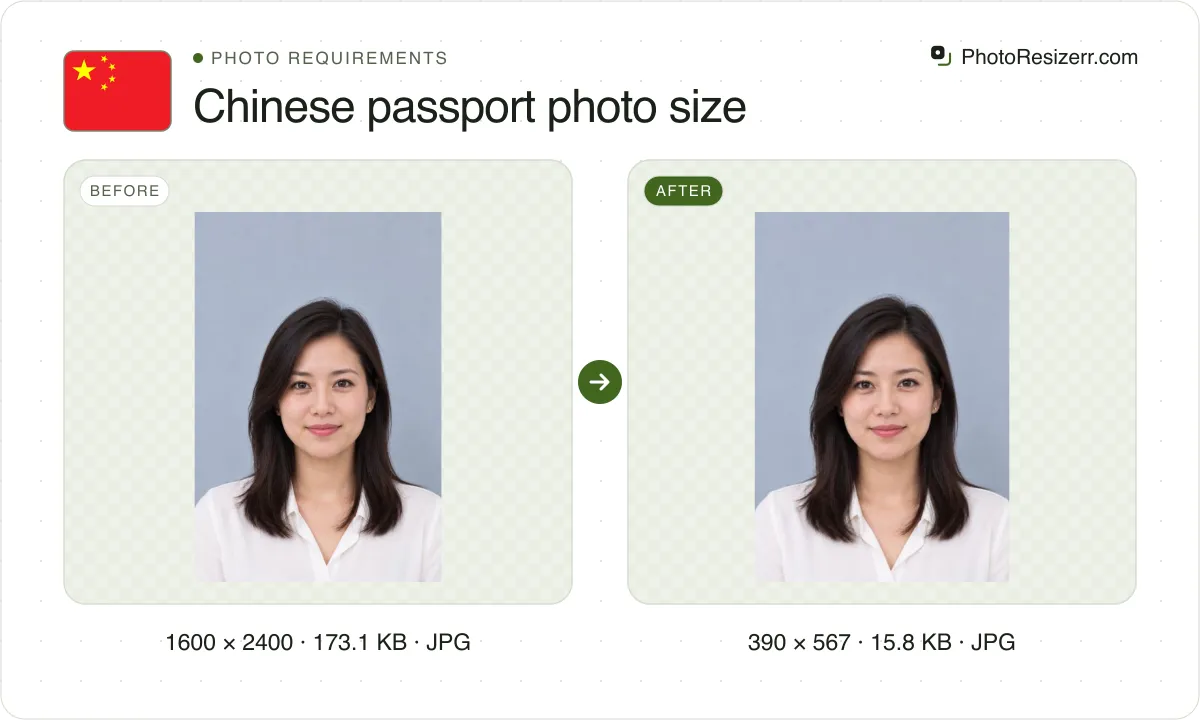
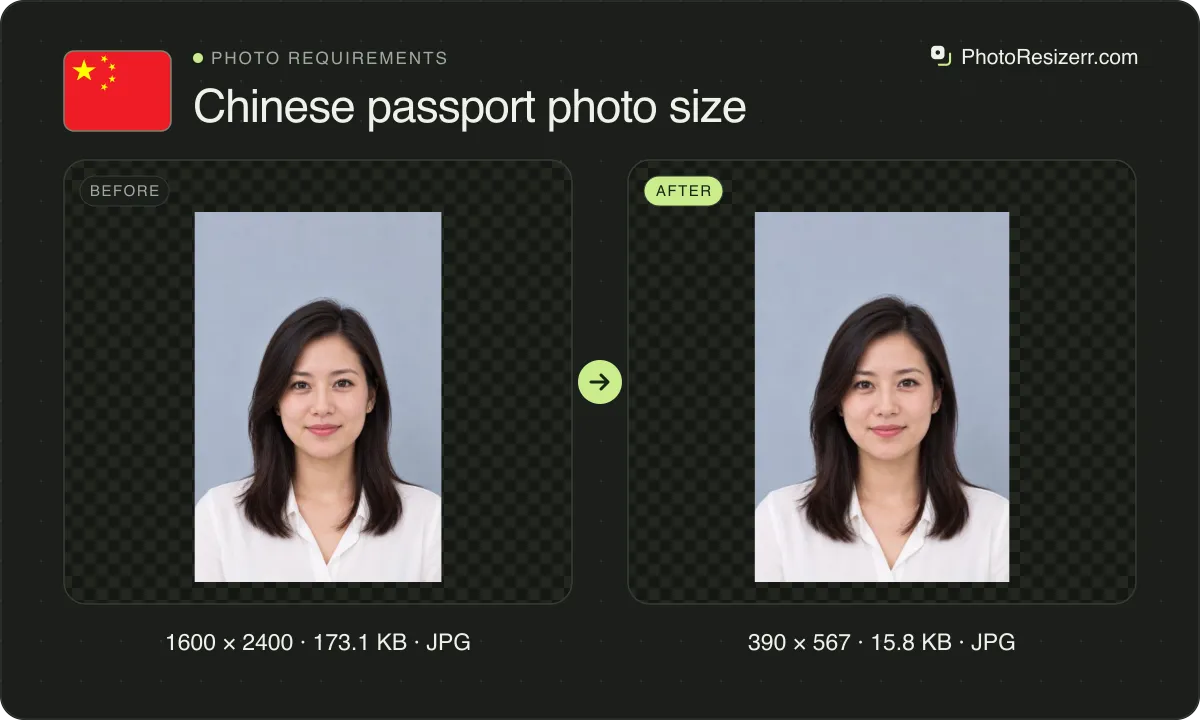
Applying abroad through the China Consular app, the Foreign Ministry asks for a JPEG of 30 to 80 KB, and this tool makes one at 390 by 567 pixels. In China, light grey or light blue is also allowed.
What the authority specifies
- Photo size
- 48 mm by 33 mm
- Pixels at 300 DPI
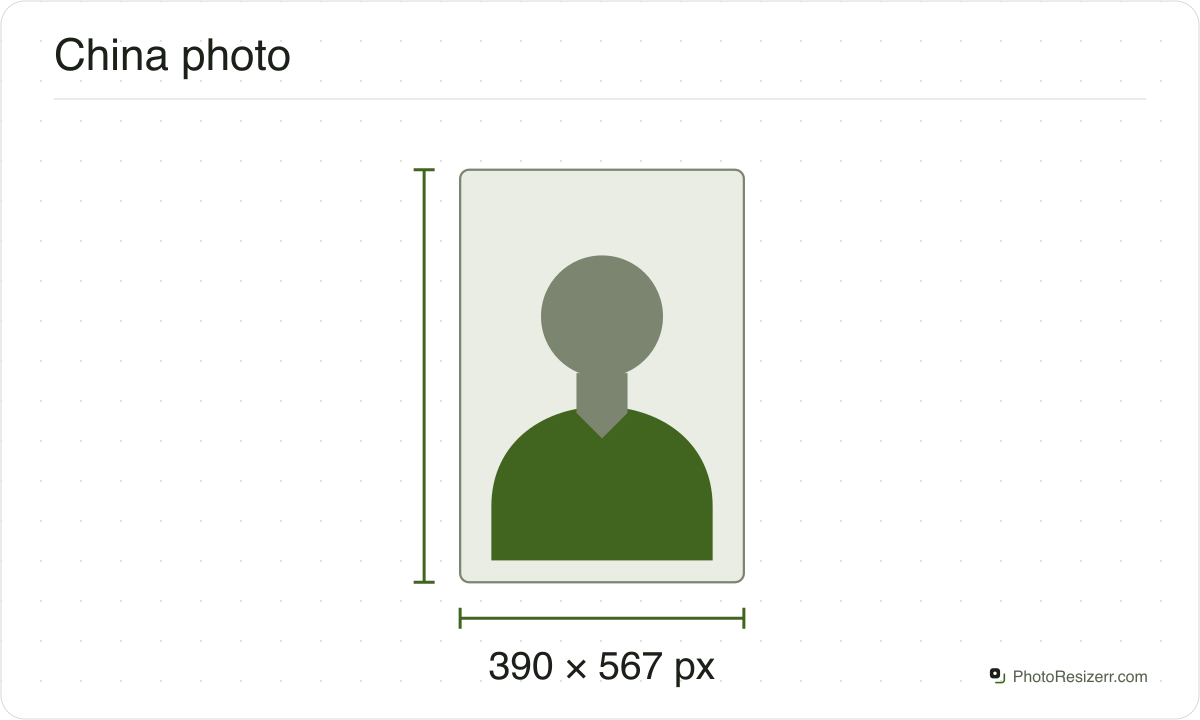
- 390 x 567
- Background
- white
- File size
- 30 KB to 80 KB
- Read strictly
- 30,720 to 80,000 bytes, which your computer shows as 30.0 KB to 78.1 KB
- Source
- cs.mfa.gov.cn
- Read at the source on
Each size on this page was read at the issuing authority's own website, not copied from another converter or from a search result.
The page it came from and the date it was read are printed above, so you can check the same source in one click.
Why this size?
Two Chinese authorities publish this photo. Abroad, embassies and consulates issue the passport through the China Consular app, and they link the Foreign Ministry's poster: white only, 33 by 48 mm, and a JPEG of 30K to 80K bytes.
In China, the National Immigration Administration's guide applies. It allows a white, light grey or light blue background, a JPEG of 20K to 80K bytes, and a slightly taller head.
A white photo of 30 to 80 KB with a head 30 to 33 mm tall meets both.
The Foreign Ministry names no pixel size or resolution, so the 390 by 567 pixels here are this site's 300 DPI.
The app itself refuses a file over 5MB, or one that is not JPG or PNG, according to the Swiss embassy's guide. That is the upload's ceiling, not the photo rule.
Where the pixel figure comes from
Passport offices publish millimetres, not pixels, because the photograph is printed. Turning millimetres into pixels needs a resolution, and most authorities do not name one.
This one does not, so the pixel figure above is 300 DPI, the resolution print shops work to. The millimetre measurement is the requirement; the pixel figure is our arithmetic on top of it.
The file you download records that resolution in its header, so a print dialog set to actual size uses it instead of guessing at 72 or 96 DPI and printing the photo several times too large.
That matters if you are uploading rather than printing.
An online form usually states its own pixel size or file size limit, and where an authority publishes one this page uses that instead of converting anything.
Check before you submit
Requirements change, and the only version that counts is the one on the authority's own page on the day you apply.
Every size here links to the page it came from and shows the date it was read. If that date looks old, spend a minute at the source before you print anything.
What happens to your photo?
Your selected photo is processed in your browser, without an image upload to a server. The page may download code and codecs needed for editing.
Save your result before closing the tab; unsaved edits are kept in memory rather than in an online account.
Common questions
Which rule applies, abroad or in China?
If you apply at an embassy or consulate, or through the China Consular app, follow the Foreign Ministry's poster: a white background and a JPEG of 30 to 80 KB.
If you apply at an exit and entry office in China, the National Immigration Administration's guide applies. It also accepts light grey or light blue, and a JPEG from 20 KB.
What photo file does the China Consular app take?
The Foreign Ministry's poster asks for a JPEG of 30K to 80K bytes. The Swiss embassy's guide to the app says it accepts JPG or PNG under 5MB.
A JPEG of 30 to 80 KB meets both, and this tool keeps the file inside that range. The Swiss embassy's guide says a passport application needs no paper photo, though the poster lets a mission ask for one.
Is it the same photo as a China visa?
The print is the same size, 33 by 48 mm, but the files differ. A visa upload is 354 by 472 to 420 by 560 pixels and 40 to 120 KB.
The passport poster asks for 30 to 80 KB and names no pixel size, so a visa file can be too big for it.
How big should my head be in the photo?
On the Foreign Ministry's poster, 15 to 22 mm wide and 28 to 33 mm from chin to crown, with 3 to 5 mm above your head and at least 7 mm below your chin.
The immigration guide used in China asks for a face 16 to 24 mm wide and a head 30 to 34 mm tall.
Can I wear glasses in a Chinese passport photo?
Yes. The Foreign Ministry allows glasses if the lenses are not tinted, and flash, shadow or the frame do not blur the outline of your eyes. Hearing aids are allowed too.
No hat or head covering, unless it is for religious, medical or cultural reasons. Then it must not hide any part of your face or cast a shadow on it.
Can I reuse the photo from my old passport?
No. The Swiss embassy's guide says the uploaded photo is printed on the new passport, so it must be taken within the last 6 months. A copy of the old passport photo is refused.
The same guide lists a light coloured top among the common reasons a photo is sent back, so wear something dark.
Can I edit the photo or change its background?
No. The Foreign Ministry's poster says the photo must not be modified, and that a composite photo must not be used. So take it in front of a real white wall, in even light.
This tool only crops, resizes and saves the file, in your browser. The background remover is not offered on this page.
Last updated: