Australia visa photo size
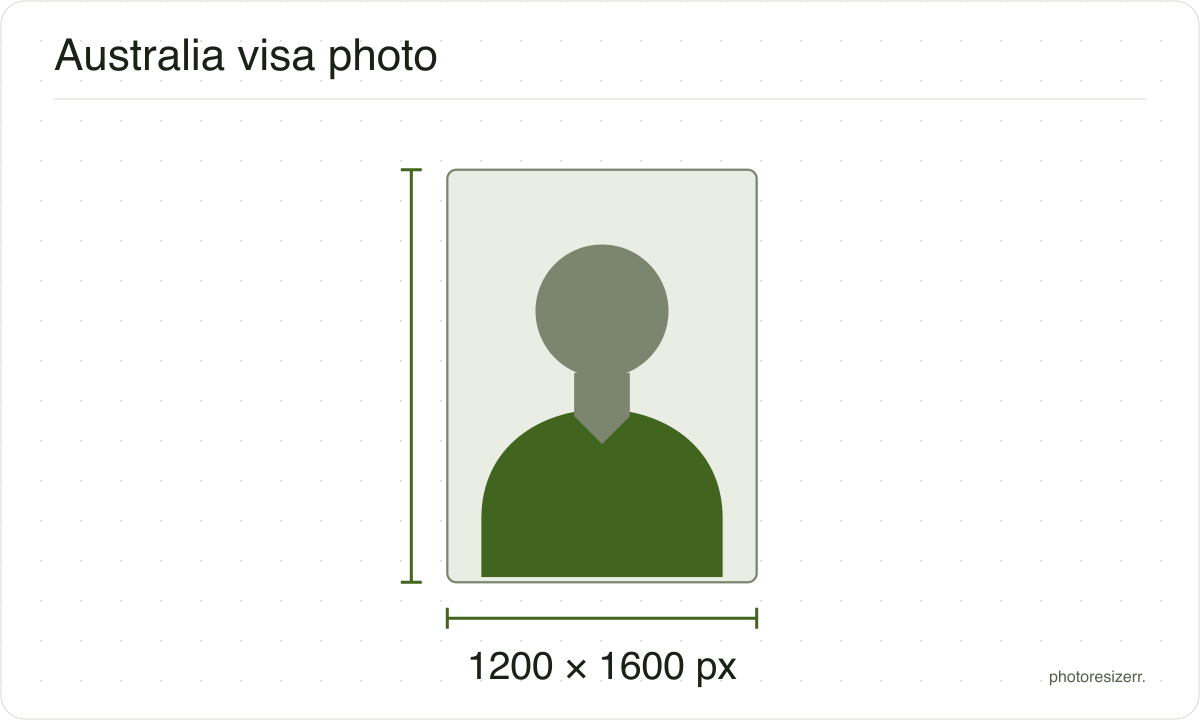
An Australian visa photo is a JPG you attach in ImmiAccount as a "Facial image", between 70 KB and 3.5 MB, ideally 1200 by 1600 pixels. It needs a neutral or light grey background. Drop a photo here and it comes out at 1200 by 1600, inside that range.
Jump to the toolYour workspace PIXELS · PREVIEW · DOWNLOADPrivate by default
Processed on your deviceNo watermark. No signup.
What the authority specifies
- Photo size
- 1200 x 1600 pixels
- Background
- neutral or light grey, contrasting with your face
- File size
- 70 KB to 3.5 MB
- Read strictly
- 71,680 to 3,500,000 bytes, which your computer shows as 70.0 KB to 3.34 MB
- Source
- immi.homeaffairs.gov.au
- Source for the digital file requirements
- immi.homeaffairs.gov.au
- Read at the source on
Each size on this page was read at the issuing authority's own website, not copied from another converter or from a search result.
The page it came from and the date it was read are printed above, so you can check the same source in one click.
Why this size?
Home Affairs keeps the visa photo rules in two places. ImmiAccount's help on attaching documents gives the file rules: a JPG, attached as a Facial image, between 70 KB and 3.5 MB.
For everything else it points to the photo requirements written for citizenship applications. That page gives the preferred 1200 by 1600 pixels, the background, and the six month limit on the photo's age.
Where the pixel figure comes from
Passport offices publish millimetres, not pixels, because the photograph is printed. Turning millimetres into pixels needs a resolution, and most authorities do not name one.
This one publishes pixels directly, because the photo is uploaded rather than printed, so no resolution was needed and the pixel figure above is the authority's own.
That matters if you are uploading rather than printing.
An online form usually states its own pixel size or file size limit, and where an authority publishes one this page uses that instead of converting anything.
Check before you submit
Requirements change, and the only version that counts is the one on the authority's own page on the day you apply.
Every size here links to the page it came from and shows the date it was read. If that date looks old, spend a minute at the source before you print anything.
What happens to your photo?
Your selected photo is processed in your browser, without an image upload to a server. The page may download code and codecs needed for editing.
Save your result before closing the tab; unsaved edits are kept in memory rather than in an online account.
Common questions
Where do I attach the photo in ImmiAccount?
In Attach documents, choose the applicant, then the document type "Facial image". A photo is needed for each applicant, including children.
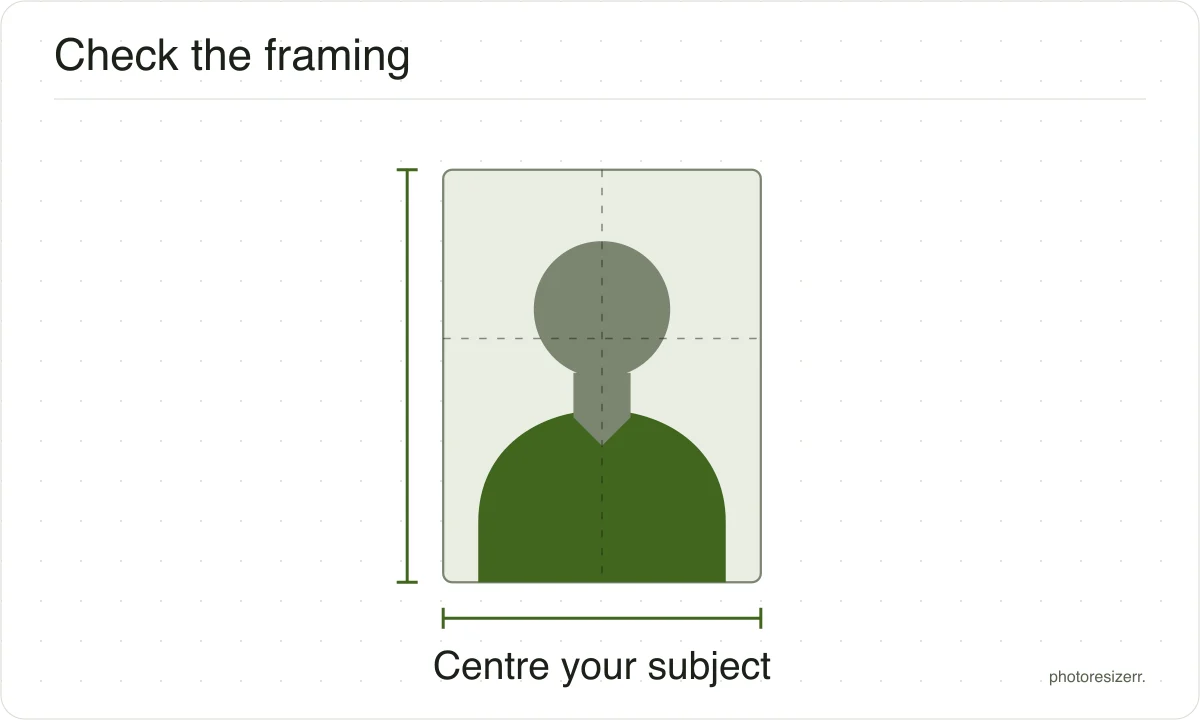
ImmiAccount then asks you to move the photo so your face sits in the centre of its frame, and to confirm it.
Why does my checklist say 45 mm x 35 mm?
Home Affairs' help text for "Photograph - Passport" describes a printed passport photo, 45 mm by 35 mm, with your name written on the back.
For an online application, attach a digital JPG instead. The citizenship rules put a printed photo at 35 to 40 mm wide and 45 to 50 mm high.
Can the background be white?
The visa rules ask for a neutral or light grey background that contrasts with your face. They do not name white.
The Australian Passport Office, which is a different department, allows white or light grey. For a visa, light grey meets the sentence exactly.
Can I upload a PNG?
Not for the photo. ImmiAccount's help says the facial image must be a jpg, even though other documents may be PNG, PDF and more.
This tool saves a JPEG, so a PNG or HEIC from your phone comes out in the right format.
Do I still need a photo if I give biometrics?
Yes. ImmiAccount asks for a facial image for every applicant. Biometrics are a separate step, and Home Affairs tells you if you need them.
At a biometrics appointment, staff take a new image of your face and scan your fingerprints.
Is a visa photo the same as an Australian passport photo?
No. An Australian passport application is lodged with printed photos, so there is no file to upload.
A visa photo is a digital file attached in ImmiAccount, with a byte range and a preferred pixel size.
Last updated: