 Colombia visa photo size
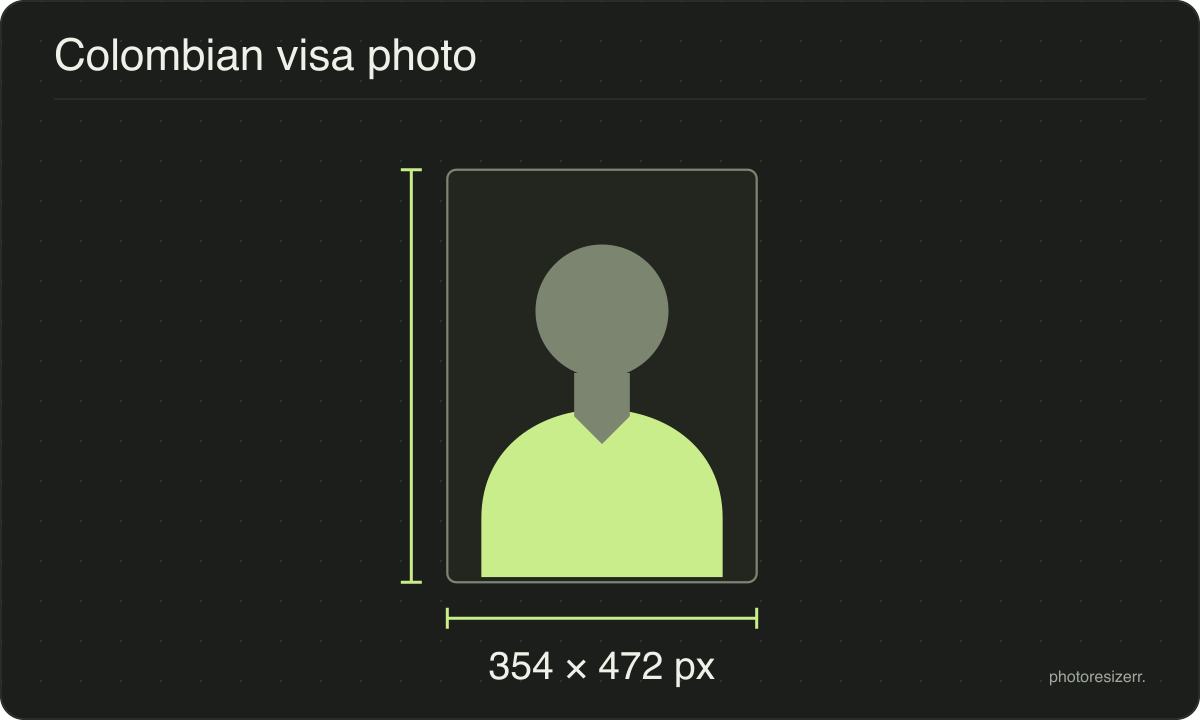
A Colombian visa photo is 3 x 4 cm, a colour JPG on a white background, 300 KB at most.
Jump to the toolYour workspace Pixels · Preview · DownloadPrivate by default
Runs on this device. The first use downloads a 56 to 135 MB model once. Nothing is uploaded.
- Open a photoDrop, paste or choose one.
- Set the sizeType it, or pick a common size.
- DownloadSee the file size before you save.
Processed on your deviceNo watermark. No signup.
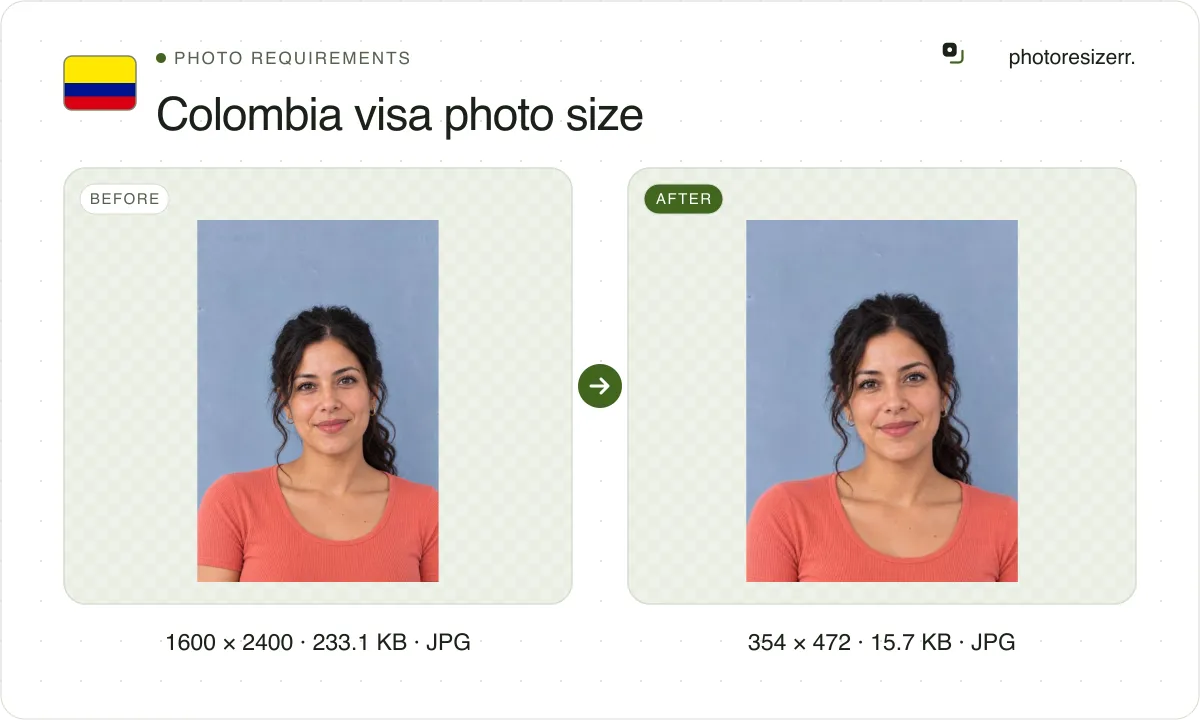
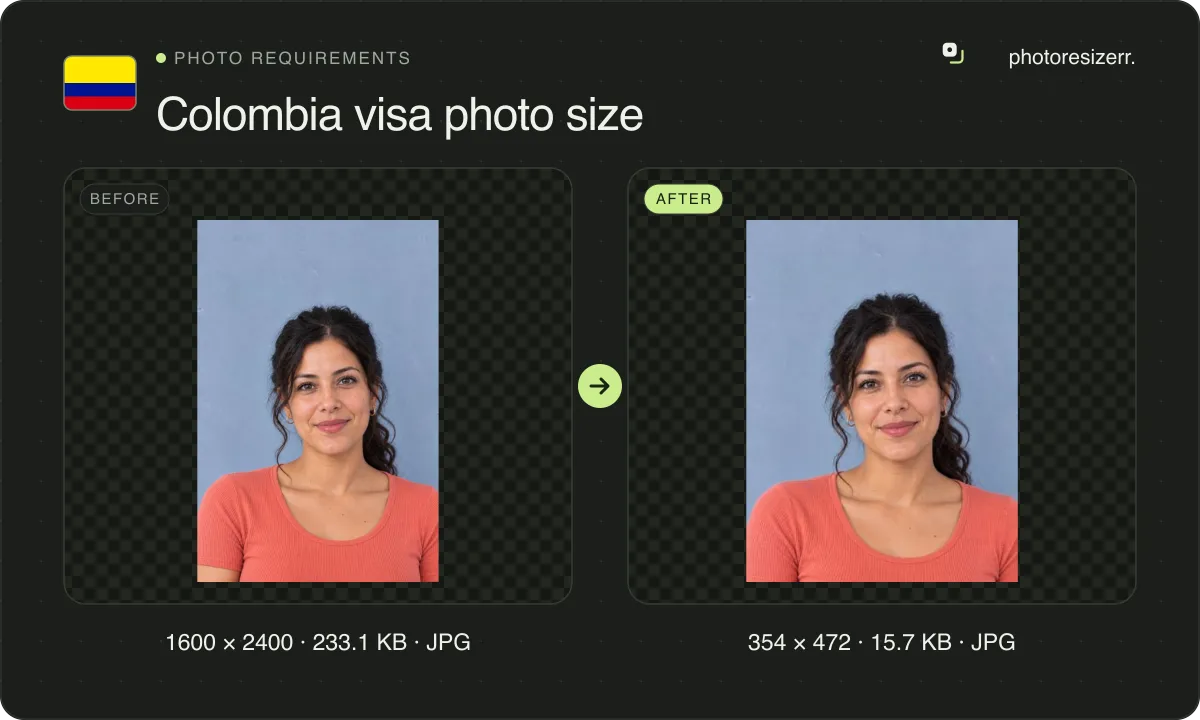
Blue is allowed only if you have no hair or white hair, or wear a light religious habit. This tool opens at 354 by 472 pixels, 3 x 4 cm at 300 DPI.
What the authority specifies
- Photo size
- 40 mm by 30 mm
- Pixels at 300 DPI
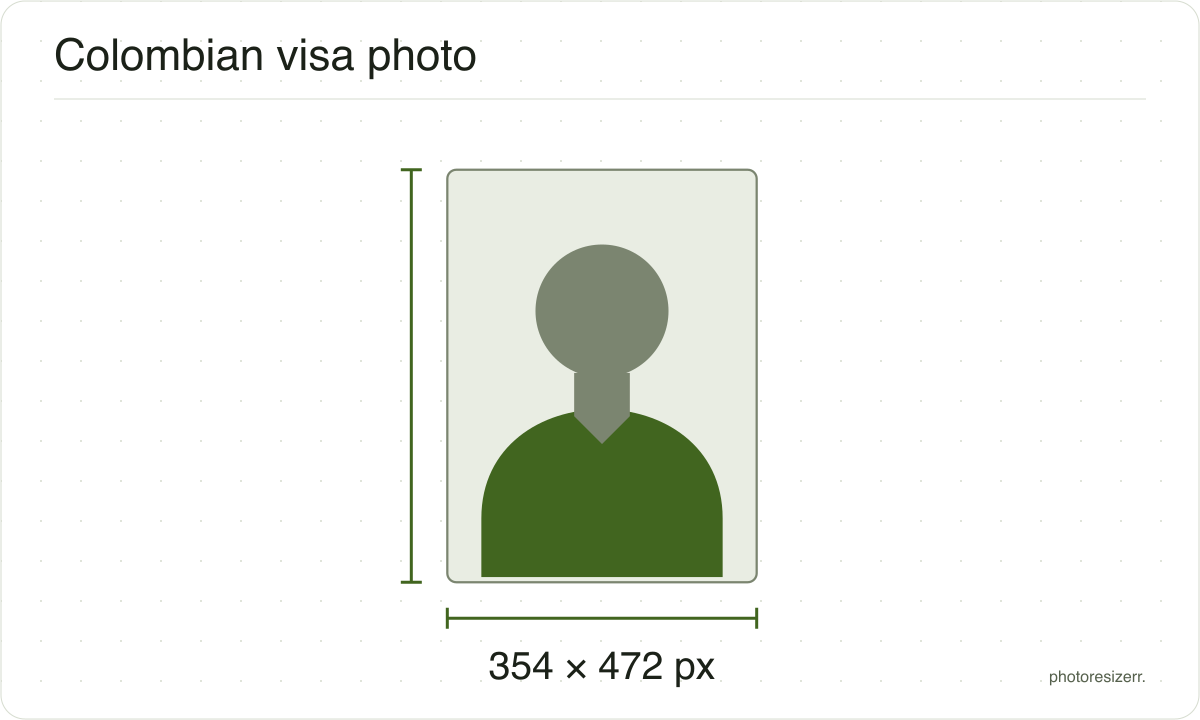
- 354 x 472
- Background
- white; blue only for people with no hair or white hair, or wearing a light-coloured religious habit
- File size
- up to 300 KB
- Read strictly
- At most 300,000 bytes, which your computer shows as 293.0 KB
- Source
- www.cancilleria.gov.co
- Read at the source on
Each size on this page was read at the issuing authority's own website, not copied from another converter or from a search result.
The page it came from and the date it was read are printed above, so you can check the same source in one click.
Why this size?
You apply for a Colombian visa online, in Cancillería's SITAC form, and upload the photo in its supporting documents step. If the upload fails, Cancillería's own guide says the cause is the photo's size or its format.
So the file matters as much as the face. It must be a JPG, and 300 KB is less than it sounds: at 1600 pixels wide, our five test photos came to 202,254 to 383,656 bytes at the default quality.
Cancillería publishes no pixel size, only the 3 by 4 shape. A smaller box, like the 354 by 472 this tool opens at, fits under 300 KB with plenty of quality to spare.
Where the pixel figure comes from
Passport offices publish millimetres, not pixels, because the photograph is printed. Turning millimetres into pixels needs a resolution, and most authorities do not name one.
This one does not, so the pixel figure above is 300 DPI, the resolution print shops work to. The millimetre measurement is the requirement; the pixel figure is our arithmetic on top of it.
The file you download records that resolution in its header, so a print dialog set to actual size uses it instead of guessing at 72 or 96 DPI and printing the photo several times too large.
That matters if you are uploading rather than printing.
An online form usually states its own pixel size or file size limit, and where an authority publishes one this page uses that instead of converting anything.
Check before you submit
Requirements change, and the only version that counts is the one on the authority's own page on the day you apply.
Every size here links to the page it came from and shows the date it was read. If that date looks old, spend a minute at the source before you print anything.
What happens to your photo?
Your selected photo is processed in your browser, without an image upload to a server. The page may download code and codecs needed for editing.
Save your result before closing the tab; unsaved edits are kept in memory rather than in an online account.
Common questions
What size is a Colombian visa photo in pixels?
Cancillería does not say. Its Spanish infographic asks for a photo "a escala 3x4", a 3 by 4 shape, and its SITAC guide says 4 cm high by 3 cm wide.
This tool uses 354 by 472 pixels, which is 3 x 4 cm at 300 DPI. A minimum of 600 by 800 pixels, or 600 DPI, seen on some guides, is not in any Cancillería source.
Is 300 KB 300,000 bytes or 307,200?
Cancillería writes "300 KB" and does not say. This tool keeps the file under 300,000 bytes, which is under the limit whichever way SITAC counts.
Your computer may show that file as about 293 KB, because it counts 1,024 bytes to a kilobyte.
Can the background be blue?
Only in three cases, according to Cancillería's photo infographic: if you have no hair, if your hair is white, or if you are a member of a religious order who wears a light-coloured habit.
Everyone else needs a white background. Its examples of wrong photos include a blue background.
Can I wear glasses in a Colombian visa photo?
Take them off. Cancillería's examples of wrong photos show a person in glasses, captioned "not taken in profile or with accessories", and its rules say hair and accessories must not cover the face.
Your eyes must be open, your ears visible, and there must be no glare in the photo.
Why does SITAC reject my photo?
At upload, the reason is the file. Cancillería's SITAC guide says an error is likely the photo's size or format, so a PNG, a HEIC from an iPhone or a file over 300 KB will fail.
After upload, the photo itself is judged. Cancillería lists these as wrong: hair over the face, shadows, a head to waist shot, a profile, too far, too close, too dark and too bright.
Last updated: