 Thailand visa photo size for the e-Visa
The Thailand e-Visa manual asks only for a JPEG under 3 MB, taken within the last six months.
Jump to the toolYour workspace PIXELS · PREVIEW · DOWNLOADPrivate by default
Processed on your deviceNo watermark. No signup.
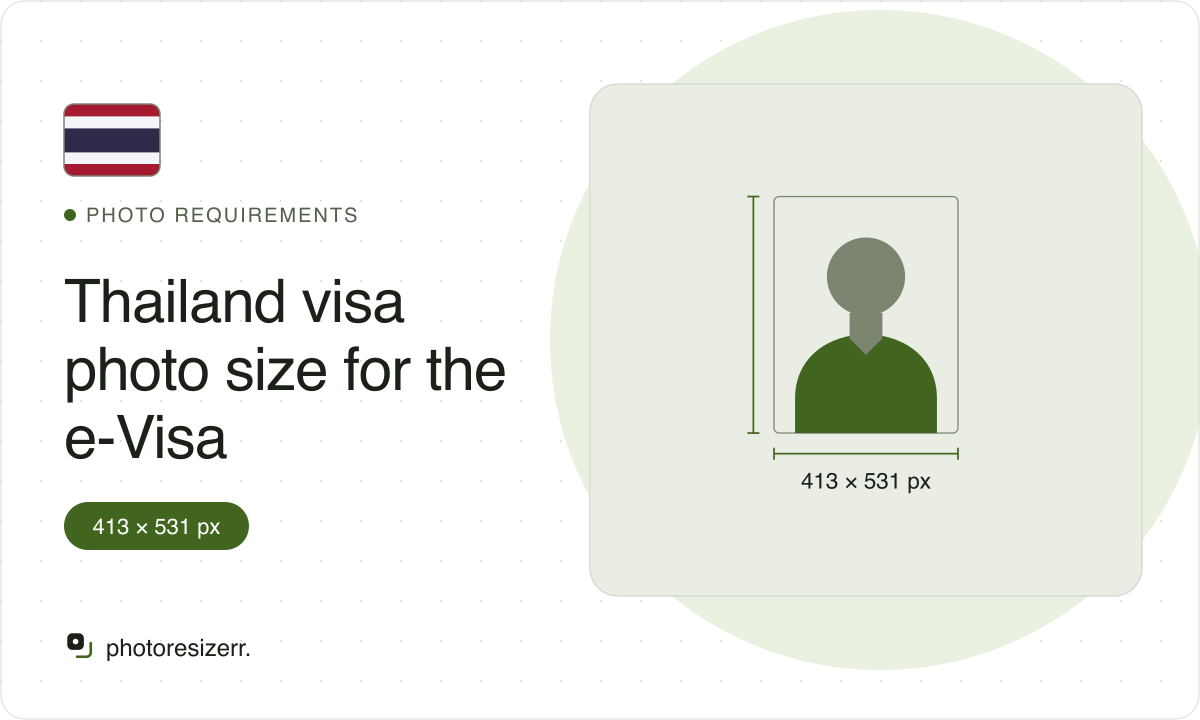
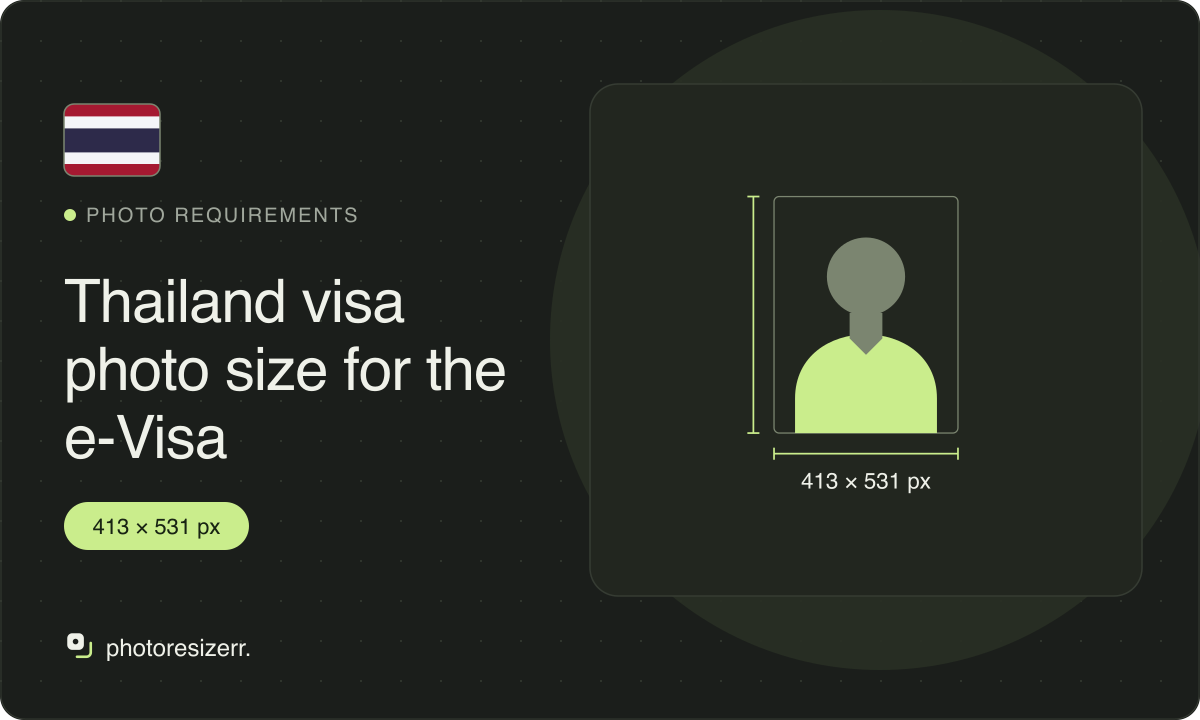
The Thailand e-Visa manual asks only for a JPEG under 3 MB, taken within the last six months, no pixel size or background stated, unlike most sites that quote one. This tool opens at 413 by 531 pixels, the paper embassy form's 35 by 45 mm at 300 DPI, and switches to that upload too.
What the authority specifies
e-Visa
- Photo size
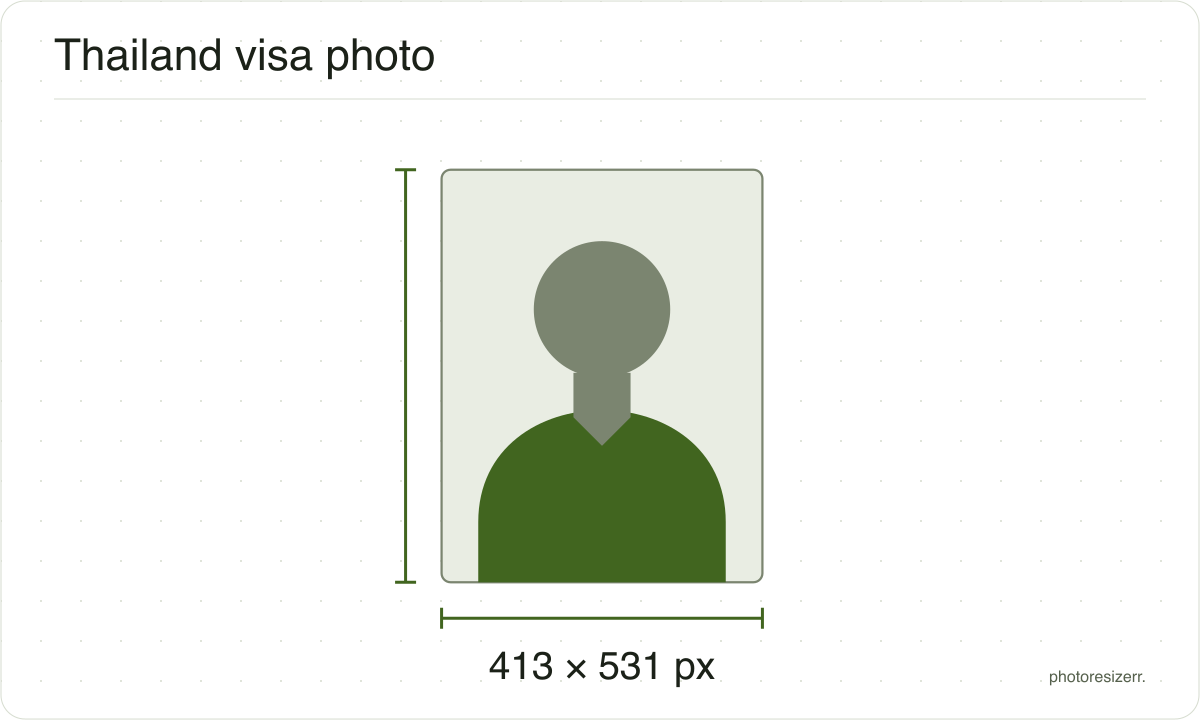
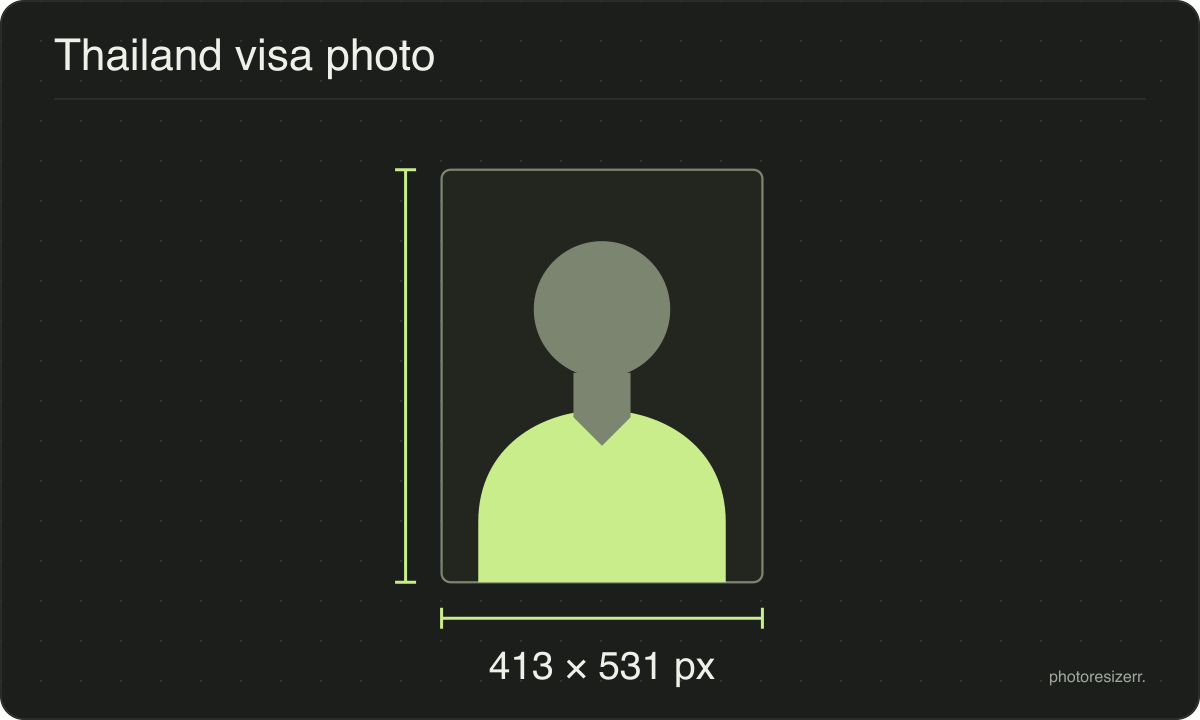
- 413 x 531 pixels
- Background
- not stated by the portal
- File size
- up to 3 MB
- Read strictly
- At most 3,000,000 bytes, which your computer shows as 2.86 MB
- Source
- www.thaievisa.go.th
- Read at the source on
Paper application
- Photo size
- 45 mm by 35 mm
- Pixels at 300 DPI
- 413 x 531
- Background
- not stated on the form
- File size
- No limit published
- Source
- image.mfa.go.th
- Read at the source on
Each size on this page was read at the issuing authority's own website, not copied from another converter or from a search result.
The page it came from and the date it was read are printed above, so you can check the same source in one click.
Why this size?
Almost every page about this photo states a pixel minimum, a byte range and a white background, as if the e-Visa portal published them. Its manual, read at page 27, states only a file format, a 3 MB ceiling and a six-month recency rule.
The paper application lodged at a Royal Thai Embassy is a different form with its own real number, 3.5 by 4.5 cm. The switcher keeps the two apart rather than letting one borrow the other's numbers.
Where the pixel figure comes from
Passport offices publish millimetres, not pixels, because the photograph is printed. Turning millimetres into pixels needs a resolution, and most authorities do not name one.
This one publishes none of that: no size, no shape and no pixel figure, only a file format and a byte ceiling. The pixel figure above is this site's own choice, not a number the authority states.
That matters if you are uploading rather than printing.
An online form usually states its own pixel size or file size limit, and where an authority publishes one this page uses that instead of converting anything.
Check before you submit
Requirements change, and the only version that counts is the one on the authority's own page on the day you apply.
Every size here links to the page it came from and shows the date it was read. If that date looks old, spend a minute at the source before you print anything.
What happens to your photo?
Your selected photo is processed in your browser, without an image upload to a server. The page may download code and codecs needed for editing.
Save your result before closing the tab; unsaved edits are kept in memory rather than in an online account.
Common questions
Is the Thailand e-Visa photo 350 by 450 pixels?
Not according to the e-Visa's own manual. It states only a JPG or JPEG file under 3 MB, taken within the last six months, and gives no pixel size at all.
The 350 by 450 figure many sites quote is not in the official manual; this tool opens at 35 by 45 mm for consistency with the paper form below, not because the portal asks for it.
What is the file size limit for the Thailand e-Visa photo?
3 MB, stated on the upload screen as "Limit Size is 3 MB". No minimum is stated.
This tool keeps the file under 3,000,000 bytes and lowers the JPEG quality only if a photo starts out larger.
Do I need a white background for a Thailand visa photo?
The e-Visa manual does not say. It names a format and a file size limit and nothing about the background.
The paper embassy application form does not name a background either. A plain, evenly lit background is the safe choice either way, but neither document requires white specifically.
Is the visa on arrival photo the same as the e-Visa photo?
This page covers the e-Visa upload and the paper application lodged at an embassy or consulate, the two forms with a sourced photo rule.
No official page with its own photo specification for visa on arrival, separate from these two, turned up in this page's research.
Last updated: