Indonesia passport photo size
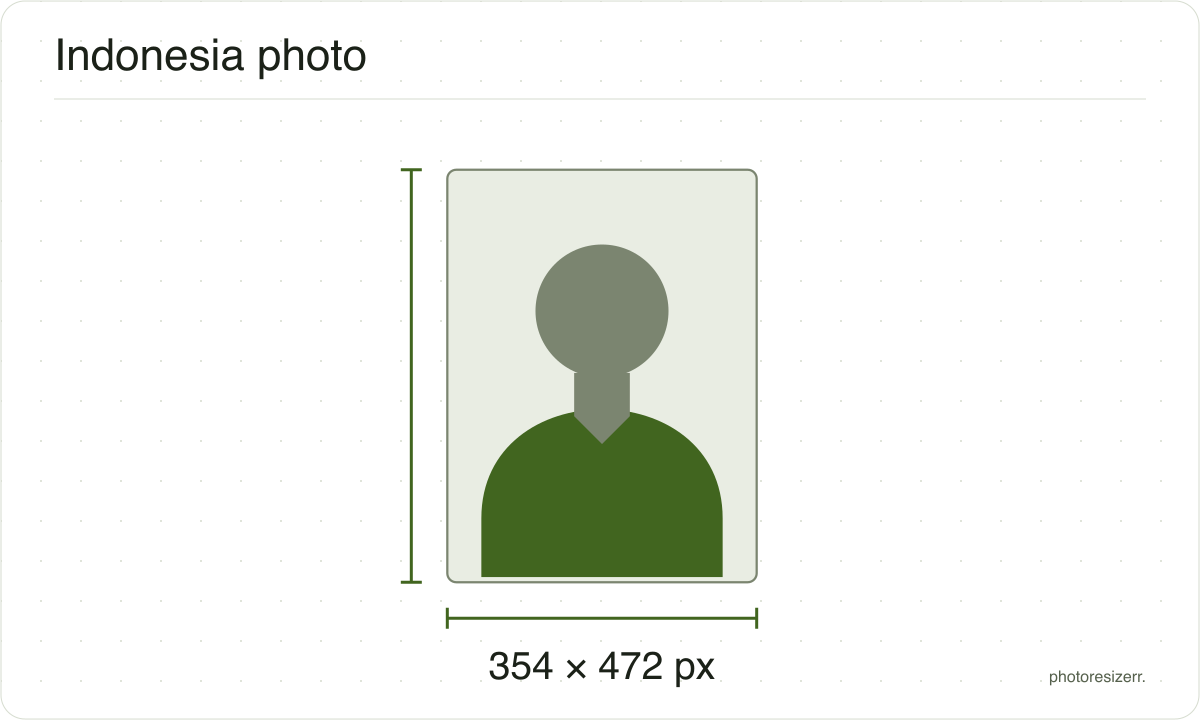
An Indonesian passport photo is taken for you: staff photograph you at the immigration office, or at an embassy or consulate abroad, against a white background. Bring a print only if your mission's list asks for one, often 3 by 4 cm on white. This tool makes that at 300 DPI, 354 by 472 pixels.
Jump to the toolYour workspace PIXELS · PREVIEW · DOWNLOADPrivate by default
Processed on your deviceNo watermark. No signup.
What the authority specifies
3 x 4 cm
- Photo size
- 40 mm by 30 mm
- Pixels at 300 DPI
- 354 x 472
- Background
- white
- File size
- No limit published
- Source
- www.kemlu.go.id
- Read at the source on
3.5 x 4.5 cm
- Photo size
- 45 mm by 35 mm
- Pixels at 300 DPI
- 413 x 531
- Background
- white or grey
- File size
- No limit published
- Source
- kemlu.go.id
- Read at the source on
Each size on this page was read at the issuing authority's own website, not copied from another converter or from a search result.
The page it came from and the date it was read are printed above, so you can check the same source in one click.
Why this size?
The Directorate General of Immigration takes the photo that goes in your passport. At the office, staff photograph you and take your fingerprints. Embassies and consulates do the same at your biometric appointment.
Some missions still ask for a printed photo to glue on the application form, or on an SPLP, the emergency travel document for a lost passport. They do not agree on its size.
This tool makes the two sizes that come up most on the mission pages we read: 3 by 4 cm, and 3.5 by 4.5 cm. It saves 300 DPI in the file, so either prints at size.
Where the pixel figure comes from
Passport offices publish millimetres, not pixels, because the photograph is printed. Turning millimetres into pixels needs a resolution, and most authorities do not name one.
This one does not, so the pixel figure above is 300 DPI, the resolution print shops work to. The millimetre measurement is the requirement; the pixel figure is our arithmetic on top of it.
The file you download records that resolution in its header, so a print dialog set to actual size uses it instead of guessing at 72 or 96 DPI and printing the photo several times too large.
That matters if you are uploading rather than printing.
An online form usually states its own pixel size or file size limit, and where an authority publishes one this page uses that instead of converting anything.
Check before you submit
Requirements change, and the only version that counts is the one on the authority's own page on the day you apply.
Every size here links to the page it came from and shows the date it was read. If that date looks old, spend a minute at the source before you print anything.
What happens to your photo?
Your selected photo is processed in your browser, without an image upload to a server. The page may download code and codecs needed for editing.
Save your result before closing the tab; unsaved edits are kept in memory rather than in an online account.
Common questions
Do I need to bring a photo to the immigration office?
No. The requirements Immigration lists are your e-KTP, Kartu Keluarga and a birth certificate, marriage book or diploma. Your photo is taken at the office, with your fingerprints, at the appointment you book in M-Paspor.
The immigration office in Karawang asks you to dress neatly and formally for it.
Which photo size does my embassy or consulate want?
It depends on the mission, so check its own list. Caracas asks for 3 by 4 cm on white, and Tokyo and Houston ask for 3 by 4 on an SPLP. Frankfurt asks for 3.5 by 4.5 cm on white or grey.
Washington asks for 4 by 6 cm for a child replacing a lost passport, and 2 by 2 inches for an SPLP. London asks for no photo at all.
Should the background be red or white?
White. The immigration office in Malang says its passport photo background is white, which is why it asks you not to wear white. No Immigration or mission page we read asks for red.
For a form photo, every mission list we read that names a colour says white. Frankfurt also accepts grey, and Wellington any colour.
Is a 4 x 6 photo in centimetres or inches?
Centimetres. Washington's list says 4x6 cm, and Frankfurt accepts up to 4 by 6 cm if the print has a border. A 4 by 6 inch print is more than six times the area, far too big for a form.
Wellington accepts 4 by 6 or 3 by 4 cm, so the 3 by 4 cm option here works there too.
Do I upload a photo of my face in M-Paspor?
No. M-Paspor asks for photos of your documents, such as your e-KTP and Kartu Keluarga, and Immigration sets no file size limit on them. Make each one sharp, straight and well lit, with no text cut off.
Your face is photographed at the office, at the appointment you book in the app.
Can I wear a hijab or glasses?
A hijab is fine if your whole face shows, from your forehead and eyebrows to your chin. Glasses, hats, masks and soft lenses are not allowed for the office photo, the Karawang immigration office says.
For a form photo, Frankfurt allows clear glasses that do not hide your pupils. Dark or tinted lenses are refused.
Last updated: