 Vietnam e-visa photo size
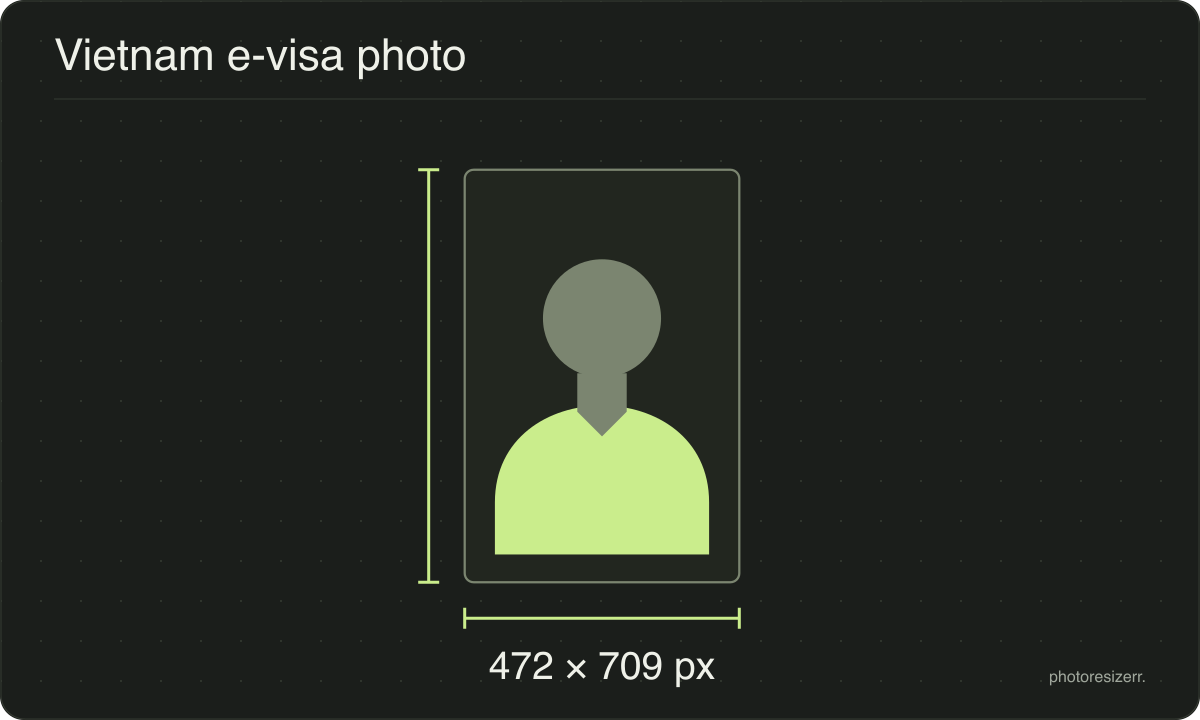
A Vietnam e-visa photo is 4 x 6 cm, a JPEG on a white background, between 10 KB and 2 MB.
Jump to the toolYour workspace PIXELS · PREVIEW · DOWNLOADPrivate by default
Processed on your deviceNo watermark. No signup.
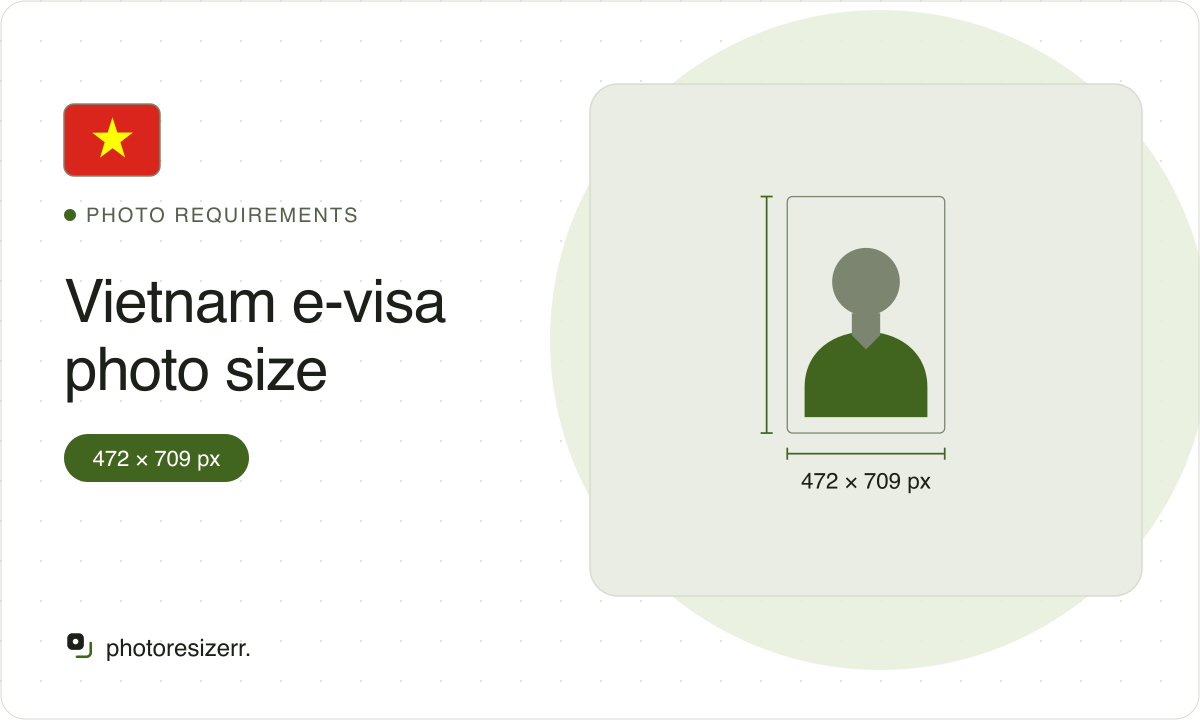
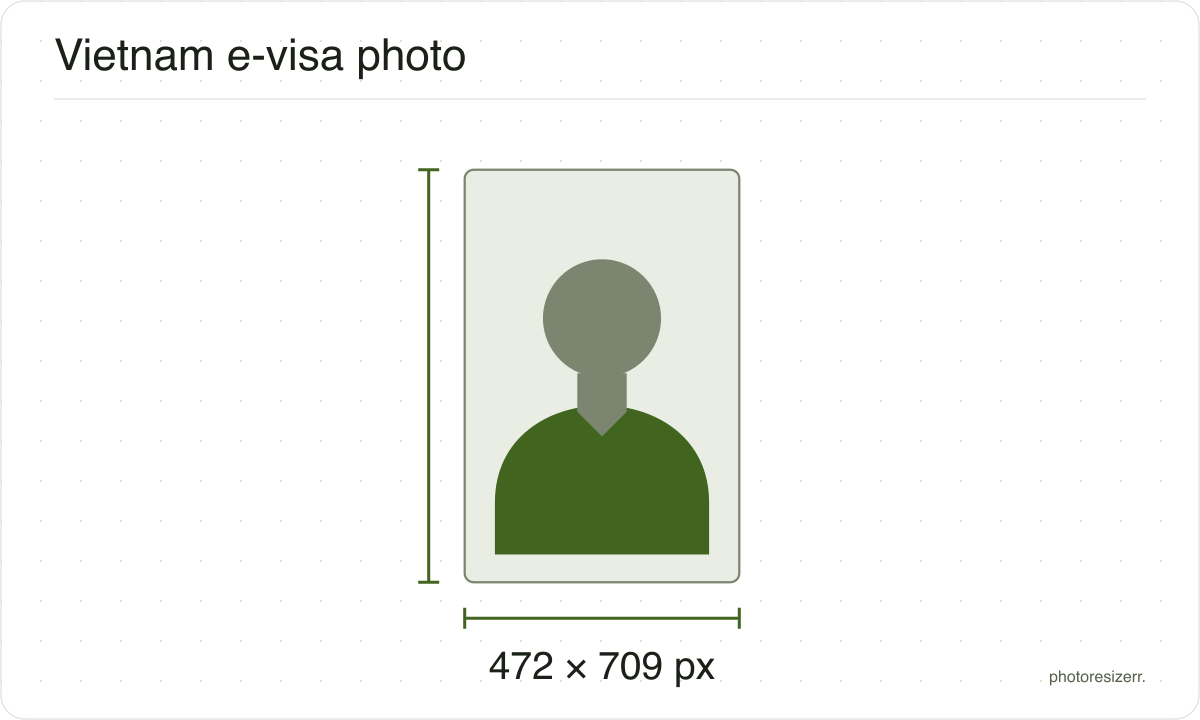
The portal never states that 10 KB floor, but rejects anything smaller as too low quality. This tool opens at 472 by 709 pixels, 4 x 6 cm at 300 DPI.
What the authority specifies
- Photo size
- 60 mm by 40 mm
- Pixels at 300 DPI
- 472 x 709
- Background
- white
- File size
- 10 KB to 2 MB
- Source
- evisa.gov.vn
- Read at the source on
Each size on this page was read at the issuing authority's own website, not copied from another converter or from a search result.
The page it came from and the date it was read are printed above, so you can check the same source in one click.
Why this size?
The e-visa portal is an app, so its rules sit in its own code rather than on a page search engines read. That code checks the file twice before it uploads: over 2 MB fails, and under 10 KB fails too.
The second check is the one that catches people. A photo squeezed hard to get under 2 MB, or a small thumbnail sent from a chat app, is refused with "The image quality is too low".
Where the pixel figure comes from
Passport offices publish millimetres, not pixels, because the photograph is printed. Turning millimetres into pixels needs a resolution, and most authorities do not name one.
This one does not, so the pixel figure above is 300 DPI, the resolution print shops work to. The millimetre measurement is the requirement; the pixel figure is our arithmetic on top of it.
The file you download records that resolution in its header, so a print dialog set to actual size uses it instead of guessing at 72 or 96 DPI and printing the photo several times too large.
That matters if you are uploading rather than printing.
An online form usually states its own pixel size or file size limit, and where an authority publishes one this page uses that instead of converting anything.
Check before you submit
Requirements change, and the only version that counts is the one on the authority's own page on the day you apply.
Every size here links to the page it came from and shows the date it was read. If that date looks old, spend a minute at the source before you print anything.
What happens to your photo?
Your selected photo is processed in your browser, without an image upload to a server. The page may download code and codecs needed for editing.
Save your result before closing the tab; unsaved edits are kept in memory rather than in an online account.
Common questions
Is the Vietnam e-visa photo limit 2 MB or 10 MB?
2 MB. The portal's instructions say 2 MB, and its upload code refuses anything larger with "Image size exceeds 2mb".
One caption, over the photo for a child on the same passport, says 10 MB. That box uses the same upload code, so 2 MB applies there too.
Is there a minimum file size for the Vietnam e-visa photo?
Yes, 10 KB, although the instructions never mention it. A smaller file is refused with "The image quality is too low".
This tool keeps the file between 10 KB and 2 MB, and says so if it had to change the quality to get there.
Is 4x6 in centimetres or inches?
Centimetres: 4 cm wide and 6 cm tall, which is 40 by 60 mm. It is not the 4 by 6 inch snapshot print, which is about two and a half times as wide.
The e-visa is uploaded, not printed, so the centimetres only fix the shape, 2 by 3 upright.
Can I wear glasses in a Vietnam e-visa photo?
No. The portal asks for your face looking straight at the camera, no hat, no glasses and polite clothes, on a white background.
It names no head size and no time limit beyond "recent photo".
Why does the portal say my photo does not match my passport?
After the upload, the portal compares your face with the photo on your passport page. A low match gives a warning that the application may be rejected.
It also flags a photo with no face, several faces, a face turned away, or a picture of a picture. Resizing fixes none of these. A new photo does.
Last updated: