US passport photo size
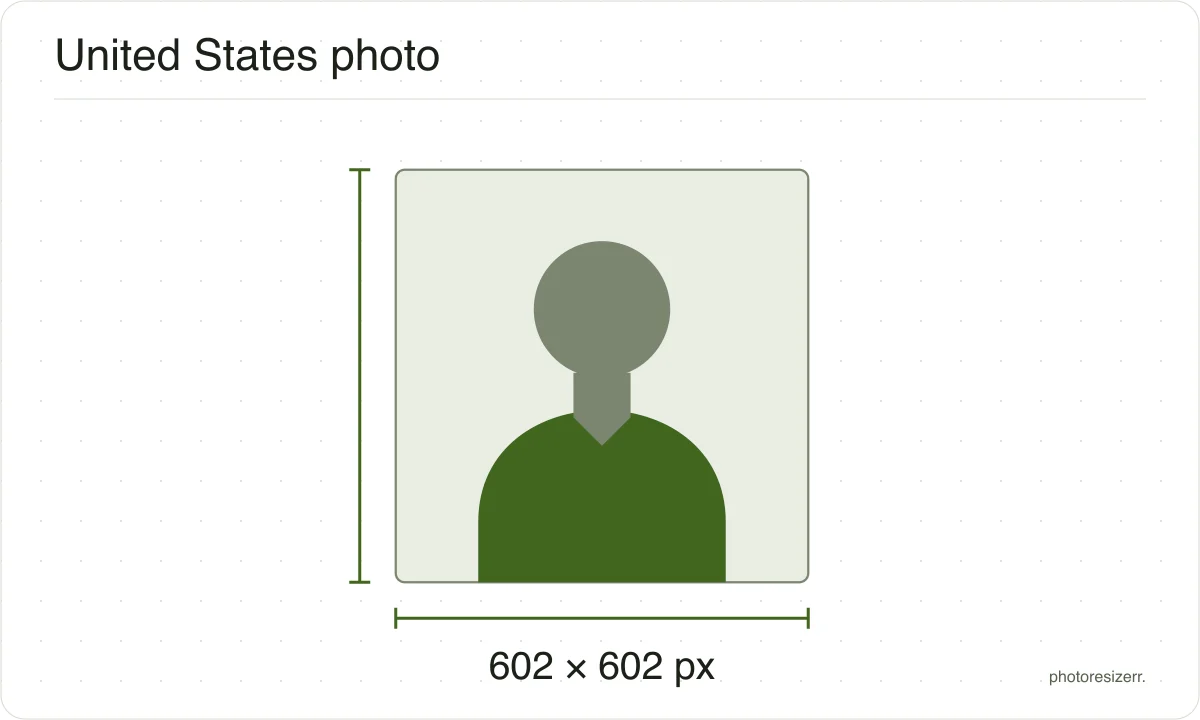
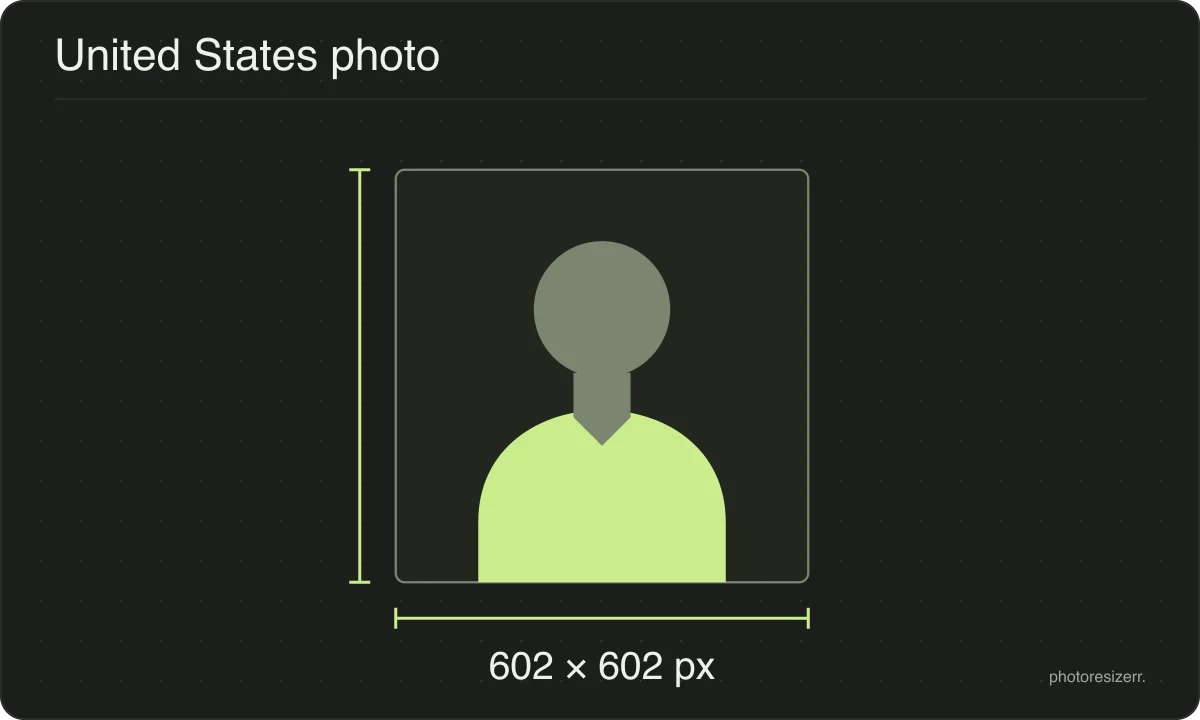
A US passport photo is square: 2 by 2 inches, or 51 by 51 mm, which is 602 pixels each way at 300 DPI. An online renewal also needs the file between 54 KB and 10 MB. Drop a photo here and it comes out at that size, with nothing uploaded anywhere.
Your workspace PIXELS · PREVIEW · DOWNLOADPrivate by default
Processed on your deviceNo watermark. No signup.
What the authority specifies
- Photo size
- 51 mm by 51 mm
- Pixels at 300 DPI
- 602 x 602
- Background
- plain white or off-white
- File size
- 54.0 KB to 10.00 MB
- Source
- travel.state.gov
- Source for the file size
- travel.state.gov
- Read at the source on
Each size on this page was read at the issuing authority's own website, not copied from another converter or from a search result.
The page it came from and the date it was read are printed above, so you can check the same source in one click.
Why this size?
The square shape is what catches people out.
Almost every other country uses a tall rectangle, so a photo cut for a British or Indian application is the wrong shape here, and the State Department says unacceptable photos are the single most common reason an application gets put on hold.
Where the pixel figure comes from
Passport offices publish millimetres, not pixels, because the photograph is printed. Turning millimetres into pixels needs a resolution, and most authorities do not name one.
This one does not, so the pixel figure above is 300 DPI, the resolution print shops work to. The millimetre measurement is the requirement; the pixel figure is our arithmetic on top of it.
That matters if you are uploading rather than printing.
An online form usually states its own pixel size or file size limit, and where an authority publishes one this page uses that instead of converting anything.
Check before you submit
Requirements change, and the only version that counts is the one on the authority's own page on the day you apply.
Every size here links to the page it came from and shows the date it was read. If that date looks old, spend a minute at the source before you print anything.
What happens to your photo?
Your selected photo is processed in your browser, without an image upload to a server. The page may download code and codecs needed for editing.
Save your result before closing the tab; unsaved edits are kept in memory rather than in an online account.
Common questions
What size is a US passport photo?
The State Department publishes 2 by 2 inches, which it also gives as 51 by 51 mm. That is a square, unlike most countries.
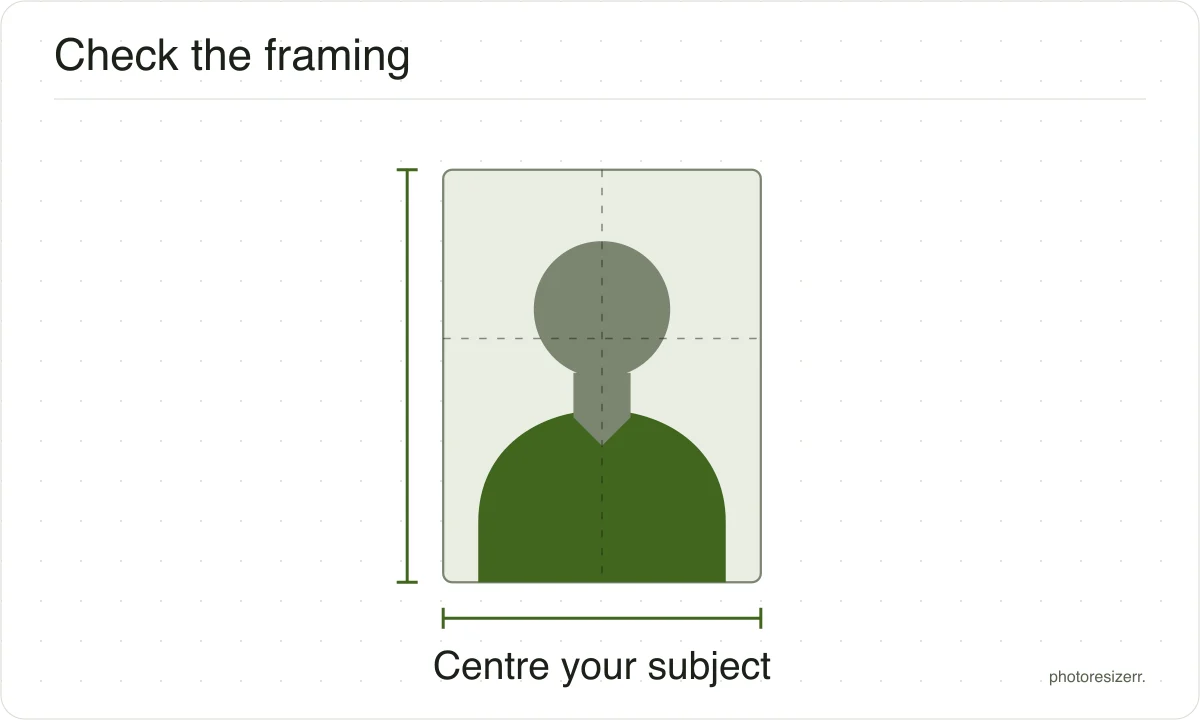
Your head must measure between 1 and 1 and three eighths inches, or 25 to 35 mm, from the bottom of the chin to the top of the head.
What size is a US passport photo in pixels?
The State Department does not publish a pixel size, so 602 by 602 is this tool's conversion of 51 by 51 mm at 300 DPI.
For an online renewal it publishes a file size instead, between 54 KB and 10 MB, and accepts JPG, PNG, HEIC or HEIF.
My photo is under 54 KB. Will it be rejected?
The online renewal page states 54 KB as a minimum, so yes, a smaller file can be refused before anybody looks at it.
A square photo at this size compresses well and can easily land under that floor, so raise the quality slider until the meter clears it rather than enlarging the photo.
Can I edit or retouch the photo?
No. The State Department asks for the original, unedited photo, with no filters, no retouching and nothing generated or enhanced by artificial intelligence, and states that it checks for this.
Resizing and cropping to the required box are fine, and are what this tool does.
What background does it need?
Plain white or off-white, with no shadows, texture, lines or objects behind you.
The advice on the State Department's own page is to stand several feet away from a white wall, or to cover a coloured wall with a white sheet or blanket.
Last updated: