 Russia visa photo size for the e-visa
A Russia e-visa photo is a JPEG in the 35 x 45 shape, on a plain light background.
Your workspace Pixels · Preview · DownloadPrivate by default
Runs on this device. The first use downloads a 56 to 135 MB model once. Nothing is uploaded.
- Open a photoDrop, paste or choose one.
- Set the sizeType it, or pick a common size.
- DownloadSee the file size before you save.
Processed on your deviceNo watermark. No signup.
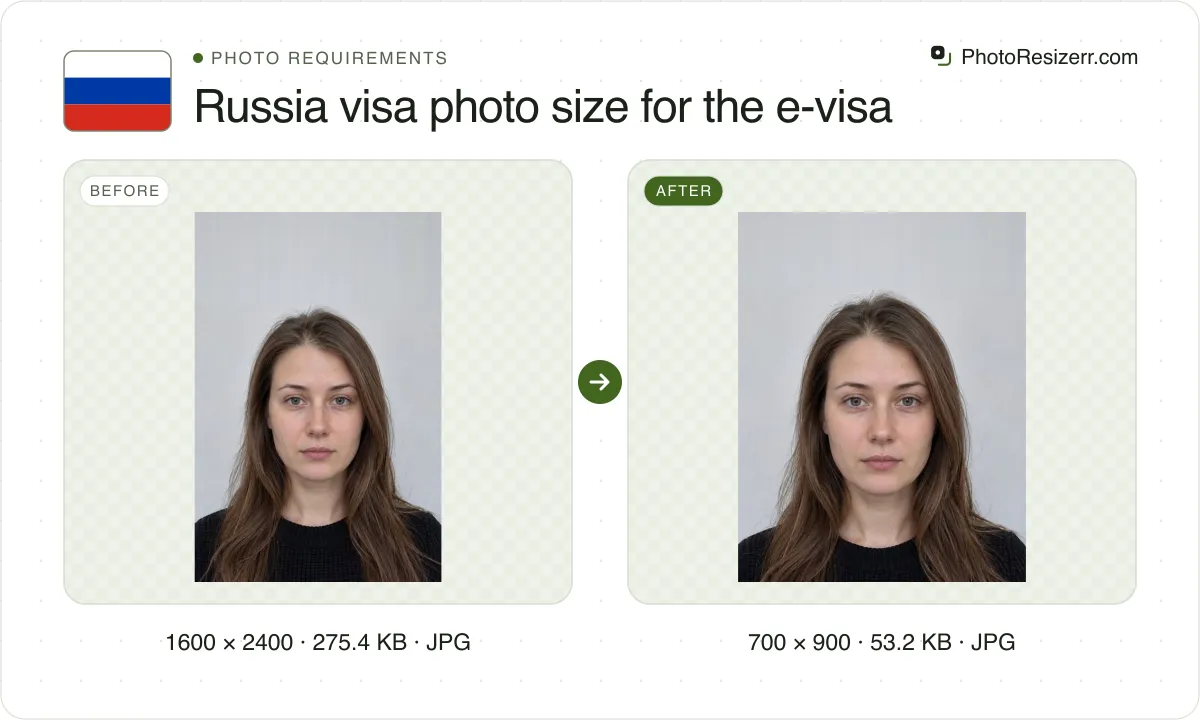
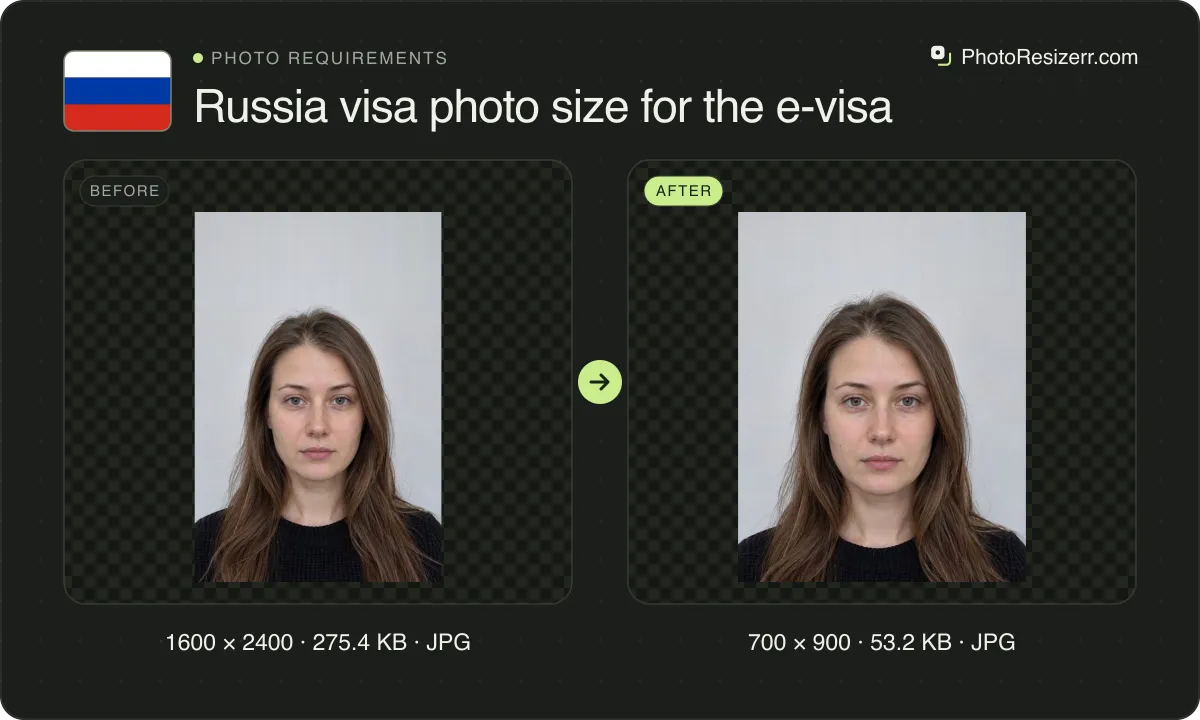
The portal states no pixel or file size: its form saves yours at 700 by 900 pixels, the size this tool makes, and 20 to 35 KB. The regular visa takes a 3.5 x 4.5 cm print.
What the authority specifies
E-visa
- Photo size
- The 35 x 45 shape. No size stated
- Pixels this tool uses (our choice)
- 700 x 900
- Background
- plain light-coloured, with no shadows
- File size
- No limit published
- Source
- evisa.kdmid.ru
- Read at the source on
Paper visa form
- Photo size
- 45 mm by 35 mm
- Pixels at 300 DPI
- 413 x 531
- Background
- not stated on the form site, which leaves it to each mission
- File size
- No limit published
- Source
- visa.kdmid.ru
- Read at the source on
Each size on this page was read at the issuing authority's own website, not copied from another converter or from a search result.
The page it came from and the date it was read are printed above, so you can check the same source in one click.
Why this size?
Russia issues visas two ways, and each wants a different photo. The unified e-visa is applied for on the Foreign Ministry's portal, evisa.kdmid.ru, and takes an uploaded JPEG. The regular visa takes a print glued to a paper form.
The portal asks for the 35 x 45 shape, a plain light background and your face filling 70 to 80 percent of the photo. It names no pixel size and no file size.
Its form handles that part itself. The form's own script shows your photo behind a fixed frame and saves what is in the frame at 700 by 900 pixels. Then it lowers the JPEG quality until the file is between 20 and 35 KB.
We ran that script's compression on 32 test portraits in Chrome. At full quality they were about 275 to 509 KB. It saved them at 34,872 to 35,832 bytes, at JPEG quality 0.31 to 0.76.
So a photo squeezed to 35 KB beforehand is compressed twice. Send a sharp file in the right shape and let the form compress it once. How much quality survives depends on the photo: a busy one loses more.
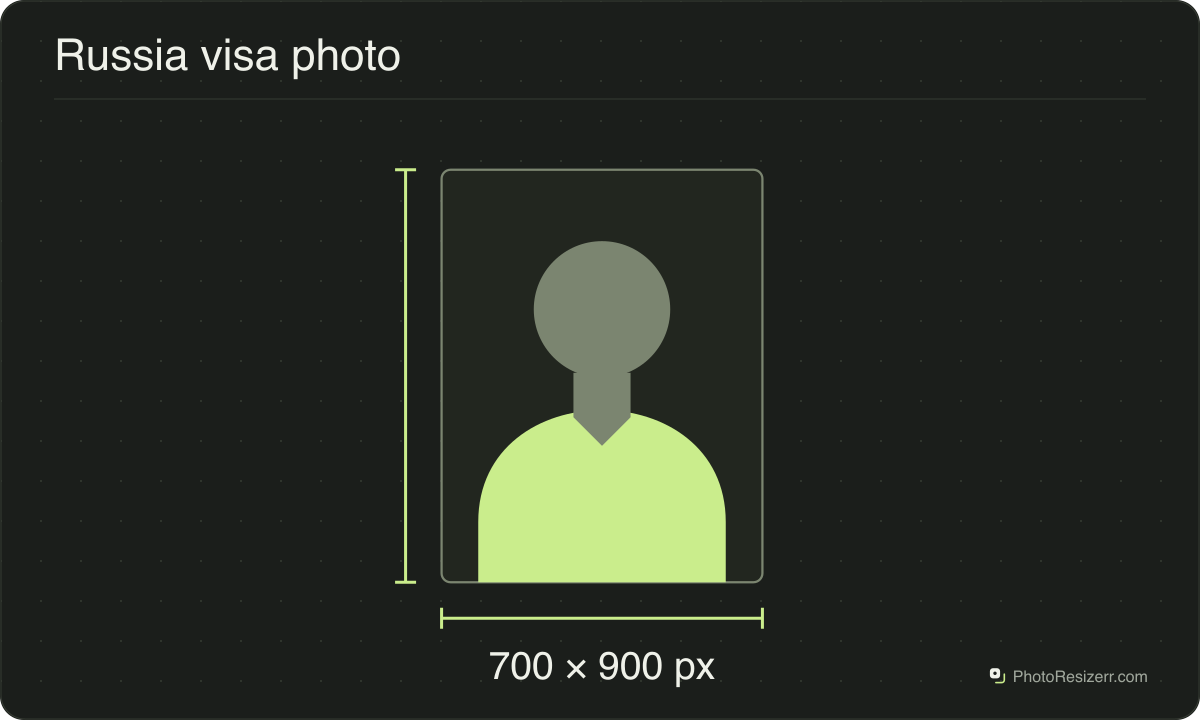
Where the pixel figure comes from
Passport offices publish millimetres, not pixels, because the photograph is printed. Turning millimetres into pixels needs a resolution, and most authorities do not name one.
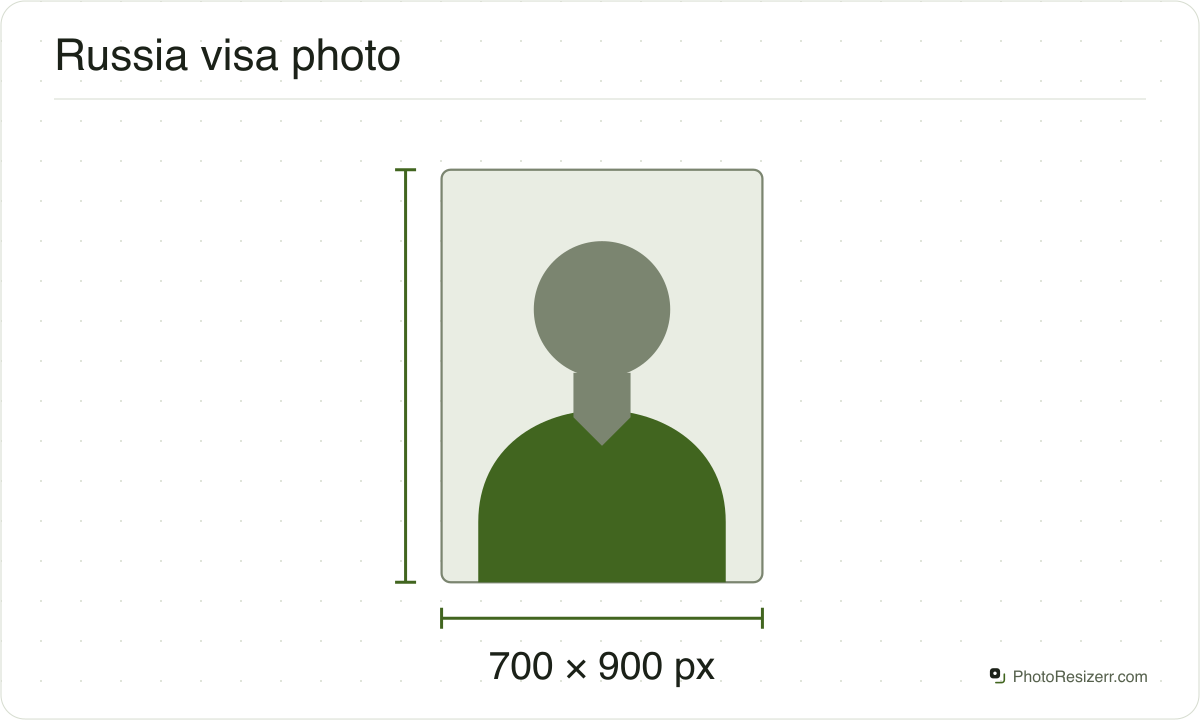
This one publishes neither. It says only that the photo must have the 35 x 45 shape, so the pixel figure above is the size this tool makes, not a requirement. Any file of that shape the form accepts will do.
That matters if you are uploading rather than printing.
An online form usually states its own pixel size or file size limit, and where an authority publishes one this page uses that instead of converting anything.
Check before you submit
Requirements change, and the only version that counts is the one on the authority's own page on the day you apply.
Every size here links to the page it came from and shows the date it was read. If that date looks old, spend a minute at the source before you print anything.
What happens to your photo?
Your selected photo is processed in your browser, without an image upload to a server. The page may download code and codecs needed for editing.
Save your result before closing the tab; unsaved edits are kept in memory rather than in an online account.
Common questions
Is a Russia e-visa photo 450 x 600 pixels?
The portal does not say so. It asks for the 35 x 45 shape and names no pixel size. 450 by 600 is a 3 to 4 shape, slightly narrower than 35 x 45.
The form's own script saves every photo at 700 by 900 pixels, which is exactly the 35 x 45 shape. That is the size this tool makes.
How many KB should a Russia e-visa photo be?
The portal sets no file size for the photo you choose, and its form does not check one. Once you frame the photo, the form saves its own copy and compresses that to between 20 and 35 KB.
So there is no need to shrink the file first. The one size failure is a copy under 20 KB at full quality, which the form refuses with "Image file size is too small".
What background does a Russia e-visa photo need?
The portal asks for "a plain light-colored background with no shadows". The message its photo check shows on a failure is more specific: "a light, white or blue, uniform background".
For the regular visa, the form site names no colour and leaves it to the mission. The embassy in Denmark, for one, asks for plain white or light-coloured.
Why did the e-visa form reject my photo?
Once you frame the photo, the form sends its copy to the portal for a check and lists what failed.
Its messages cover a face too small or too large in the frame, eyes outside the required area, a tilted or turned head, a blurred image and a second person.
None of those is about file size. Reframe with the form's zoom and move buttons, or take a sharper, straight-on photo.
Can I wear glasses or a head covering in a Russia e-visa photo?
Glasses are allowed if your eyes are clearly visible: no flash reflection, no tinted lenses, and frames that do not cover any part of your eyes.
A head covering is allowed for religious beliefs, if your face is clearly visible from the bottom of the chin to the top of the forehead.
Do I upload a photo for a regular Russian visa?
No. The visa form site, visa.kdmid.ru, fills in and prints the application. It tells you to glue a 3.5 x 4.5 cm photo, taken within the last six months, onto the printed form.
Switch to Paper visa form above for that print. It opens at 413 by 531 pixels, which is 35 x 45 mm at 300 DPI, this tool's conversion.
Last updated: