Singapore passport and IC photo size
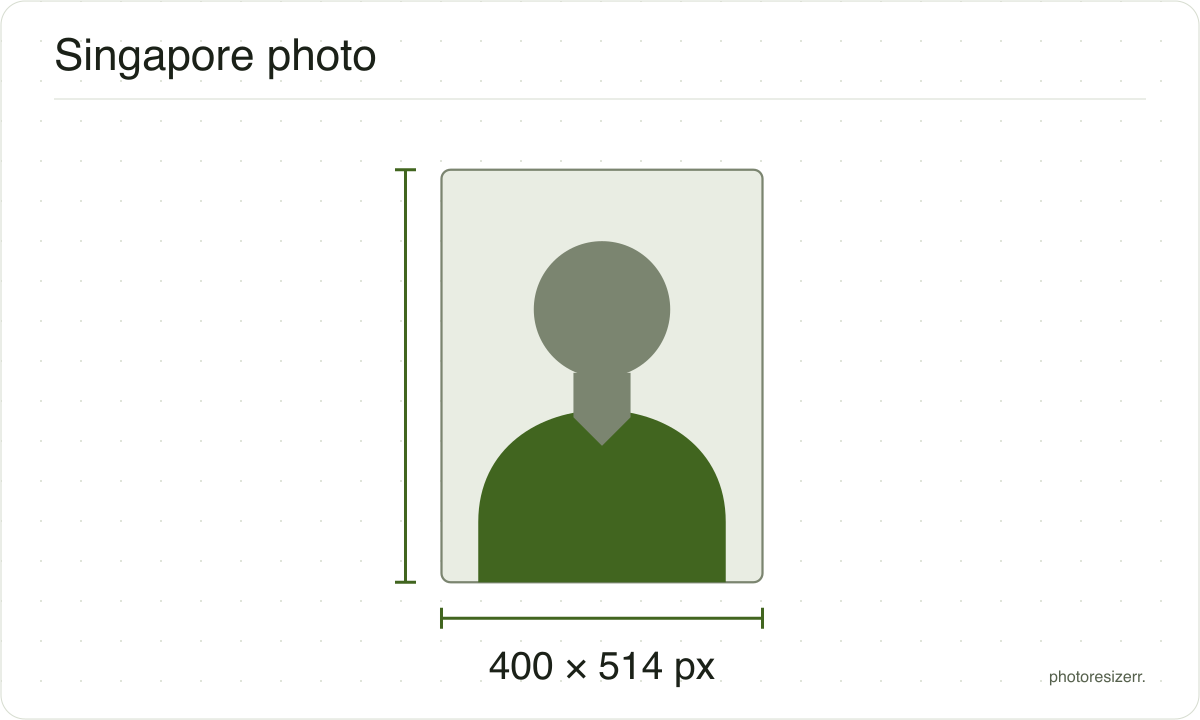
A Singapore passport or IC photo for ICA's e-Services is 400 by 514 pixels: a JPG, HEIC or PNG file up to 8 MB, on a white background. The passport and the identity card take the same photo. A paper form abroad takes a 35 by 45 mm print, face 25 to 35 mm.
Jump to the toolYour workspace PIXELS · PREVIEW · DOWNLOADPrivate by default
Processed on your deviceNo watermark. No signup.
What the authority specifies
Online (passport or IC)
- Photo size
- 400 x 514 pixels
- Background
- white
- File size
- up to 8 MB
- Read strictly
- At most 8,000,000 bytes, which your computer shows as 7.63 MB
- Source
- www.ica.gov.sg
- Read at the source on
Paper form abroad
- Photo size
- 45 mm by 35 mm
- Pixels at 300 DPI
- 413 x 531
- Background
- plain white, or light grey if your hair is white
- File size
- No limit published
- Source
- www.ica.gov.sg
- Read at the source on
Each size on this page was read at the issuing authority's own website, not copied from another converter or from a search result.
The page it came from and the date it was read are printed above, so you can check the same source in one click.
Why this size?
The Immigration & Checkpoints Authority (ICA) issues both the passport and the identity card, and bases its photo rules on the ISO and ICAO standards.
Every IC page, for 15-year-olds and for re-registration at 30 or 55, asks for the same passport-sized colour photo, taken within the last three months.
Both are applied for online with Singpass. ICA's Photo Guidelines give the upload as 400 by 514 pixels, in JPG, JPEG, HEIC, HEIF or PNG, up to 8 MB.
That is the shape of a 35 by 45 mm print, so a photo cropped for one fits the other. The print itself is only needed if you apply on paper at a Singapore Overseas Mission.
The notes on that form spell out rules the web page shows only as pictures. The face is 25 to 35 mm from chin to crown, and the background is light grey if your hair is white.
Where the pixel figure comes from
Passport offices publish millimetres, not pixels, because the photograph is printed. Turning millimetres into pixels needs a resolution, and most authorities do not name one.
This one publishes pixels directly, because the photo is uploaded rather than printed, so no resolution was needed and the pixel figure above is the authority's own.
That matters if you are uploading rather than printing.
An online form usually states its own pixel size or file size limit, and where an authority publishes one this page uses that instead of converting anything.
Check before you submit
Requirements change, and the only version that counts is the one on the authority's own page on the day you apply.
Every size here links to the page it came from and shows the date it was read. If that date looks old, spend a minute at the source before you print anything.
What happens to your photo?
Your selected photo is processed in your browser, without an image upload to a server. The page may download code and codecs needed for editing.
Save your result before closing the tab; unsaved edits are kept in memory rather than in an online account.
Common questions
What size is a Singapore passport photo in pixels?
400 pixels wide by 514 high. ICA's Photo Guidelines give that as the size for photos uploaded through its e-Services, for the passport and for the IC.
Switch to Online (passport or IC) above to make it from your own photo.
Is the IC photo the same as the passport photo?
Yes. ICA's identity card pages ask for a recent passport-sized, digital colour photo and link to the same Photo Guidelines as the passport.
One file made here works for a new passport, an IC at 15, and re-registration at 30 or 55.
What file size and format does ICA accept?
A jpg, jpeg, heic, heif or png file of up to 8 MB. ICA publishes no minimum.
A 400 by 514 JPEG is far below the limit. Two test photos came out at 15 KB and 30 KB here at the default quality, so there is nothing to shrink.
What background does the photo need?
Plain white. The notes on ICA's overseas form add one exception: if your hair is white, the background must be light grey.
The lighting must be even across your face, and the photo sharp, not blurred or pixelated.
Can I wear a headscarf or glasses?
Only headgear you habitually wear for religious or racial custom. ICA says it must be dark against the white background, never white, and must leave your eyes fully visible.
Glasses need clear, untinted lenses, no reflection and frames off your eyes. Sunglasses and coloured contact lenses are not allowed.
Can I take the photo with my phone?
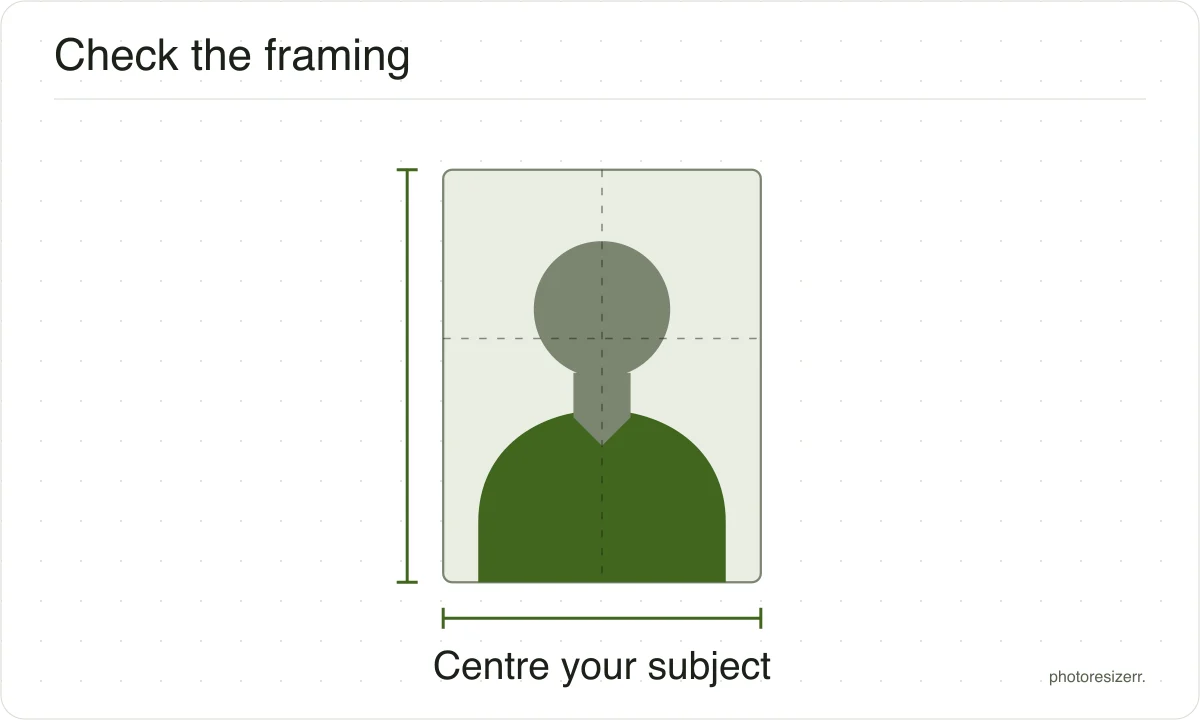
Yes, and ICA says you may resize it on a computer. It does not recommend a selfie: ask someone else to take it, with your shoulders and hair fully in frame.
Do not edit your face or use a beauty filter, and make sure the camera has not flipped the picture.
What photo do I need when applying from overseas?
ICA asks citizens abroad to apply online too. If you use the paper form IMM(E)11 at a Singapore Overseas Mission instead, paste on a 35 by 45 mm print with no border.
ICA asks for a matte or semi matte print, so it does not reflect light. Switch to Paper form abroad above.
What size is the printed photo in pixels?
ICA publishes none for the print. Paper form abroad makes 413 by 531 pixels, the 35 by 45 mm print at this tool's 300 DPI, and writes 300 DPI into the file for the print shop.
The 400 by 514 upload is the same shape at a slightly lower resolution.
Last updated: