 UK passport photo size
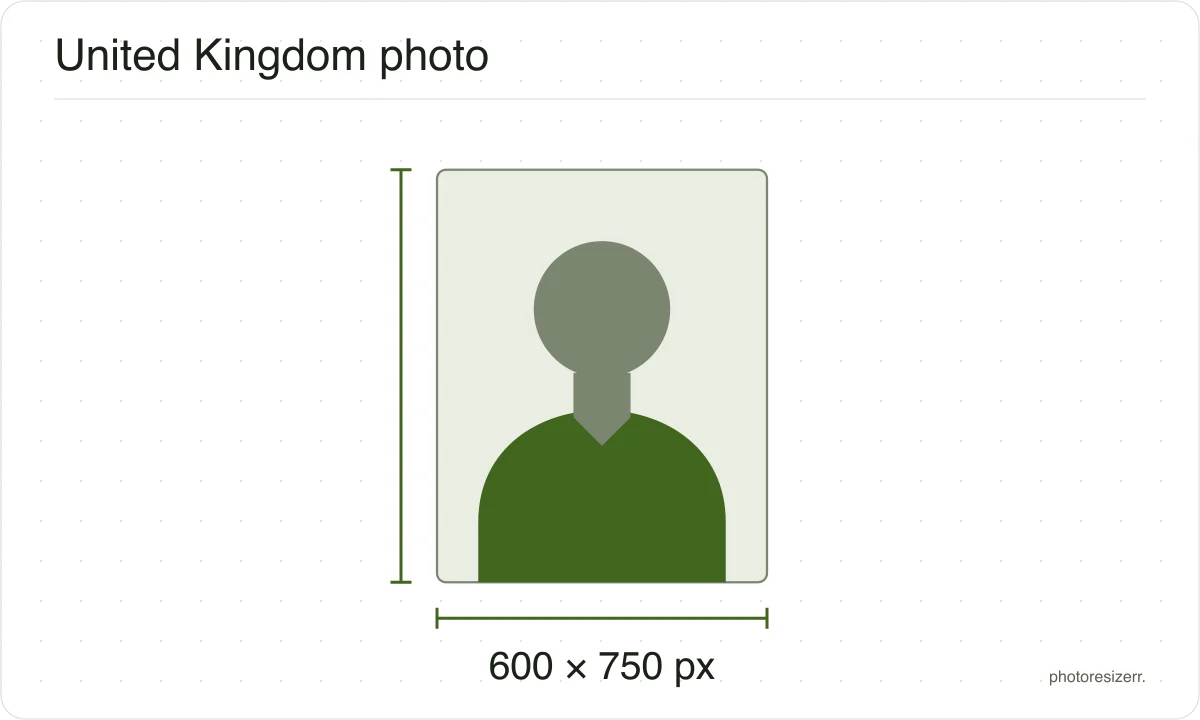
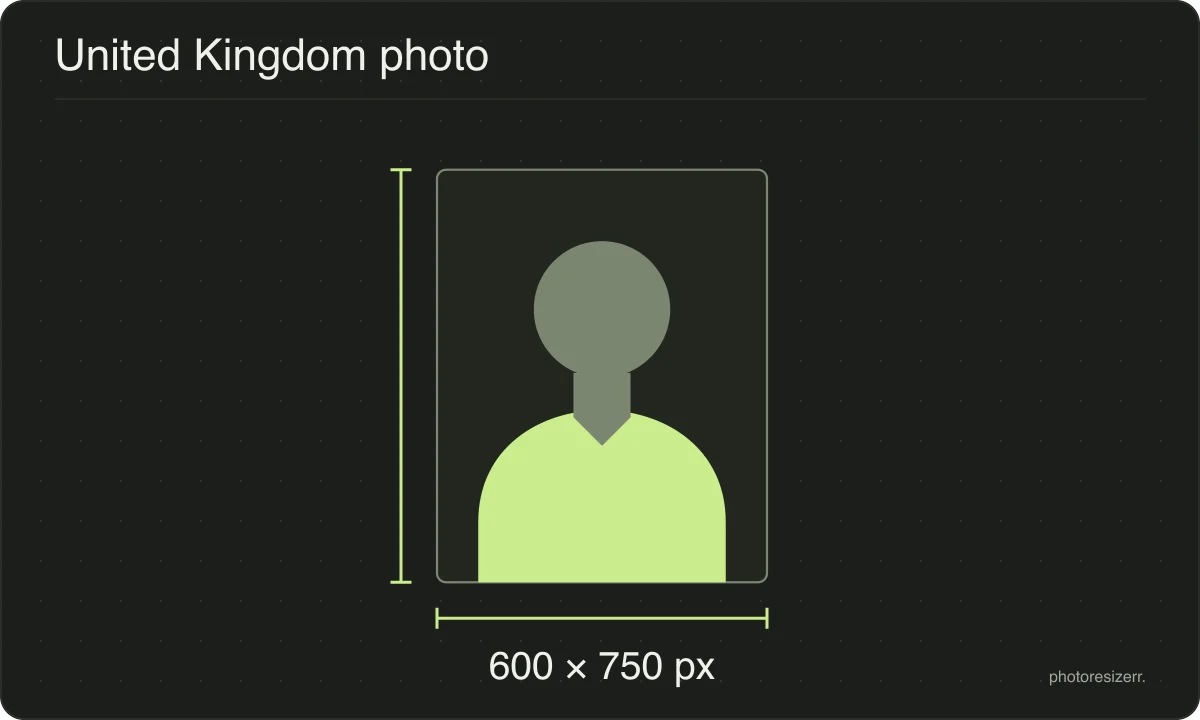
A digital UK passport photo must be at least 600 pixels wide and 750 tall, and between 50KB and 10MB.
Your workspace Pixels · Preview · DownloadPrivate by default
- Open a photoDrop, paste or choose one.
- Set the sizeType it, or pick a common size.
- DownloadSee the file size before you save.
Processed on your deviceNo watermark. No signup.
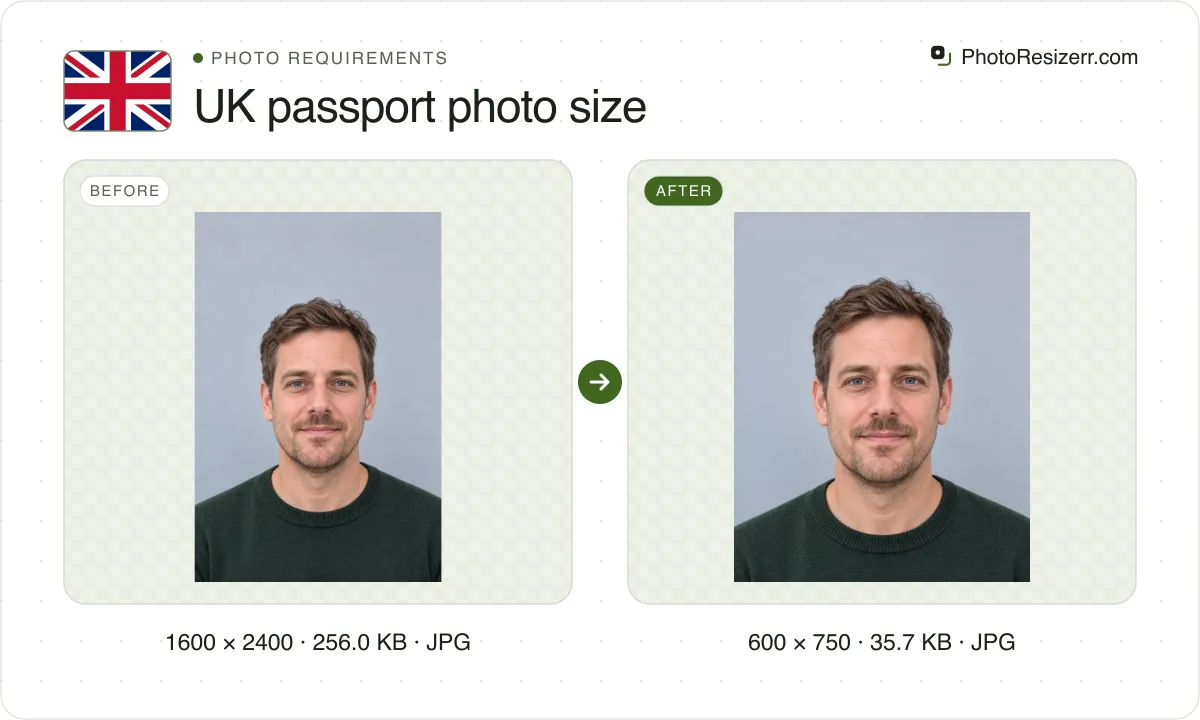
If you take it on your own device, do not crop it: GOV.UK wants your head, shoulders and upper body, and crops the photo itself. Use this tool to check a file against those limits.
What the authority specifies
- Photo size
- 600 x 750 pixels
- Background
- plain light-coloured
- File size
- 50 KB to 10 MB
- Source
- www.gov.uk
- Read at the source on
Each size on this page was read at the issuing authority's own website, not copied from another converter or from a search result.
The page it came from and the date it was read are printed above, so you can check the same source in one click.
Why this size?
The UK gives you three routes, and each wants something different. A booth or shop gives you a code to enter. A photo on your own device is taken during the application and left uncropped. A paper form needs two identical prints.
This tool shows what 600 by 750 pixels looks like on your own photo, and what file size it comes out at, so you can see whether a file clears the limits before you upload it.
Where the pixel figure comes from
Passport offices publish millimetres, not pixels, because the photograph is printed. Turning millimetres into pixels needs a resolution, and most authorities do not name one.
This one publishes pixels directly, because the photo is uploaded rather than printed, so no resolution was needed and the pixel figure above is the authority's own.
That matters if you are uploading rather than printing.
An online form usually states its own pixel size or file size limit, and where an authority publishes one this page uses that instead of converting anything.
Check before you submit
Requirements change, and the only version that counts is the one on the authority's own page on the day you apply.
Every size here links to the page it came from and shows the date it was read. If that date looks old, spend a minute at the source before you print anything.
What happens to your photo?
Your selected photo is processed in your browser, without an image upload to a server. The page may download code and codecs needed for editing.
Save your result before closing the tab; unsaved edits are kept in memory rather than in an online account.
Common questions
What size does a UK passport photo have to be?
For an online application, GOV.UK asks for at least 600 pixels wide by 750 tall, in a file between 50KB and 10MB.
For a printed photo it asks for 45mm high by 35mm wide, with your head measuring between 29mm and 34mm from chin to crown.
Should I crop my photo before uploading it?
Not if you took it yourself. GOV.UK asks for your head, shoulders and upper body in the photo, and says it will be cropped for you.
A photo from a booth or shop reaches your application through its code, so there is nothing to crop either.
My file is under 50KB. Is that a problem?
Yes, GOV.UK states a minimum as well as a maximum. A photo compressed below 50KB has usually lost enough detail to fail the check.
If the file comes out under 50KB, this tool raises the quality until it clears, and the meter says which quality it used. A very plain photo can stay under 50KB even at full quality, and the meter says that too.
Can I use a photo from my phone?
Yes, for an online application. GOV.UK has you take it during the application, with someone else holding the phone 1.5 metres away while you stand 50cm in front of a plain light-coloured wall.
Leave it uncropped and unedited. GOV.UK adds that a photo from a booth or shop is more likely to be approved.
Can I wear glasses in a UK passport photo?
Only if you have to. GOV.UK says not to wear glasses unless you must, and then never sunglasses or tinted lenses.
Your eyes must not be hidden by the frames, or by glare, reflection or shadow on the lenses.
Can I smile in a UK passport photo?
No. GOV.UK asks for a plain expression with your mouth closed, your eyes open and visible, and no hair in front of your eyes.
Last updated: