 BCS photo and signature size
BPSC's BCS application takes a colour JPG photo of exactly 300 x 300 pixels, up to 100 KB.
Your workspace Pixels · Preview · DownloadPrivate by default
Runs on this device. The first use downloads a 56 to 135 MB model once. Nothing is uploaded.
- Open a photoDrop, paste or choose one.
- Set the sizeType it, or pick a common size.
- DownloadSee the file size before you save.
Processed on your deviceNo watermark. No signup.
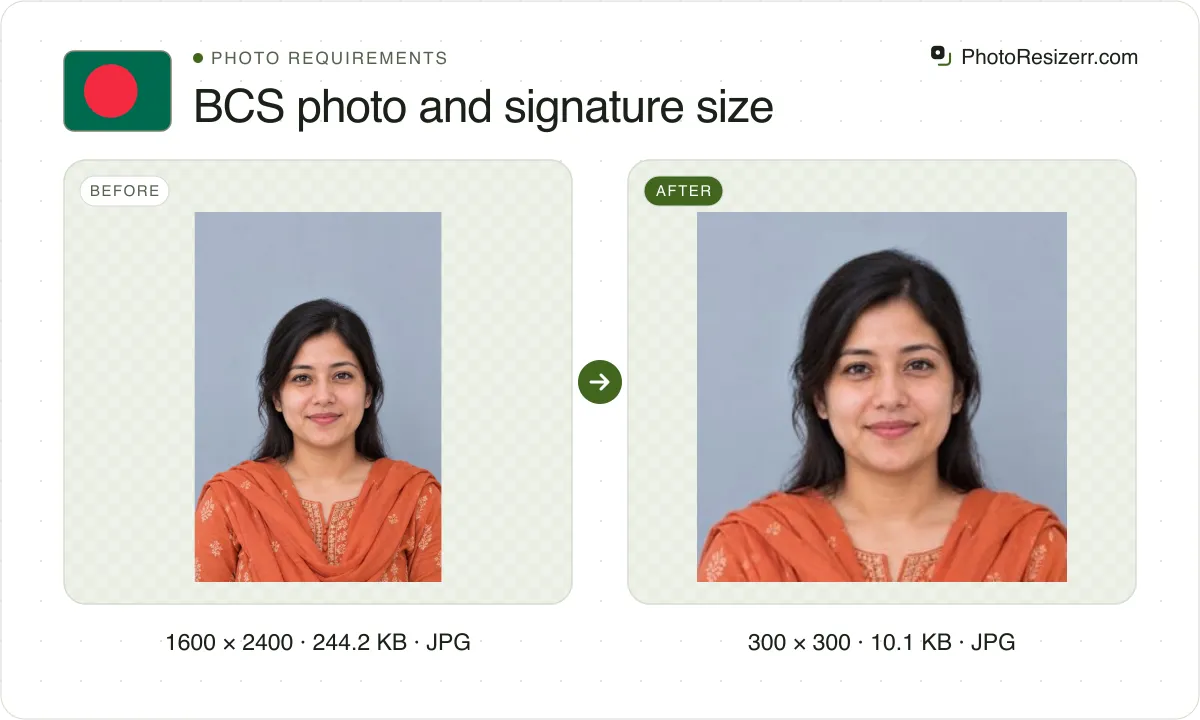
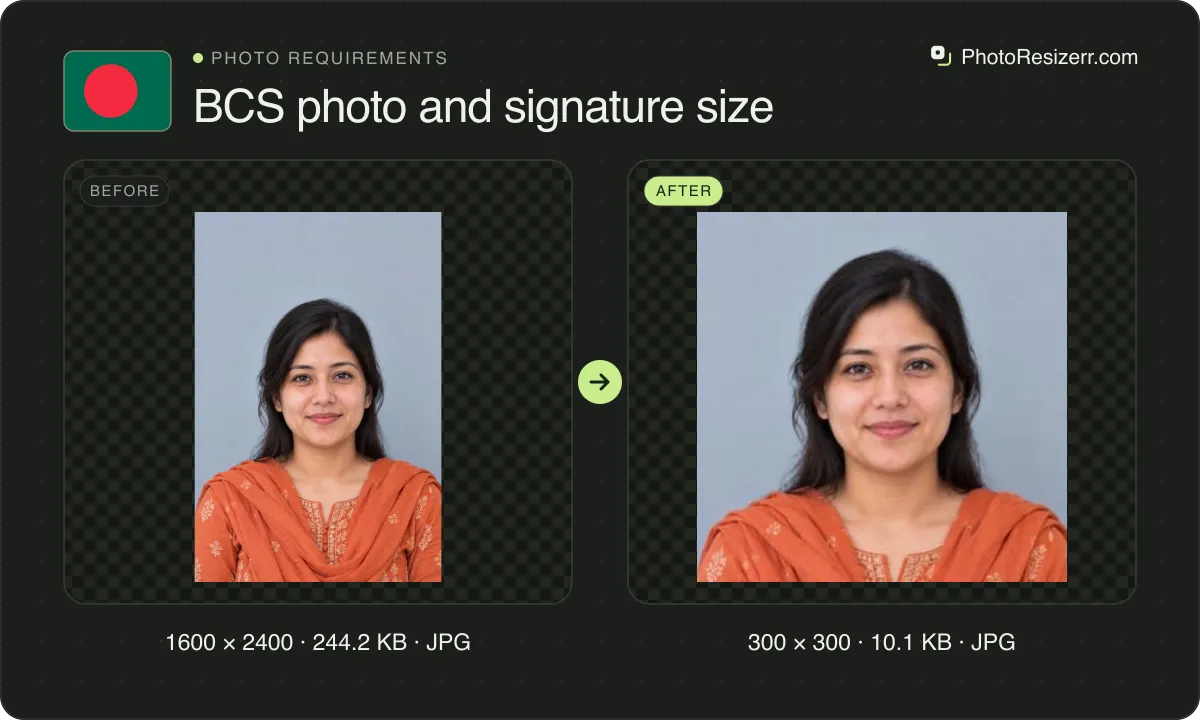
The signature is 300 x 80 pixels, up to 60 KB. Neither size is a maximum: BPSC's own validator turned down our 240 and 600 pixel test photos on 3 October 2026.
What does the BCS form ask you to upload?
A photo and a signature, on the application site BPSC runs with Teletalk. We read its validator and help pages while the 51st BCS (Special) 2026 form was open. Here is what each says.
Photo and Signature Validator
- Photo
- 300 x 300 pixels, width by height, not more than 100 KB
- Signature
- 300 x 80 pixels, width by height, not more than 60 KB
- Colour
- A colour photo is a must. Black and white, monochrome or greyscale is not accepted
- Format
- A .jpg file; the page refuses any other extension
- Face check
- The page says it can detect an image with facial recognition
- Page
- The 51st BCS application site's validator page
- Source
- bpsc.teletalk.com.bd
- Read at the source on
Help page
- Photo
- 300 x 300 pixels, less than 100 KB
- Where it comes from
- A recent photo from a digital camera, or scanned from a good quality print
- Not accepted
- Face too close or too distant, blurred, too light or dark, obscured, or uncropped
- Glasses
- No reflections, eyes clearly seen. Dark glasses are not acceptable
- Headwear
- No hats. Religious headwear is allowed if it does not cover the face
- Signature
- 300 x 80 pixels, not more than 60 KB, on white paper in black ink, signed by the applicant
- Page
- The 51st BCS application site's help page, section 01
- Source
- bpsc.teletalk.com.bd
- Read at the source on
Is 300 x 300 a maximum or the exact size?
The exact size. Some write-ups of the BCS circulars call 300 x 300 a maximum, so we sent test files to BPSC's validator on 3 October 2026. It passed only the exact box.
| File we sent | The validator's answer |
|---|---|
| Colour photo, face and shoulders, 300 x 300, 16 KB | Photo is Valid! |
| The same photo at 240 x 240 | Photo File Size/Format is Invalid |
| The same photo at 600 x 600 | Photo File Size/Format is Invalid |
| The same photo in greyscale, 300 x 300 | Invalid: Photo Must be in Colour! |
| A 300 x 300 crop with the chin cut off | Invalid: Appearance is too Unclear to Recognize! |
| Signature in black on white, 300 x 80 | Signature is Valid! |
| The same signature at 300 x 100 | Signature File Size/Format is Invalid |
The tool makes each file at exactly that box. A photo that is not square is cropped from the centre, never stretched. If that cuts into your head or shoulders, open Crop and frame them inside a square first.
The validator is a check you can run yourself before you apply. It sits on the application site's home page as Photo/Signature Validator, and it answers in a few seconds.
Why does the validator say the photo is too unclear?
That message came back when our crop cut the chin off. The same face passed once the square held the whole head and the shoulders. The validator looks for a face before it measures anything else.
BPSC's help page lists what else fails: a face too close or too distant, a blurred photo, one too light or too dark, an obscured face, or a picture left uncropped.
Look straight at the camera with a relaxed face. If you wear glasses, the lenses must show no reflection. Hats and dark glasses are out, and religious headwear must leave the face uncovered.
What size is the BCS signature?
300 x 80 pixels, a JPG of not more than 60 KB. Sign on white paper with a black ink pen, yourself. BPSC says the signature is checked against the attendance sheet at the exam.
Photograph or scan the paper, then crop close to the ink before you resize it. The box is nearly four times as wide as it is tall, so a signature with wide margins shrinks to a thin line.
One caution on the 60 KB. Our test signatures padded to 42,000 bytes and more were refused, and those at 40,961 bytes and less passed. Those files were padded with unused bytes, so read it as a hint: stay under 40 KB.
A real signature rarely gets near that. Our test signature, black ink on white, came out of the tool at 3.3 KB, and a 300 x 300 portrait at 12.6 KB.
What does BPSC not say?
Neither page names a background colour, a head size, a DPI or a minimum file size. If a guide gives you one of those for BCS, it did not come from the validator or the help page.
The validator counts a KB as 1,024 bytes: it reported our 61,441 byte file as 60.00 KB. The tool holds the photo at 100,000 bytes, which is under 100 KB however you count it.
A circular can add rules these pages do not carry, such as how recent the photo must be. Read the advertisement for your own BCS on bpsc.gov.bd before you apply.
What happens to your photo?
Your selected photo is processed in your browser, without an image upload to a server. The page may download code and codecs needed for editing.
Save your result before closing the tab; unsaved edits are kept in memory rather than in an online account.
Common questions
What is the BCS photo size?
300 pixels wide by 300 pixels high, a colour JPG of not more than 100 KB. BPSC's validator refuses any other pixel size. The tool makes that box and keeps the file at 100,000 bytes or less.
Can the BCS photo be black and white?
No. BPSC says a colour photo is a must, and that black and white, monochrome or greyscale will not be accepted. Our greyscale test photo came back as Invalid: Photo Must be in Colour!
Which file format does the BCS form take?
JPG. The validator page refuses a file whose name does not end in .jpg, with the message that the image file format must be .jpg. The tool saves both the photo and the signature as JPG.
Is there a minimum file size?
None is stated on the validator or the help page. Our 300 x 300 test photo passed at 16 KB, and the signature passed at under 4 KB, so a small file is not a problem by itself.
Do other BPSC forms use the same sizes?
The departmental examination form does. Its instructions ask for a 300 x 300 pixel photo of less than 100 KB and a 300 x 80 pixel signature of less than 60 KB, the same two boxes as the BCS form.
Last updated: