Lighten a dark photo online
Make a dark photo lighter, free and in your browser.
Your workspace Pixels · Preview · DownloadPrivate by default
Runs on this device. The first use downloads a 56 to 135 MB model once. Nothing is uploaded.
Auto measures the photo and lifts its dark and middle tones.
- Open a photoDrop, paste or choose one.
- Set the sizeType it, or pick a common size.
- DownloadSee the file size before you save.
Processed on your deviceNo watermark. No signup.
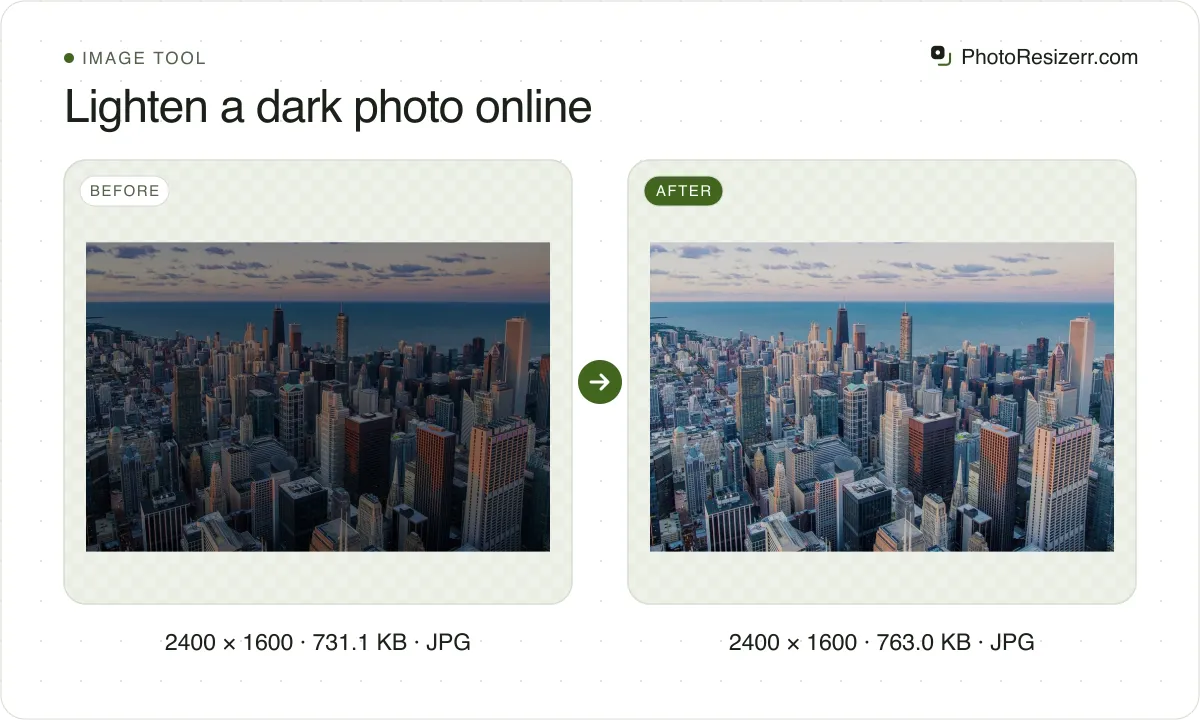
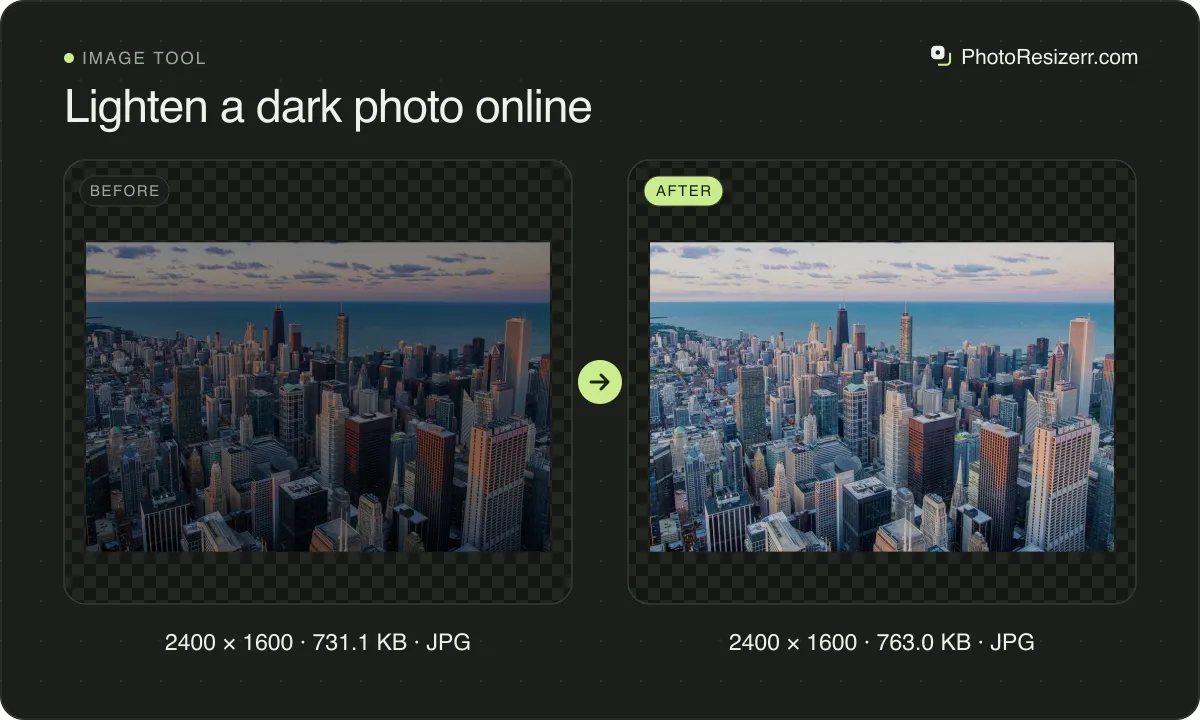
Auto measures it and lifts the dark and middle tones, or you set the strength from 0 to 100. Black stays black and white stays white, so a bright sky or window keeps its detail. Your photo is never uploaded.
How is lightening different from brightness?
A brightness slider adds the same amount to every pixel. The bright parts of a photo reach white first and stay there, so a sky or a lamp loses its detail.
This tool bends a curve through the tones instead. Black and white stay fixed, dark and middle tones are lifted most, and the closer a tone is to white, the less it moves.
| Tone in the photo | After lightening | Lifted by |
|---|---|---|
| 10% of white | 22% | 12 points |
| 25% of white | 47% | 22 points |
| 50% of white | 74% | 24 points |
| 75% of white | 90% | 15 points |
| 90% of white | 97% | 7 points |
| 100% of white | 100% | 0 points |
The curve is the one from Zero-DCE, a 2020 low-light research method, applied four times. Zero-DCE fits a different curve to every pixel with a neural network; this tool uses one curve for the whole photo, so it needs no download.
The method: Zero-Reference Deep Curve Estimation (Guo et al., CVPR 2020).
What does Auto do?
Auto measures how bright the photo is on average and picks the strength that brings that up to 45% of white, a well exposed photo's middle. A photo already that bright is left as it is.
The demo is a city skyline made two stops darker, as an underexposed shot would be. Its average is 22% of white. Auto picks 65 and brings it to 45%; the photo before darkening was 44%.
Before the JPEG is saved, its brightest value goes from 157 to 221 out of 255, so the curve pushes nothing to white. Even at full strength the average is 58% and the brightest value 241.
Can you lighten a passport or ID photo?
Often not. Many passport offices reject any edited photo, and a lightened one is edited. If yours came out too dark, take it again facing a window or in daylight.
Read the rule for your document first. Two that forbid edits: US passport photo size and UK visa and ETA photo size.
Some forms reject a photo for being too dark without saying anything about editing, as Bangladesh's BCS form does: BCS photo and signature size.
Why can a lightened photo look grainy?
A photo taken in poor light carries noise in its dark parts, and lifting the darks makes that noise as visible as the rest. This tool does not smooth it away.
If grain shows, use a lower strength, or make the photo smaller: resizing down averages much of the noise out.
Common questions
Can it make a photo darker?
No. It only lightens. At 0 the photo is left as it is.
Does it change the size of my photo?
No. It keeps the photo's size unless you change it in the same step, which you can: the size, crop and format controls are all there.
Is my photo uploaded?
No. Your browser measures and lightens the photo on your own device. Nothing is sent to a server.
Last updated: