Watermark an image online
Type your name or web address and stamp it on your photo as a watermark.
Jump to the toolYour workspace Pixels · Preview · DownloadPrivate by default
Runs on this device. The first use downloads a 56 to 135 MB model once. Nothing is uploaded.
Type the text to stamp on the photo, such as your name or your shop's web address.
- Open a photoDrop, paste or choose one.
- Set the sizeType it, or pick a common size.
- DownloadSee the file size before you save.
Processed on your deviceNo watermark. No signup.
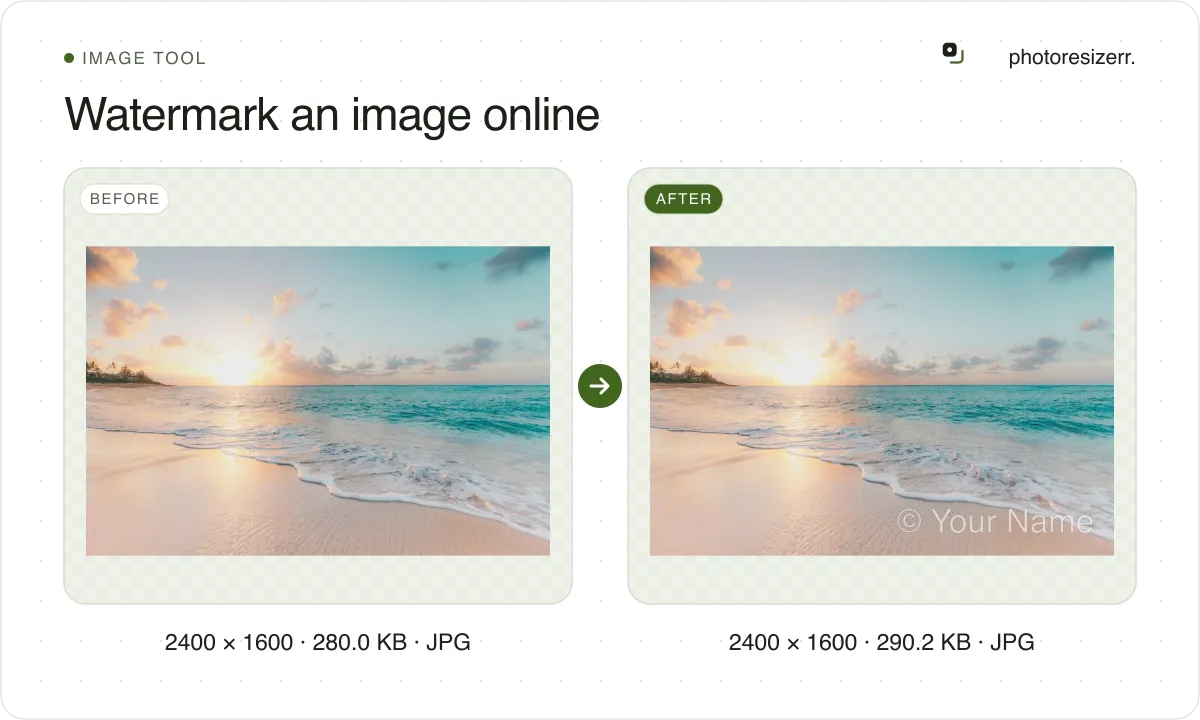
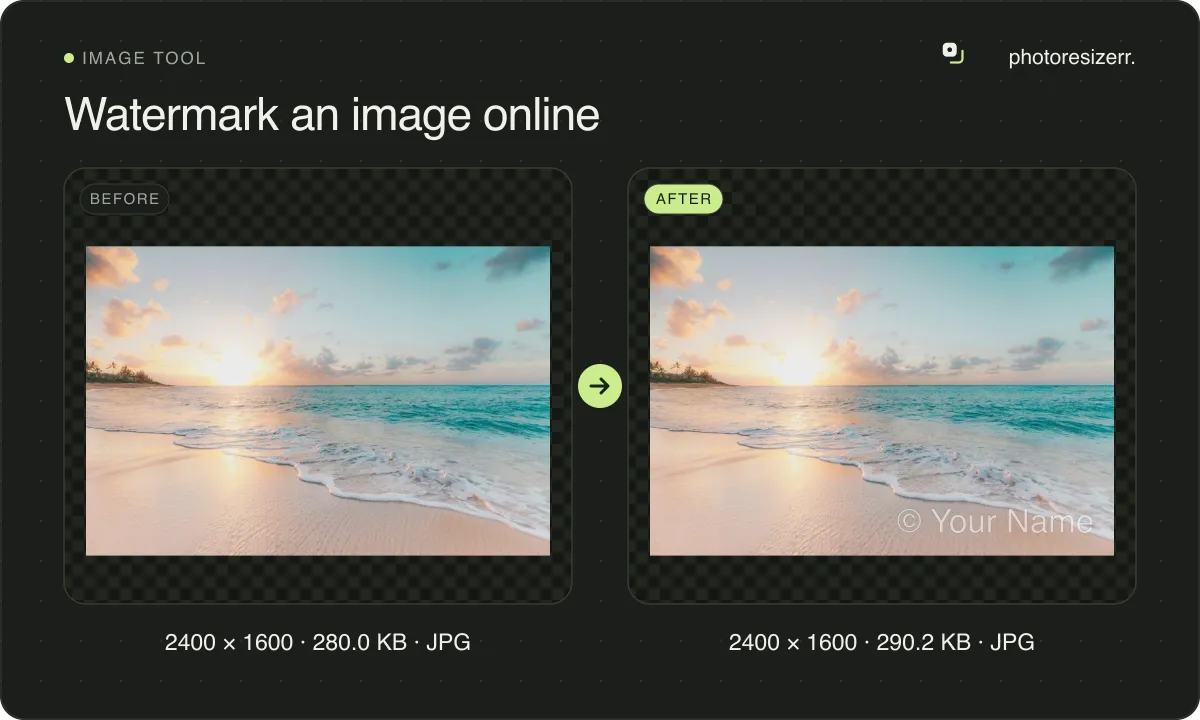
Put it in a corner or the centre, or tile it diagonally across the whole image, and set the opacity from 10 to 90 percent. It is drawn white with a black outline, and the photo never leaves your browser.
Which position should you use?
It depends on whether the mark is there to credit you or to make the photo harder to reuse.
| Position | What it does | Use it for |
|---|---|---|
| A corner | One mark near the edge, clear of the subject | Credit on a photo you are happy to see shared, such as a portfolio or a post |
| Centre | One mark across the middle of the photo | A proof you send before payment, where the photo should not be usable as it is |
| Tile | The mark repeated on a diagonal over the whole photo | Product shots and previews that others might lift and reuse |
A corner mark can be cropped off in seconds, so it only works where people want to credit you. The centre and the tile cover the subject, which is the point.
The text is sized from the photo's shorter side, one twentieth of it: 54 pixels on a 1080 pixel square post, 151 on a 4032 by 3024 phone photo. A long mark shrinks to fit between the margins.
Does a watermark stop people reusing your photo?
It makes reuse more work, not impossible. In 2017, Google researchers showed that when the same mark sits on a whole collection of photos, software can work out the mark and remove it from all of them automatically.
Moving the mark to a random spot on each photo did not stop that, and neither did small changes in its opacity. What helped was warping the mark slightly differently on each image.
AI editors are the newer risk. TechCrunch reported in March 2025 that Google's Gemini 2.0 Flash removed watermarks from photos, but struggled with semi-transparent marks and ones that cover large parts of the image.
That is one report about one model, not a guarantee. It still points the same way as the 2017 work: a faint tile across the whole photo is far harder to clean than a small logo in a corner.
Google's write-up: Making visible watermarks more effective.
Why is the watermark the only credit left in the file?
Cameras and apps such as Lightroom can write your name and a copyright line into the file's metadata. The download from this page carries no EXIF or XMP at all, so those fields are gone.
A visible mark is the one credit that survives a screenshot, a repost, or a site that strips metadata on upload.
In the United States, 17 U.S.C. 1202 treats the author's name and a copyright notice as copyright management information, and forbids removing it on purpose without permission. That is what the law says, not legal advice for your case.
To see what your original file says about you, open it in the Image metadata viewer.
What happens to your photo?
Your selected photo is processed in your browser, without an image upload to a server. The page may download code and codecs needed for editing.
Save your result before closing the tab; unsaved edits are kept in memory rather than in an online account.
Common questions
What opacity should I use?
Start at the default of 40 percent. For a credit in a corner, 30 to 50 percent reads without pulling the eye. For a tile on a proof, go stronger, since the point is that it cannot be ignored.
Does adding a watermark reduce quality?
The mark only changes the pixels it covers. Saving as JPEG compresses the whole photo once more, which is where any loss comes from. Keep the quality high, or save a PNG as a PNG.
Can I add a logo instead of text?
Not on this page. It stamps text only: your name, a handle, a web address or a copyright line, up to 40 characters. The © symbol can be pasted in like any other character.
Does it work on a transparent PNG?
Yes. A PNG downloads as a PNG, the transparent areas stay transparent, and the mark is drawn over them at the opacity you set.
Can I use a watermarked photo on eBay or Etsy?
Check the marketplace first. eBay's picture policy bans watermarks of any kind on listing photos, so a tile there works against you.
Last updated: