Image metadata viewer
Drop a photo to see what it says about itself: the camera and lens, the exposure, when it was taken and where.
Jump to the toolYour workspace Read · Locate · CheckPrivate by default
Processed on your deviceNo watermark. No signup.
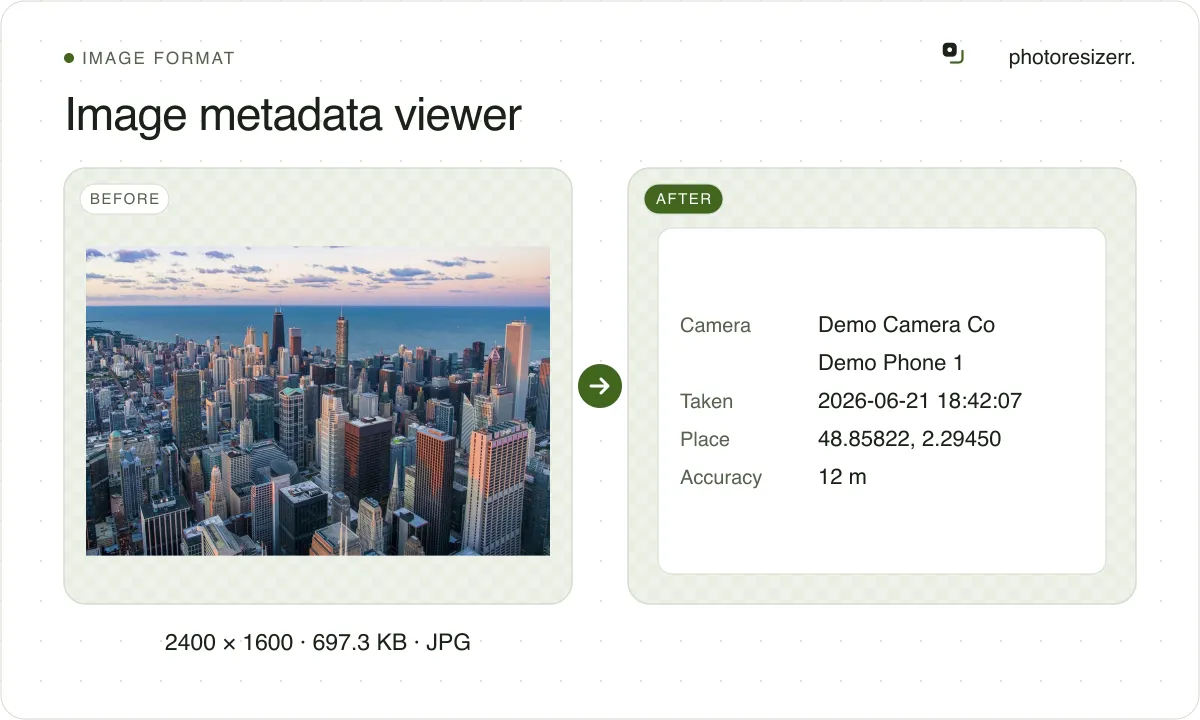
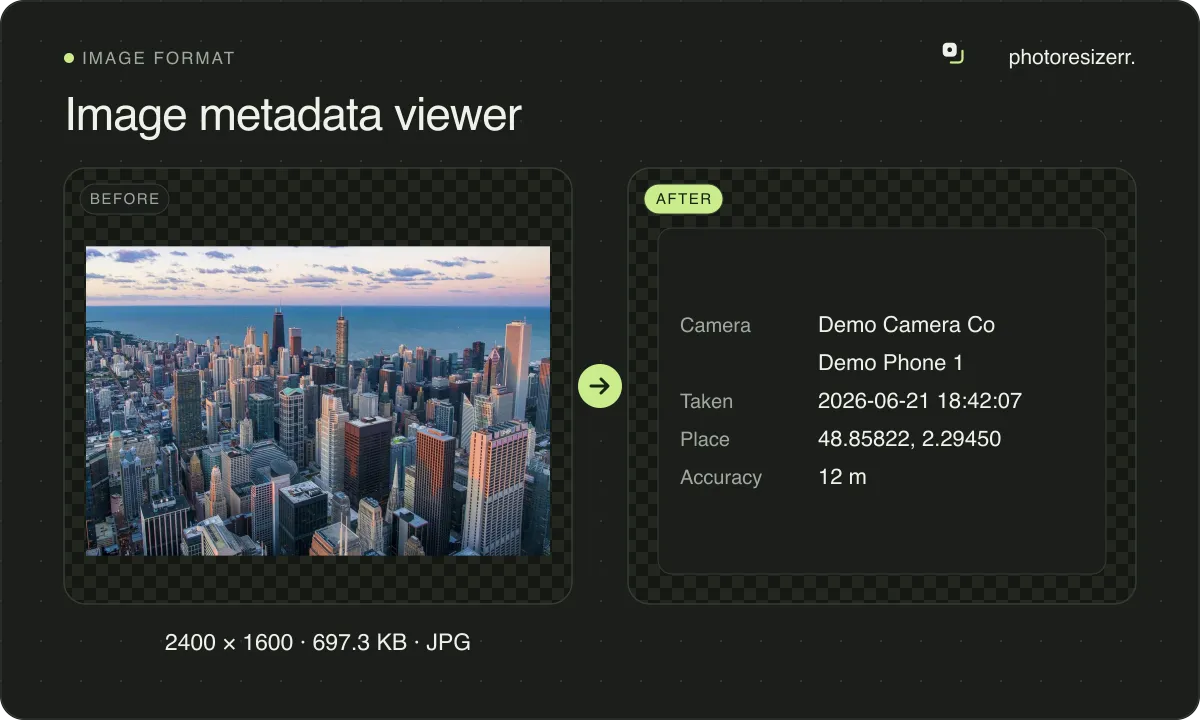
It also shows the location's stated accuracy, and whether the GPS fix predates the shot. JPEG, PNG, WebP, HEIC and AVIF are read in your browser, never uploaded.
What can a photo's metadata tell you?
More than most people expect. A phone writes the position, the time, the camera settings and its software into every photo. A photo library may add a place name, an author and an email address.
This is what two phone photos published on Wikimedia Commons carry, as this viewer reads them:
| Field | iPhone 14 Pro photo | Pixel 6 photo |
|---|---|---|
| Position | Yes, 586 m above sea level | Yes, no altitude |
| Accuracy the phone gives | 220 m | Not stated |
| Direction faced | 271° from true north | 18° from magnetic north |
| Time zone | Not stated | UTC+01:00 |
| GPS fix time | Not stated | 6 min before the shot |
| Exposure | 1/37 s, f/2.2, ISO 1250 | 1/100 s, f/1.85, ISO 83 |
| Focal length | 2.22 mm (24 mm in 35 mm terms) | 6.81 mm (24 mm in 35 mm terms) |
| Software | Aperture 3.6, a Mac photo editor | HDR+ 1.0, the phone's own processing |
| Place name, author, email | Town, province and country, name and email, all in XMP | None |
The iPhone file's town and the photographer's email are not in its EXIF at all. They sit in XMP, written by the photo library. A viewer that reads only EXIF would say this file names no place.
How accurate is the location in a photo?
The file can say, when the phone chose to write it. EXIF has a field for the position's likely error in metres. The iPhone photo above uses it: its position may be 220 m out.
A phone falls back to Wi-Fi and mobile masts when it cannot see satellites, which is common indoors. A large radius means the point on the map is an estimate, not the spot you stood on.
The GPS fix also has its own time, in UTC. On the Pixel 6 photo it is 09:55:10, six minutes before the shot. If the photographer moved in those minutes, the position is where they were then.
The direction the camera faced is stored too, measured from true north on the iPhone and from magnetic north on the Pixel. The viewer says which one each file uses.
Why is the time a photo was taken off by hours?
Because EXIF's date taken has no time zone. It is whatever the camera's clock said. A program that shows it in your zone, or reads it as UTC, moves it by hours.
EXIF 2.31, published in 2016, added a separate field for the offset. The Pixel 6 photo fills it with UTC+01:00. The iPhone file, after passing through Aperture, does not. The viewer shows the offset or says it is missing.
A camera with a wrong clock writes a wrong date, and nothing in the file shows it. The GPS fix time, set by the location system rather than the camera, is the only second clock a photo may carry.
Why does a photo show no metadata?
Usually because something re-saved it. When an app or a website makes a new copy of a photo, it often writes only the pixels. Every image this site's editor saves is one of those copies.
A screenshot, a scan or an image drawn in software never had camera data. The viewer still shows its format, its pixel size and any DPI the file states.
HEIC and AVIF are read here as well as JPEG, PNG and WebP. GIF, BMP and TIFF are not, and a file in one of those gets a note saying so rather than an empty list.
Can you trust photo metadata?
As a lead, not as proof. Anyone with a free tool can rewrite any field, and nothing in the file records the change. The software field is a useful hint: it often names the last program that saved it.
For a claim that matters, such as where a photo was taken, check the position against what the picture itself shows.
What happens to your photo?
Your selected photo is processed in your browser, without an image upload to a server. The page may download code and codecs needed for editing.
Save your result before closing the tab; unsaved edits are kept in memory rather than in an online account.
Common questions
How do I find where a photo was taken?
Drop it in the viewer. If the file holds a GPS position, the Where group shows it with a link that opens the spot on OpenStreetMap. Following that link sends the coordinates to OpenStreetMap; nothing else leaves your device.
How do I remove the metadata?
Use the remover, which takes the location, camera and dates out of a JPEG, PNG or WebP without re-saving the image. For a HEIC, convert it to JPG: the converted copy carries none of the original's metadata.
Can I see photo metadata without a website?
Yes. On Windows, open the file's Properties and choose the Details tab. On a Mac, open it in Preview and choose Tools, then Show Inspector. On an iPhone, open the photo in Photos and swipe up.
Is my photo uploaded?
No. The file is read by this page in your browser and never leaves your device. You can check it with your connection switched off.
Last updated: