Check image DPI
Drop one or more images to see the DPI each declares, in every place the file stores one, and the size it prints at.
Jump to the toolYour workspace Read · Compare · Print sizePrivate by default
Processed on your deviceNo watermark. No signup.
It reads JPEG, PNG, WebP, TIFF and BMP headers in your browser. When two fields disagree, it shows both and says which one a Mac reads.
Where does a file keep its DPI?
In its header, as a number that tells a printer how many pixels to fit into each inch. Every format keeps it somewhere different, and some keep it twice:
| Format | Where the DPI lives | Read here |
|---|---|---|
| JPEG | The JFIF header, and EXIF when a camera or editor wrote one | Both |
| PNG | A pHYs chunk, in pixels per metre, and sometimes EXIF | Both |
| WebP | Only inside EXIF, which most WebP files lack | EXIF |
| TIFF | Its own resolution tags | Yes |
| BMP | The header, in pixels per metre | Yes |
| GIF | Nowhere: the format has no DPI field | Says so |
| HEIC, AVIF | Inside their own metadata boxes | Not read |
Pixels per metre and dots per centimetre cannot hold a whole DPI exactly. A PNG saved at 300 DPI stores 11,811 per metre, which is 299.9994. The checker shows 300, and says what the file really holds.
What if it shows no DPI, or 72?
Then the file has no DPI of its own, and every program fills the gap with its own guess. We made the same files with Pillow and read them with two programs:
| The file | Mac (sips) | Pillow | This checker |
|---|---|---|---|
| JPEG saved with no DPI | 72 | None | No DPI stored |
| PNG saved with no DPI | 72 | None | No DPI stored |
| WebP | 72 | None | No DPI stored |
| GIF | 72 | None | No DPI stored |
| JPEG stating 118 per cm | 299.72 | 299.72 | 299.72 DPI |
| PNG saved at 300 DPI | 300 | 299.9994 | 300 DPI |
| Screenshot on a Retina Mac | 144 | 143.99 | 144 DPI |
So a 72 on a Mac often means nothing was stored at all. It says nothing about quality: the pixels are the same either way.
The screenshot is worth knowing about. Ours, taken on a Mac with a Retina screen, was saved at 144 DPI, so its 2880 x 1800 pixels print at 20 x 12.5 inches unless you change it.
Why do two programs show different DPI?
Because the file says two different things. A JPEG can hold one DPI in its JFIF header and another in EXIF, and a PNG can do the same with pHYs and EXIF. Each program picks one.
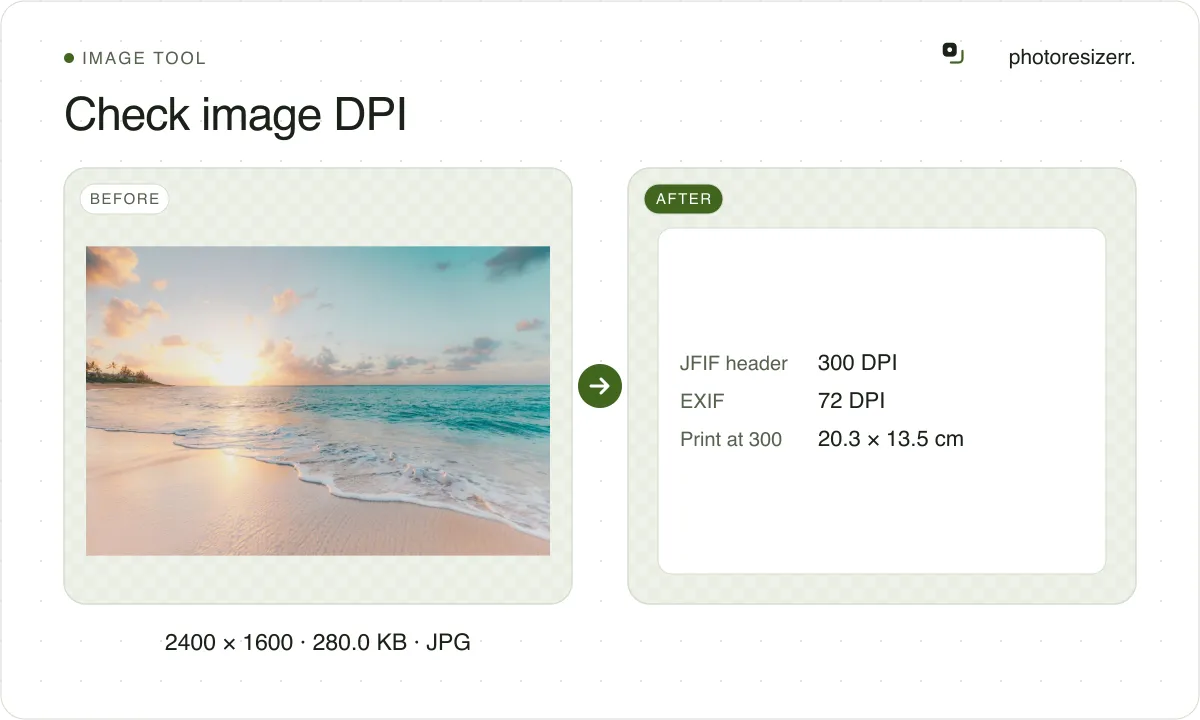
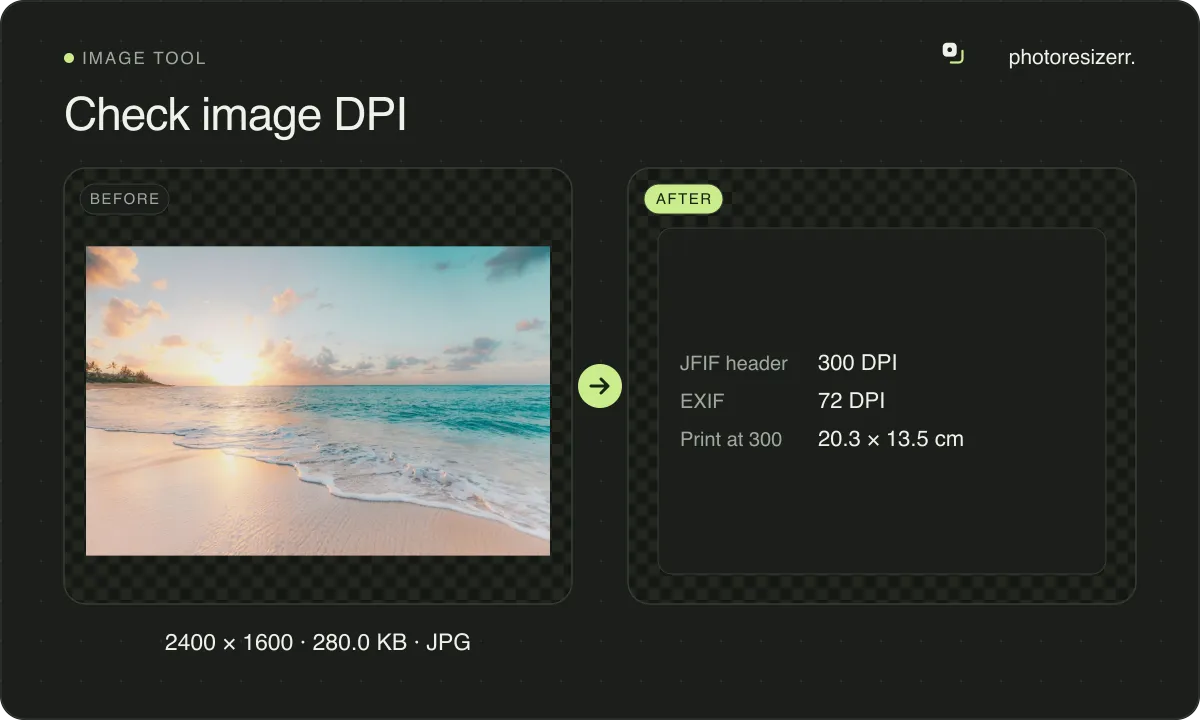
When that happens, the checker lists both and highlights the row. A Mac shows the EXIF value. The demo file above is built that way: 300 in JFIF, 72 in EXIF.
A form that checks DPI reads one field, and you cannot tell which. The safe fix is to make them agree, which the DPI changer does by rewriting every copy it finds:
Is the DPI high enough to print?
Look at the print size, not the DPI. The checker divides the pixels by each DPI the file declares, and shows the result in inches and centimetres.
If the file declares none, it shows the size at 300 DPI, the figure most print shops ask for. When that print is smaller than you need, the photo is short of pixels, and changing the DPI will not add any.
What DPI means to a printer, a scanner and a screen: What DPI means, and what it does not change.
Which forms ask for a DPI?
Very few. Most upload forms state pixels and a file size and never read the DPI. These are the ones among the documents on this site whose authority states one:
| Document | DPI it states |
|---|---|
| Germany visa photo size | 600 DPI |
| Belgian passport photo size | 400 DPI |
| Dutch passport photo size | 400 DPI |
| UAE visa photo size | 96 DPI |
Most are prints, where the DPI tells the lab how finely to print. The UAE's upload is a file, and its portal asks for at least 96. Check yours here before you submit it.
How do I check DPI without this page?
On a Mac, open the image in Preview and choose Tools, then Show Inspector. On Windows, right-click the file, choose Properties and open the Details tab.
Microsoft's own answers forum notes that Explorer shows this for a JPEG but not for a PNG. Either way you see one number, not every field the file holds.
What happens to your photo?
Your selected photo is processed in your browser, without an image upload to a server. The page may download code and codecs needed for editing.
Save your result before closing the tab; unsaved edits are kept in memory rather than in an online account.
Common questions
Does DPI change how an image looks on screen?
No. A screen shows the pixels and ignores the DPI. Two copies of a photo, one marked 72 DPI and one marked 300, look exactly the same on screen and only print at different sizes.
What DPI should a photo for printing have?
300 is what most print shops ask for. What matters is that the pixels divided by 300 give the print size you want. The checker shows that size for every file you drop.
Does checking change my file?
No. The checker only reads the file's header. Nothing is written, and there is nothing to download. To change the DPI, use the DPI changer, which rewrites only the header.
Can it check the DPI of a PDF?
No. A PDF page has no single DPI: each image inside it has its own pixels and its own placed size. This checker reads image files only.
Is my image uploaded?
No. The file is read by this page in your browser and never leaves your device. You can check it with your connection switched off.
Last updated: