 JEE Main photo and signature size
JEE (Main) 2026 takes a JPG photo at 10 to 200 KB and a JPG signature at 10 to 100 KB, plus a live photo.
Jump to the toolYour workspace Pixels · Preview · DownloadPrivate by default
Runs on this device. The first use downloads a 56 to 135 MB model once. Nothing is uploaded.
- Open a photoDrop, paste or choose one.
- Set the sizeType it, or pick a common size.
- DownloadSee the file size before you save.
Processed on your deviceNo watermark. No signup.
Its own picture of the upload page says 300 and 50 KB, so the tool keeps each file under the lower ceiling.
What does JEE Main ask you to upload?
Here is the 2026 bulletin's text, from Step 2 of the application procedure. The 2027 bulletin was not out when we read it, so check it when it is.
JEE (Main) 2026
- Photo
- JPG or JPEG, 10 to 200 KB, recent, passport size
- Photo content
- Colour, white background, 80% face including ears, no mask
- Signature
- JPG or JPEG, 10 to 100 KB
- Live photo
- Captured in the form by camera, webcam, or a phone through a QR code
- Identity proof
- JPG or JPEG, 10 to 200 KB, only if you verify without Aadhaar or DigiLocker
- Class 10 certificate or marksheet
- PDF, 50 to 300 KB
- Disability or UDID certificate
- PDF, 50 to 300 KB, where it applies
- Pixels or centimetres
- Not stated for any upload
- Document
- Information Bulletin JEE (Main) 2026, pages 4, 5 and 29
- Source
- cdnbbsr.s3waas.gov.in
- Read at the source on
Why does the bulletin show two limits?
Page 80 of the same bulletin pictures the form's Document Upload page, from a demo form labelled JEE (Main) 2026 Session 1. Its table does not match the text on page 4.
| Upload | Text, page 4 | Upload page pictured, page 80 | This tool |
|---|---|---|---|
| Photo | 10 to 200 KB | 10 to 300 KB | 10 to 200 KB |
| Signature | 10 to 100 KB | 10 to 50 KB | 10 to 50 KB |
| Class 10 certificate | 50 to 300 KB | 10 to 300 KB | Not made here, it is a PDF |
The picture's figures are the 2025 bulletin's, so the demo form was probably not updated. We could not check the live form, which was closed when we read this.
A photo under 200 KB and a signature under 50 KB pass both versions, so the tool aims for those. The Class 10 PDF is safe between 50 and 300 KB.
What changed from the 2025 bulletin?
The photo ceiling came down while the signature's went up, so guides written for 2025 give the wrong ceiling for both.
| Upload | 2025 bulletin | 2026 bulletin |
|---|---|---|
| Photo | 10 to 300 KB | 10 to 200 KB |
| Signature | 10 to 50 KB | 10 to 100 KB |
| Class 10 certificate | PDF, 10 to 300 KB | PDF, 50 to 300 KB |
| Identity proof | Not asked for | 10 to 200 KB, without Aadhaar or DigiLocker |
| Live photo | Not asked for | Captured in the form |
What is the live photo?
A photo the form takes while you fill it in, as well as the photo you upload. Switch on your camera or connect a webcam; with neither, scan the QR code beside the form with a phone.
Sit against a light background in good light, with your face 80 percent visible, ears showing, and no mask.
NTA checks it against your Aadhaar record. In January 2026 some live photos did not match, and those candidates sent an attested certificate with a photo certified by their school head or a Gazetted Officer.
What size in pixels?
NTA does not say, for any upload. The bulletin gives file sizes, a format, and what the photo must show. Pixel sizes quoted elsewhere, such as a 3.5 x 1.5 cm signature, are not in it.
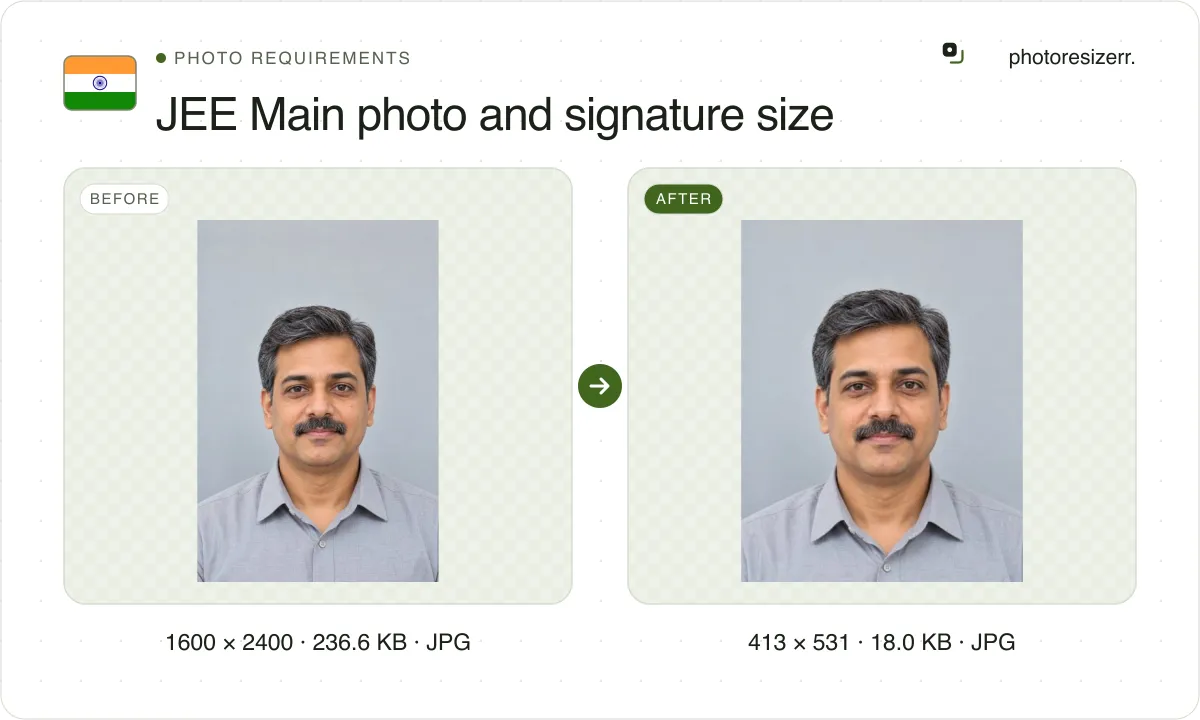
So the tool's boxes are ours. The photo starts at 3.5 x 4.5 cm, India's passport photo size, which is 413 x 531 pixels at 300 DPI. The signature starts at 6.0 x 2.0 cm, 709 x 236 pixels.
These are the NEET page's boxes too. NTA's 2026 NEET bulletin words the photo and signature limits the same way, so one photo file can serve both forms.
What other files does the form take?
An identity proof, only if you verify your identity without Aadhaar or DigiLocker: JPG, 10 to 200 KB. Choose ID proof above; it keeps the card's shape and aims under 200 KB.
Your Class 10 certificate or marksheet, as a PDF of 50 to 300 KB. Make it with the JPG to PDF tool, then check the size before you upload.
Which photo do you bring to the exam?
One passport size photo, the same as the one you uploaded, to paste on the attendance sheet. Print it from the file you upload, so the two match.
What happens to your photo?
Your selected photo is processed in your browser, without an image upload to a server. The page may download code and codecs needed for editing.
Save your result before closing the tab; unsaved edits are kept in memory rather than in an online account.
Common questions
What is the JEE Main photo size in KB?
10 to 200 KB, JPG or JPEG, in the 2026 bulletin's text. The 2025 bulletin said 10 to 300 KB, and the upload page pictured in the 2026 bulletin still shows 300. Stay under 200 KB to pass both.
What is the JEE Main signature size?
The 2026 text says 10 to 100 KB. The upload page pictured in the same bulletin says 10 to 50 KB, as in 2025. A signature under 50 KB passes both, and that is what the tool aims for.
Does the photo have to be in colour?
Yes. The 2026 bulletin asks for a recent colour photo against a white background, with 80 percent of the face visible, ears showing, and no mask.
Can I change my photo after submitting the form?
The bulletin says the correction facility will not be given for the photo, signature and certificates. Check each file before you upload it.
Can I use the same photo for JEE Main and NEET?
Yes, if it meets both. Both 2026 bulletins from NTA ask for a colour photo on white at 10 to 200 KB. Keep the signature under 50 KB for JEE Main.
Last updated: