 Kerala PSC photo size, with name and date
Kerala PSC takes a 150 x 200 pixel JPG photo up to 30 KB, with your name and the photo's date printed at the bottom.
Jump to the toolYour workspace Pixels · Preview · DownloadPrivate by default
Runs on this device. The first use downloads a 56 to 135 MB model once. Nothing is uploaded.
Type your name and the date the photo was taken. Both are printed in a white band across the bottom.
- Open a photoDrop, paste or choose one.
- Set the sizeType it, or pick a common size.
- DownloadSee the file size before you save.
Processed on your deviceNo watermark. No signup.
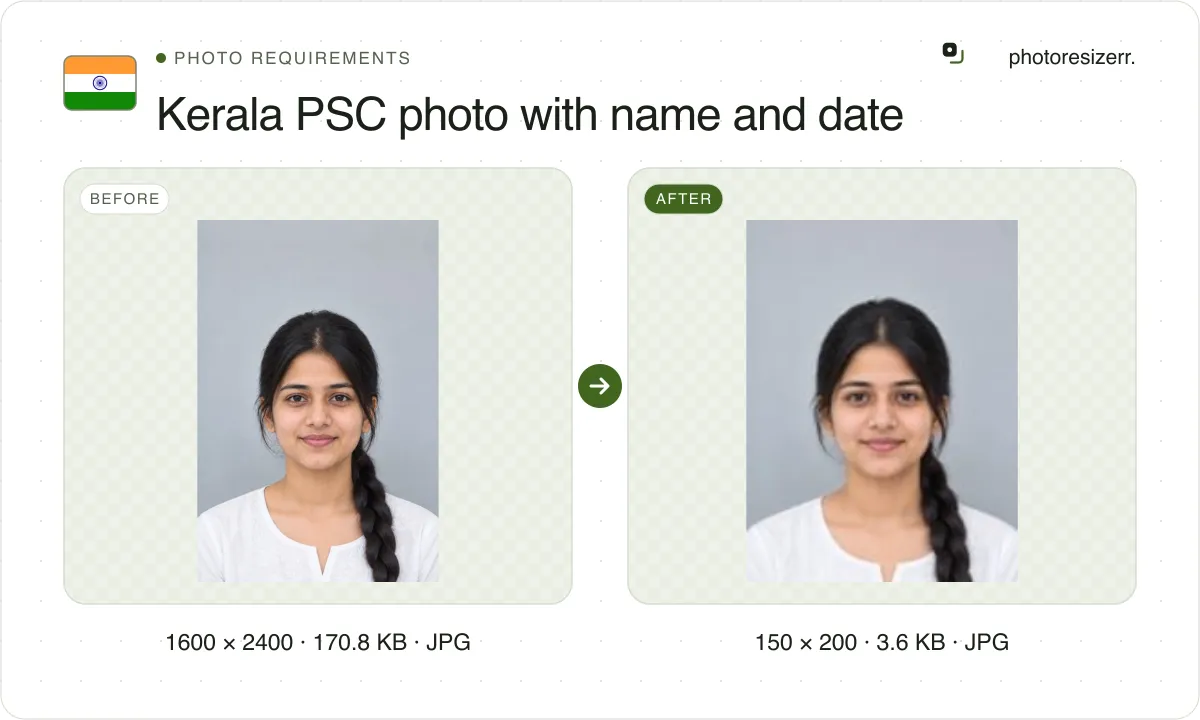
The signature is 150 x 100 pixels, also up to 30 KB. The tool prints both in a white band below your face, inside the same box.
What does Kerala PSC ask you to upload?
Every notification is applied for through your One Time Registration profile on Thulasi, so these rules hold for every post. Here is what Kerala PSC's own documents say, in their own order.
Instructions regarding photo
- Photo
- 150 pixels wide by 200 high, JPG, up to 30 KB
- Background
- White or a light colour
- Colour
- Colour or black and white, face and shoulders clear
- Face
- Straight on, whole, centred, eyes clearly visible
- Cap or goggles
- Not accepted, except headwear worn by religious custom
- Name and date
- Required on the uploaded photo
- Valid for
- 10 years
- Document
- Kerala PSC's photo instructions, in Malayalam, items 1 to 6
- Source
- www.keralapsc.gov.in
- Read at the source on
One Time Registration
- Photo
- 150 x 200 px, up to 30 KB
- Signature
- 150 x 100 px, up to 30 KB, clearly legible
- Without name and date
- The application is rejected at scrutiny
- Document
- Instructions for new registration, in Malayalam, steps 3 and 4
- Source
- www.keralapsc.gov.in
- Read at the source on
Notification 132/2026
- Name and date
- Printed legibly at the bottom portion
- New profile
- Photo taken within 6 months
- Valid for
- 10 years from the date of upload
- Document
- Category No. 132/2026, section 10(a), last date 7 October 2026
- Source
- www.keralapsc.gov.in
- Read at the source on
How do you add the name and date?
Print them at the bottom of the photo, legibly: your name, and the date the photo was taken. Kerala PSC asks for nothing more precise, no font, colour or date format.
In the tool, choose Photo, add your picture, then type your name and the date under Name and date on the photo. The band is white with black text, and takes its rows from the 150 x 200 box.
Your face is drawn above the band, not under it, so nothing is covered and the file stays 150 x 200. The Today button fills in the current date as DD/MM/YYYY; use it only if you took the photo today.
Type the name as it is in your profile. When you apply, the form shows your photo and asks you to type the Name as seen in your photograph and the Date on the photograph.
You then declare that the bottom of the photo bears your name and the date it was taken, and that both are legible. Kerala PSC says a photo without them gets the application rejected.
How recent must the photo be?
On a new profile, taken within 6 months, say the 2026 notifications. Once uploaded, a photo is valid for 10 years, so you may keep applying with it until then.
Older instructions on the site still say a photo taken after 31 December 2010, and the application's declaration says within ten years. The notification you apply under is the rule for that post.
What size is the signature?
150 x 100 pixels, up to 30 KB, in the registration instructions that walk you through the upload. The portal's own FAQ gives a different box.
| Document | Signature box | File size |
|---|---|---|
| One Time Registration instructions, step 4 | 150 x 100 px | Up to 30 KB |
| Thulasi FAQ | 150 x 200 px | Up to 30 KB |
| This tool | 150 x 100 px | Up to 30 KB |
The FAQ's 150 x 200 is the photo's box repeated, most likely a copying slip. The tool makes 150 x 100, a signature's wide shape. If the form refuses it, switch to 150 x 200 in the size fields.
Photograph or scan your signature, then crop close to the ink before you resize it. A signature with wide margins turns into a thin line at 150 x 100.
What do other guides add that Kerala PSC does not say?
The resizer sites that rank for this repeat the box correctly, then add rules we could not find in any Kerala PSC document. None of them cites one.
| Quoted elsewhere | Kerala PSC's documents |
|---|---|
| A minimum of 15 or 20 KB | No minimum, only a 30 KB ceiling |
| Plain white background only | White or a light colour |
| No headwear | Headwear worn by religious custom is accepted |
| Colour photo only | Colour or black and white |
| Name in capital letters, date as DD/MM/YYYY | Name and date printed legibly, no format given |
What happens to your photo?
Your selected photo is processed in your browser, without an image upload to a server. The page may download code and codecs needed for editing.
Save your result before closing the tab; unsaved edits are kept in memory rather than in an online account.
Common questions
What is the Kerala PSC photo size?
150 pixels wide by 200 pixels high, JPG, up to 30 KB, with your name and the date the photo was taken printed at the bottom. The tool keeps the file at 30,000 bytes or less.
Is there a minimum file size?
Not in Kerala PSC's documents. They state a 30 KB ceiling and no floor. In our test, a detailed 150 x 200 photo with its band saved at 9 KB, so there is room to spare.
Which date goes on the photo?
The date the photo was taken, not the date you apply. Type the same date in the Date on the photograph field when you apply, and your name as it is in your profile.
Can the photo be black and white?
Yes. Kerala PSC's photo instructions accept a colour or a black and white photo, as long as the face and shoulders are clear against a white or light background.
Do I need a new photo for every application?
No. A photo uploaded to your profile is valid for 10 years from the day you upload it. On a new profile it must have been taken within the last 6 months.
Last updated: