 TNPSC photo and signature size, with name and date
TNPSC takes a 130 x 170 pixel photo of 20 to 50 KB, with your name and the photo's date in its bottom 55 rows.
Jump to the toolYour workspace Pixels · Preview · DownloadPrivate by default
Runs on this device. The first use downloads a 56 to 135 MB model once. Nothing is uploaded.
Type your name and the date the photo was taken. Both are printed in a white band across the bottom.
- Open a photoDrop, paste or choose one.
- Set the sizeType it, or pick a common size.
- DownloadSee the file size before you save.
Processed on your deviceNo watermark. No signup.
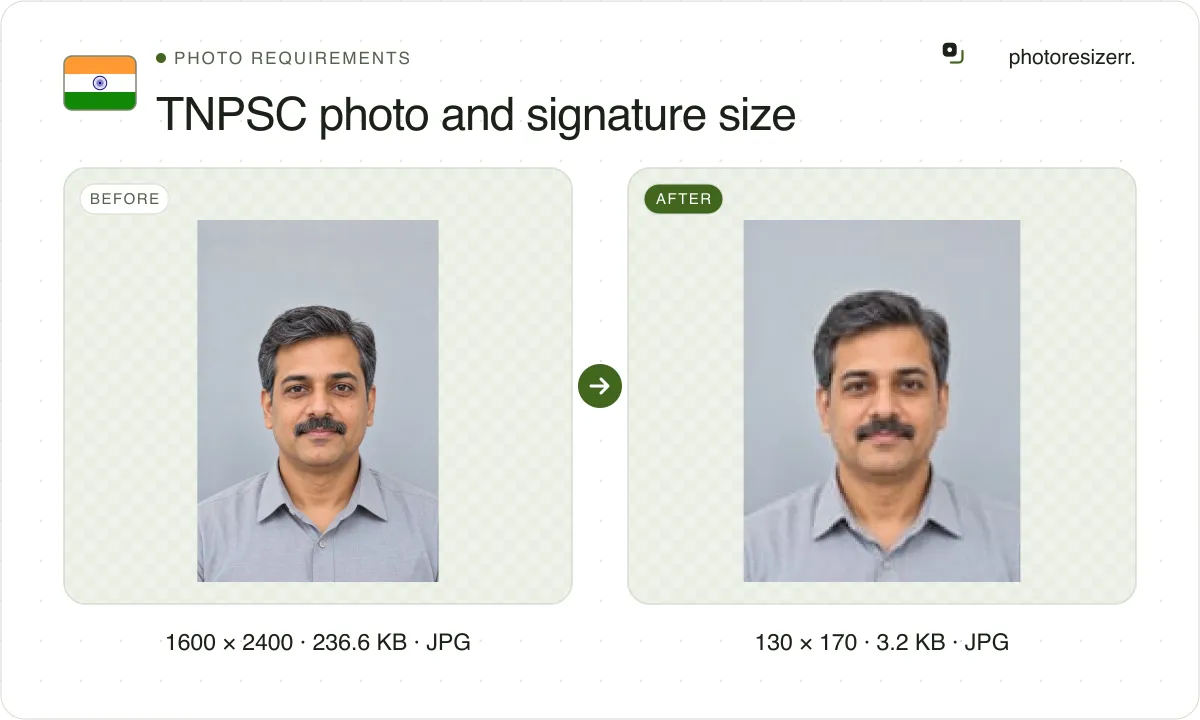
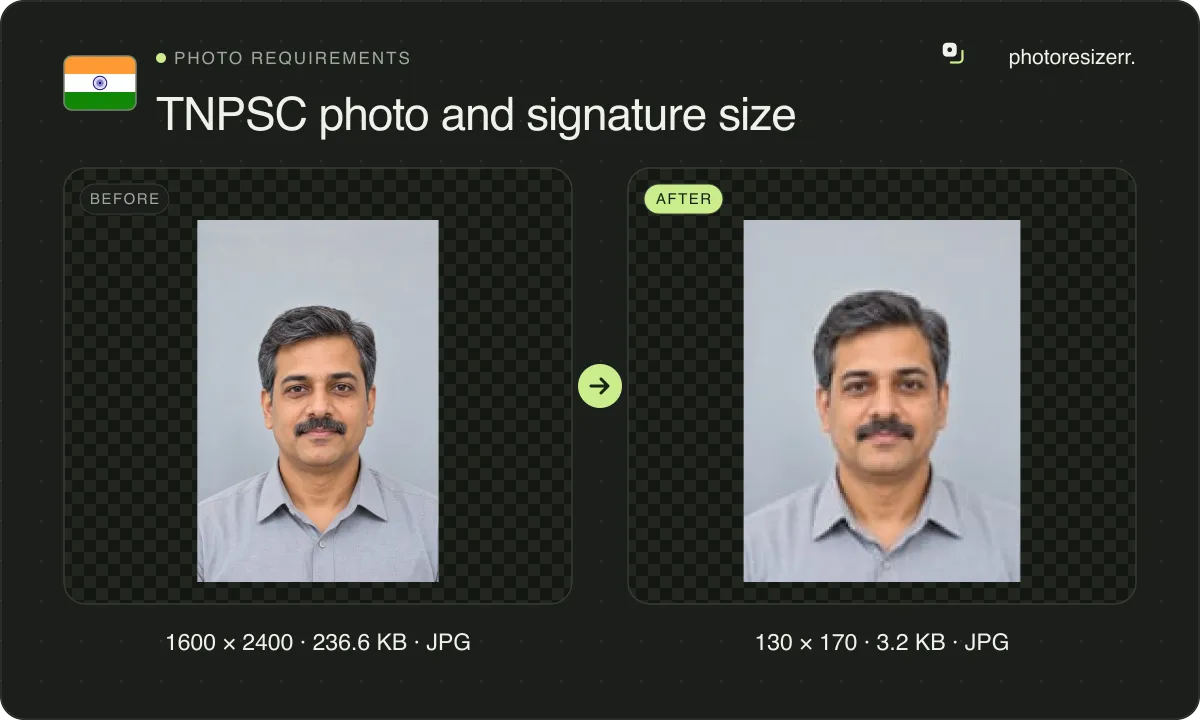
The signature is 230 x 75 pixels, 10 to 20 KB, signed in blue or black ink. The tool makes both, and draws the band inside the photo's box.
What does TNPSC ask you to upload?
The rules sit in every notification, in the same words, and in TNPSC's Instructions to Applicants. Here they are from the latest notice we read, Group II and IIA of August 2026.
Photograph
- Photo
- 130 x 170 pixels, 3.5 cm wide by 4.5 cm high, JPG
- Name and date
- Printed at the bottom, 55 pixels, 1.5 cm of the height
- Face
- 115 pixels, 3.0 cm, frontal, both ears and part of the neck
- File
- 20 to 50 KB, 200 DPI, saved as Photograph.jpg
- Background
- White, in colour, taken in a photo studio
- Taken
- On or after the date of the notification
- Not accepted
- Phone photos, selfies, photocopies, family or tourist photos
- Document
- Notification No. 07/2026, 11 August 2026, paragraphs 3.3 and 3.4
- Source
- tnpsc.gov.in
- Read at the source on
Signature
- Box
- 6.0 x 2.0 cm, 230 x 75 pixels, drawn on white paper
- Ink
- Blue or black, signed inside the box
- File
- 10 to 20 KB, 200 DPI, cropped to the box, saved as Signature.jpg
- Document
- Notification No. 07/2026, paragraph 3.5
- Source
- tnpsc.gov.in
- Read at the source on
Instructions to Applicants
- One Time Registration
- Photo taken within the last 3 months, 20 to 50 KB
- Each application
- A photo taken on or after that notification's date
- Unclear or missing
- The application is rejected after due process
- Document
- TNPSC Instructions to Applicants, 2025, pages 7 and 13 to 15
- Source
- www.tnpsc.gov.in
- Read at the source on
How do you add the name and date?
TNPSC prints the split: of the photo's 170 pixel rows, your face takes the top 115 and your name and the date of photography the bottom 55.
In the tool, choose Photo, add your studio picture, then type your name and the date under Name and date on the photo. The band is white with black text.
The band's height is fixed at TNPSC's 55 rows, whatever you type, and your face is drawn into the 115 rows above it. Nothing is covered and the file stays 130 x 170.
The Today button fills in the current date as DD/MM/YYYY. Use it only if the photo was taken today; otherwise type the day the studio took it.
How recent must the photo be?
Two rules, for two uploads. The photo on your One Time Registration must have been taken within the last 3 months when you register.
Each application then takes its own photo, taken on or after the date of that notification. For Group II and IIA 2026, dated 11 August 2026, that means 11 August or later.
So a photo made for one notice does not carry over to the next. Each application needs a photo taken on or after its own notification's date, with that date in the band.
What size is the signature?
Draw a 6.0 x 2.0 cm box on white paper, sign inside it in blue or black ink, then scan it and crop to the box. The file is 230 x 75 pixels, 10 to 20 KB.
The 10 KB floor is the hard part. A signature is mostly white paper, and 230 x 75 is only 17,250 pixels. We ran two test signatures through this page's editor.
| Box, in pixels | Clean scan | Phone photo |
|---|---|---|
| 230 x 75, TNPSC's pixels | 9,436, under the 10 KB floor | 13,796 |
| 472 x 157, 6 x 2 cm at 200 DPI | 10,805 | 10,471 |
The clean scan fell short at 230 x 75 even at full quality, and the meter said so. At 472 x 157, the same 6 x 2 cm at 200 DPI, both landed inside 10 to 20 KB.
The test signatures were drawn for the measurement, not signed by a person. A heavier pen or a textured paper makes a larger file.
Pixels or 200 DPI?
TNPSC gives both, and they do not agree. A 3.5 x 4.5 cm print scanned at 200 DPI is about 276 x 354 pixels, not 130 x 170. A 6 x 2 cm signature is about 472 x 157, not 230 x 75.
The pixel figures work out at about 95 DPI. We could not see which one the upload screen checks, because it sits behind the login.
The gap matters for the photo too. A plain studio portrait, name band included, came to 16,240 bytes at 130 x 170 even at full quality. At 276 x 354 it made 21,155, inside the range.
The tool makes TNPSC's pixel figures, since those are the ones stated as a box, and writes 200 DPI into each file's header, as the notice asks.
If the meter or the portal says a file is too small, keep the shape and type the 200 DPI box into the size fields: 276 x 354 for the photo, 472 x 157 for the signature. The band keeps its share.
What do other guides add that TNPSC does not say?
The resizer sites that rank for this repeat the box correctly, then add rules we could not find in TNPSC's notice or instructions. Only one cites a notice, and it is the 2025 one.
| Quoted elsewhere | TNPSC's documents |
|---|---|
| Name in capital letters, as on the SSLC certificate | Name printed at the bottom, no case or source given |
| Date as DD/MM/YYYY only | Date of photography, no format given |
| No spectacles, filters or beautification | Not mentioned; a studio photo, frontal, both ears showing |
| 3.5 x 4.5 cm at 200 DPI, with no pixel figure | 130 x 170 pixels, and 200 DPI for the scan |
What happens to your photo?
Your selected photo is processed in your browser, without an image upload to a server. The page may download code and codecs needed for editing.
Save your result before closing the tab; unsaved edits are kept in memory rather than in an online account.
Common questions
What is the TNPSC photo size?
130 pixels wide by 170 high, 3.5 x 4.5 cm, JPG, 20 to 50 KB, with your name and the date of photography in the bottom 55 pixel rows. The tool keeps the file between 20,480 and 50,000 bytes where the photo allows.
Do I need a new photo for every TNPSC exam?
Yes. Each online application takes a photo taken on or after the date of its notification, with that date printed on it. The form shows your earlier photos, but a new application needs its own.
Why does the tool say my photo is too small?
The 20 KB floor. A plain studio photo at 130 x 170 can stay under 20 KB even at full quality. Try the 200 DPI box, 276 x 354, which keeps the same shape and band.
Can I use a phone photo?
No. TNPSC's notice rules out photos taken on a cellular phone, selfies and photocopies, and asks for a colour photo taken in a studio against a white background.
What colour ink for the signature?
Blue or black, signed inside a 6.0 x 2.0 cm box you draw on white paper. Crop the scan to the box, so the lines of the box frame the signature.
Last updated: