 RRB photo and signature size
Railway Recruitment Board forms capture your photo live, so the one file you upload is your signature: a JPG of 30 to 49 KB.
Jump to the toolYour workspace Pixels · Preview · DownloadPrivate by default
Runs on this device. The first use downloads a 56 to 135 MB model once. Nothing is uploaded.
- Open a photoDrop, paste or choose one.
- Set the sizeType it, or pick a common size.
- DownloadSee the file size before you save.
Processed on your deviceNo watermark. No signup.
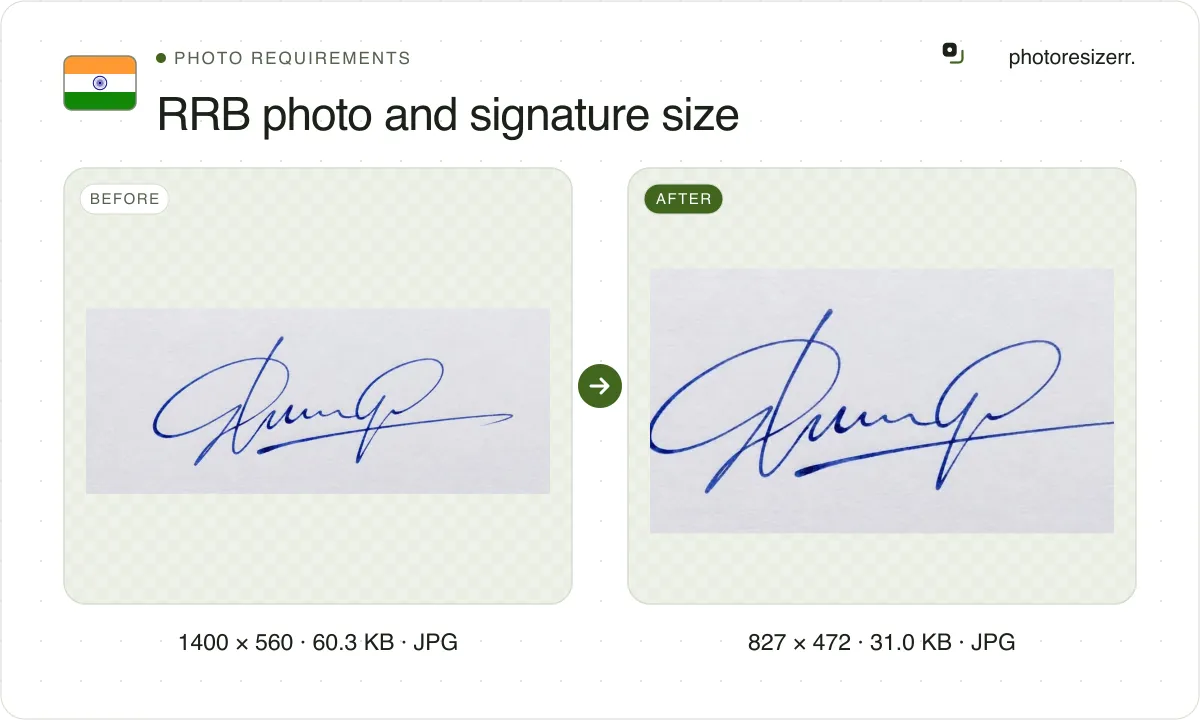
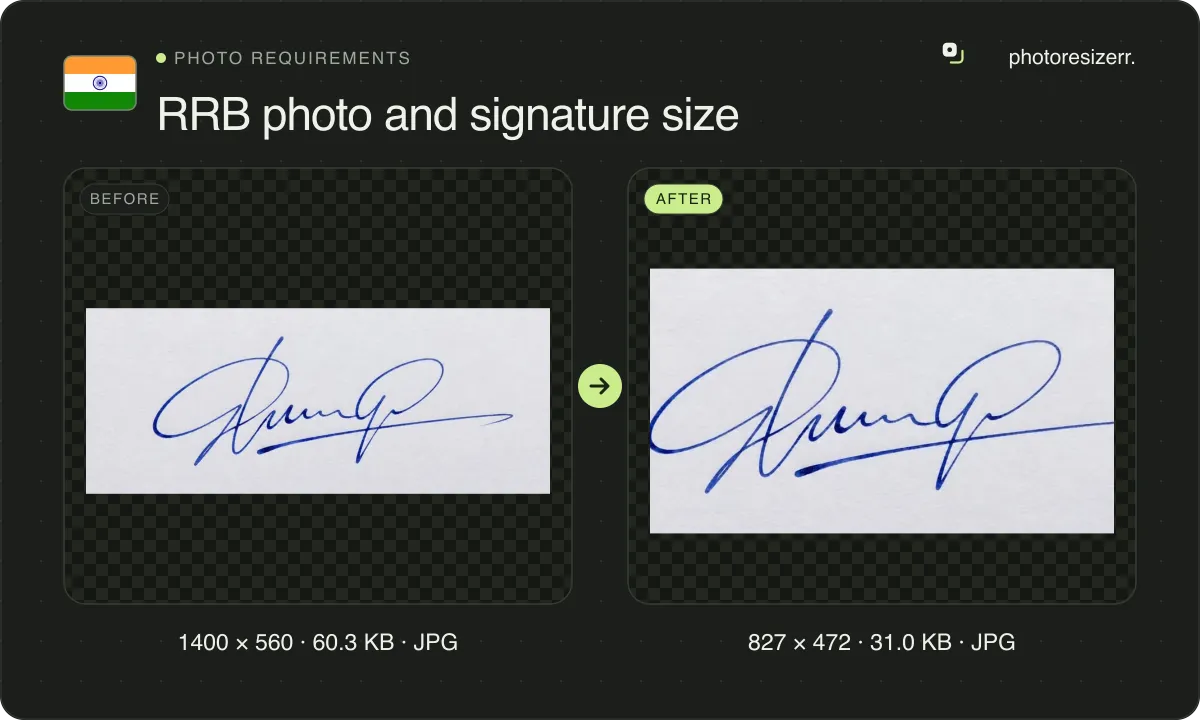
The Railway Recruitment Boards no longer take a photo upload. Their 2025 and 2026 notices capture a live photo from your camera. The one file you upload is your signature: JPG, 30 to 49 KB, at least 140 x 60 pixels, signed inside a 35 x 20 mm box. The tool below makes it.
What do the RRB notices ask you to upload?
This page is for the Railway Recruitment Boards. For IBPS RRB, the Regional Rural Bank exams, see the IBPS page linked at the end.
We read three recent RRB notices. Their photo and signature rules are word for word the same, in the paragraphs named below.
CEN 01/2026, Assistant Loco Pilot
- Photo
- Captured live by the application. No photo file is uploaded.
- Photo of a photo
- Summarily rejected
- Signature format
- JPG or JPEG only
- Signature file size
- 30 to 49 KB
- Signature pixels
- Minimum 140 x 60
- Scan resolution
- At least 100 DPI
- Scan box
- 35 x 20 mm (width x height), signature centred
- Ink and paper
- Black ink on white paper
- Notice
- Applications 15 May to 14 June 2026, paragraphs 13.4 and 13.5.1 (pages 16 to 18)
- Source
- rrbajmer.gov.in
- Read at the source on
CEN 09/2025, Level 1 (Group D)
- Photo
- Captured live by the application. No photo file is uploaded.
- Photo of a photo
- Summarily rejected
- Signature format
- JPG or JPEG only
- Signature file size
- 30 to 49 KB
- Signature pixels
- Minimum 140 x 60
- Scan resolution
- At least 100 DPI
- Scan box
- 35 x 20 mm (width x height), signature centred
- Ink and paper
- Black ink on white paper
- Notice
- Applications 31 January to 2 March 2026, paragraphs 16.4 and 16.5.1 (pages 31 and 32)
- Source
- rrbajmer.gov.in
- Read at the source on
CEN 05/2025, Junior Engineer, DMS and CMA
- Photo
- Captured live by the application. No photo file is uploaded.
- Photo of a photo
- Summarily rejected
- Signature format
- JPG or JPEG only
- Signature file size
- 30 to 49 KB
- Signature pixels
- Minimum 140 x 60
- Scan resolution
- At least 100 DPI
- Scan box
- 35 x 20 mm (width x height), signature centred
- Ink and paper
- Black ink on white paper
- Notice
- Applications 31 October to 30 November 2025, paragraphs 14.4 and 14.5.1 (pages 25 and 26)
- Source
- rrbajmer.gov.in
- Read at the source on
Where do 320 x 240 and 30 to 70 KB come from?
From the 2024 notices. CEN 06/2024, for NTPC, asked for an uploaded studio photo of 35 x 45 mm or 320 x 240 pixels, and a signature of 50 x 20 mm or 140 x 60 pixels, each 30 to 70 KB.
None of the three current notices asks for a photo file, and each gives the signature a 49 KB ceiling instead of 70. A chart quoting a photo size in KB for a new RRB form is repeating the 2024 rules.
How do you take the live photo?
When the form asks, sit or stand in front of a webcam or your phone's front camera. Put it at eye level, look straight ahead and keep a neutral expression.
Keep your whole face inside the frame the form draws, neither too close nor too far. Take off any cap, mask, glasses or spectacles.
Wear something that is not white, preferably dark. The notices ask for it to keep contrast with the background. You can preview the picture and retake it until you submit.
Never point the camera at a printed or on-screen photo of yourself. The notices say such an application is summarily rejected. If the live photo fails RRB's matching, the form gives you an annexure to have signed by a Class-I Gazetted Officer.
Why does a 140 x 60 signature fail?
Because 140 x 60 is a minimum, and the file must also weigh at least 30 KB. A signature is mostly white paper, and 8,400 pixels of it cannot reach 30 KB even at full quality.
The scan box does not help at the minimum resolution either. The notices ask for at least 100 DPI, and 35 mm at 100 DPI is 138 pixels, under their own 140.
So the tool starts at the 35 x 20 mm box at 600 DPI, which is 827 x 472 pixels, and writes 600 DPI into the file. We ran two test signatures through this page's editor at four boxes.
| Box, in pixels | Clean scan | Phone photo |
|---|---|---|
| 827 x 472 (35 x 20 mm at 600 DPI) | 33.6 KB, raised to 89 | 30.0 KB, raised to 85 |
| 551 x 315 (35 x 20 mm at 400 DPI) | 34.7 KB, raised to 97 | 32.3 KB, raised to 95 |
| 413 x 236 (35 x 20 mm at 300 DPI) | 33.8 KB, raised to 99 | 35.1 KB, raised to 98 |
| 140 x 60 (the stated minimum) | 7.1 KB at full quality | 9.7 KB at full quality |
Every box from 413 x 236 up reached 30 KB, the two smaller ones only with the quality near its top. At 140 x 60 both signatures stayed under 10 KB at full quality, a third of the floor.
The signatures were drawn for this test rather than scanned from paper. A real scan carries more paper texture, which adds bytes, so read the table as a guide.
Crop close to the ink first, then centre the signature. Sign with black ink on white paper: a non-white background and non-black ink are both on the notices' list of grounds for rejection.
Do you need printed photos later?
Yes. All three notices ask you to bring a colour passport photograph, not older than two months, to the computer based test, document verification and medical examination. None of them gives a size for it.
Before document verification, the notices also ask for scanned copies of your photo and signature, in true colour, through the RRB DV portal. They state no size or file limit for that step.
Keep the signature you upload now. The notices say it must match the one you sign at the exam, at document verification, at the medical and at appointment.
What happens to your photo?
Your selected photo is processed in your browser, without an image upload to a server. The page may download code and codecs needed for editing.
Save your result before closing the tab; unsaved edits are kept in memory rather than in an online account.
Common questions
What is the RRB photo size in KB?
None of the three current notices gives one, because no photo file is uploaded. The form takes a live photo through your camera. The 30 to 70 KB figure is from the 2024 NTPC notice.
Can I upload a photo from my gallery?
No. The notices say you are not required to upload a pre-existing photograph, and an application showing a photo of a printed or digital photograph is summarily rejected.
What is the RRB signature size in pixels?
At least 140 x 60. The notices set no maximum in pixels, only the 30 to 49 KB file size. The 35 x 20 mm box is 827 x 472 pixels at 600 DPI, the size this tool starts at.
Can I sign in blue ink?
No. All three notices list non-black ink as a ground for rejection, along with a non-white background and a signature in block or capital letters.
Is this the same as IBPS RRB?
No. IBPS RRB is the Regional Rural Bank exam, run by IBPS, which takes an uploaded photo, a signature, a thumb impression and a declaration. Its sizes are on the IBPS page.
Last updated: