Convert PDF to JPG
Turn every page of a PDF into a JPG, free and in your browser: the PDF is never uploaded.
Your workspace PDF · Pages · ImagesPrivate by default
JPG at quality 92. Each image carries its DPI, so it prints at the page's own size.
Processed on your deviceNo watermark. No signup.
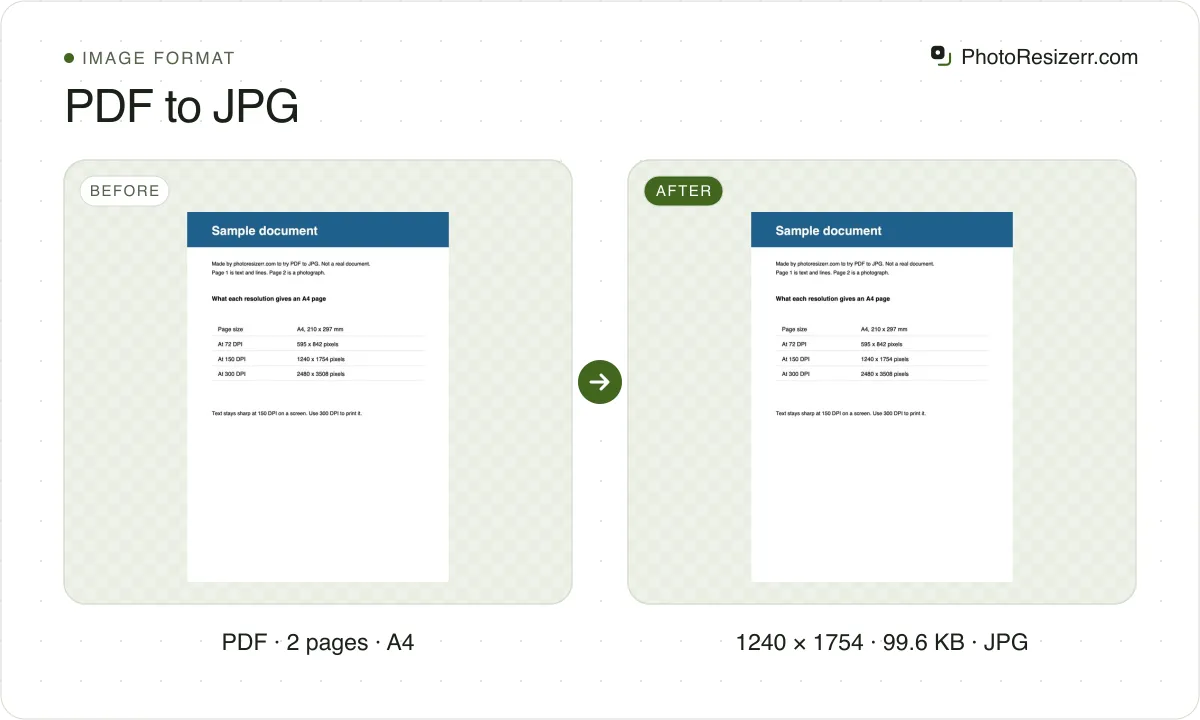
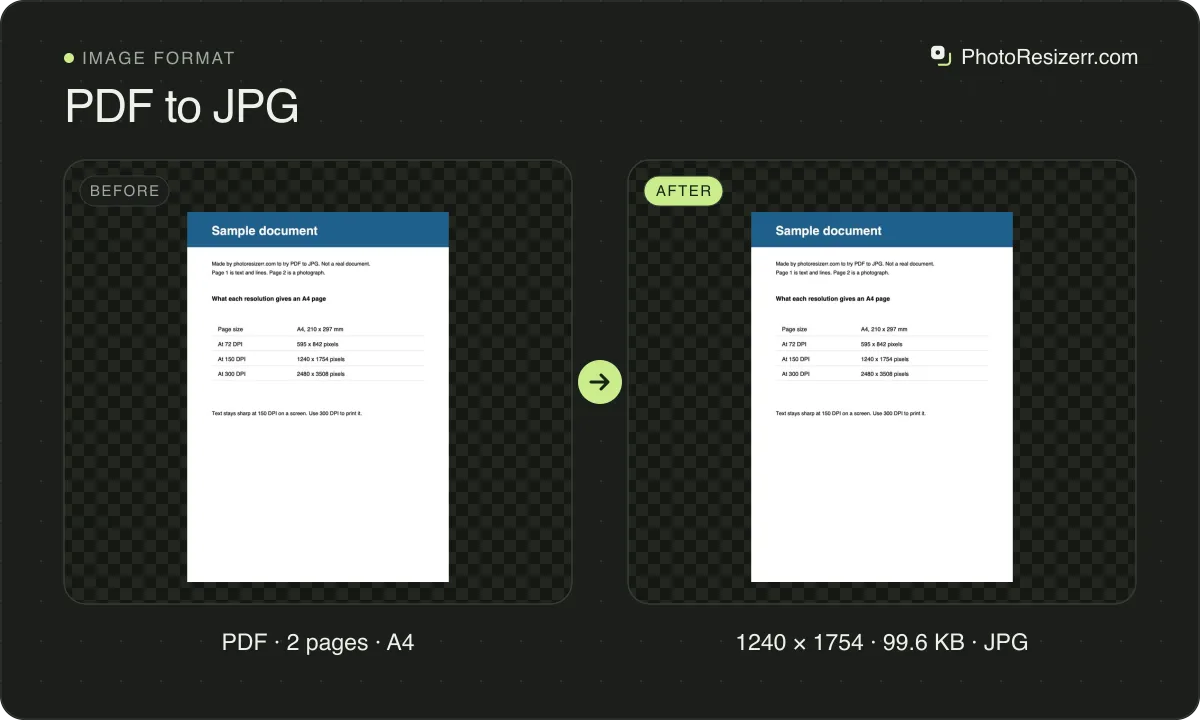
Pick 72, 150 or 300 DPI, or PNG for sharp text, and download one image or a ZIP of every page. A PDF with a password, like an e-Aadhaar, opens once you type it.
Which resolution should you choose?
DPI sets how many pixels each inch of the page becomes. For an A4 page:
| Resolution | A4 page in pixels | Use it for |
|---|---|---|
| 72 DPI | 595 x 842 | A thumbnail, or a form that wants a small file |
| 150 DPI | 1240 x 1754 | Reading on a screen, email and most uploads |
| 300 DPI | 2480 x 3508 | Printing, or zooming in on small print |
Each page is drawn at its own size, so a US Letter page at 300 DPI is 2550 x 3300.
There is no 600 DPI. An A4 page at 600 DPI is 34.8 megapixels, more than twice the 16.8 million an iPhone's browser can draw at once.
Each image carries its DPI in the file, so printed at actual size it is the size of the PDF's page.
How big will the images be?
Measured on two pages of a real PDF: a cover that is mostly photograph, and a page of plain text. JPG at quality 92, as the tool saves it.
| Page | Resolution | JPG | PNG |
|---|---|---|---|
| Photo cover | 72 DPI | 97.6 KB | 405.4 KB |
| Photo cover | 150 DPI | 311.2 KB | 1.36 MB |
| Photo cover | 300 DPI | 887.5 KB | 2.08 MB |
| Page of text | 72 DPI | 104.2 KB | 124.3 KB |
| Page of text | 150 DPI | 316.4 KB | 349.2 KB |
| Page of text | 300 DPI | 829.0 KB | 851.6 KB |
For a page of text, PNG is only 3 to 19 percent larger than JPG, and keeps every letter perfectly sharp. Choose PNG for documents.
For a photo, the JPG is less than half the size of the PNG. Choose JPG for brochures, slides and scans.
Measured on 3 October 2026 in Chrome, on the cover and page 13 of ICAO Doc 9303 Part 5.
How do you convert a PDF with a password?
Add it as usual and the tool asks for the password. Your browser checks it; it is not sent anywhere.
For an e-Aadhaar, UIDAI sets the password as the first four letters of your name in capitals, then your year of birth. SURESH KUMAR born in 1990 is SURE1990; P. KUMAR keeps the full stop, P.KU1990.
UIDAI's own rule: What is the password of e-Aadhaar?.
The e-Aadhaar page has the card's front and back at the bottom. Convert it at 300 DPI, then add the image twice to Merge ID card front and back on one page and crop the front from one copy and the back from the other.
What happens to the text and links?
A JPG is a picture of the page. Its text can no longer be selected, searched or copied, links stop working, and zooming in past the DPI blurs it.
So keep the PDF as well, and convert only what has to be an image, such as a page for a form that accepts JPG only.
Common questions
Can I convert only some pages?
Yes. Under Pages, choose Choose and type the pages, such as 1-3, 5. Each page becomes its own image, and several come as one ZIP, named so they sort in order.
Is my PDF uploaded?
No. The PDF is read by pdf.js, Mozilla's PDF reader, running in your browser and loaded from this site. Pages are drawn and saved on your device; the file is never sent to a server.
How do I turn the images back into a PDF?
Use the JPG to PDF tool. It puts one or many images into one PDF, and a JPEG goes in without being saved again.
Why are the pages different sizes?
Each page keeps its own size from the PDF. A document that mixes A4 and Letter pages, or has a landscape page, gives images of different shapes.
Last updated: