LinkedIn profile photo size
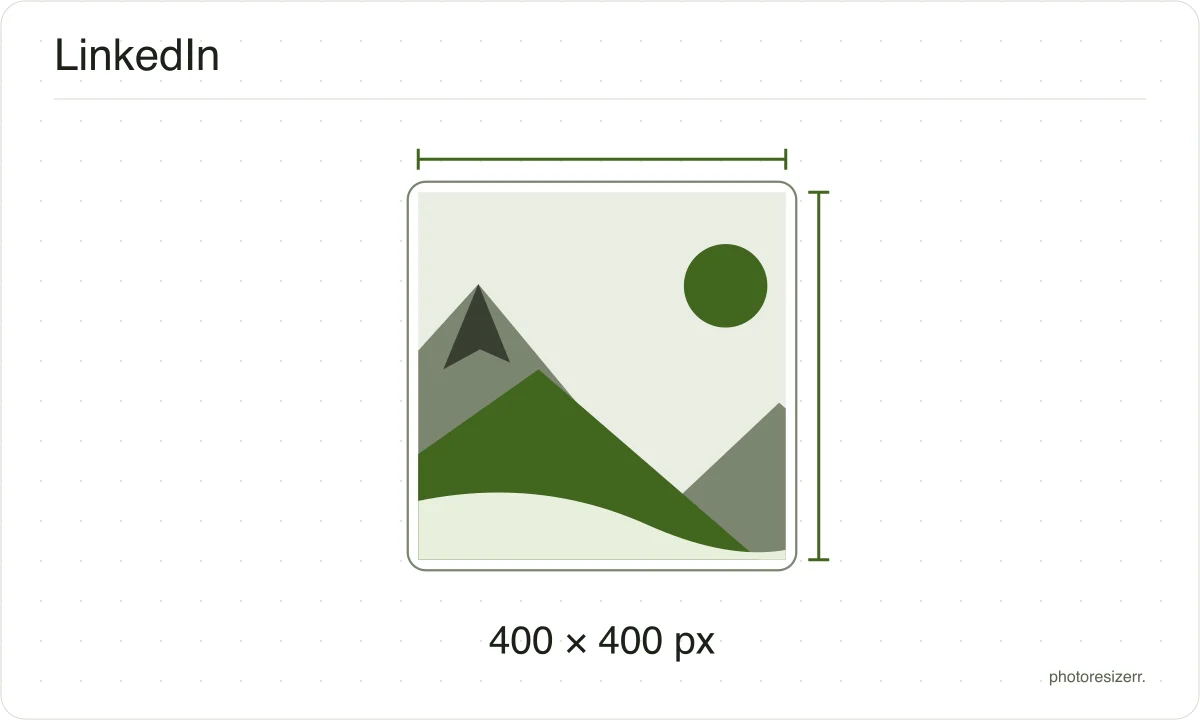
LinkedIn accepts a profile photo from 400 by 400 pixels up to 7680 by 4320, in a PNG or JPG no larger than 8MB. Drop a photo here and it comes out a clean 400 by 400 square, cropped from the centre. Nothing is uploaded and no account is needed.
Your workspace PIXELS · PREVIEW · DOWNLOADPrivate by default
Processed on your deviceNo watermark. No signup.
What the platform recommends
- Recommended size
- 400 x 400
- File types
- JPEG
- Maximum file size
- 8.00 MB
- Source
- www.linkedin.com
- Read at the source on
Why this size?
A profile photo is shown as a small circle almost everywhere on LinkedIn, so the thing that decides whether it reads well is the crop rather than the resolution.
A photo cropped tightly around the face survives being shrunk to a thumbnail beside a comment; a full-length one does not.
These numbers move, so check the date
A passport size has been the same for decades.
A platform's recommended image size can change in a product update nobody announces, which is why every size here shows the date somebody read it at the platform's own help page rather than presenting it as timeless.
If that date looks old and the size matters to you, the link beside it goes straight to the page it came from.
That is one click to confirm, against the alternative of trusting a number copied between blog posts since 2019.
Why your photo gets cropped
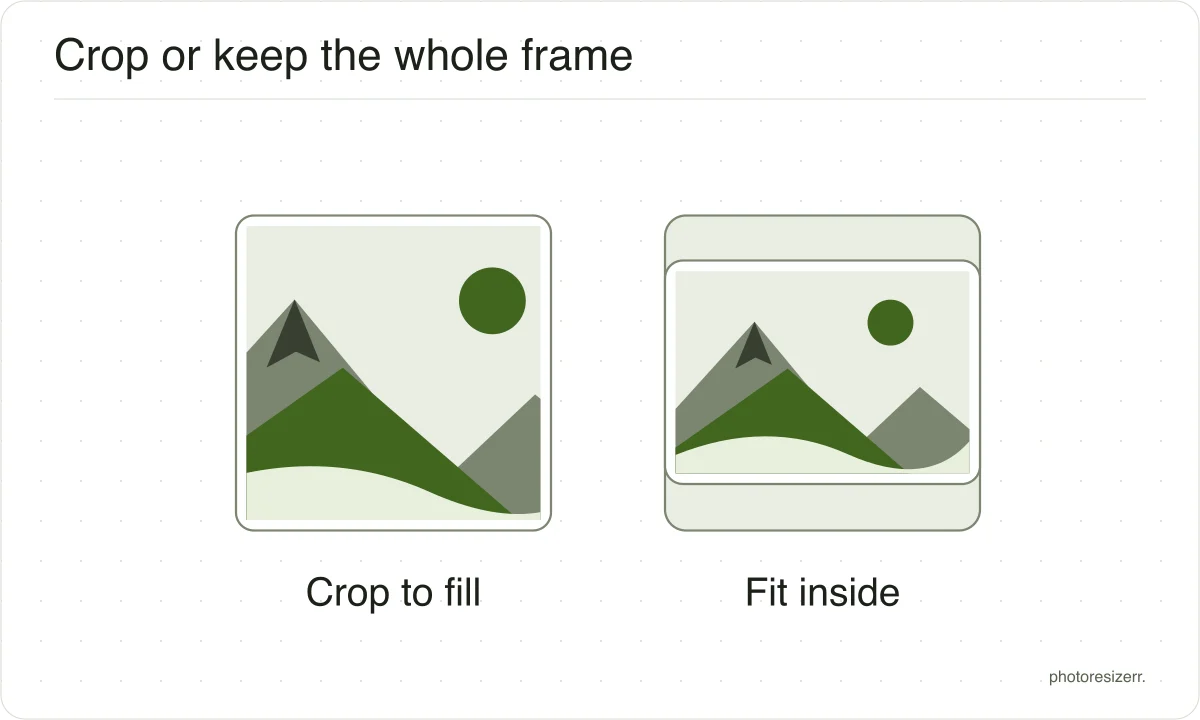
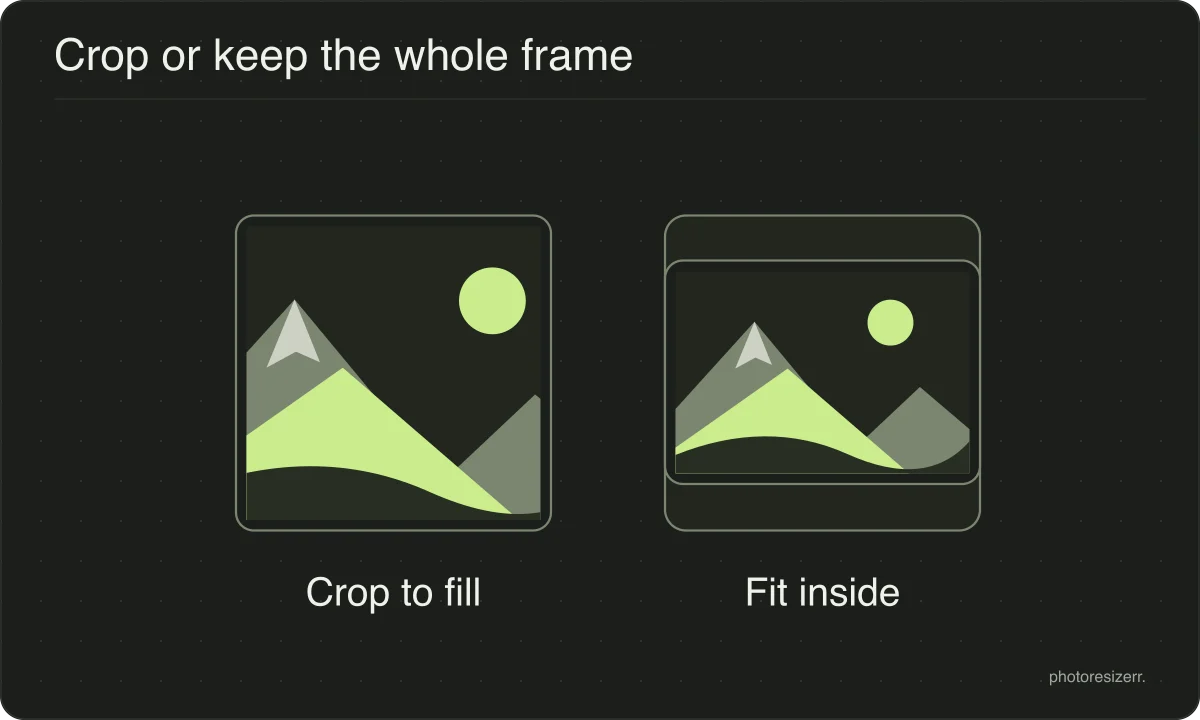
Platform sizes are shapes as much as sizes, and a photograph is rarely already that shape.
The box is filled and the overflow comes off the long edges evenly, because the alternative is stretching the picture and a stretched face is the one result nobody wants.
If the centre is not the part you want to keep, open the crop tool, drag the frame to the right region, and come back. The crop stays applied while you set the size.
What happens to your photo?
Your selected photo is processed in your browser, without an image upload to a server. The page may download code and codecs needed for editing.
Save your result before closing the tab; unsaved edits are kept in memory rather than in an online account.
Common questions
What size should a LinkedIn profile photo be?
LinkedIn's help page states that the photo must be between 400 by 400 pixels and 7680 by 4320 pixels, that the maximum file size is 8MB, and that the file type must be PNG or JPG.
GIFs are not supported.
Why is my LinkedIn photo not uploading?
The usual reasons are the three the help page names: the image is smaller than 400 by 400, the file is larger than 8MB, or it is not a PNG or JPG.
Resizing to a 400 by 400 square as a JPG clears all three at once.
Should I upload a square photo?
It helps. LinkedIn displays the photo in a circle, and a square source means you decide what the circle contains rather than letting the platform crop it.
Use the crop tool here to put your face in the middle before resizing.
Last updated: