WhatsApp sticker size
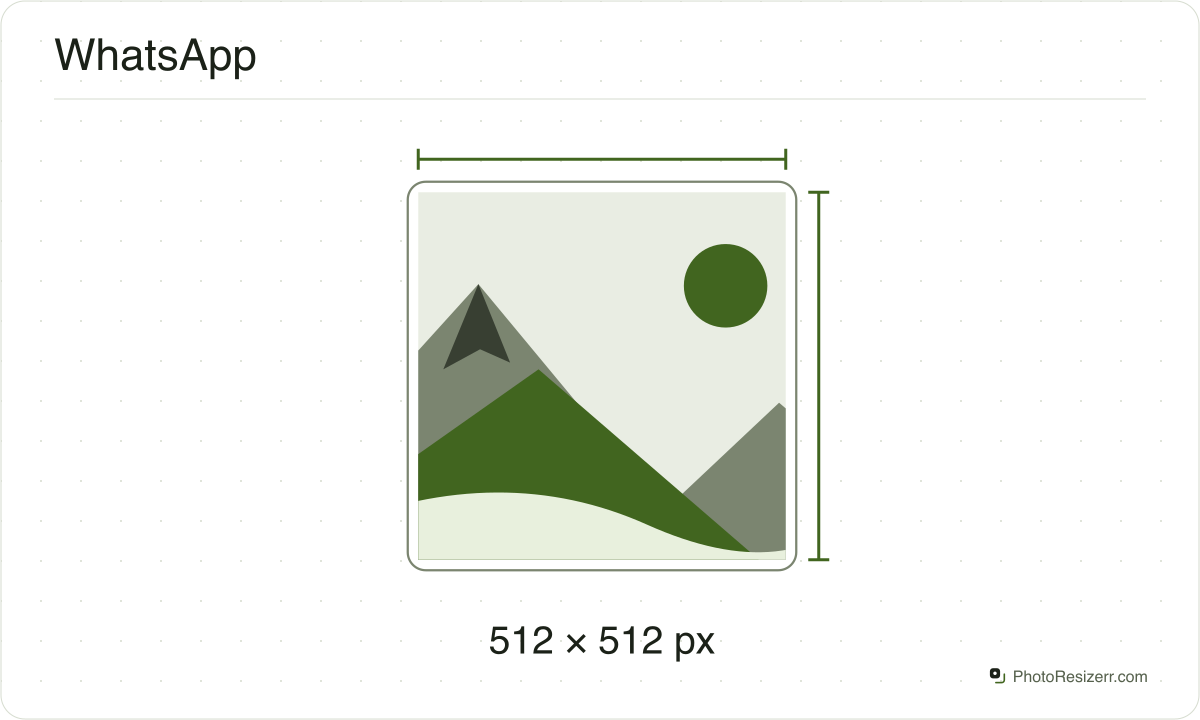
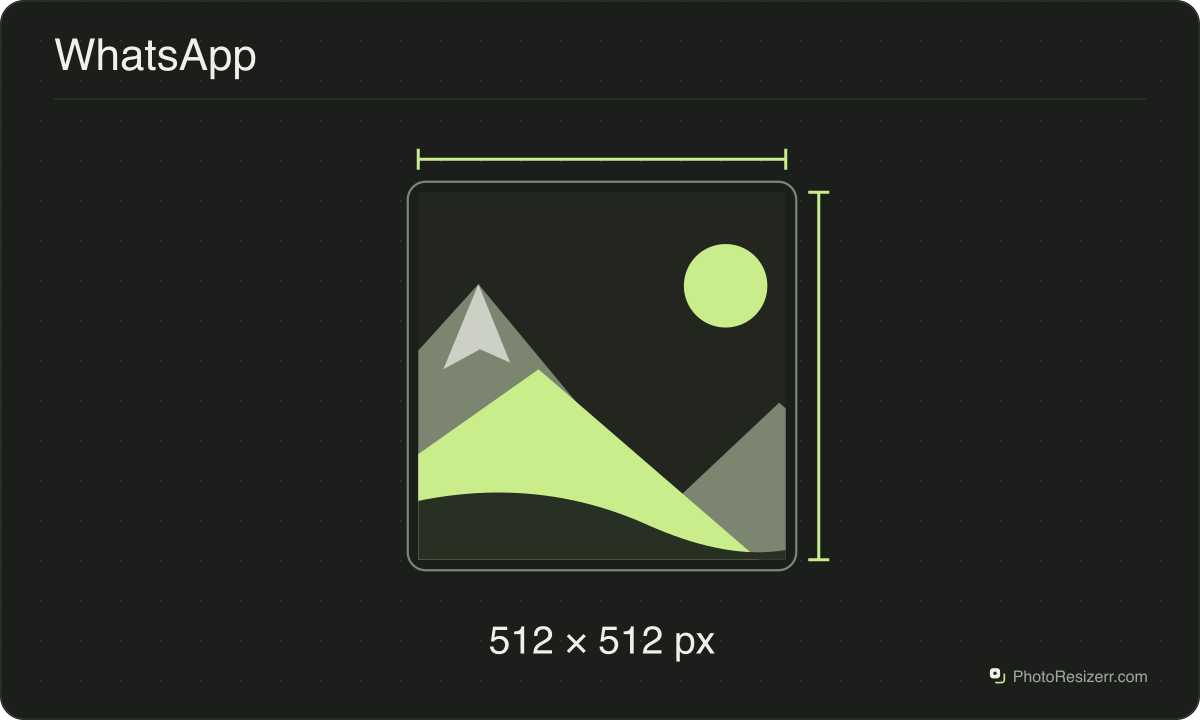
A WhatsApp sticker is exactly 512 by 512 pixels and at most 100 KB, on a transparent background.
Your workspace Pixels · Preview · DownloadPrivate by default
Runs on this device. The first use downloads a 56 to 135 MB model once. Nothing is uploaded.
- Open a photoDrop, paste or choose one.
- Set the sizeType it, or pick a common size.
- DownloadSee the file size before you save.
Processed on your deviceNo watermark. No signup.
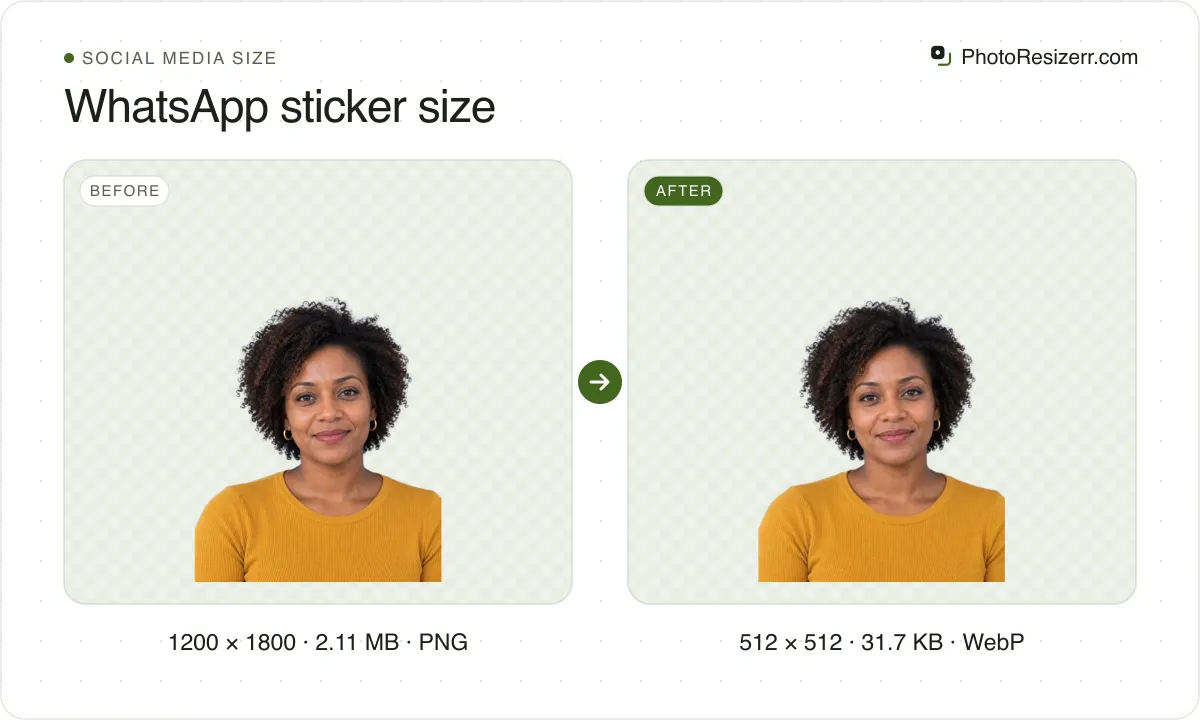
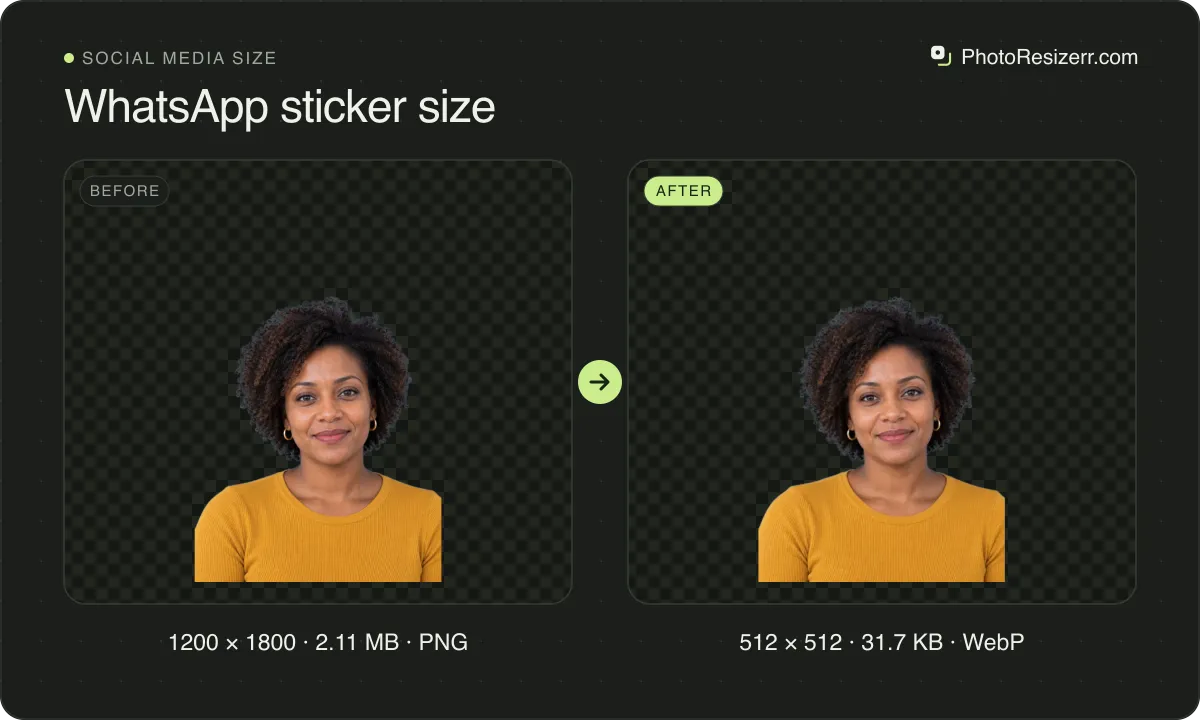
Its pack also needs a 96 by 96 tray icon under 50 KB. Drop an image here for a 512 square WebP under 100 KB, the whole picture with clear sides, or switch to Tray icon.
What the platform recommends
Sticker
- Recommended size
- 512 x 512
- File types
- WebP
- Maximum file size
- 100 KB
- Source
- faq.whatsapp.com
- Read at the source on
Tray icon
- Recommended size
- 96 x 96
- File types
- PNG
- Maximum file size
- 50 KB
- Source
- faq.whatsapp.com
- Read at the source on
Why this size?
The code WhatsApp publishes for sticker apps checks every file. It rejects a sticker that is not exactly 512 by 512 or is over 100 KB, and a pack with fewer than 3 stickers or more than 30.
That code counts 1,024 bytes to the kilobyte, so the cap is 102,400 bytes. WhatsApp says many of its own stickers are around 15 KB, because a small file sends faster.
You need a file like this to build or import a pack. To send a single sticker, WhatsApp's own Create option turns a photo into one inside the app.
Making Telegram stickers as well? Telegram sticker size.
These numbers move, so check the date
A passport size has been the same for decades.
A platform's recommended image size can change in a product update nobody announces, which is why every size here shows the date somebody read it at the platform's own help page rather than presenting it as timeless.
If that date looks old and the size matters to you, the link beside it goes straight to the page it came from.
That is one click to confirm, against the alternative of trusting a number copied between blog posts since 2019.
Why your photo gets cropped
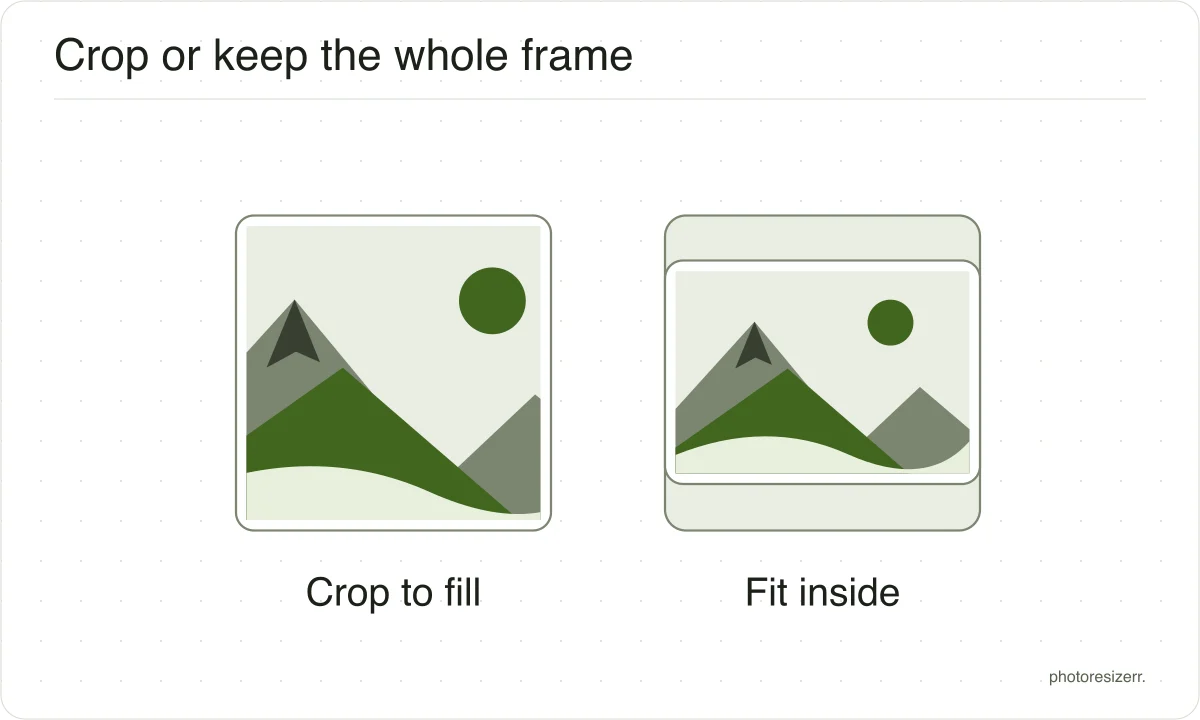
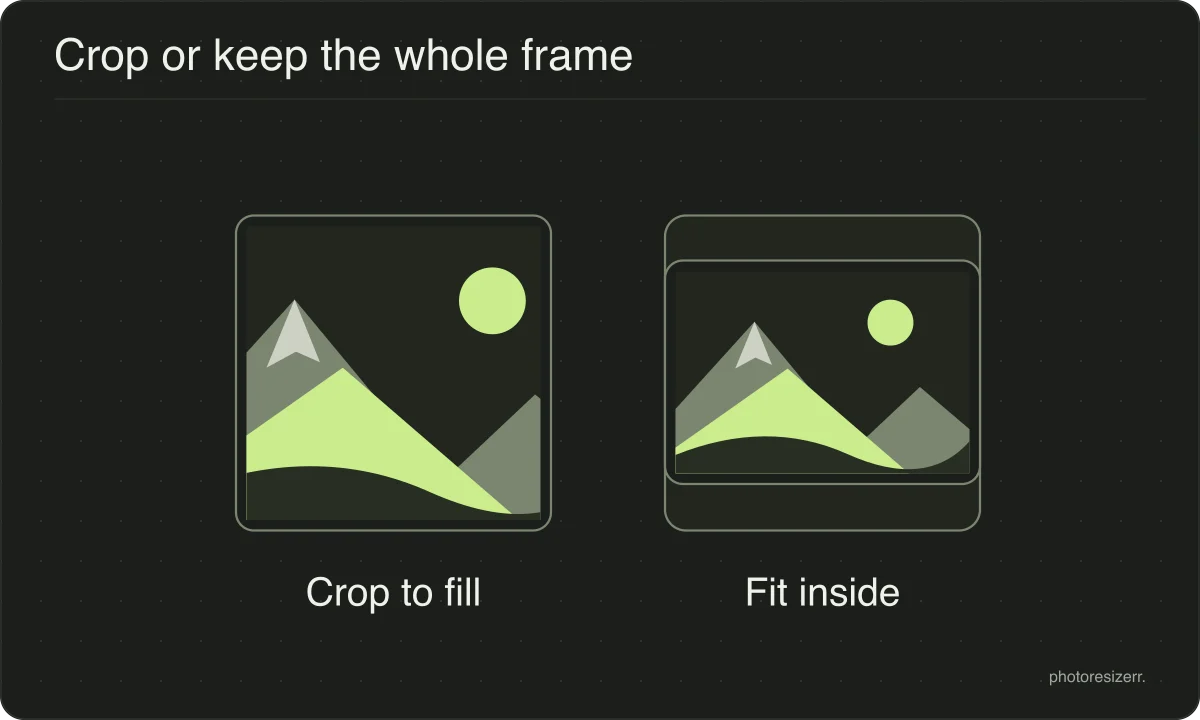
Platform sizes are shapes as much as sizes, and a photograph is rarely already that shape.
The box is filled and the overflow comes off the long edges evenly, because the alternative is stretching the picture and a stretched face is the one result nobody wants.
If the centre is not the part you want to keep, open the crop tool, drag the frame to the right region, and come back. The crop stays applied while you set the size.
What happens to your photo?
Your selected photo is processed in your browser, without an image upload to a server. The page may download code and codecs needed for editing.
Save your result before closing the tab; unsaved edits are kept in memory rather than in an online account.
Common questions
Is a WhatsApp sticker 512 or 500 pixels?
512 by 512. WhatsApp's design article, the Android steps of its upload article and its sticker app code all say so, and its iPhone code rejects any other size.
The iPhone steps of that upload article say 500 by 500 for a still sticker. That one line disagrees with everything else WhatsApp publishes, so make 512.
Should a WhatsApp sticker be a PNG or a WebP?
WebP, the one file both phones accept. WhatsApp's Android sticker code takes WebP only.
Its iPhone help and code take PNG as well, but that code converts a PNG to WebP before it passes the sticker to WhatsApp. Guides that say WebP only are right for Android and too strict for iPhone.
Will my sticker fit under 100 KB?
Yes. This page keeps the WebP at or under 102,400 bytes, and lowers the quality only when the picture needs it.
We cropped 66 sample images to 512 by 512 at the editor's starting quality, and they came to between 6,506 and 83,404 bytes. At full quality the largest reached 497,278 bytes, nearly five times the cap.
What size is the WhatsApp sticker tray icon?
96 by 96 pixels, under 50 KB. It is the small picture that stands for your pack in the sticker tray. WhatsApp's Android code accepts 24 to 512 pixels a side, but its iPhone code wants exactly 96 by 96.
Switch to Tray icon above for a PNG. At 96 by 96 it holds 36,864 bytes of pixels before compression, so it cannot reach 50 KB.
Does a WhatsApp sticker need a margin or a white outline?
WhatsApp recommends both: a 16 pixel margin between the picture and the edge of the square, and an 8 pixel white stroke around the picture so it shows up on dark and patterned chats.
This tool draws neither. With Transparent border, a tall or wide picture still touches two edges, so start from a photo with room around the subject.
Can I make an animated sticker or a whole pack here?
No. This tool saves one still image at a time, and an animated GIF dropped here keeps only one frame.
WhatsApp takes an animated sticker as a WebP under 500 KB, lasting 10 seconds at most. A pack holds 3 to 30 stickers, all still or all animated, never a mix.
Last updated: