Resize an image to 300 KB
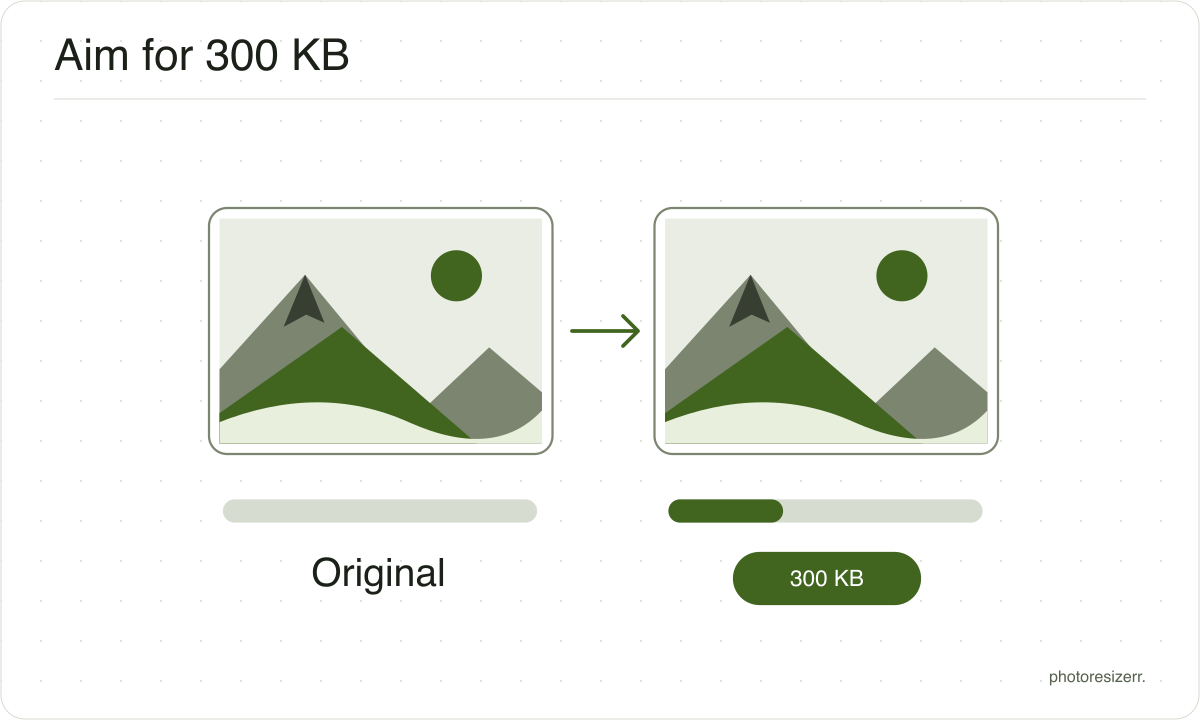
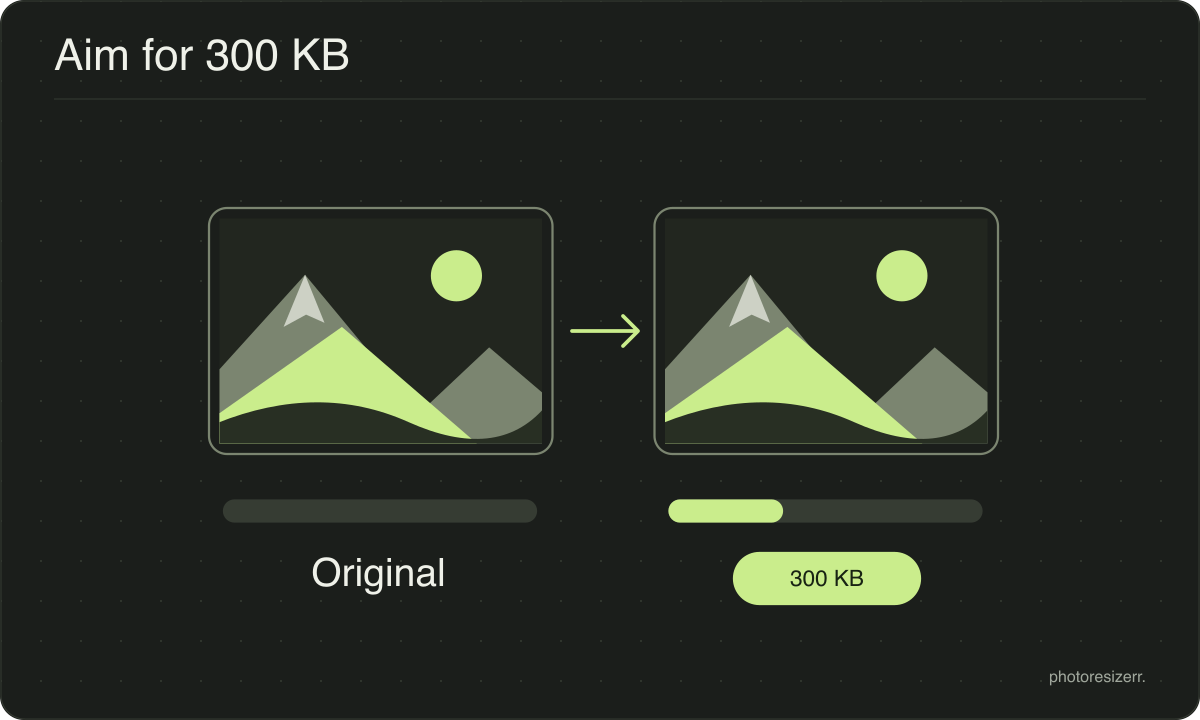
Resize a photo to under 300 KB online for free, in your browser with no signup. At the default 1600 pixels all five of our test photos fitted at quality 73 to 89, against 30 to 73 at 150 KB. Even the forest waterfall, the hardest of the five, kept quality 73.
Jump to the toolYour workspace FILE SIZE · PREVIEW · DOWNLOADPrivate by default
Finds the highest quality that fits the target at these dimensions.
Processed on your deviceNo watermark. No signup.
What to expect at this size
These are measured figures, not estimates. Five photographs were run through this page's own engine and the results written down.
The range is what varies between an easy photograph and a hard one: a flower against a blurred background compresses far better than a street full of signage.
- File size produced
- 277.2 KB to 299.8 KB
- Quality it settles on
- 73 to 89
- Photos that hit the target
- 5 of 5
- Photographs used
- 5
- Measured on
Which forms ask for 300 KB?
Each form below states 300 KB as the most it accepts. Where a form also states a minimum, this page does not check it. The form's own page keeps the file inside the whole range.
Up to 300 KB
| Form | Upload | Stated limit | Source |
|---|---|---|---|
| India visa photo size for the e-Visa | UploadRegular visa photo | Stated limit10 to 300 KB | Sourceindianvisaonline.gov.in |
Why do forms ask for this size?
300 KB gives a full width photo room to look like the original. It suits a listing photo, a blog image or an attachment you want to open quickly.
If the place you are uploading to shows images smaller than 1600 pixels, a smaller width at the same 300 KB keeps more detail in each pixel.
What is the difference between resizing and compression?
The main difference between resizing and compression is the measurement you change. Resizing changes width and height in pixels. Compression reduces file size in bytes.
A photo can have the correct dimensions and still exceed an upload limit, so check both requirements.
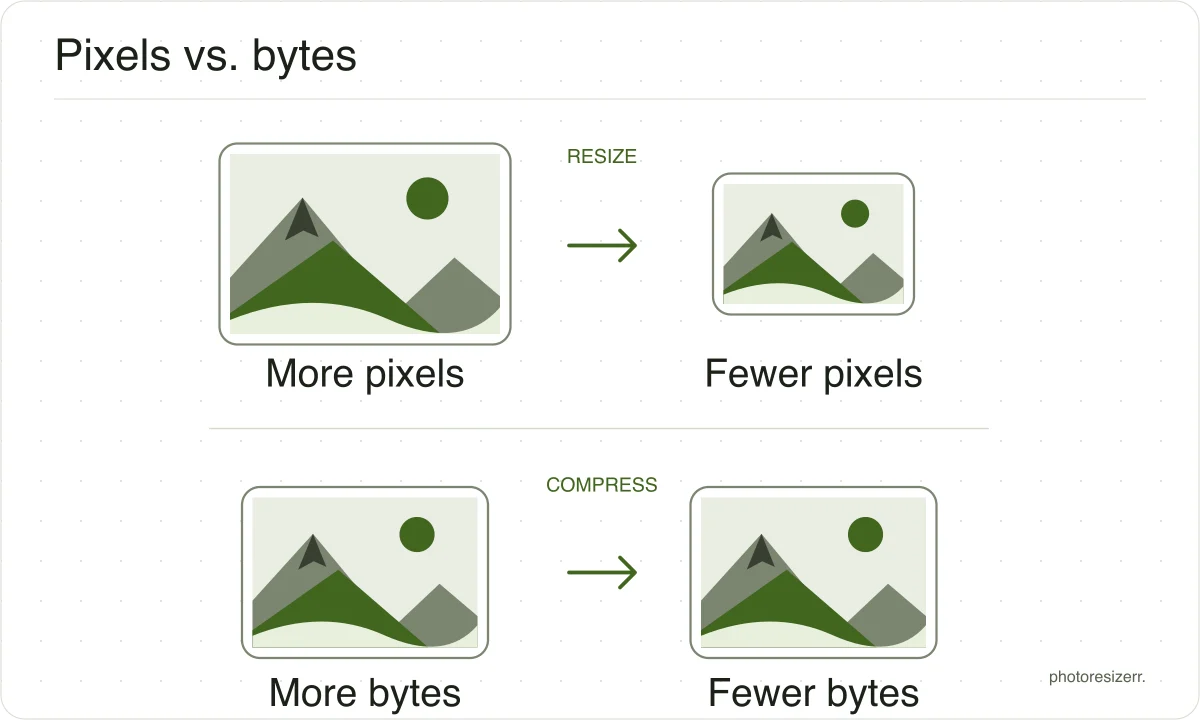
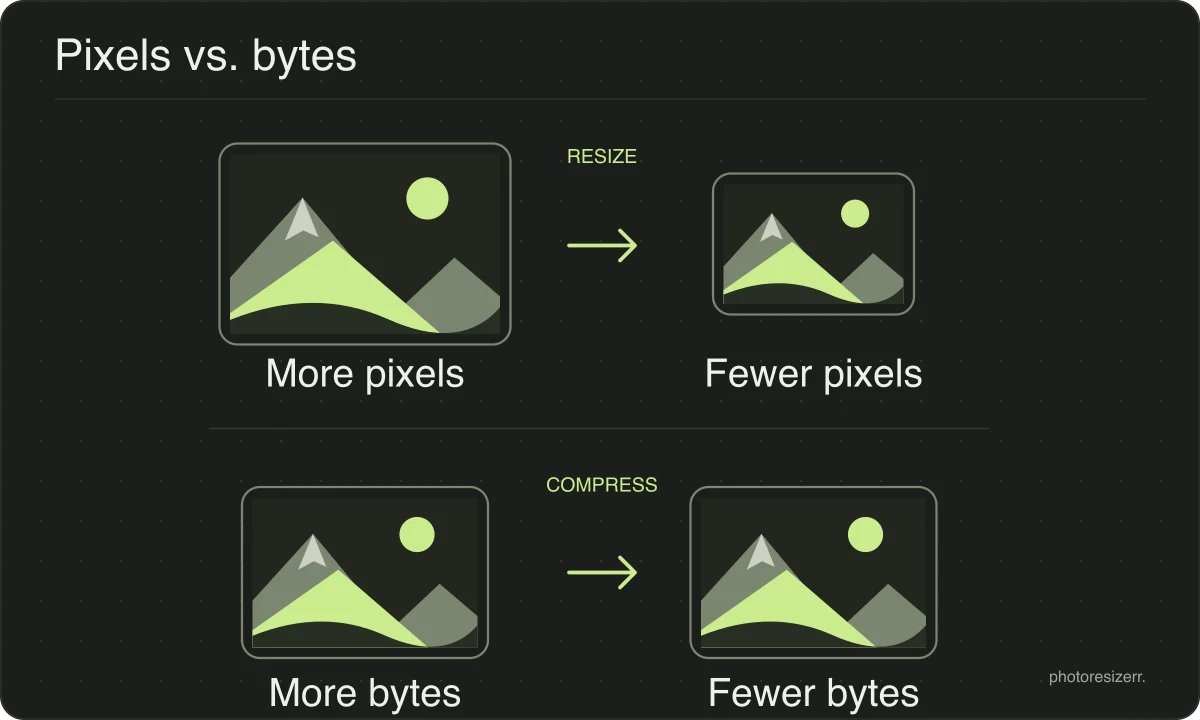
If you need both, set the dimensions first and then adjust quality or the file size target. Work from the original and download once to avoid repeatedly recompressing a saved JPEG.
PNG has no quality setting, so a PNG over the target is reduced to fewer colours instead, keeping as many as fit. The meter shows the count. Screenshots and graphics usually survive this with no visible change. A photograph needs many colours, so bands of flat colour can appear at a small target, and JPEG is then the better format.
What happens to your photo?
Your selected photo is processed in your browser, without an image upload to a server. The page may download code and codecs needed for editing.
Save your result before closing the tab; unsaved edits are kept in memory rather than in an online account.
Common questions
Is 300 KB better or worse than the editor's default quality?
It depends on the photo. At the default quality 82 and 1600 pixels our photos came to 202,254 to 383,656 bytes.
The three over 300 KB came down to quality 73 to 75. The mountain and the sunflower were already under, so the 300 KB target raised them to 88 and 89.
My form says 300 KB. Is that 300,000 or 307,200 bytes?
This tool counts 1 KB as 1,024 bytes, so its 300 KB target is 307,200 bytes. A form may count 300,000 instead.
Four of our five photos landed between 301,651 and 306,964 bytes, over that stricter reading. Type 292 in the exact size box to aim for 299,008 bytes.
Last updated: