Flip an image online
Flip an image horizontally to mirror it left to right, or vertically to swap top and bottom.
Jump to the toolYour workspace Rotate · Preview · DownloadPrivate by default
Runs on this device. The first use downloads a 56 to 135 MB model once. Nothing is uploaded.
- Open a photoDrop, paste or choose one.
- Set the sizeType it, or pick a common size.
- DownloadSee the file size before you save.
Processed on your deviceNo watermark. No signup.
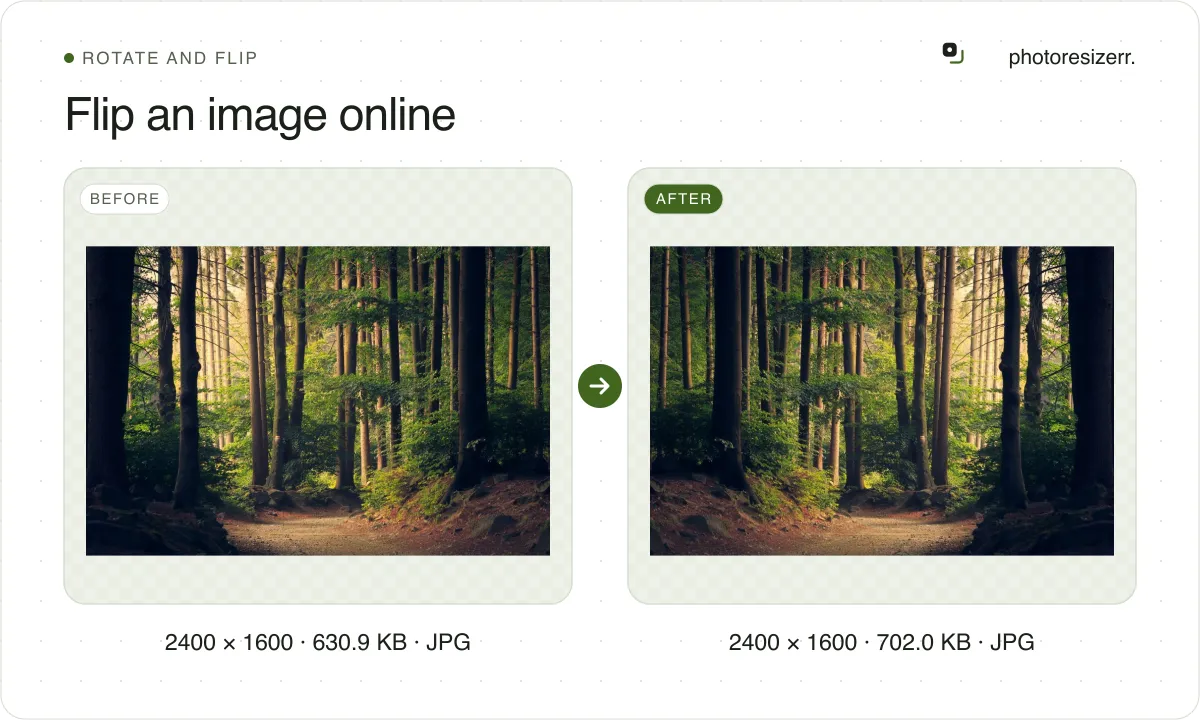
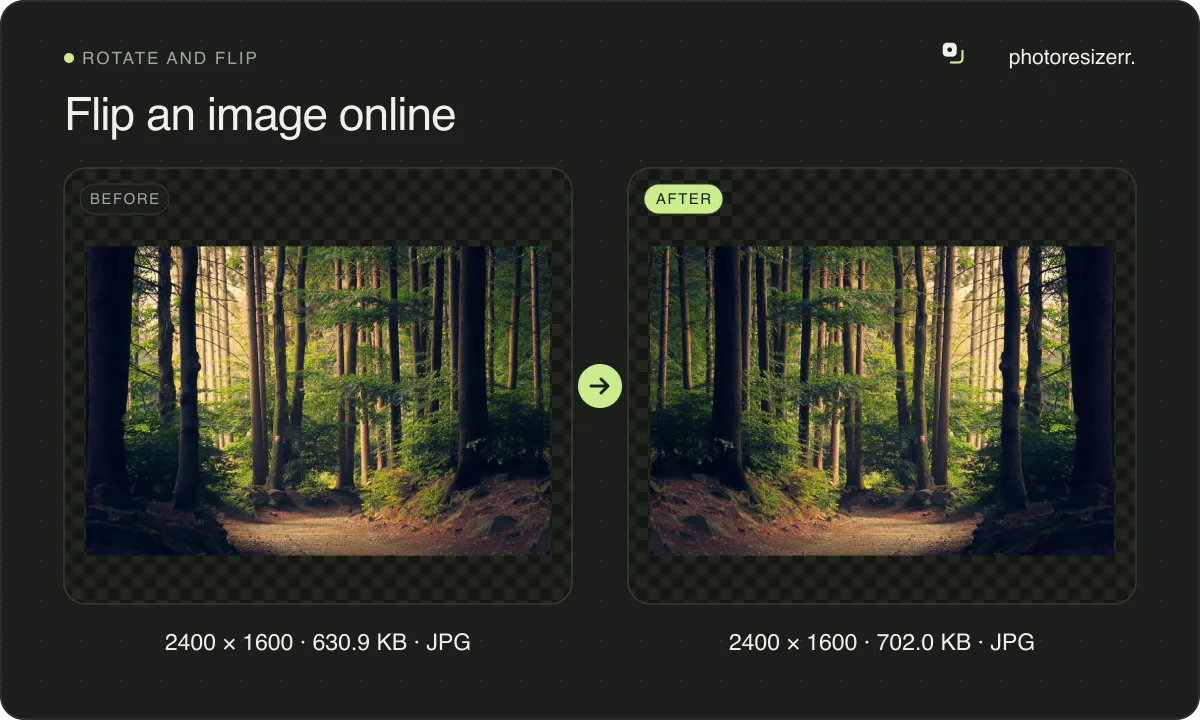
This page opens with a horizontal flip already applied, so a backwards selfie comes out the right way as soon as you drop it. Nothing is uploaded, and there is no signup or watermark.
Which way should you flip?
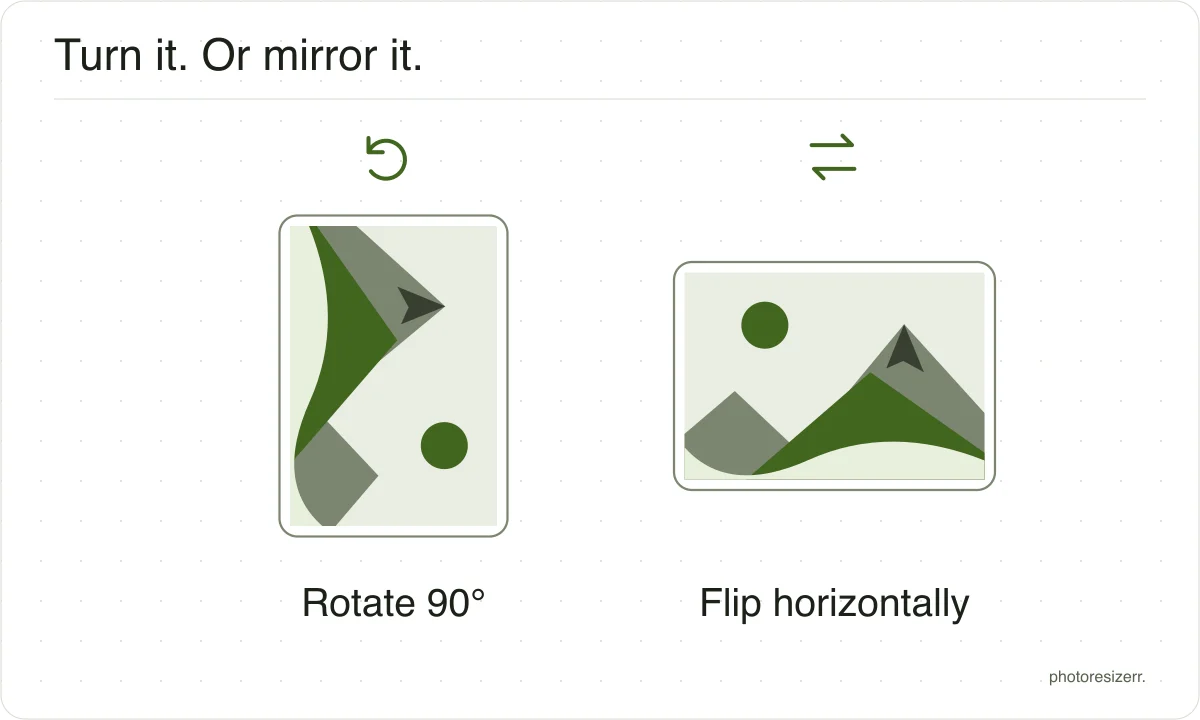
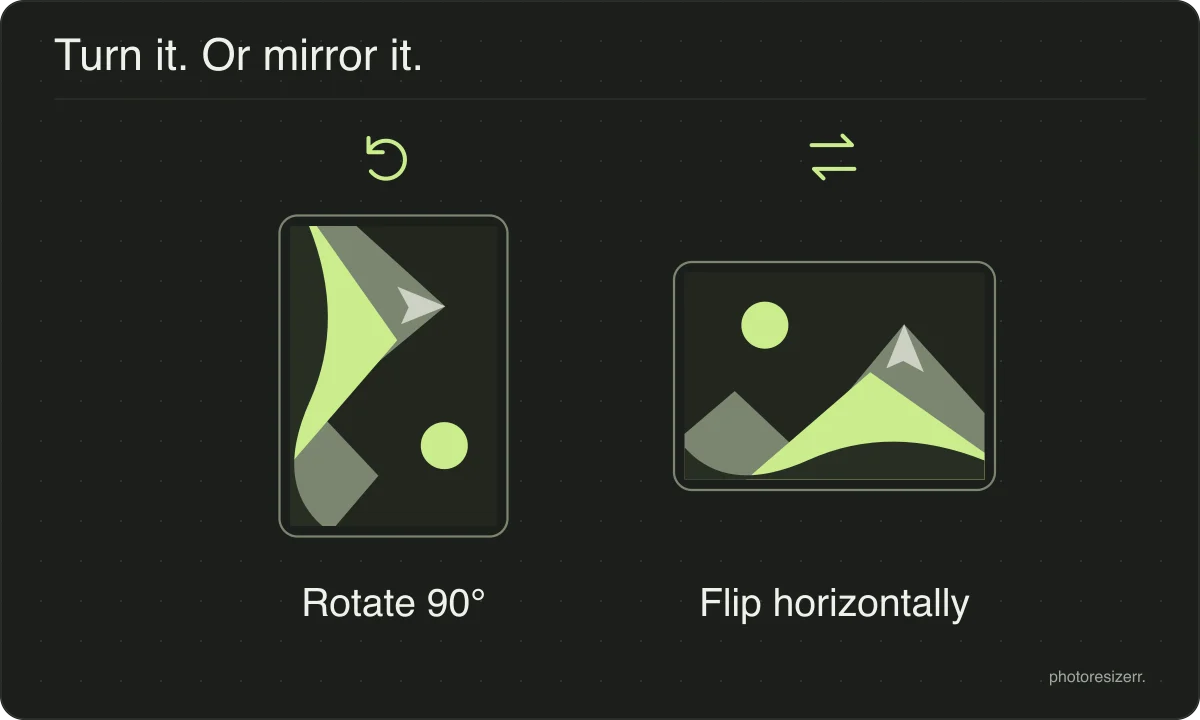
The buttons say across and down rather than horizontal and vertical, because the two words are used both ways round. Here is what each one does:
| Button | What swaps | Use it for |
|---|---|---|
| Flip across | Left and right | A selfie with backwards text, or an iron-on transfer, which prints mirrored |
| Flip down | Top and bottom | A reflection in water, shown the right way up |
| Both | Everything, as a 180 degree turn | Nothing: the result is not mirrored. For an upside down photo, press Right twice |
Most photo apps call a left to right mirror a horizontal flip. Wikipedia keeps flip for top to bottom and calls the left to right one flopped, so the same word can mean either.
Why is my selfie backwards?
The front camera shows you a mirror, because that is the face you know. What it saves depends on a setting, so the same selfie can come out either way round.
On an iPhone, the saved photo is reversed from the preview unless Mirror Front Camera is turned on, in Settings, then Camera. Apple's own guide describes it that way.
On a Samsung Galaxy, the switch is Save selfies as previewed, in the Camera app's settings. Samsung says it saves selfies as they appear in the preview, without flipping them.
Text is the quick test. If a sign or a T-shirt reads backwards, the photo is mirrored, and one flip across fixes it. A face alone is harder to judge, because the true view can look wrong to you.
Does flipping lose quality?
The flip does not. Every pixel moves to its mirror position in the same box, and none is blended with a neighbour. We checked: a PNG flipped here matched a Pillow mirror of the original, pixel for pixel.
Saving as JPEG compresses the image once more, which is where any loss comes from. Keep the quality high, or choose PNG for a file you will edit again.
What happens to your photo?
Your selected photo is processed in your browser, without an image upload to a server. The page may download code and codecs needed for editing.
Save your result before closing the tab; unsaved edits are kept in memory rather than in an online account.
Common questions
Is flipping the same as mirroring?
Yes, in everyday use. A horizontal flip is a mirror image: what a mirror on the wall would show. A vertical flip is the reflection you see in still water.
Is flipping both ways the same as rotating 180 degrees?
Yes. Flip across and flip down together put every pixel where a half turn would, so nothing is mirrored any more. For a photo that is simply upside down, press Right twice instead.
Why does my photo open already flipped?
This page applies a flip across to every photo you open, because that is what most people come here for. Press Flip across again, or Put it back upright, to see it as saved.
My photo looks right here but mirrored somewhere else. Why?
The file may carry a camera flag telling software to mirror it, and some software ignores the flag. This tool applies it on open and saves the pixels that way round, so the download looks the same everywhere.
To turn a photo a quarter at a time instead, use Rotate and flip images online.
Last updated: