Resize an image to 8 x 10 inches
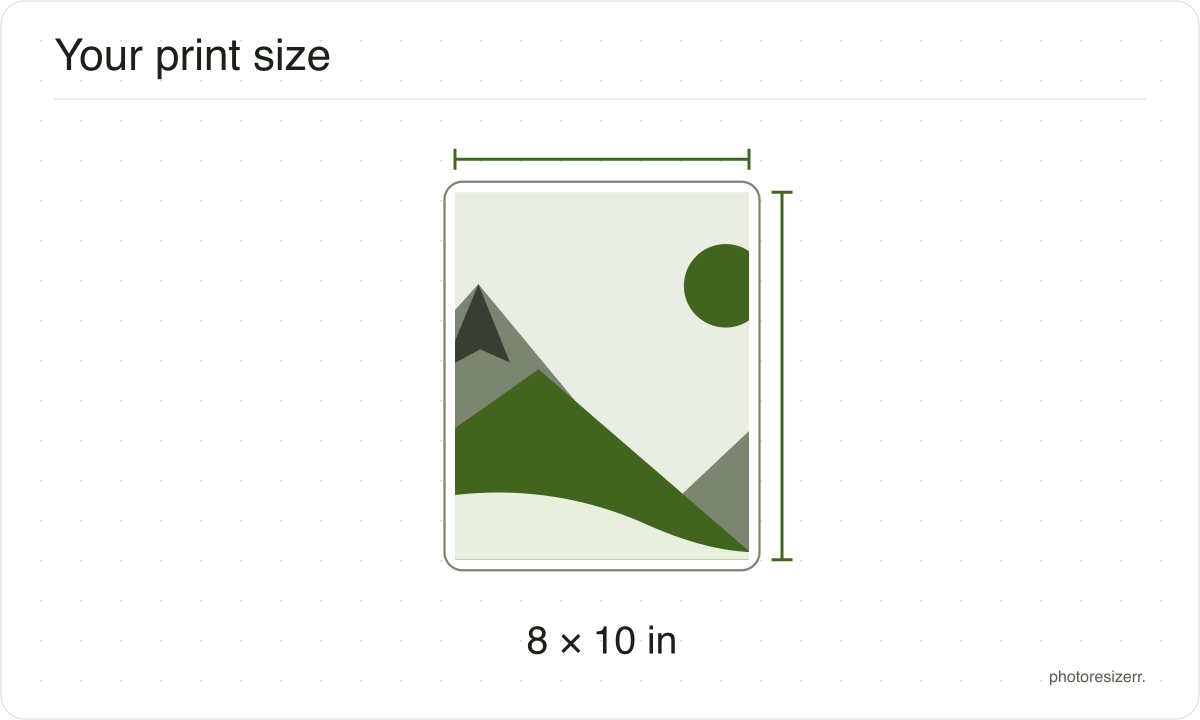
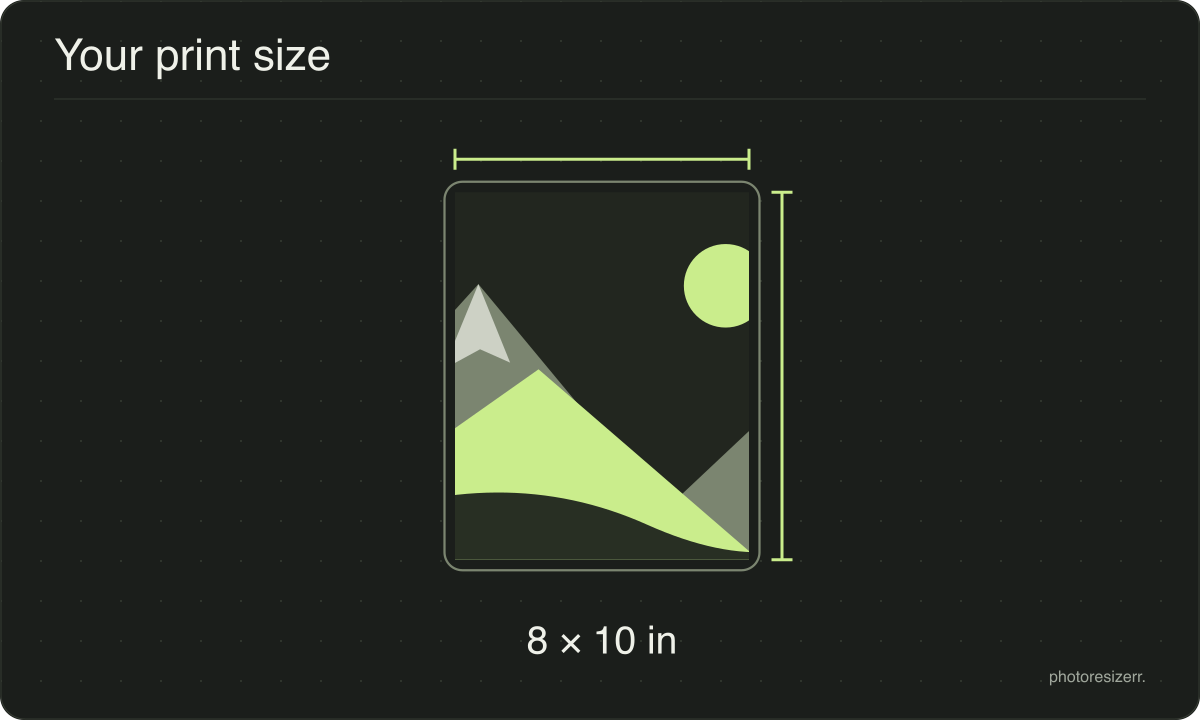
8 x 10 inches is 2400 x 3000 pixels at 300 DPI. The tool makes that and saves 300 DPI in the file, so it prints at size. The shape is 4 by 5: a 2 by 3 camera photo loses a sixth of its height, and a 3 by 4 phone photo a sixteenth.
Jump to the toolYour workspace PIXELS · PREVIEW · DOWNLOADPrivate by default
That is 2400 x 3000 pixels at 300 DPI.
Processed on your deviceNo watermark. No signup.
What is the 8 x 10 in print used for?
8 x 10 is the classic portrait and headshot print and a standard frame size. Labs call it 8R; in centimetres it is 20.32 x 25.4.
It needs 7.2 megapixels at 300 DPI, far more than a 4 x 6, so check your photo is big enough before you print.
How many pixels is 8 x 10 in?
It depends on the DPI, the number of pixels printed per inch. The tool uses 300, the usual figure for a photo print, and saves it in the file. Change it beside the size fields.
| DPI | Pixels, width x height |
|---|---|
| 150 DPI | 1200 x 1500 |
| 200 DPI | 1600 x 2000 |
| 300 DPI | 2400 x 3000 |
| 400 DPI | 3200 x 4000 |
| 600 DPI | 4800 x 6000 |
What gets cropped, and why nothing is stretched
A photograph is almost never the shape you are asking for.
The image is scaled until it fills the box and the overflow is then taken off the long edges, evenly from both sides.
The alternative is stretching, which leaves faces and straight lines visibly wrong, so this tool never does it.
The fields show millimetres, centimetres or inches as well as pixels. Type a print size in any of them and the pixels follow at the DPI you chose.
What happens to your photo?
Your selected photo is processed in your browser, without an image upload to a server. The page may download code and codecs needed for editing.
Save your result before closing the tab; unsaved edits are kept in memory rather than in an online account.
Common questions
Is my photo big enough for 8 x 10?
At 300 DPI it needs 2400 x 3000 pixels. A 3024 x 4032 phone photo has enough.
A 1080 x 1350 image saved from a social feed has the right 4 by 5 shape, but at 300 DPI it prints 3.6 x 4.5 inches. Made 8 x 10, it is enlarged more than twice and prints soft.
How much of my photo is cut off?
A 3024 x 4032 phone photo is scaled to 2400 x 3200, and 100 pixels come off the top and 100 off the bottom.
A 4000 x 6000 camera photo is scaled to 2400 x 3600 and loses 300 from each end, so keep heads well clear of the top.
My photo is landscape. Can I print it at 10 x 8?
Yes. The page opens portrait, 8 inches wide. Type 10 in the width and 8 in the height, and the tool makes 3000 x 2400 pixels instead, still at 300 DPI.
Otherwise a landscape photo is cropped to a portrait strip from its middle.
How many pixels is 8 x 10 at other DPIs?
1200 x 1500 at 150 DPI and 4800 x 6000 at 600 DPI. Fewer pixels per inch make a softer print from the same size of paper.
The table on this page lists more, and the DPI field beside the size changes it.
Need a particular country's rules? Passport and document photo sizes.
Last updated: