Resize a photo to stamp size
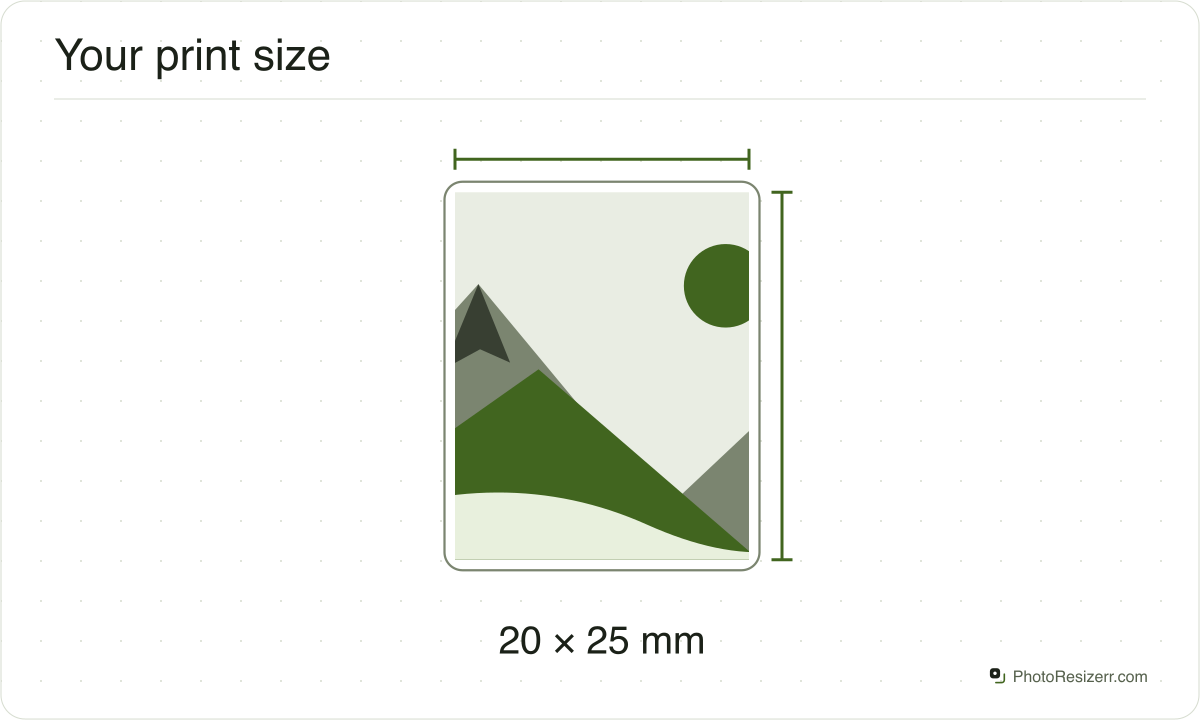
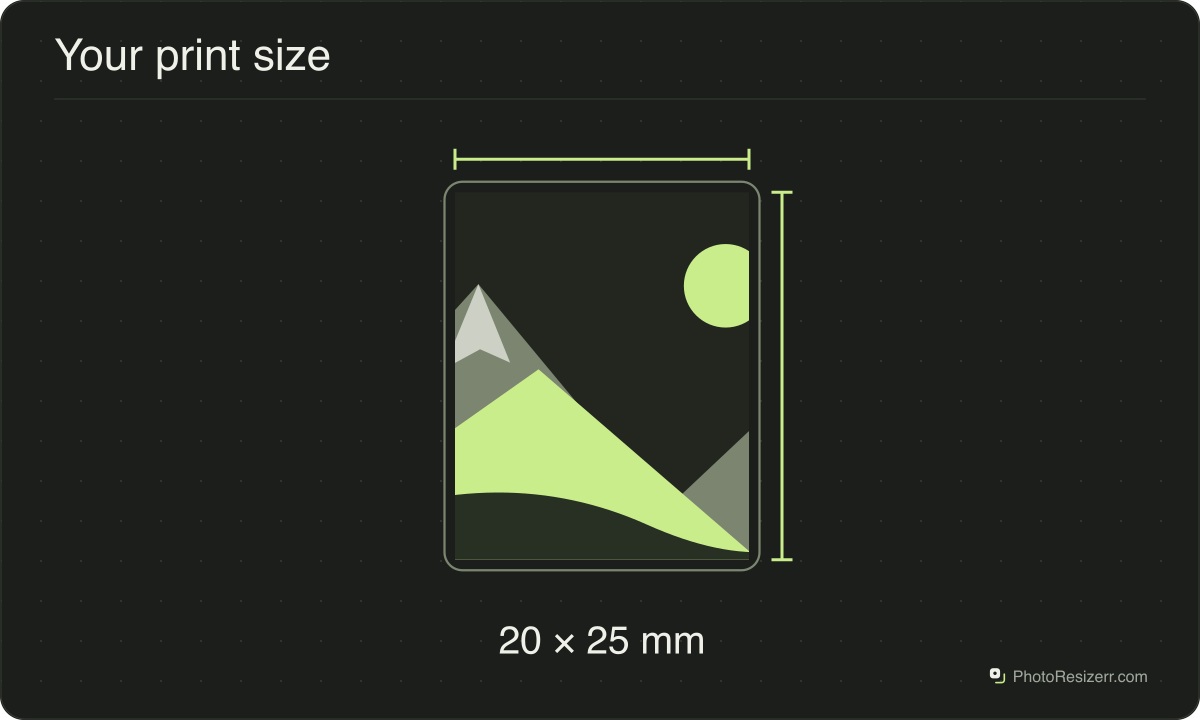
A stamp size photo is usually 20 x 25 mm, which is 2 x 2.5 cm or 0.79 x 0.98 inches.
Your workspace Pixels · Preview · DownloadPrivate by default
Runs on this device. The first use downloads a 56 to 135 MB model once. Nothing is uploaded.
That is 236 x 295 pixels at 300 DPI.
- Open a photoDrop, paste or choose one.
- Set the sizeType it, or pick a common size.
- DownloadSee the file size before you save.
Processed on your deviceNo watermark. No signup.
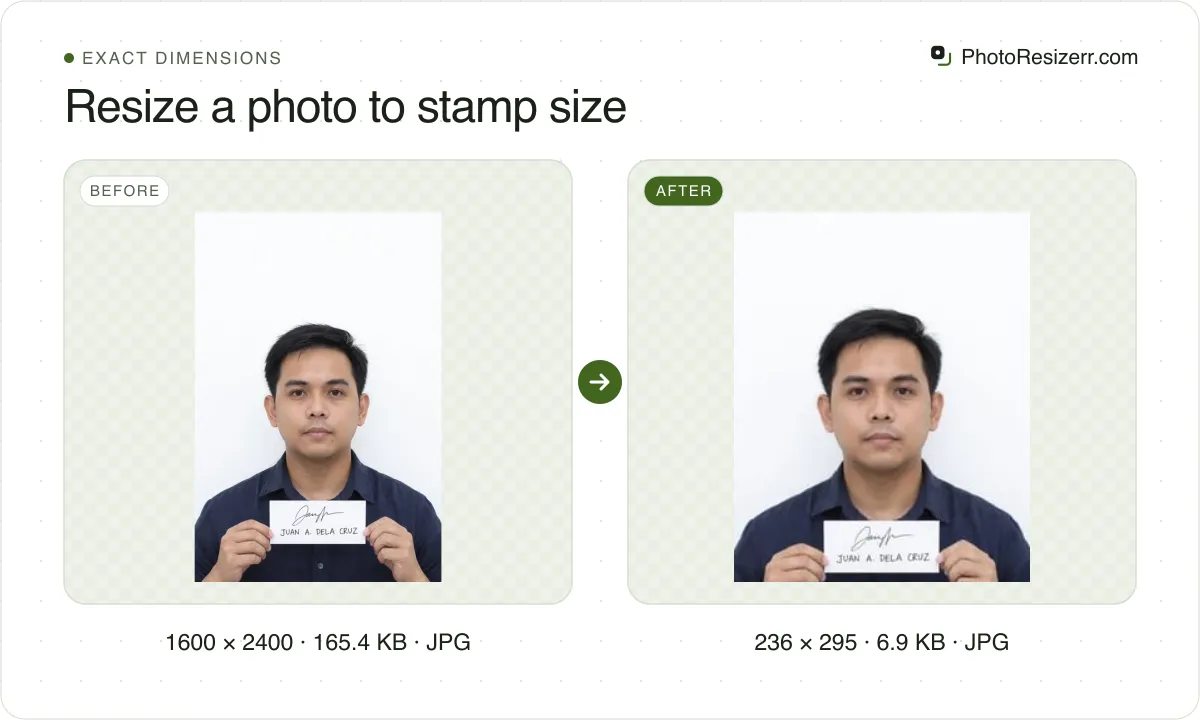
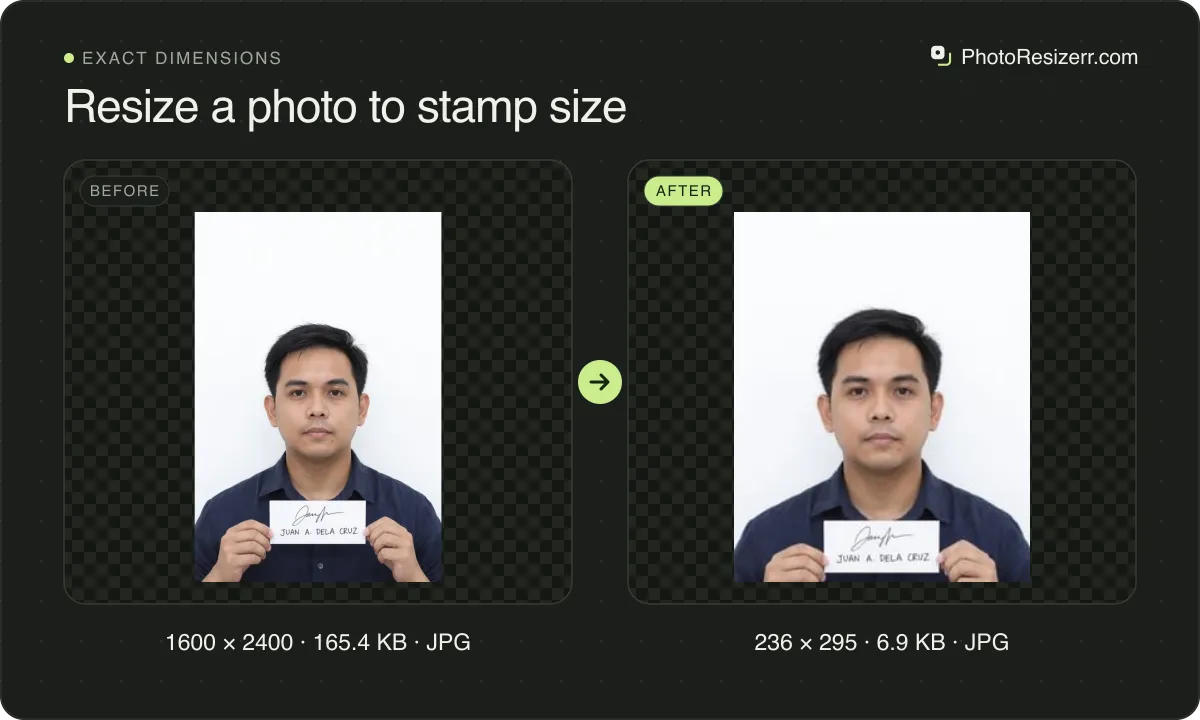
At 300 DPI that is 236 x 295 pixels, which this tool makes, with 300 DPI saved in the file. We found no authority that defines it, so check the box on your form.
What is the 20 x 25 mm print used for?
Stamp size is a name from paper forms in India for a photo smaller than passport size. Photo shops treat it as 20 x 25 mm, but that is a convention, not a published standard.
One official form shows why to check. A University of Kerala application form, dated 2006 and still on its site, says to affix a stamp size photograph and draws the box about 24 mm wide and 25 mm tall on its PDF.
A 20 x 25 mm print fits inside that box with room at the sides.
Does the form ask for passport size instead? On most forms that is 35 x 45 mm: Resize an image to 35 x 45 mm.
How many pixels is 20 x 25 mm?
It depends on the DPI, the number of pixels printed per inch. The tool uses 300, the usual figure for a photo print, and saves it in the file. Change it beside the size fields.
| DPI | Pixels, width x height |
|---|---|
| 150 DPI | 118 x 148 |
| 200 DPI | 157 x 197 |
| 300 DPI | 236 x 295 |
| 400 DPI | 315 x 394 |
| 600 DPI | 472 x 591 |
What gets cropped, and why nothing is stretched
A photograph is almost never the shape you are asking for.
The image is scaled until it fills the box and the overflow is then taken off the long edges, evenly from both sides.
The alternative is stretching, which leaves faces and straight lines visibly wrong, so this tool never does it.
The fields show millimetres, centimetres or inches as well as pixels. Type a print size in any of them and the pixels follow at the DPI you chose.
What happens to your photo?
Your selected photo is processed in your browser, without an image upload to a server. The page may download code and codecs needed for editing.
Save your result before closing the tab; unsaved edits are kept in memory rather than in an online account.
Common questions
What is the stamp size photo size in cm and pixels?
2 x 2.5 cm, which is 20 x 25 mm. At 300 DPI that is 236 x 295 pixels. At 200 DPI it is 157 x 197, and at 600 DPI 472 x 591.
Those are the usual figures, not a rule. If your form draws a box of another size, type that size in the fields instead.
Is stamp size the same as passport size?
No. Passport size on most forms is 35 x 45 mm, and a stamp size photo is 20 x 25 mm. That is under a third of the area.
The shapes differ slightly too, 7 by 9 against 4 by 5, so one cannot simply be shrunk into the other without a small crop.
How many stamp size photos fit on one sheet?
Twenty on a 4 x 6 inch print, in four columns and five rows, and 91 on an A4 page. Both leave a 4 mm margin and a 2 mm gap to cut along.
Choose the sheet under the editor after you open a photo. It is saved at 300 DPI, so each copy prints at 20 x 25 mm.
How much of my photo is cut off?
Not much. The box is 4 by 5, close to a phone's 3 by 4. A 3024 x 4032 phone photo is scaled to 236 x 315, and 20 rows come off the height.
A 4000 x 6000 camera photo is scaled to 236 x 354 and loses 59 rows. Use the crop tool first if the face is not in the centre.
Need a particular country's rules? Passport and document photo sizes.
Last updated: