Resize an image to 1000 x 1000
Drop a photo and it comes out exactly 1000 pixels by 1000, one megapixel in a square. A 4 by 3 phone photo is scaled to 1333 by 1000 and loses 333 pixels of width, half from each side. To keep a whole product in frame instead, add a white border. Nothing is uploaded.
Jump to the toolYour workspace PIXELS · PREVIEW · DOWNLOADPrivate by default
Processed on your deviceNo watermark. No signup.
Why this size?
1000 by 1000 is a round square that shop templates, catalogue systems and upload forms often ask for. It is exactly one million pixels, 86 percent of a 1080 square.
If a marketplace names its own minimum, check its seller help page. Those figures change and differ between sites.
Want the whole photo square at its own size, with no crop at all? Use Make an image square.
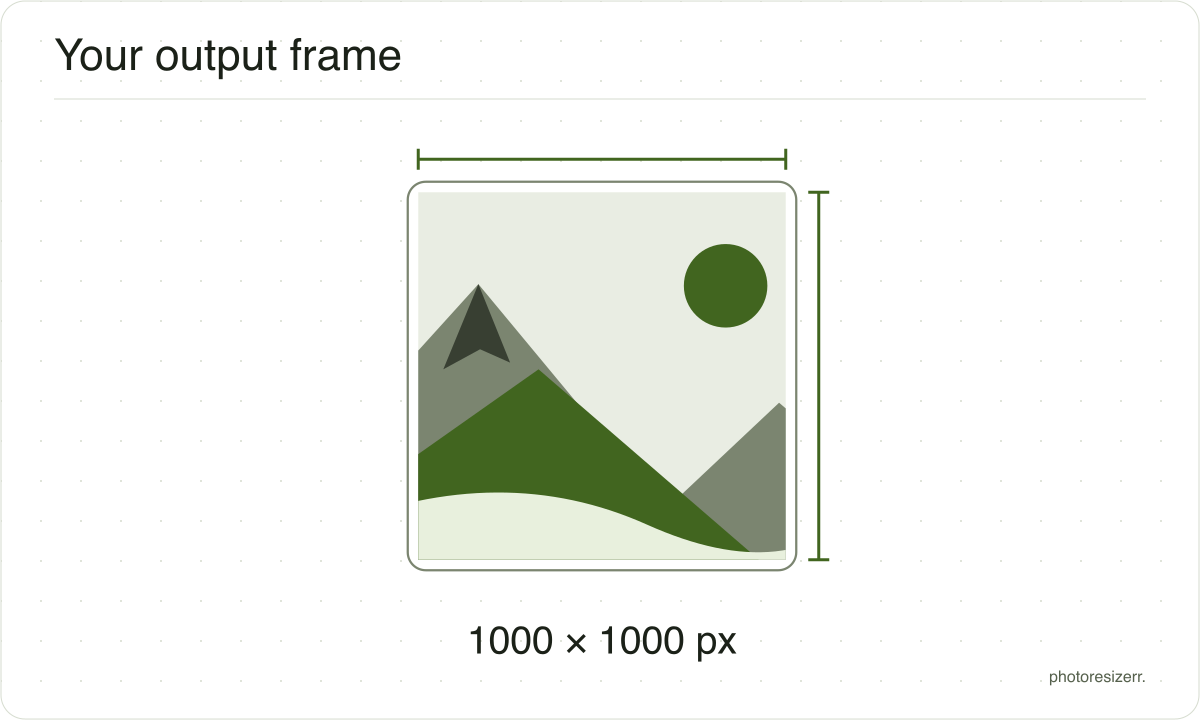
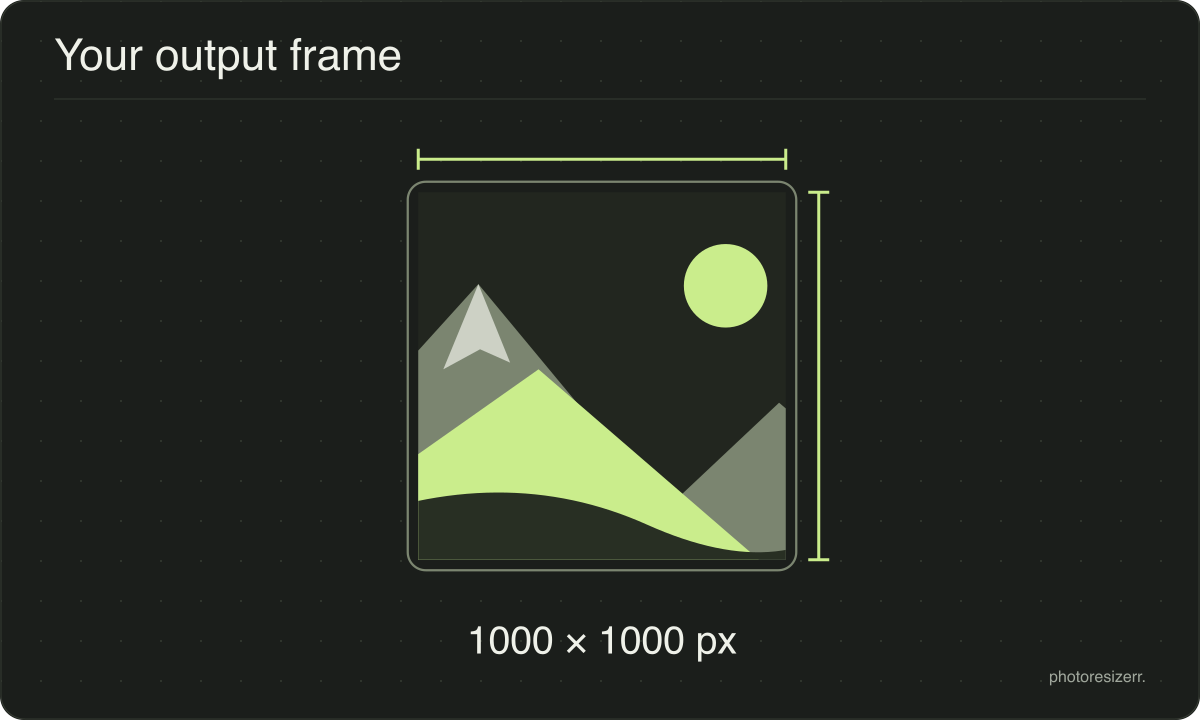
What gets cropped, and why nothing is stretched
A photograph is almost never the shape you are asking for.
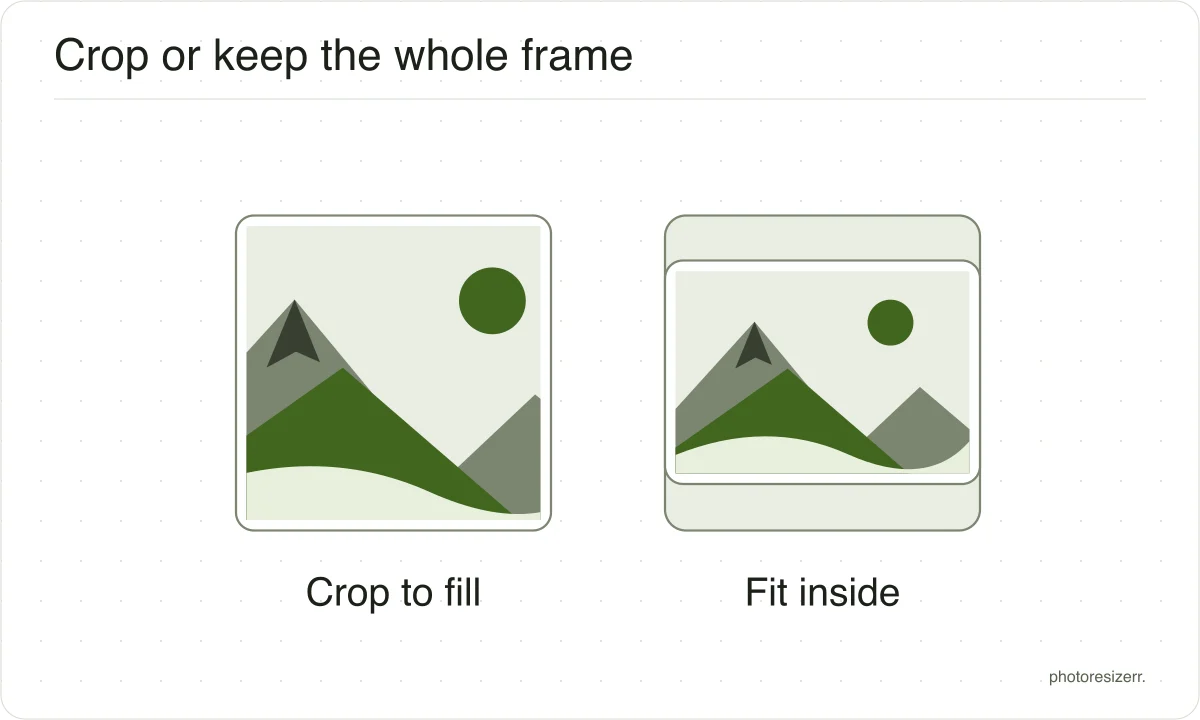
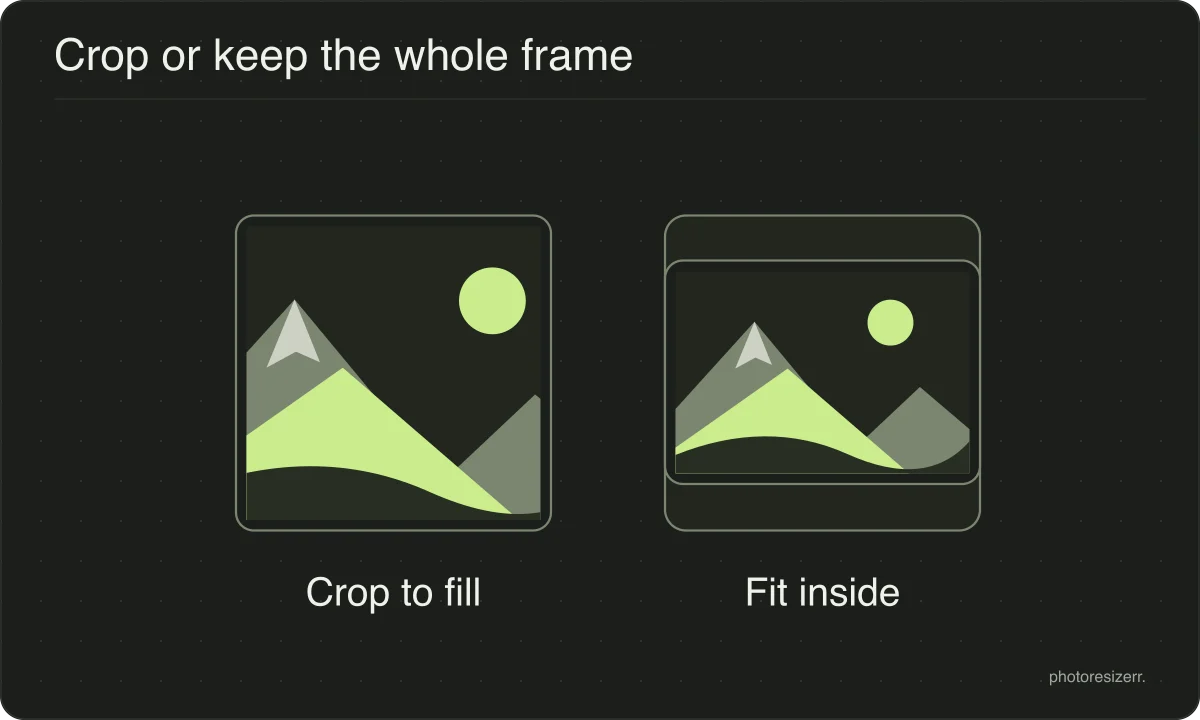
The image is scaled until it fills the box and the overflow is then taken off the long edges, evenly from both sides.
The alternative is stretching, which leaves faces and straight lines visibly wrong, so this tool never does it.
If the crop takes something you wanted to keep, change the width or the height in the panel and the box changes with it.
Turning the lock back on makes both fields follow your photo's own proportions again, which gives you the whole frame at a smaller size instead.
What if the photo is smaller than the box?
It is scaled up to fill it, because a page that promises an exact size has to deliver one.
Enlarging cannot add detail that was never captured, so the result is softer than the original.
Starting from the largest copy you have is always worth the extra second it takes to find it.
What happens to your photo?
Your selected photo is processed in your browser, without an image upload to a server. The page may download code and codecs needed for editing.
Save your result before closing the tab; unsaved edits are kept in memory rather than in an online account.
Common questions
How much of my photo is cut off?
A 4032 by 3024 phone photo is scaled to 1333 by 1000, then 166 pixels come off the left and 167 off the right. Three quarters of the width survives.
A 6000 by 4000 camera photo is scaled to 1500 by 1000 and loses 250 from each side, keeping two thirds.
Can I keep the whole product in the square?
Yes. Once your photo is open, choose White border under Fill the box. The whole photo is scaled to 1000 on its long side and white fills the rest.
A 4032 by 3024 photo becomes 1000 by 750 with a 125 pixel band above and below. On a product shot with a white background, the band disappears into it.
How big is a 1000 by 1000 file?
Our test downloads came out between 142 KB and 227 KB as JPEGs at the tool's default quality of 82. That covered five photos, from a sunflower on a soft background to a busy street full of signs.
Detail costs bytes, so the busier the picture, the bigger the file.
Last updated: