Resize an image to 512 x 512
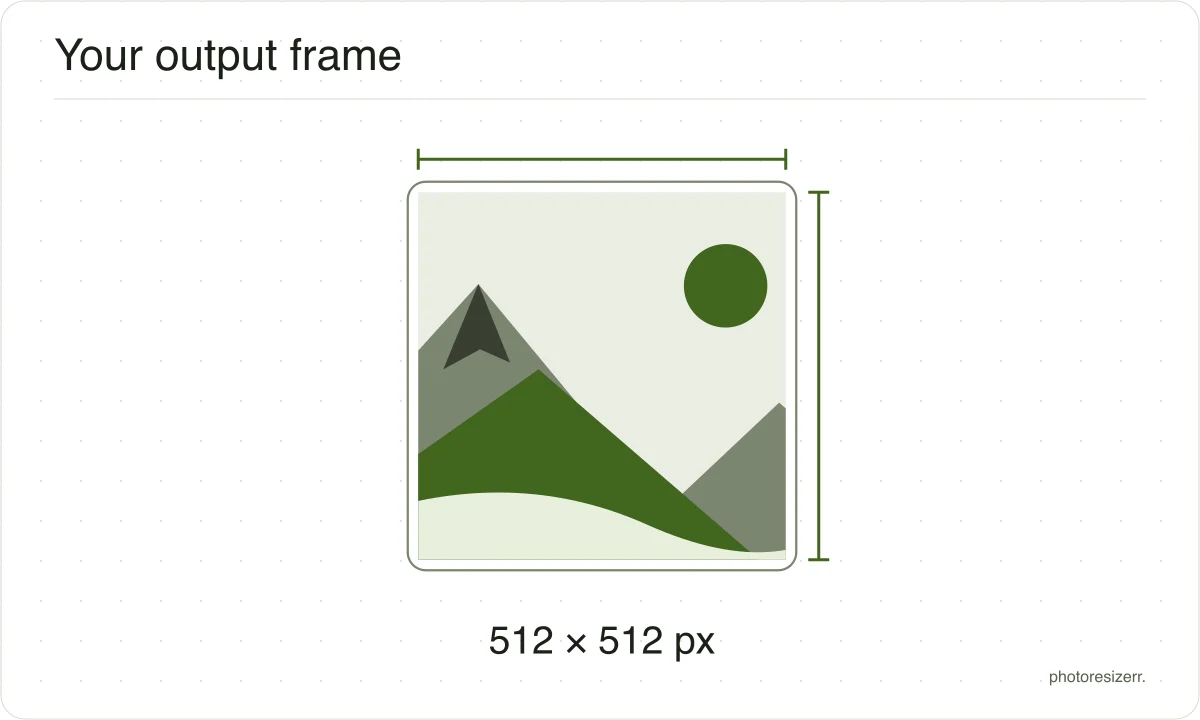
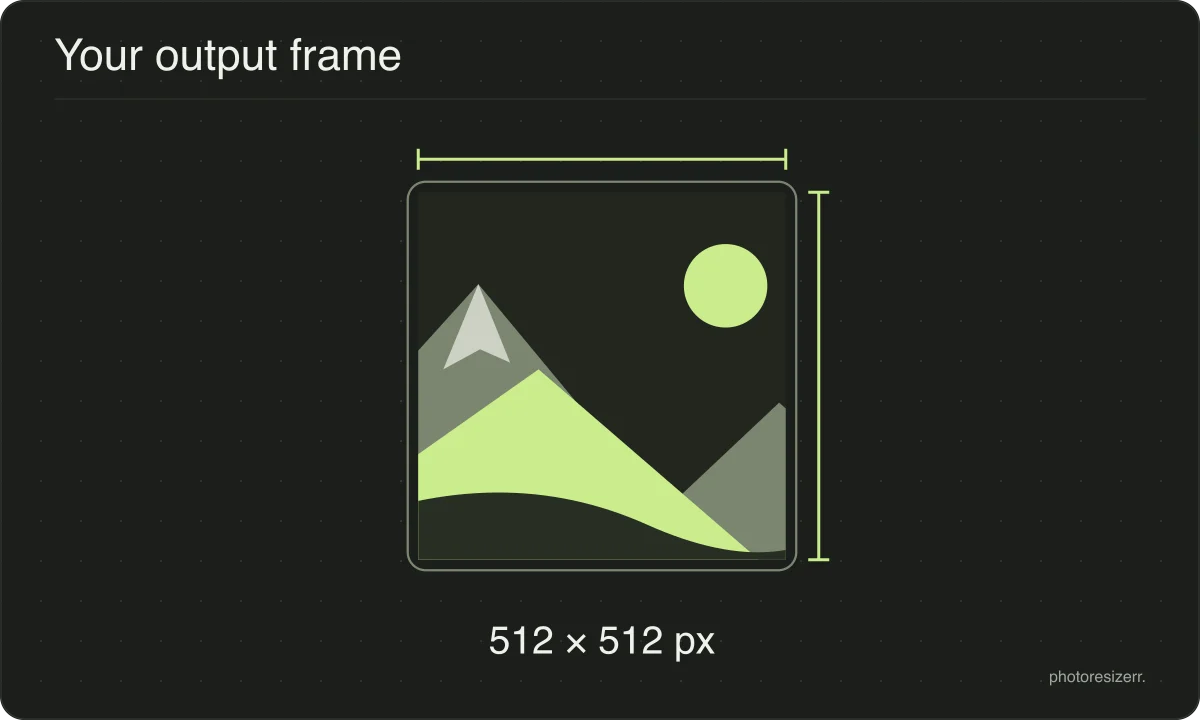
Drop a photo and it comes out exactly 512 pixels square, the size an app icon, an avatar or a favicon source is usually asked for. The edges are cropped evenly rather than squashed. Nothing is uploaded, no account is needed, and it works on a phone.
Your workspace PIXELS · PREVIEW · DOWNLOADPrivate by default
Processed on your deviceNo watermark. No signup.
Why this size?
512 is a power of two, which is why it turns up wherever icons do.
It halves cleanly to 256, 128, 64 and 32 with no awkward rounding on the way down, so a single 512 pixel source can produce a whole set of smaller icons that all stay sharp.
What gets cropped, and why nothing is stretched
A photograph is almost never the shape you are asking for.
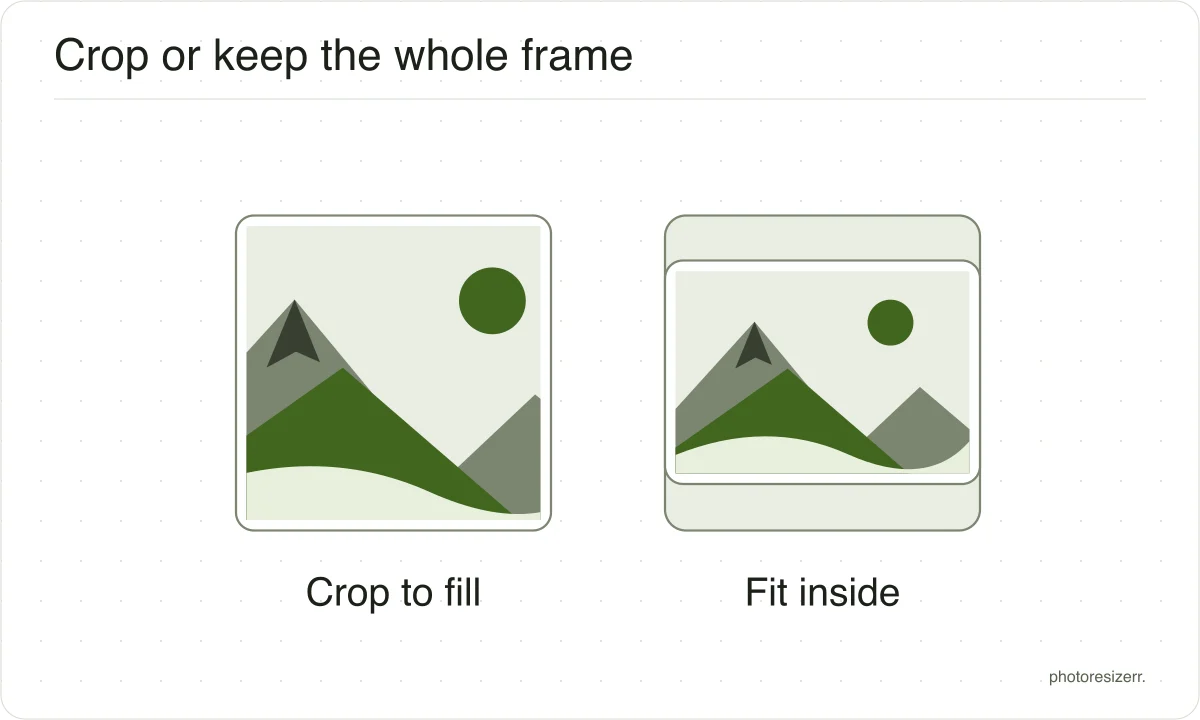
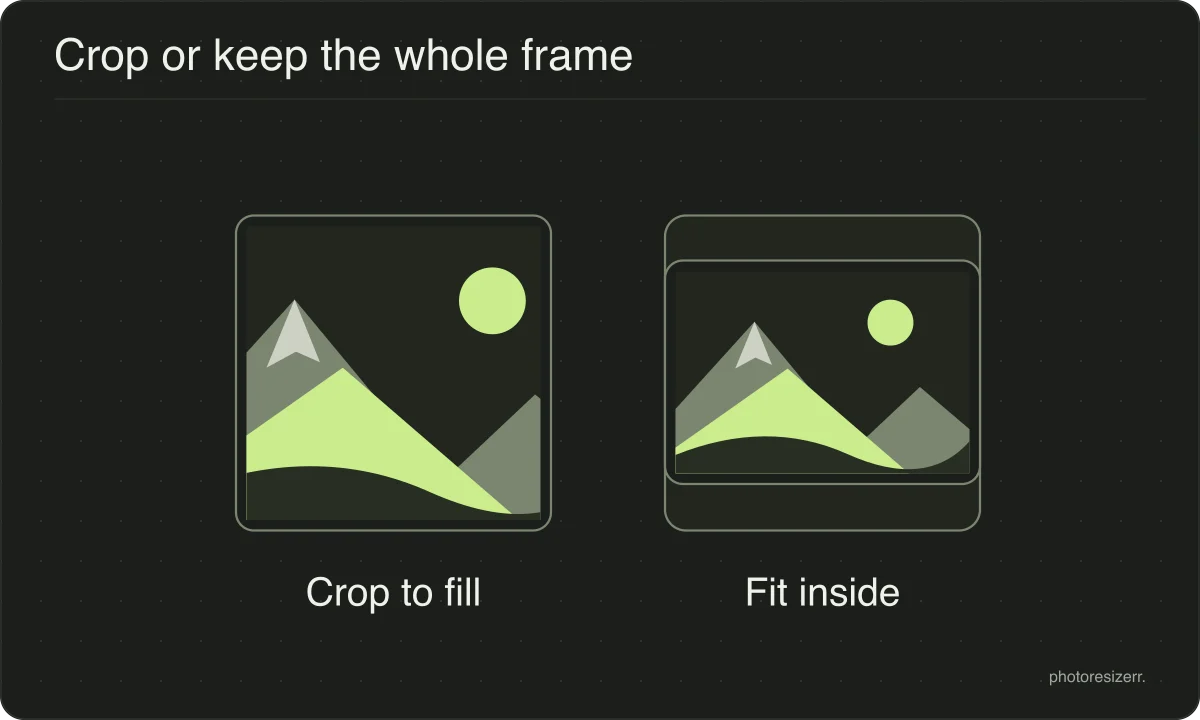
The image is scaled until it fills the box and the overflow is then taken off the long edges, evenly from both sides.
The alternative is stretching, which leaves faces and straight lines visibly wrong, so this tool never does it.
If the crop takes something you wanted to keep, change the width or the height in the panel and the box changes with it.
Turning the lock back on makes both fields follow your photo's own proportions again, which gives you the whole frame at a smaller size instead.
What if the photo is smaller than the box?
It is scaled up to fill it, because a page that promises an exact size has to deliver one.
Enlarging cannot add detail that was never captured, so the result is softer than the original.
Starting from the largest copy you have is always worth the extra second it takes to find it.
What happens to your photo?
Your selected photo is processed in your browser, without an image upload to a server. The page may download code and codecs needed for editing.
Save your result before closing the tab; unsaved edits are kept in memory rather than in an online account.
Common questions
Should an icon be a PNG or a JPEG?
PNG, if the icon has flat colour, hard edges or transparency, which most icons do.
JPEG softens sharp edges and cannot carry an alpha channel at all, so a logo saved as JPEG arrives with a solid box around it.
The format row sits under the size fields.
Is 512 pixels large enough for a high resolution screen?
For an icon, yes. 512 pixels is four times the 128 pixel slot a large icon usually occupies, which covers the doubled pixel density of a current phone or laptop display without anything having to be scaled up.
Last updated: